
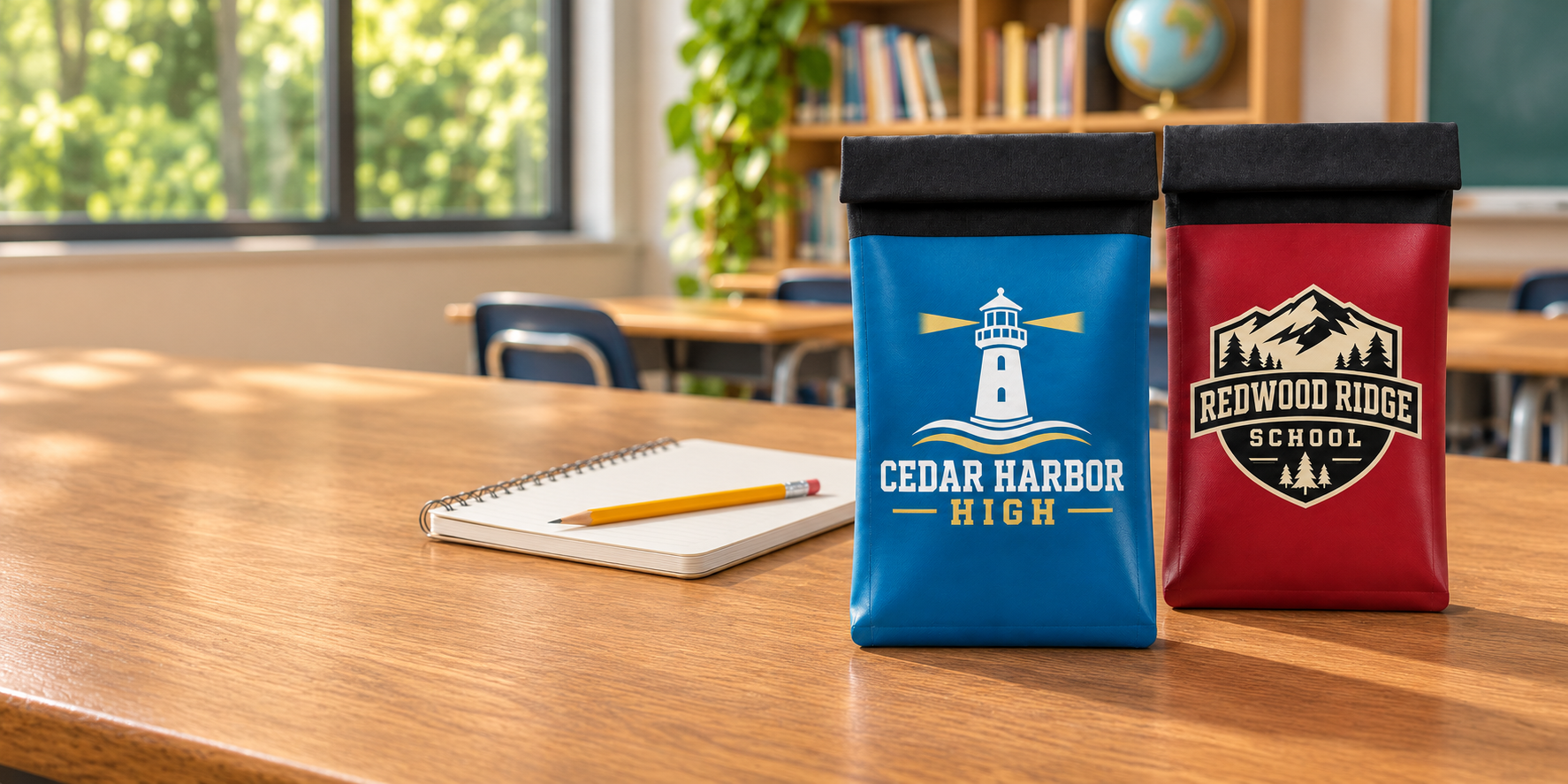
Max Lock Custom Colors
Your school. Your colors.
Choose school colors and branding for the Max Lock phone bag with its staff-controlled locking clasp.
Fictional school-branding examples show the identification side. Confirm finishes and artwork placement with your quote.
Find your school’s direction.
Explore the school-color and logo mockups, then confirm the finished combination with our team.
Fictional school-branding mockups. Large centered artwork is shown on the face without the lock. Colors, ID features and artwork placement are confirmed in your production proof.
A school identity,
with room to make it yours.
Bring school colors, a logo, or a mascot to the Max Lock system. The bag combines a double-roll magnetic seal, a locking clasp, waterproof materials, and serialized identification. Students keep their phones while staff manage access using compatible unlocking tools. Our team can help you confirm customization options, lead times, and the equipment needed for your rollout.
- Identity
- Custom artwork
- Access
- Staff controlled
- Closure
- Max Lock
Original fictional school identities illustrate customization directions, not customer endorsements or stocked finishes.
Your colors.
Your name. Your bag.
Explore nine original school identities, each printed large and centered on the face without the lock. Bring your own mascot, crest or school wordmark into the design conversation.
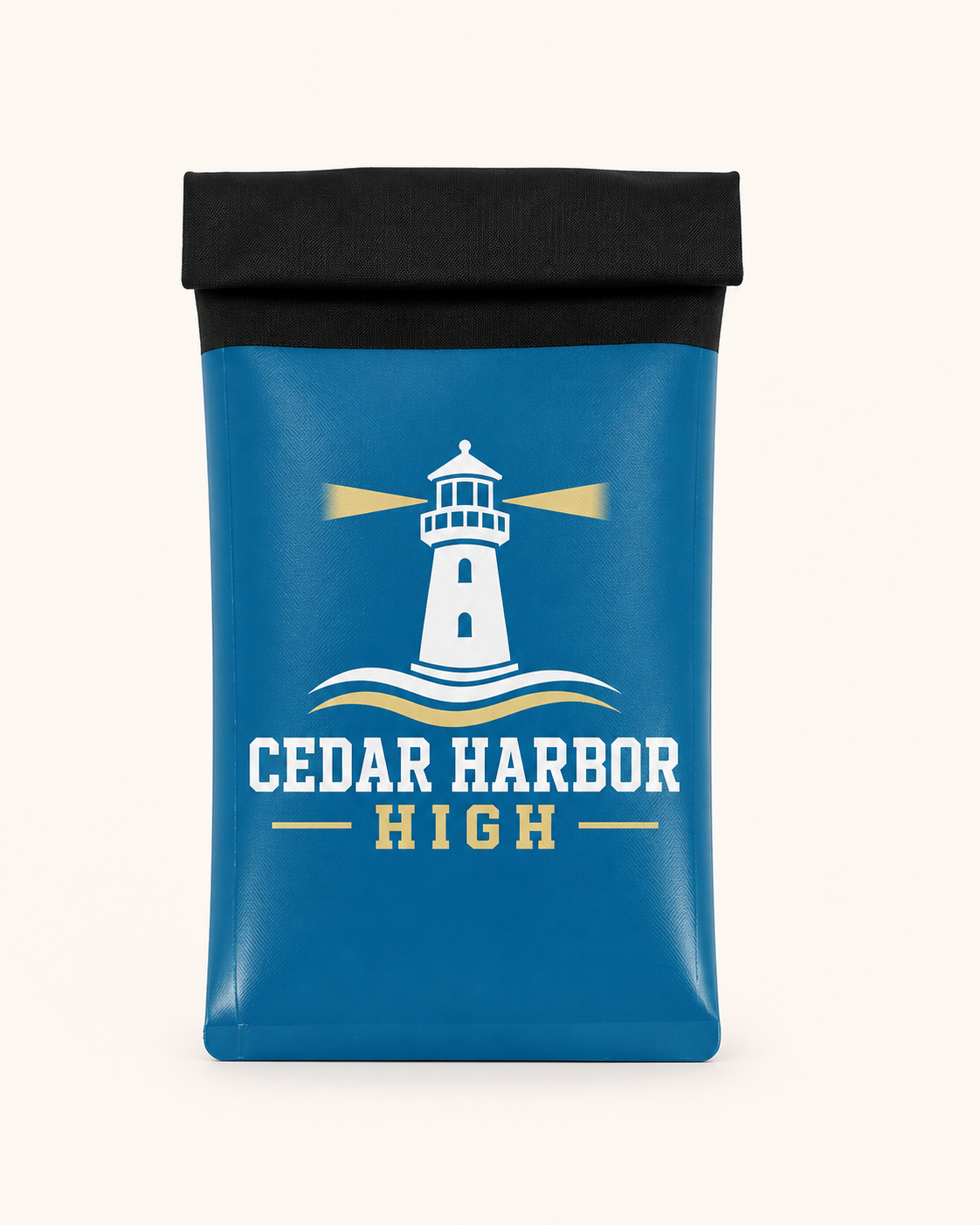
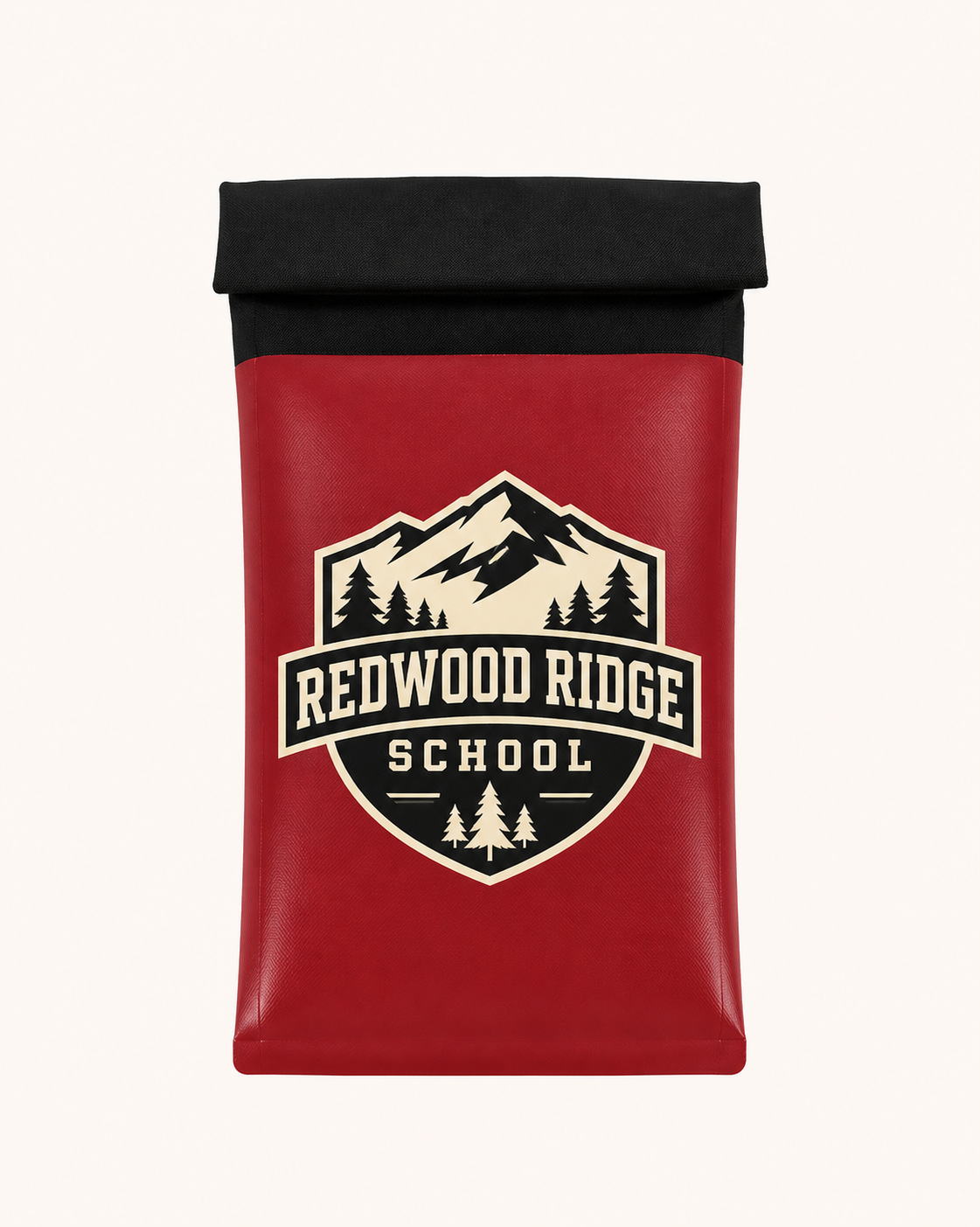
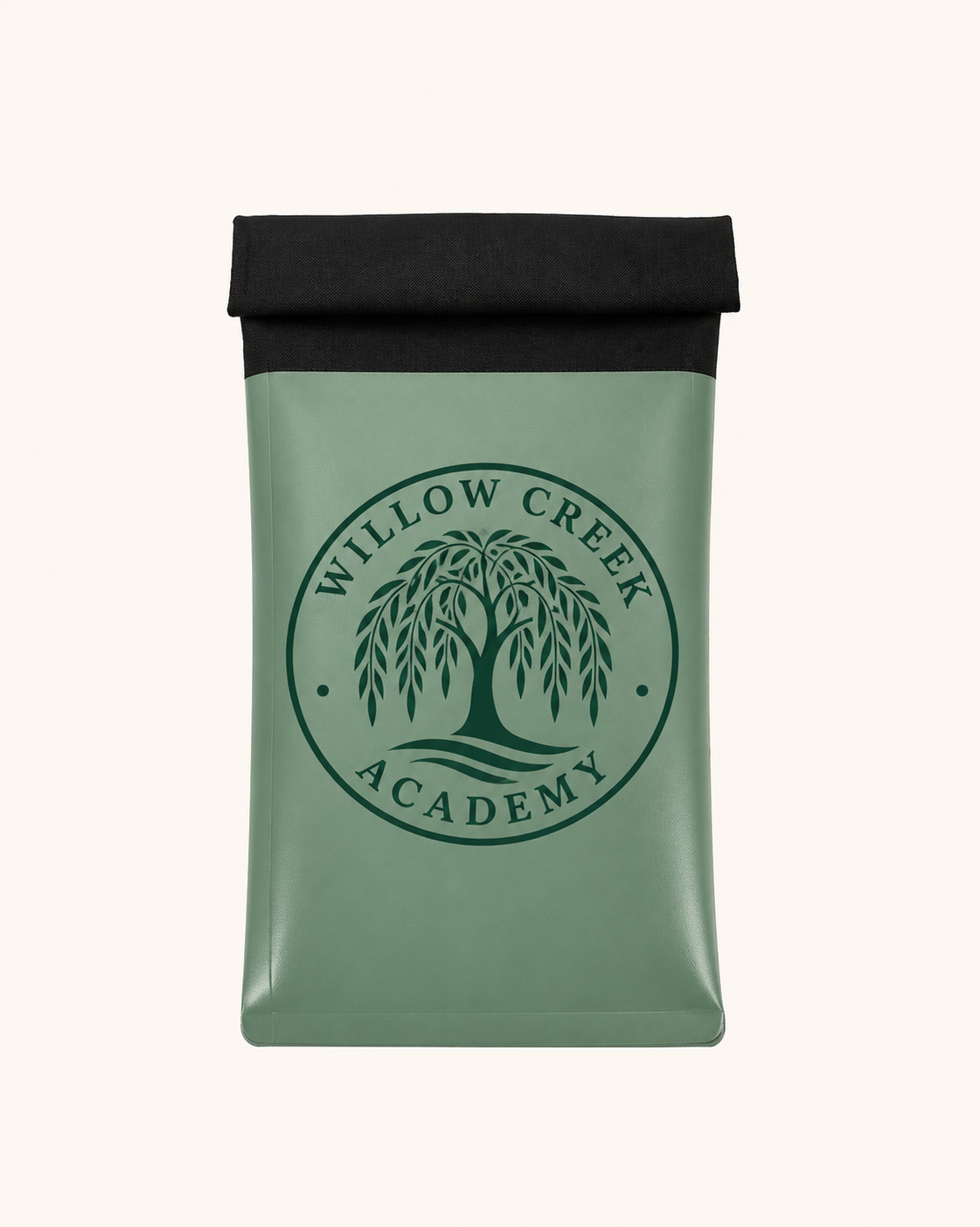
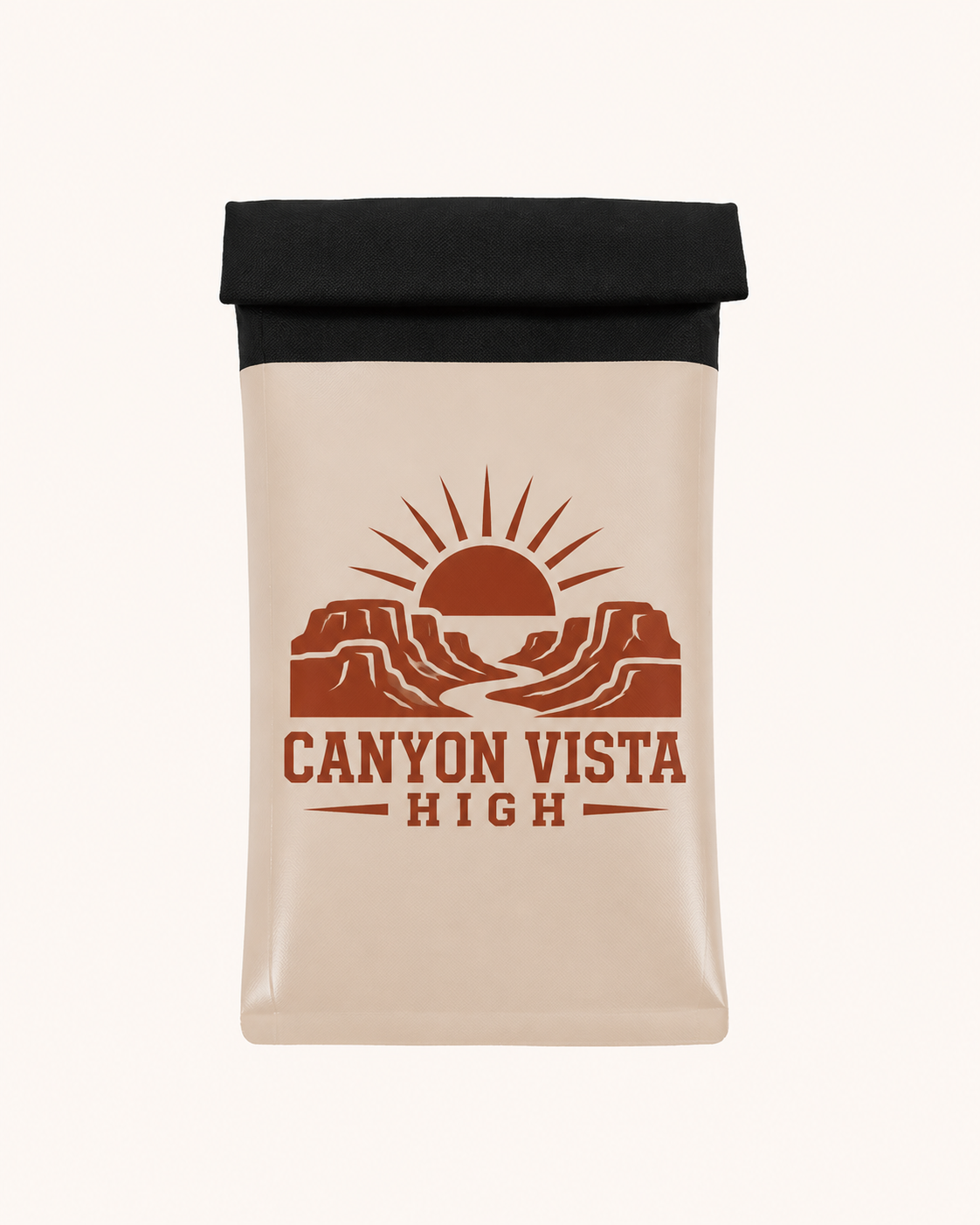
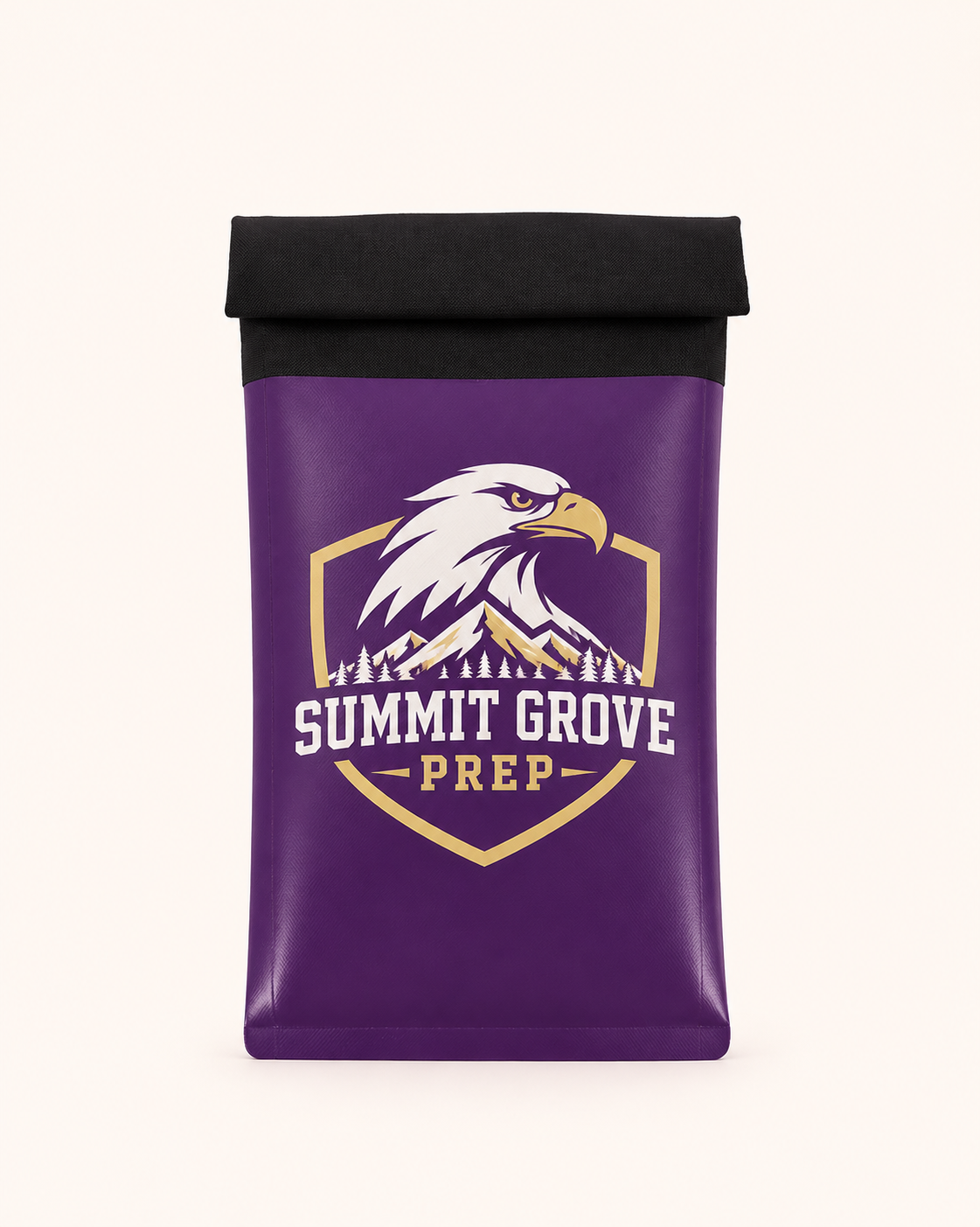
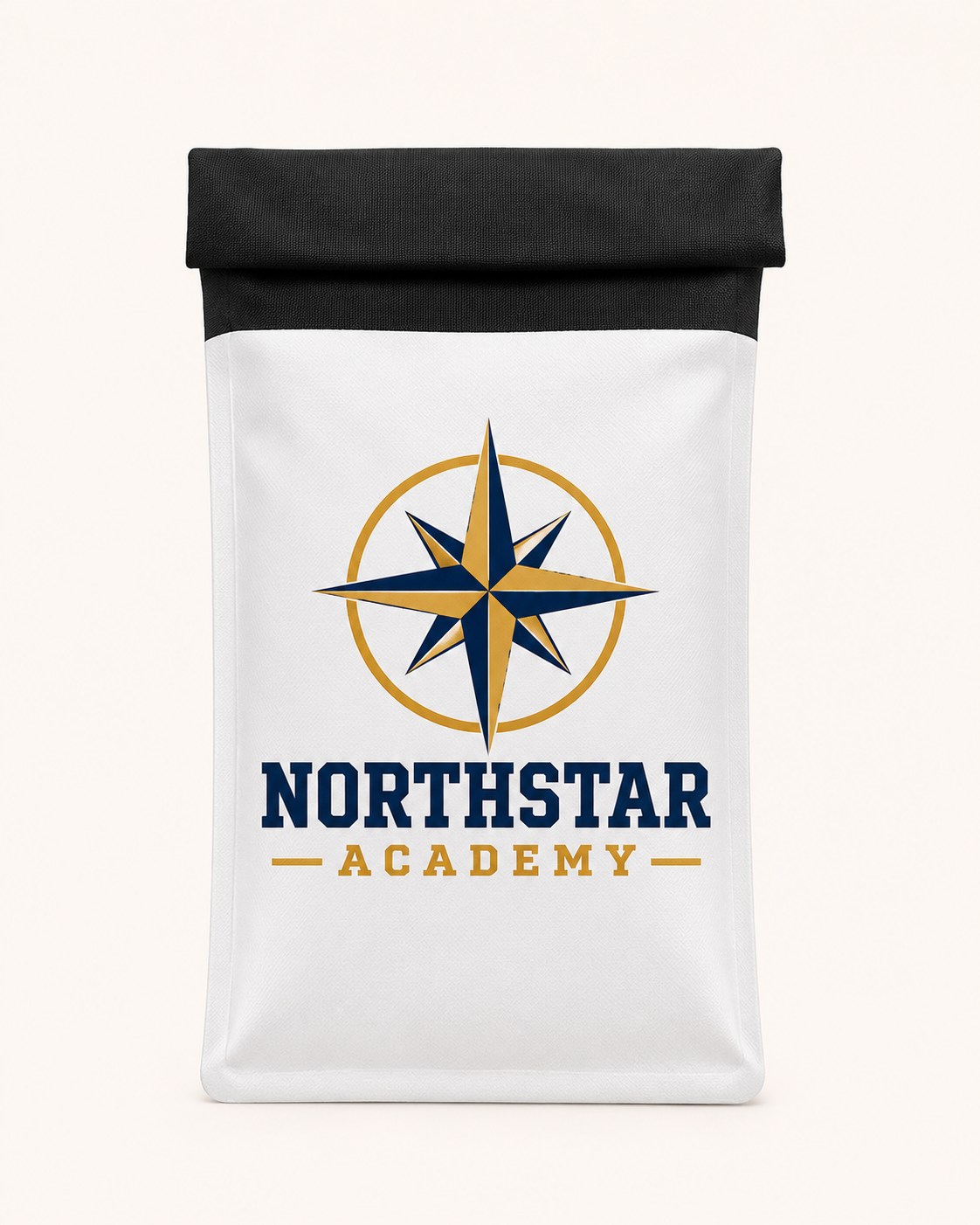
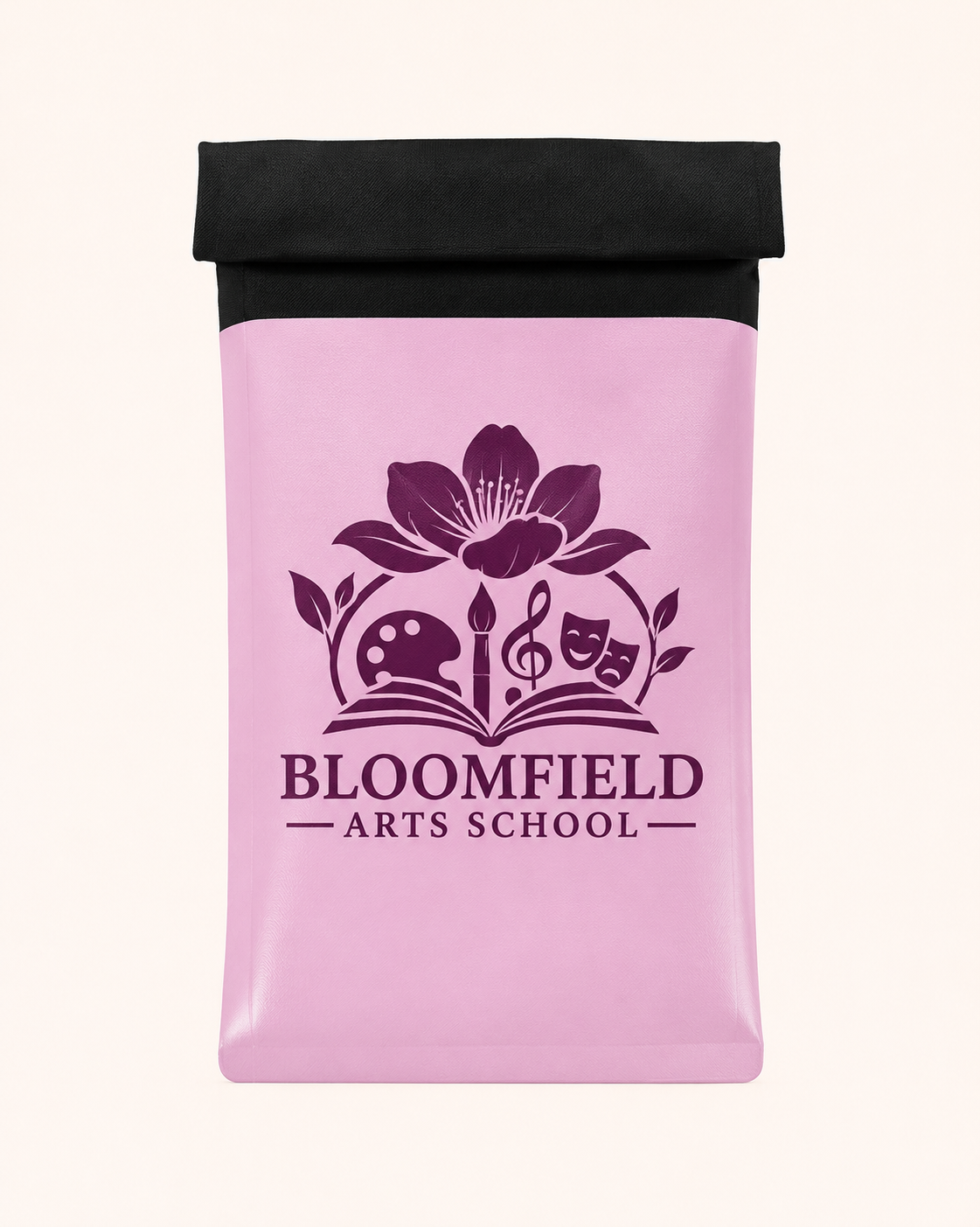
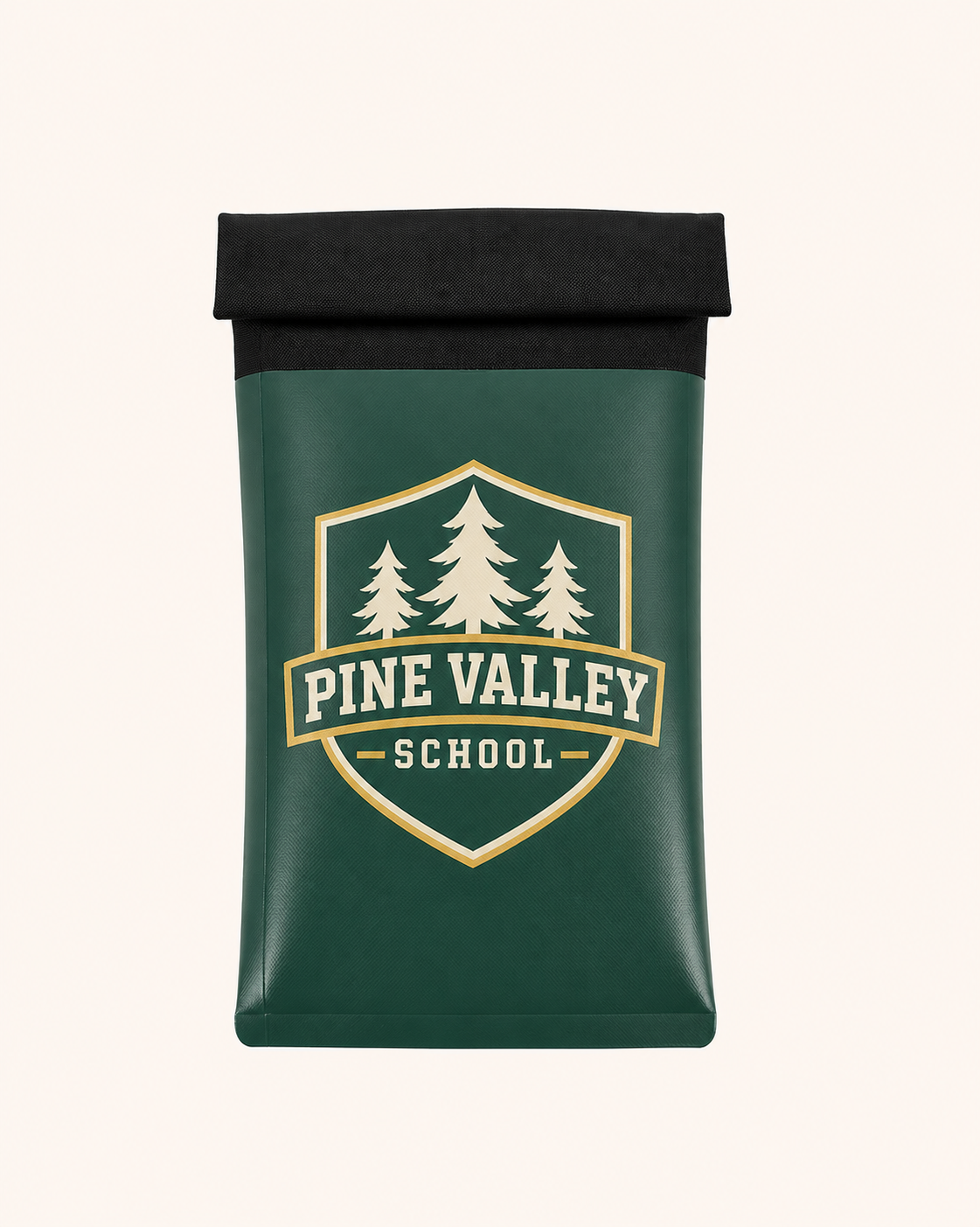
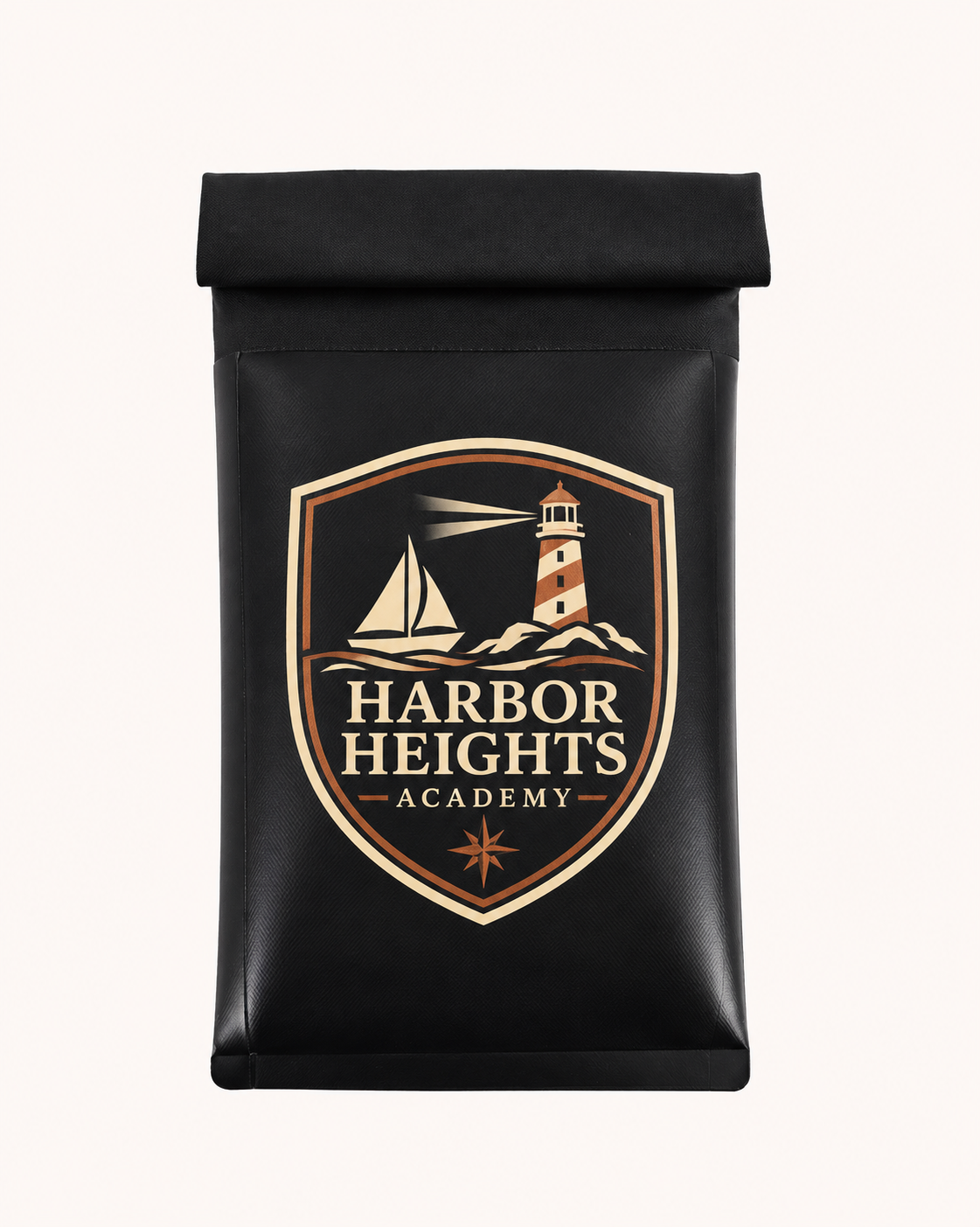
Illustrative mockups with fictional school names and original logos. Final colors, printed area, identification features, materials and availability are confirmed with your quote and artwork proof.
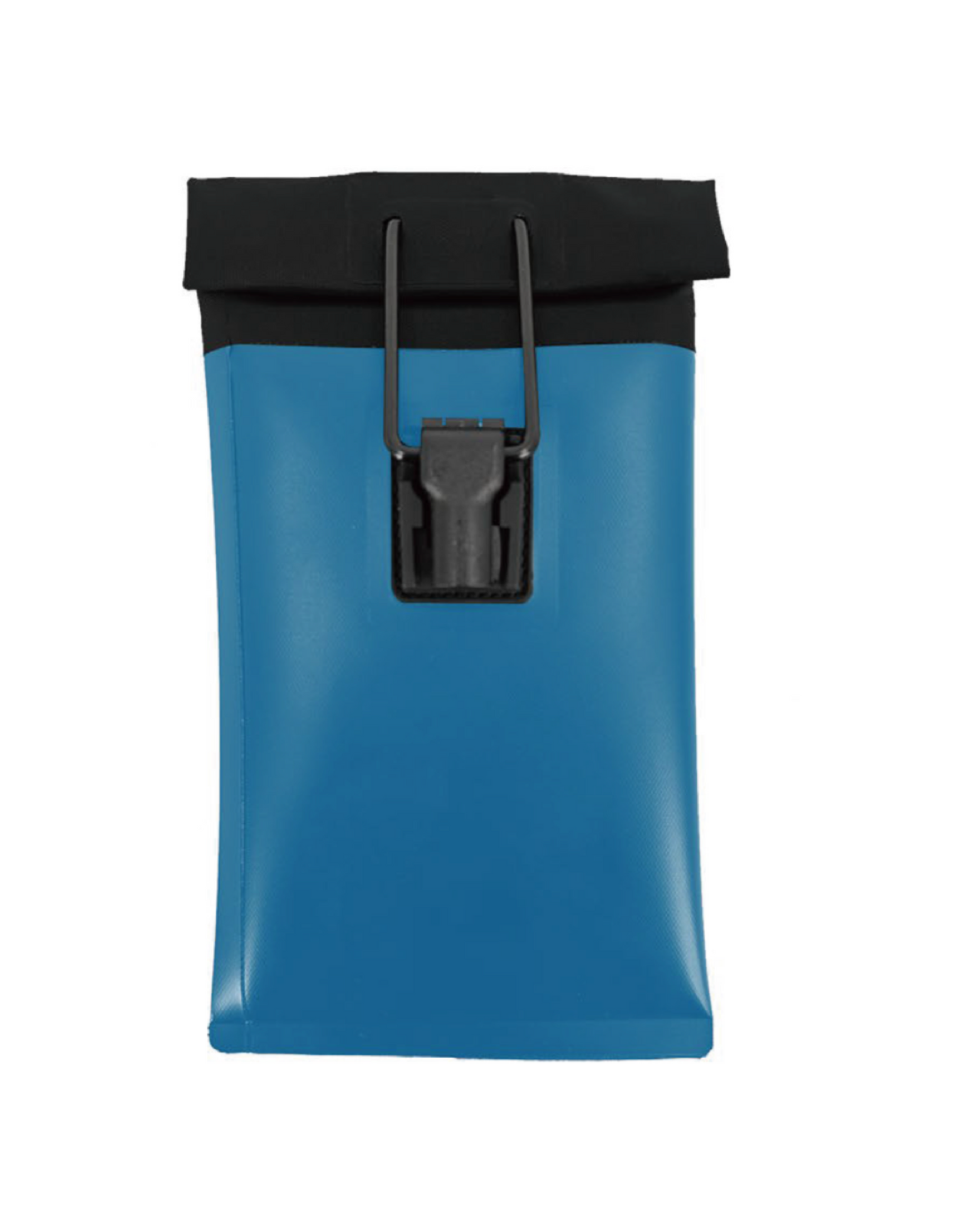
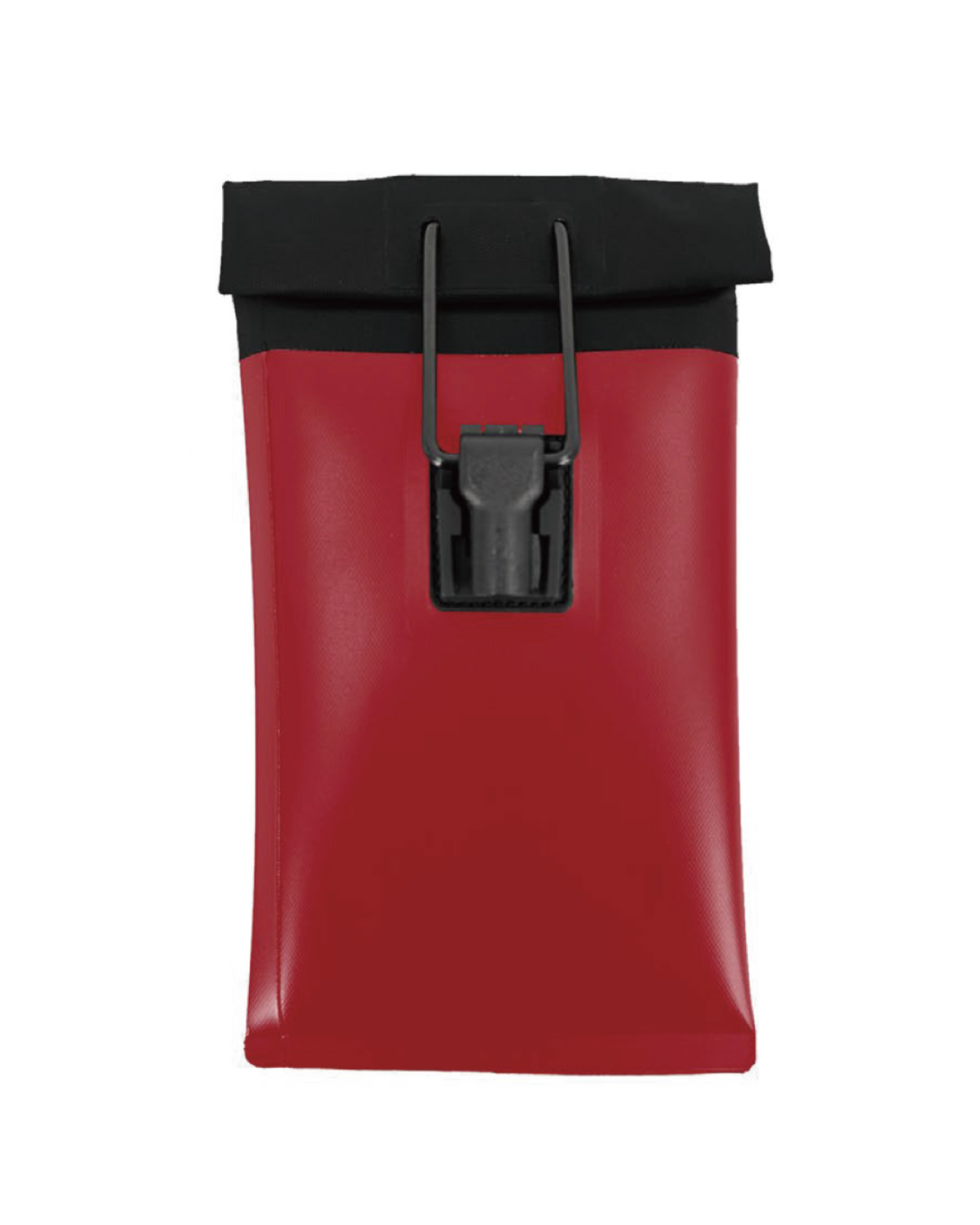
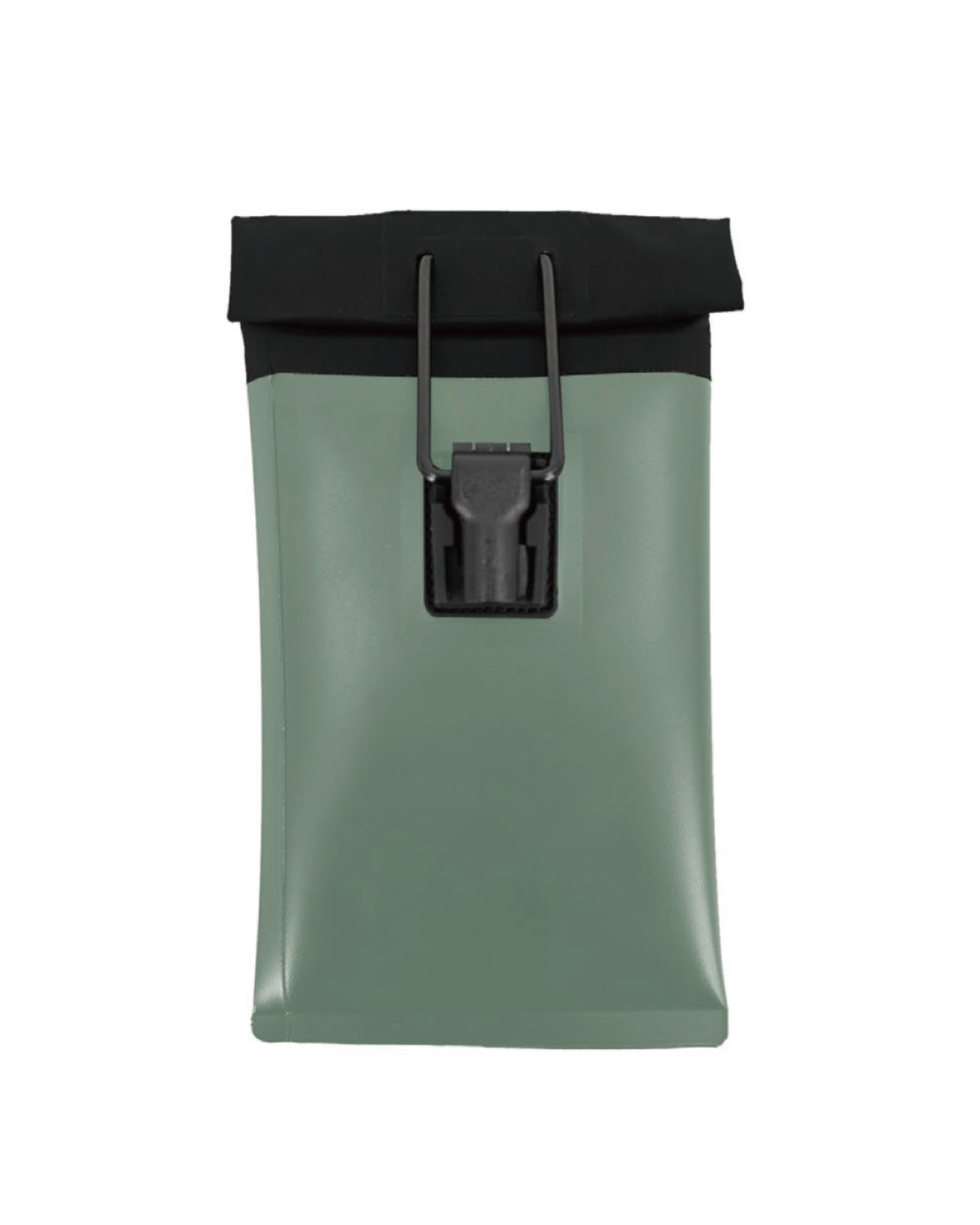
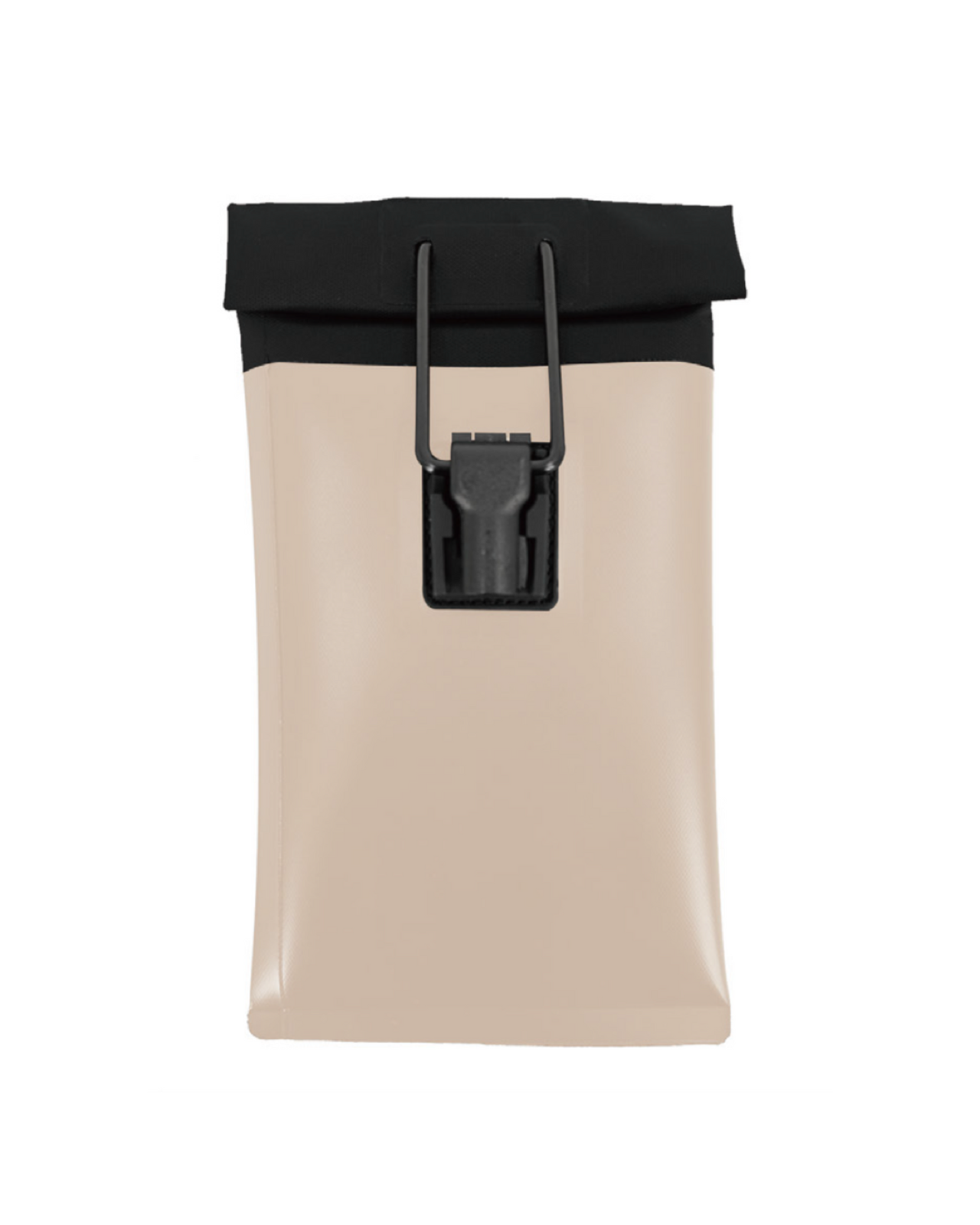
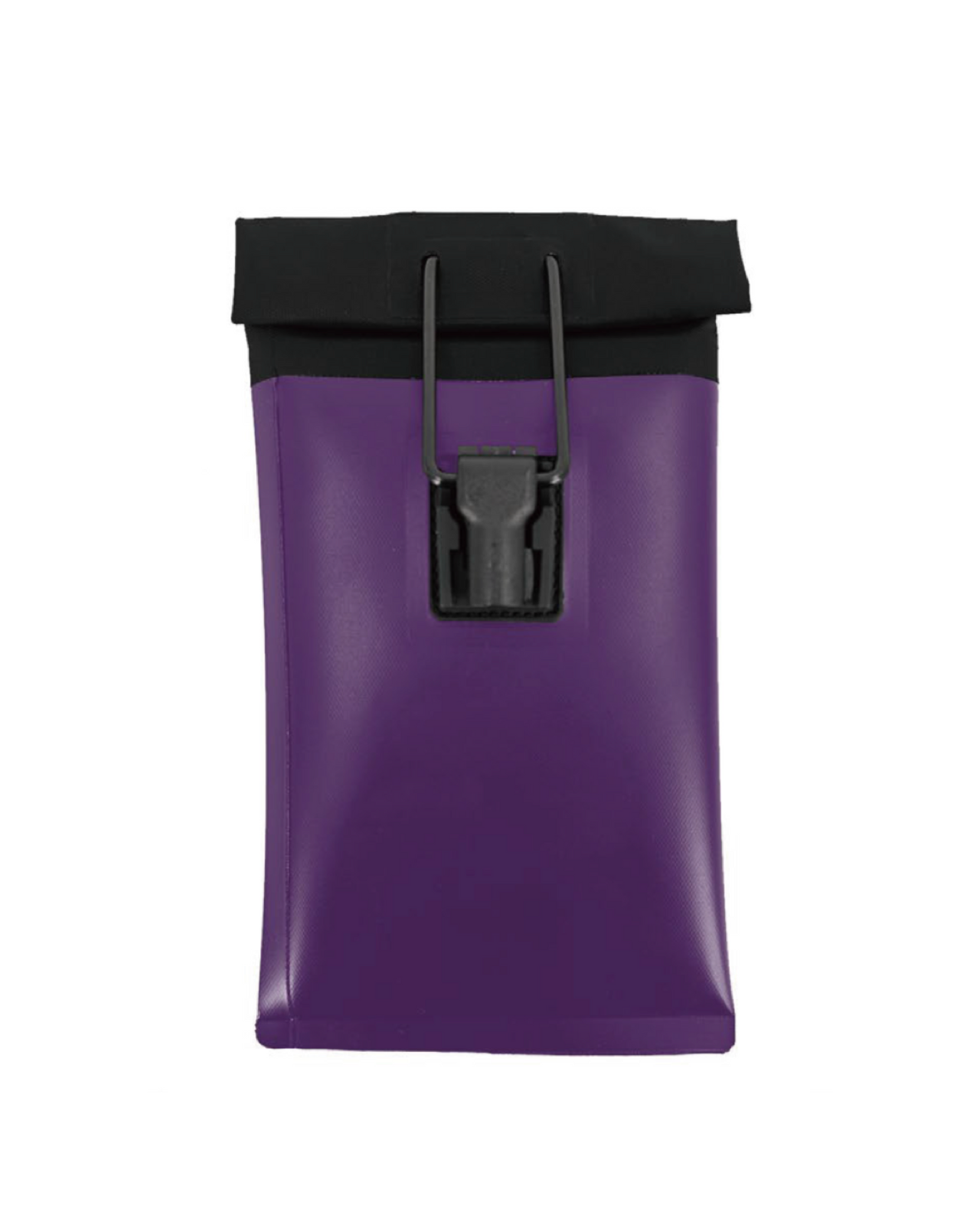
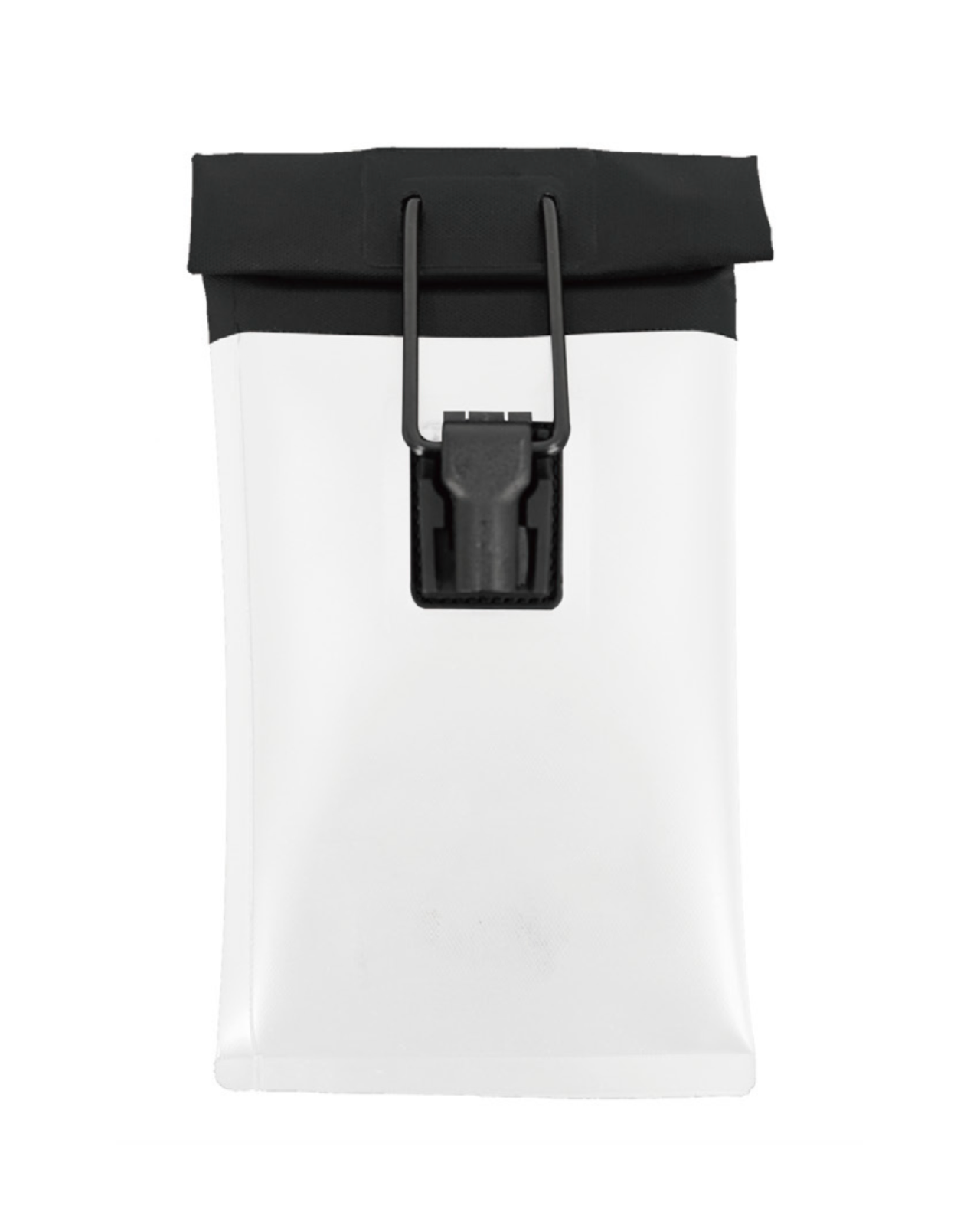
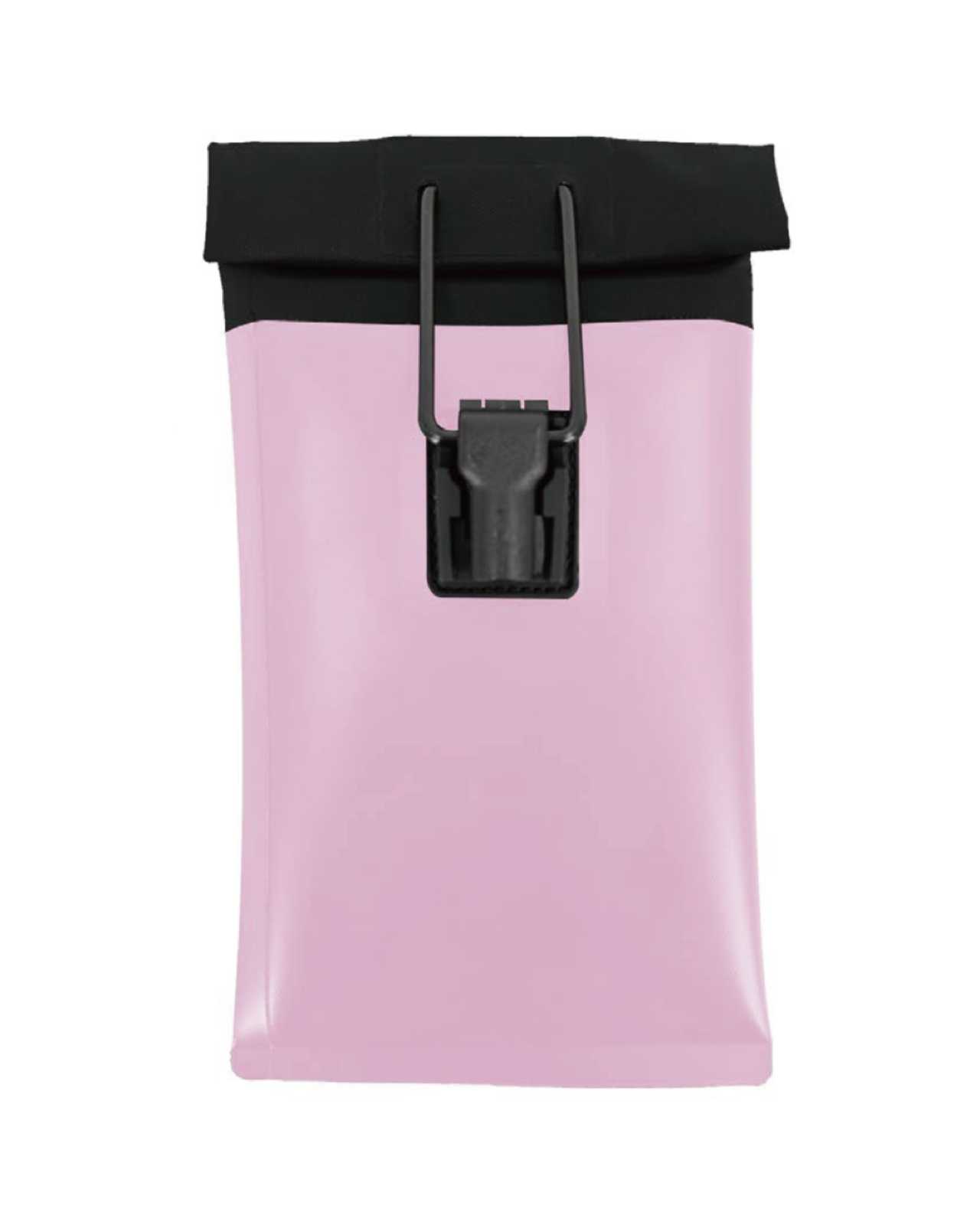
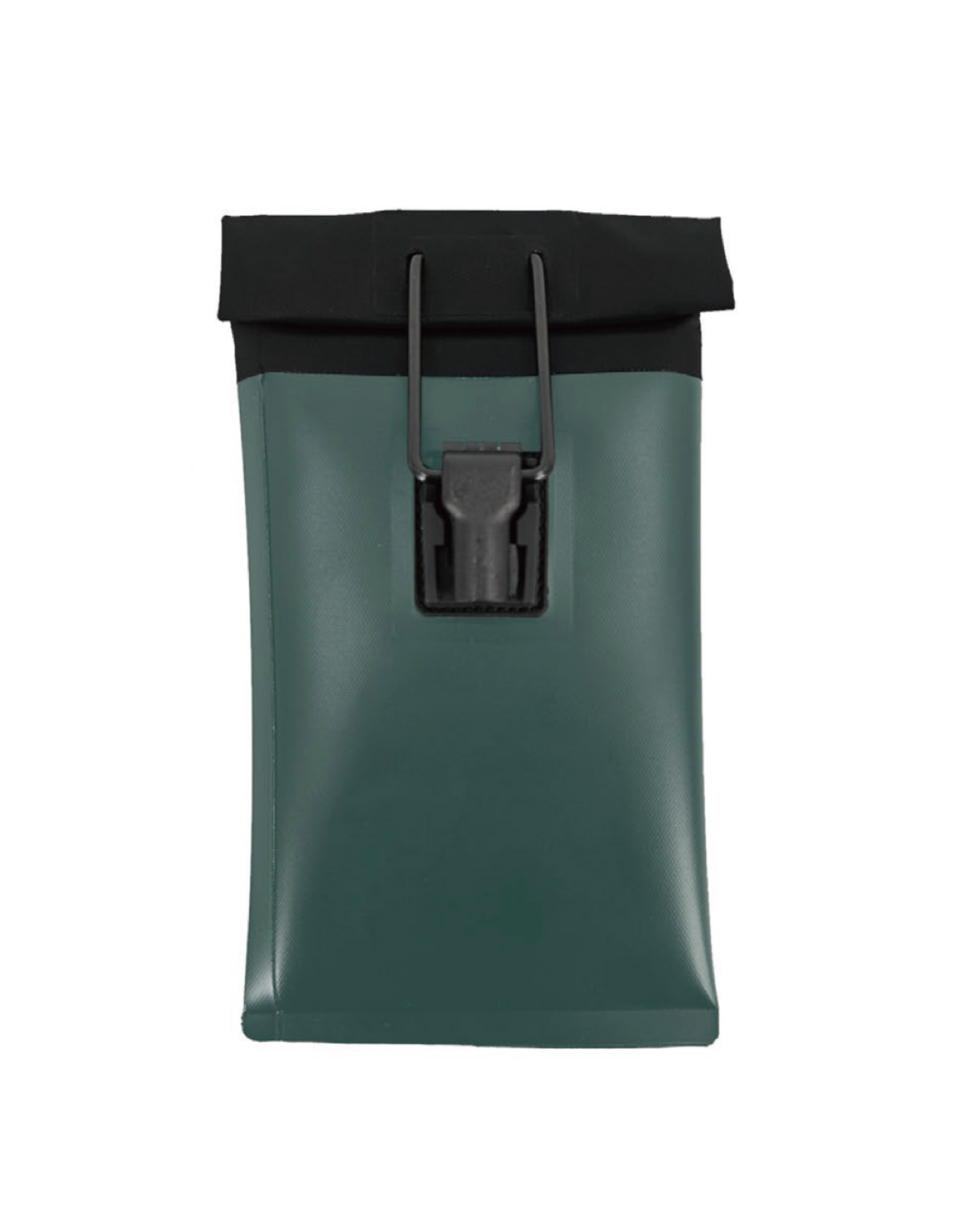
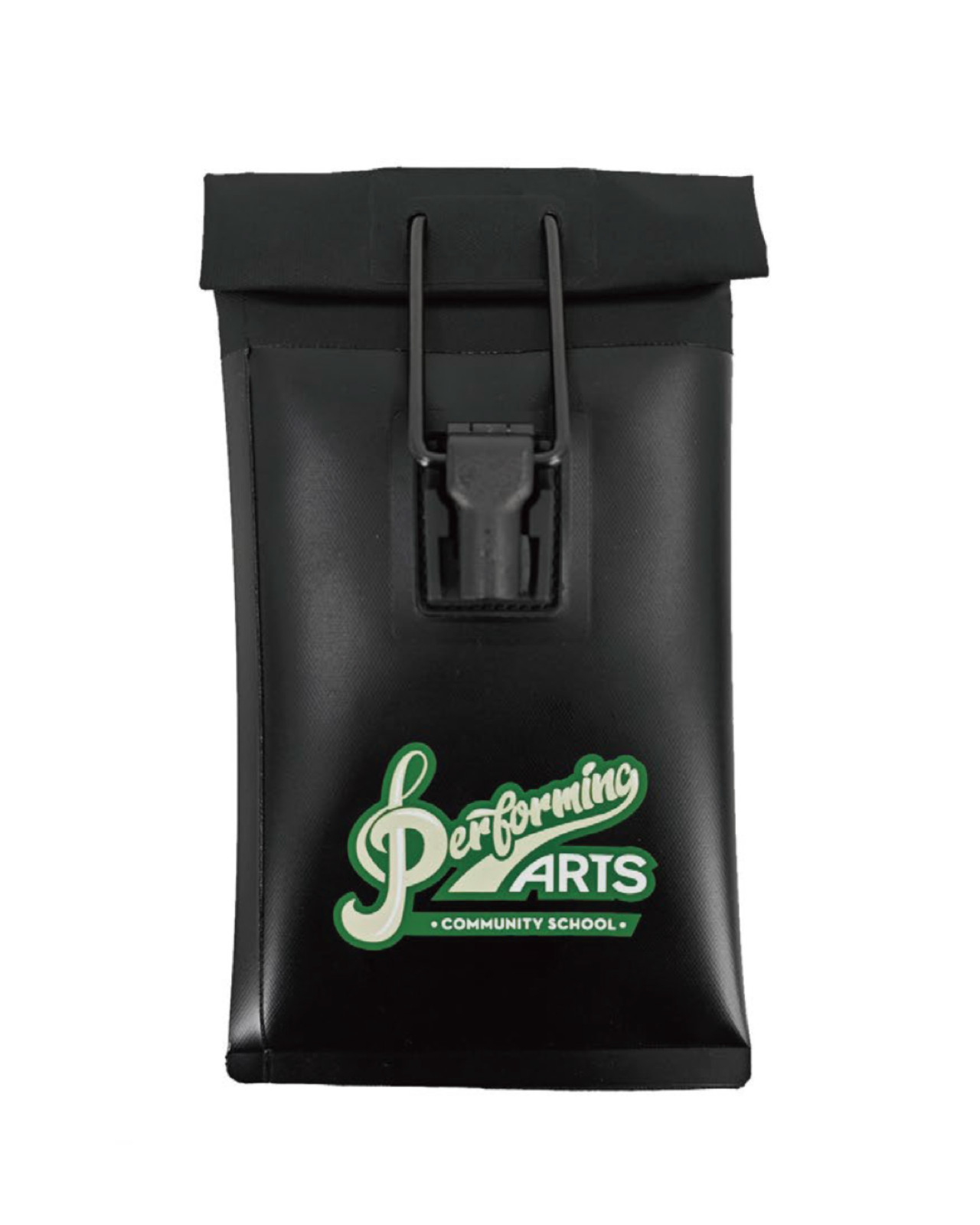
The Max Lock system. Made personal.
A different school identity, with the familiar close, carry and staff-release routine.
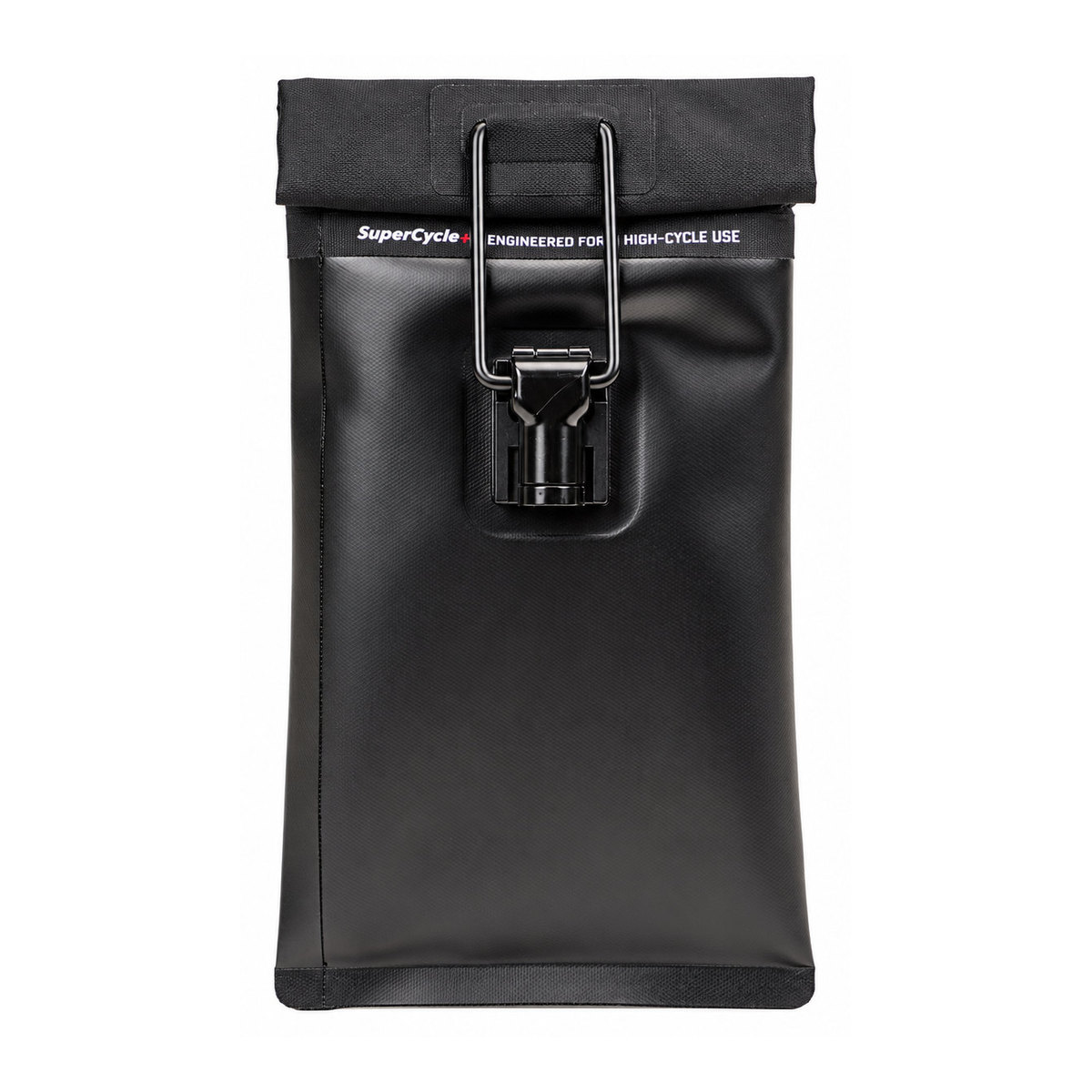
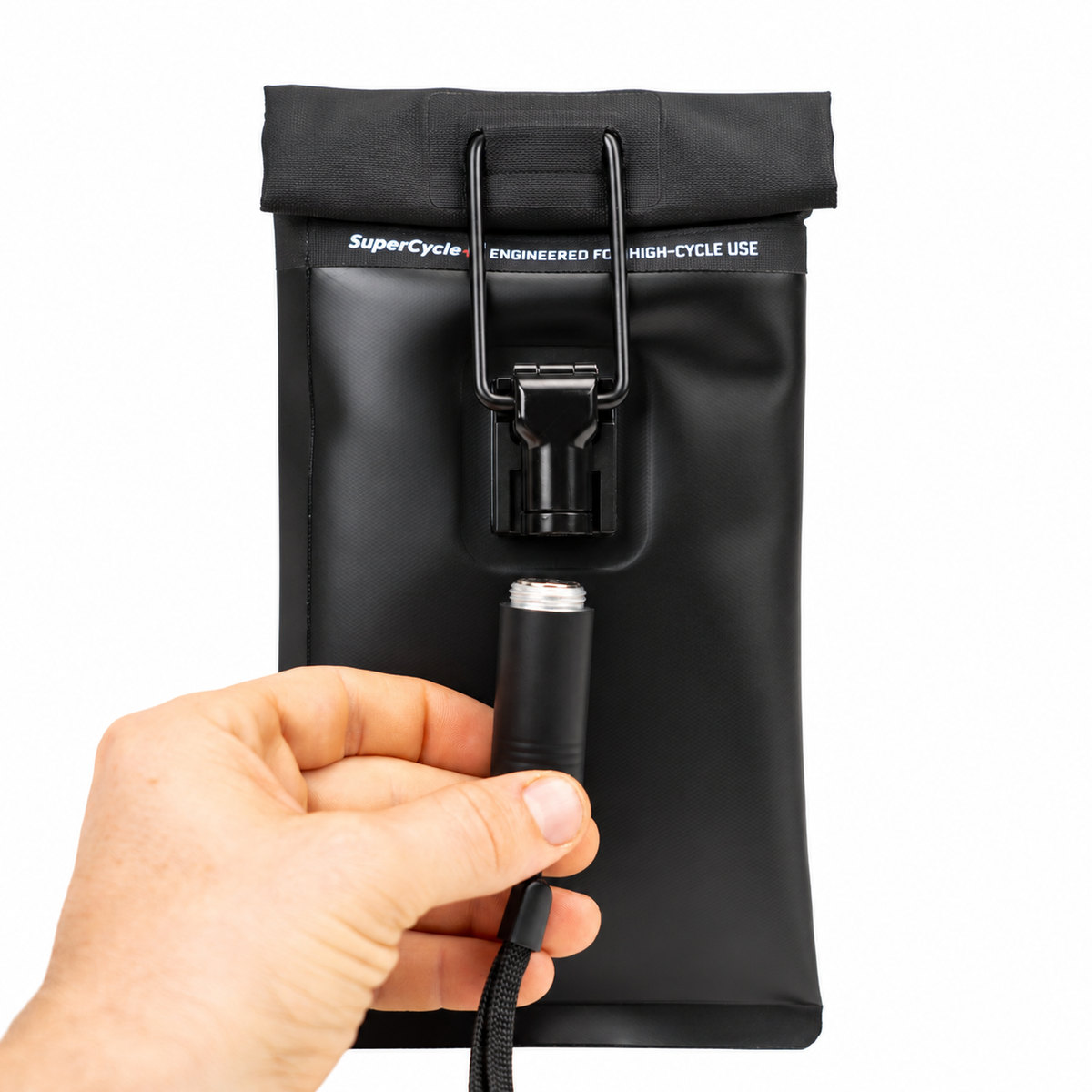
The Max Lock system underneath
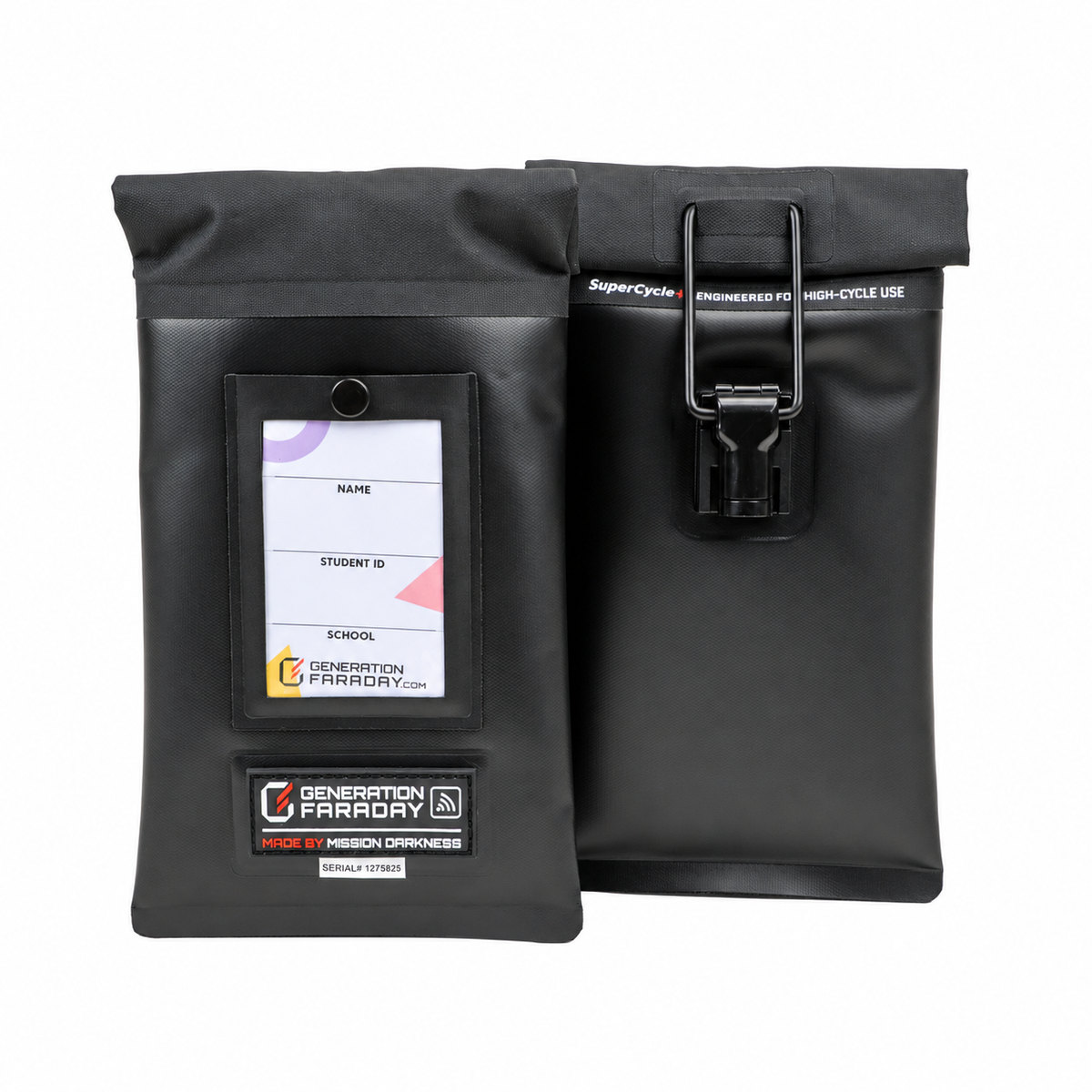
A double-roll closure and locking clasp keep the same staff-managed access routine. Native black-bag detail shown.
Staff-controlled release.
The locking clasp gives your staff a defined release step using a compatible Unlock Dock or Unlocking Key.
A complete seal matters.
Correctly close the double-roll magnetic seal before relying on its Faraday liner to isolate wireless connections.
An individual bag identity.
RFID and serial identifiers support compatible assignment and inventory workflows, alongside the school identity on the outside.
Signal blocking isolates wireless connections; it does not turn a phone off. Alarms, timers, and downloaded content can still operate. Follow your school’s access and accommodation procedures.
Close. Carry. Release.
A distinctive bag still needs a simple, consistent routine that students and staff can follow.
Close it correctly.
Put the phone inside, make the full magnetic seal and engage the locking clasp using the product instructions.
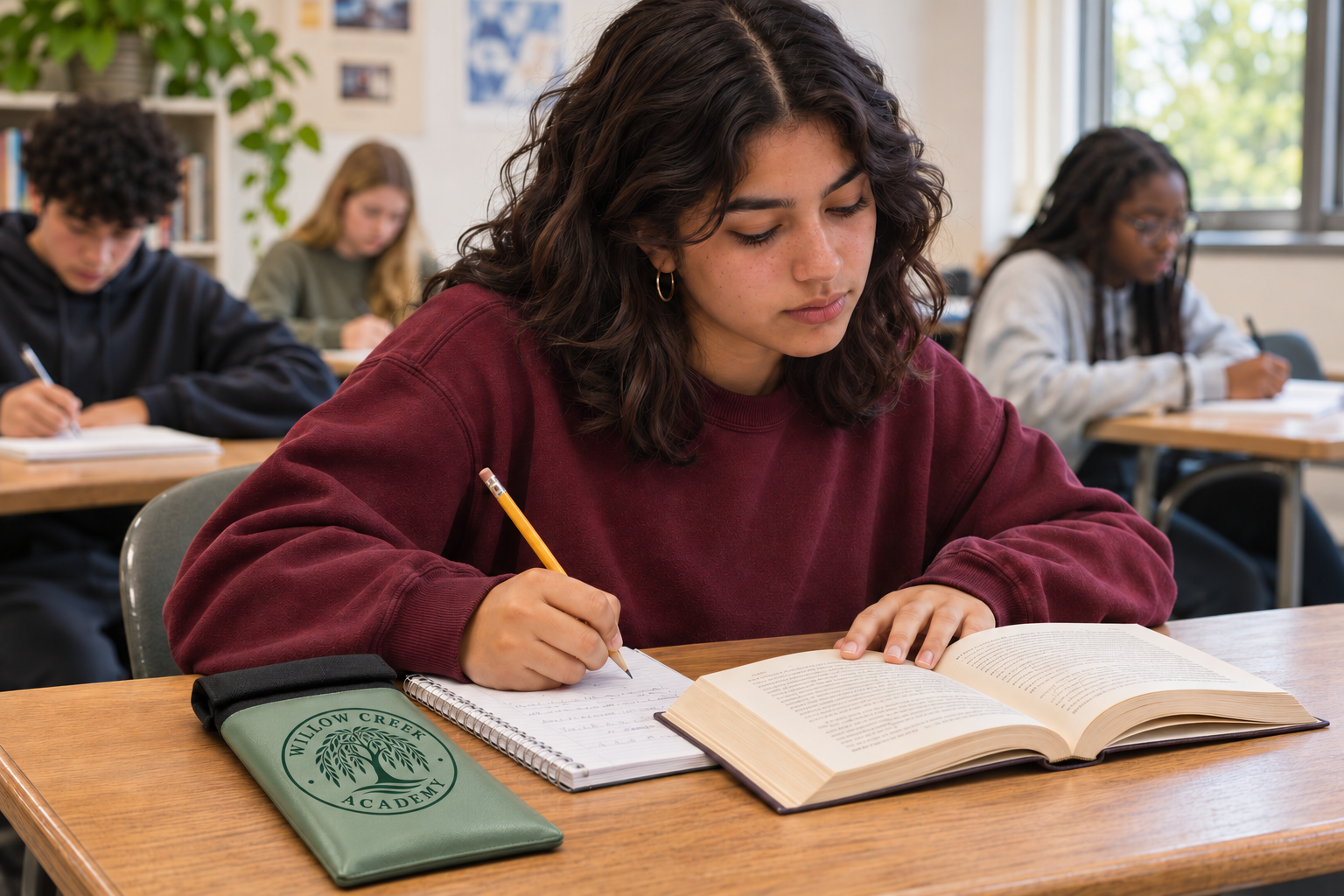
Keep the routine familiar.
Students carry their assigned bag while the school follows its planned access and accommodation procedures.
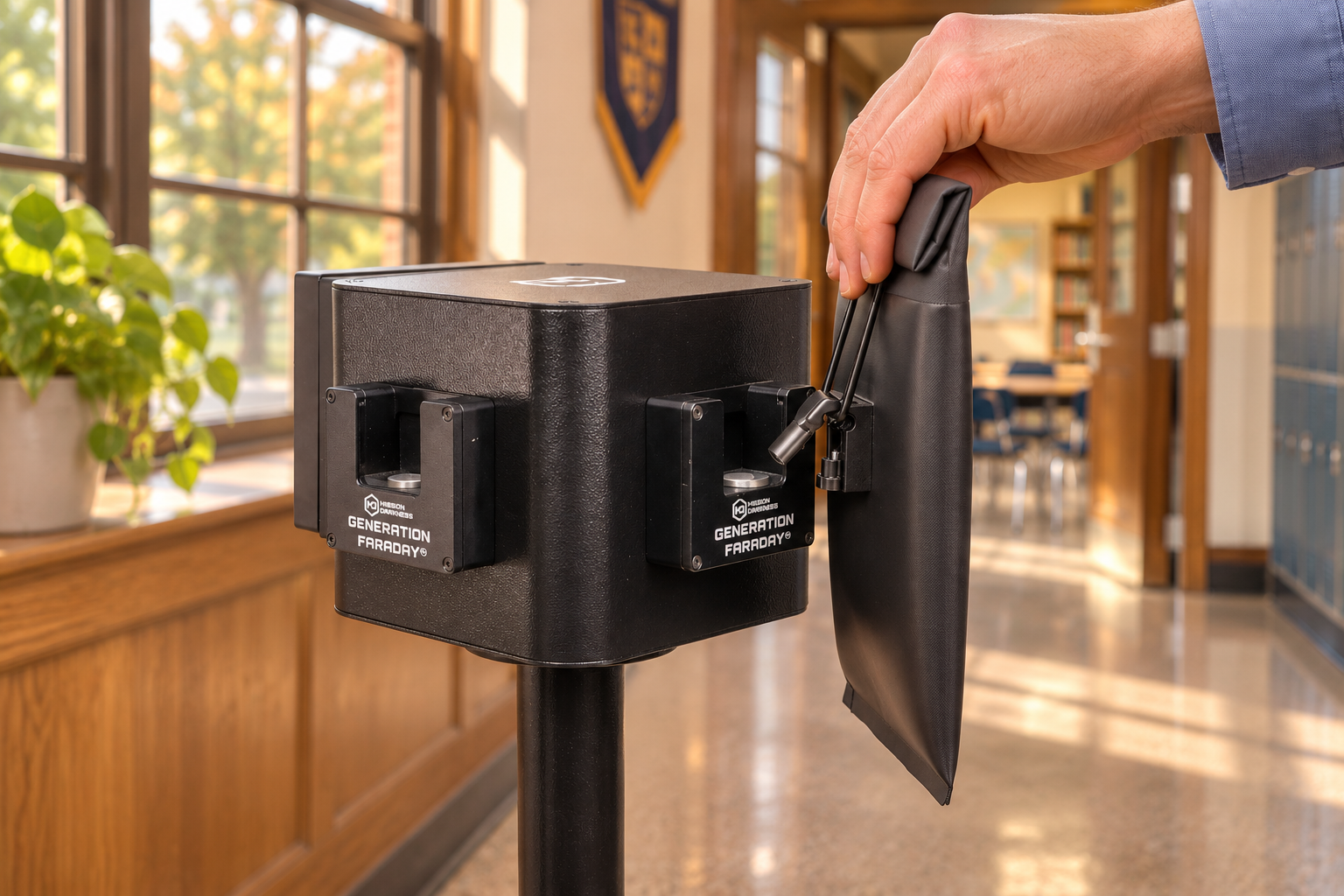
Release with staff control.
Use a compatible dock or staff key for the release points and approved access arrangements your team has planned.
School-use scenes are illustrative. Native black-bag details show the underlying Max Lock system; custom colors and artwork vary by confirmed configuration.
A look your school knows.
Records your team can use.
The visual identity belongs to your school. The bag’s serial and RFID identifiers can help your team keep assignments, inventory and staff-reported issues organized in the Generation Faraday app.
- Plan the school, staff roles and inventory records for your rollout.
- Use the serial number or a compatible RFID workflow to identify and assign the bag.
- Record issues and follow up using your school’s policy and staff procedures.
Reader compatibility and setup depend on your hardware and workflow. A bag identifier does not automatically verify that a phone is inside.
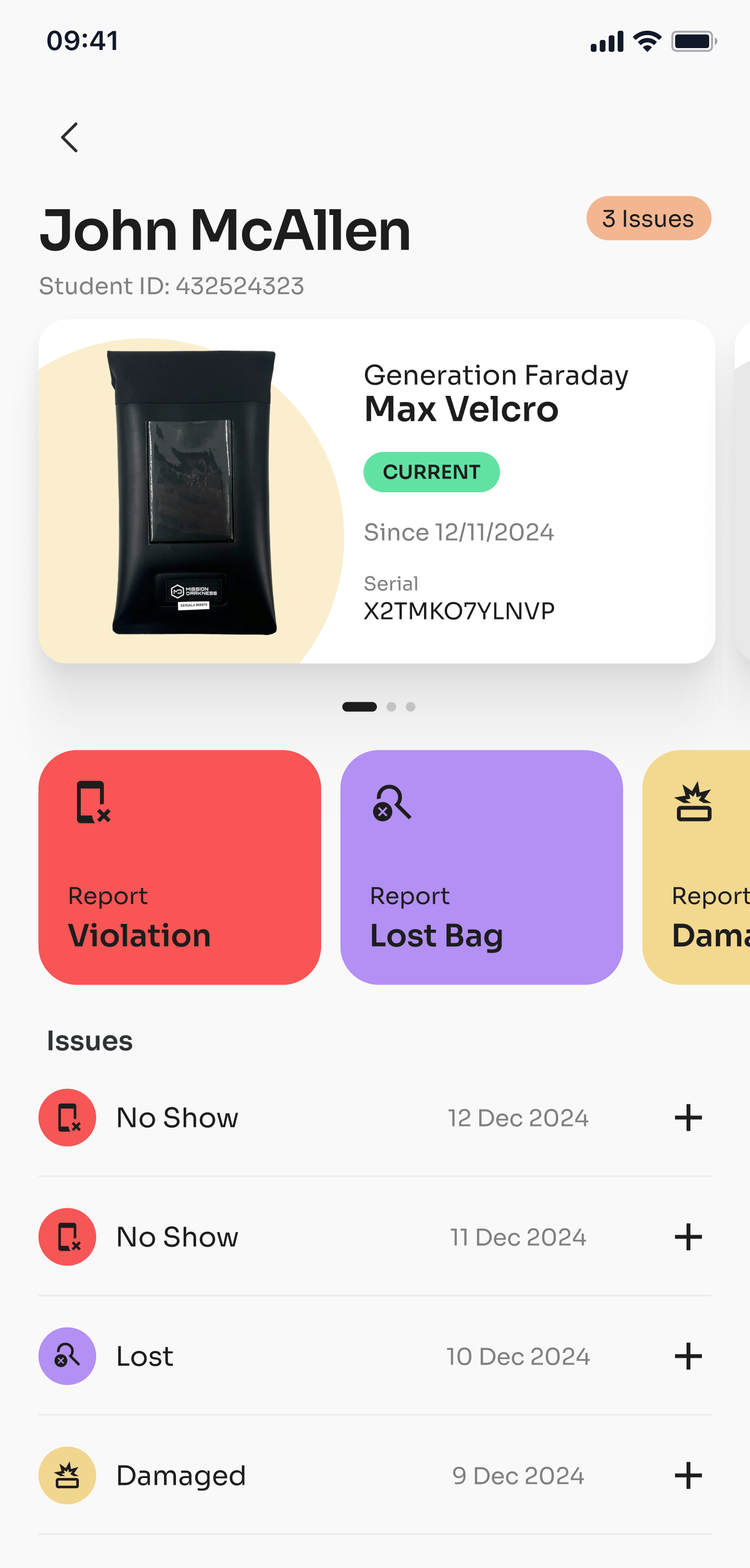
Existing Generation Faraday app screenshot.
From a school idea
to a complete rollout brief.
Bring the creative direction and the practical requirements into the same conversation.
Share your direction.
Start with colors, logo or mascot artwork, device counts and the school identity you want to express.
Review the configuration.
Work through the available finishes, artwork options and product setup with our team. Confirm them in your quote.
Plan the whole routine.
Choose staff access, unlocking locations, classroom organization and any app records your program will use.
Prepare your team.
Connect the product plan with staff preparation, student routines, family communication and approved access procedures.
Availability, quantities, pricing and timing are discussed in your quote. No minimum order or production lead time is implied by these concept examples.
Build the setup around the bag.
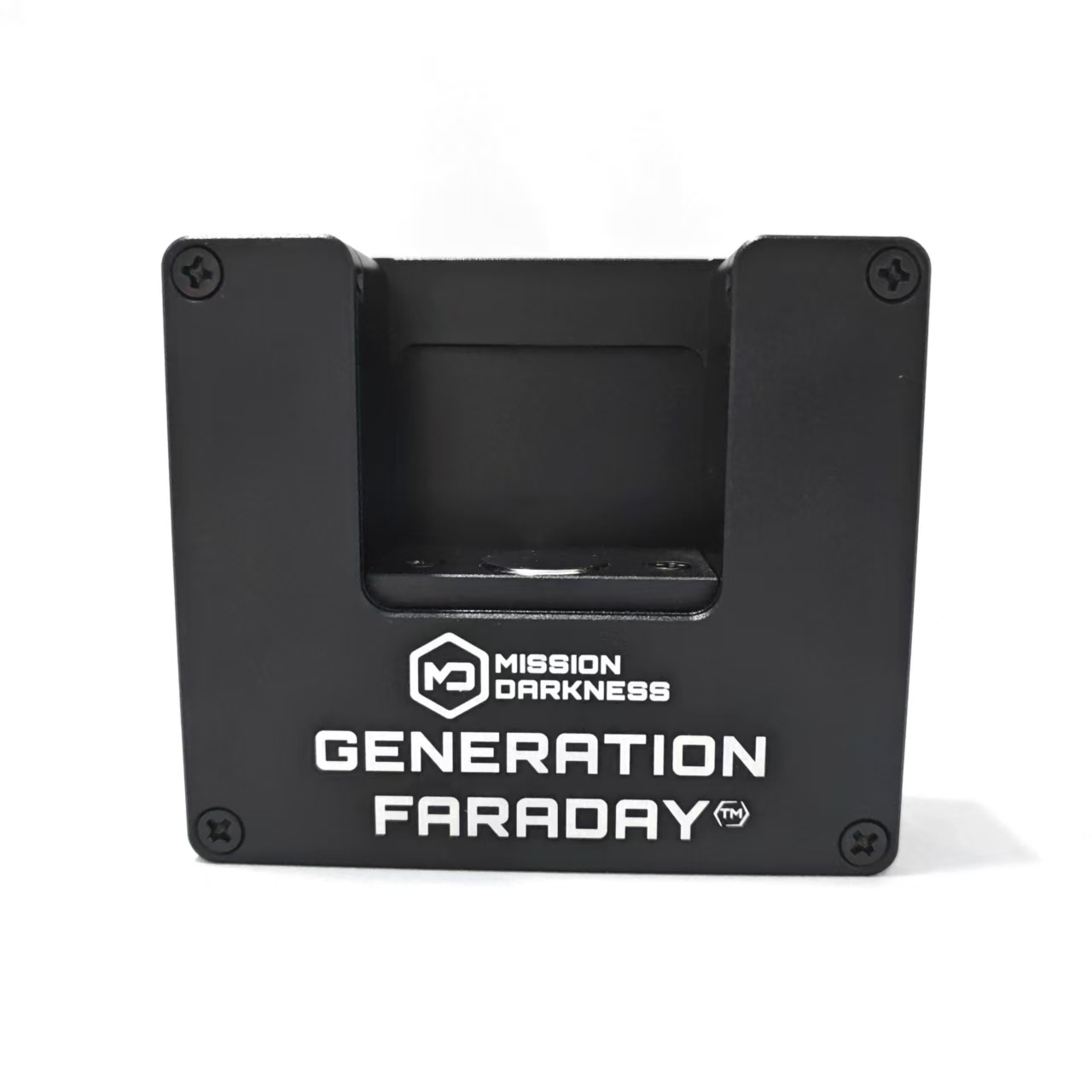 Release pointsUnlock DockA fixed release point for compatible Max Lock clasps. Plan locations around your daily access and dismissal routes.View product →
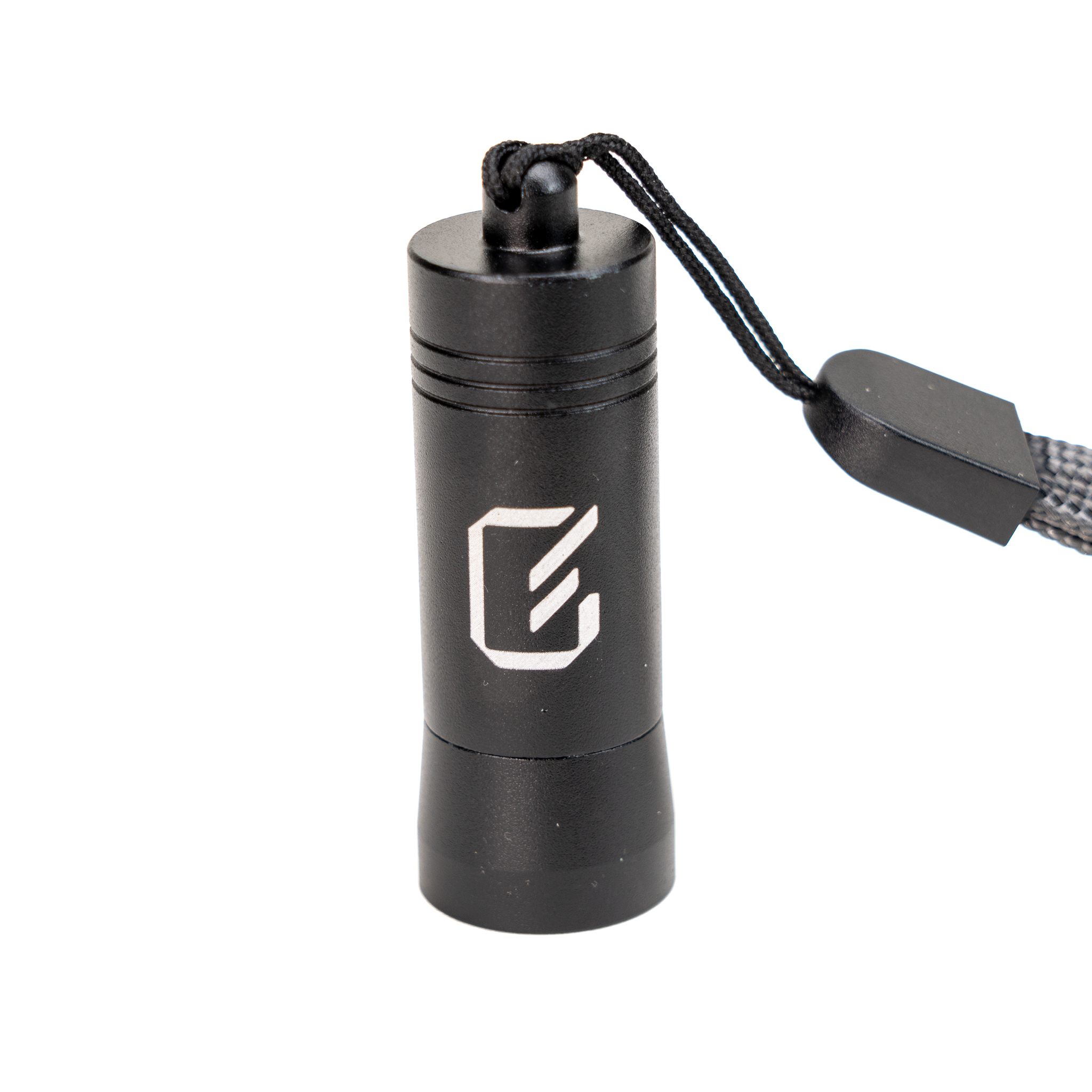 Staff accessUnlocking KeyPortable staff access for individual releases when returning to a fixed dock is not the right routine.View product →
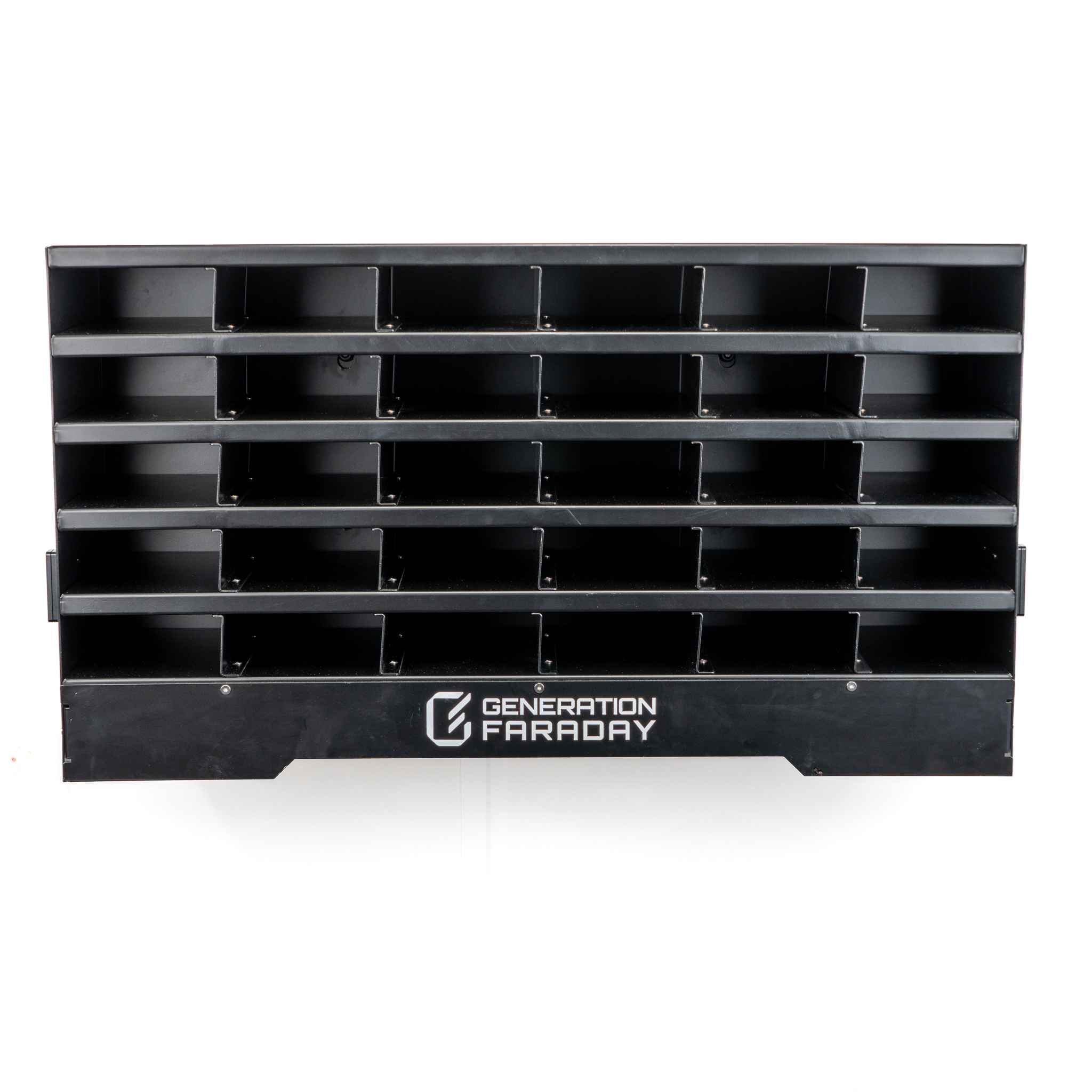 Classroom organizationClass Phone OrganizerOrganize classroom bag storage around a consistent collection and return routine.View product →
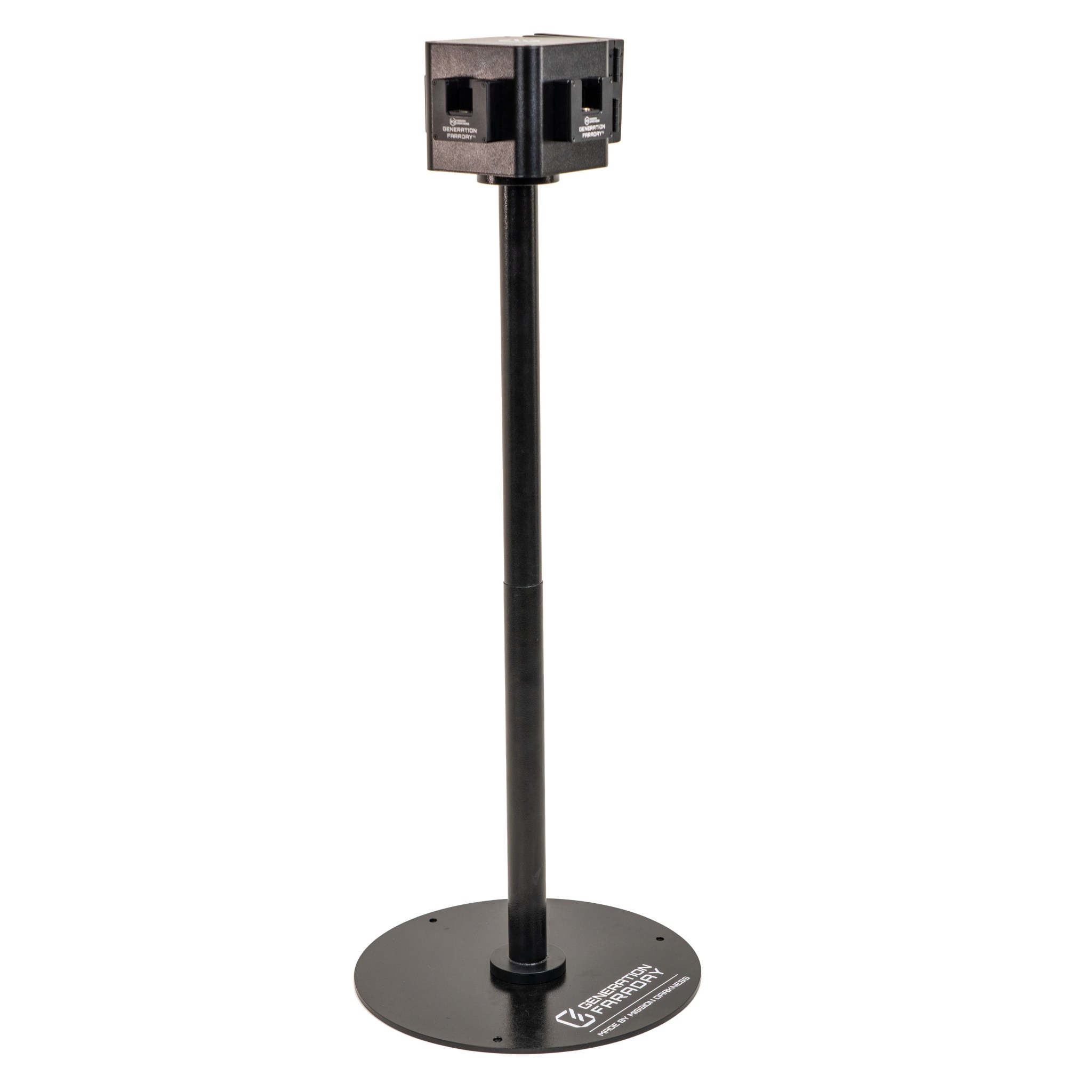 Mobile release stationUnlock Dock PodiumBring a compatible unlocking station into your arrival or dismissal plan without relying only on wall locations.View product →
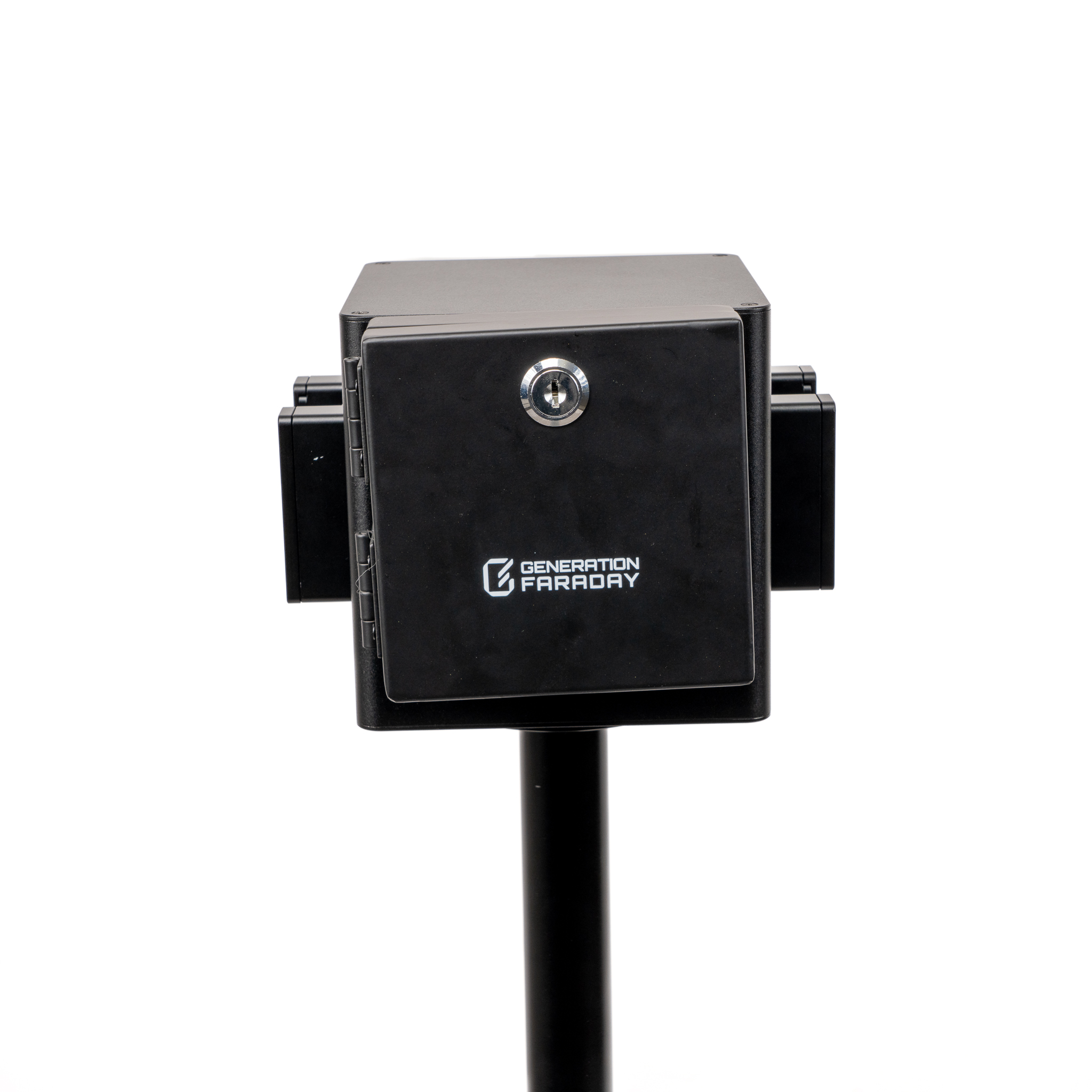 Dock protectionUnlock Dock CoverControl access to a compatible dock between supervised release periods. Confirm the cover and dock configuration together.View product →
Choose accessories around the routine you want to run. Our team can help plan release points, staff access and organization alongside your bag quantities; not every school needs every accessory.
The practical details, clearly laid out.
Confirm the final configuration, fit, artwork and available finishes with your school’s quote.
Read the SuperCycle+ white paper (PDF) ↗
Specifications
- Customization — Choose colors and school artwork with our team. Availability is confirmed in your quote.
- Signal blocking — A correctly closed Faraday liner isolates cellular, Wi-Fi and Bluetooth connections. Internal alarms, timers and downloaded content may still operate.
- Staff-controlled access — Release compatible Max Lock clasps using an Unlock Dock or staff Unlocking Key.
- Release planning — Choose the number and location of docks, stands and staff keys around arrival, approved access and dismissal.
- Daily-use construction — Materials are selected for repeated school handling. Actual service life depends on use and care.
- Double-roll magnetic closure — Follow the Max Lock instructions to make the full seal and engage the locking clasp.
- Device fit — Confirm fit for your phones, cases and any additional devices before ordering.
- Individual identification — RFID and serial identifiers support assignment and inventory records with compatible readers and software.
- Additional ID uses depend on your school’s compatible systems and setup. Identification does not automatically detect an enclosed phone.
- Base product SKU — GFSB-MAX-LOCK. Confirm the finished custom configuration in your quote.
- Closed dimensions — 9" L × 5" W × 0.5" D
- Open dimensions — 11.75" L × 5" W × 0.5" D
- Product documentation — Review the applicable product testing and material documentation with our team.
- Construction — TPU exterior with welded seams. Confirm available custom materials and finishes as part of your quote.
- Max Lock system — Customization builds on the Max Lock closure and locking clasp. Confirm your finished product specification before ordering.
Usage & Care
- Place the smartphone inside the bag.
- Securely close the bag by rolling the top and using the magnetic seal.
- Clamp the locking clasp around the metal rectangular ring.
- Check that the bag is fully closed before relying on signal blocking. Signal isolation does not power the device off.
- To unlock the bag, press the bottom of the locking clasp against an unlocking tool.
- To clean, gently wipe away any residue with a soft, damp cloth. Avoid using a washing machine or heavy scrubbing to maintain bag integrity.
Are these colors available from stock?
The gallery shows color and branding concepts. Confirm current availability, finishes, order quantities and timing with our team.
Can we use our school logo or mascot?
Share your artwork and brand guidelines. We’ll discuss the customization options available for the product configuration you’re considering.
Does the custom version still use the Max Lock system?
This page is built around the Max Lock bag, double-roll magnetic seal and locking clasp. Confirm the final custom materials and product specification as part of your quote.
What unlocking equipment should we include?
Consider fixed Unlock Docks, staff Unlocking Keys and an Unlock Dock Podium where a mobile release point is useful. A compatible dock cover can help control dock access between release periods.
Does RFID tell us whether a phone is inside?
No. RFID identifies the bag for compatible reader and software workflows. It does not automatically detect or verify an enclosed phone.
How do we plan approved access?
Define staff responsibilities, medical and accessibility accommodations, and release procedures as part of your school’s implementation plan. Follow the product instructions for closure and unlocking.
Bring your colors.
We’ll help build the plan.
Share the school identity you have in mind and the phone routine you want to run. Let’s work through the product, artwork and complementary equipment together.