
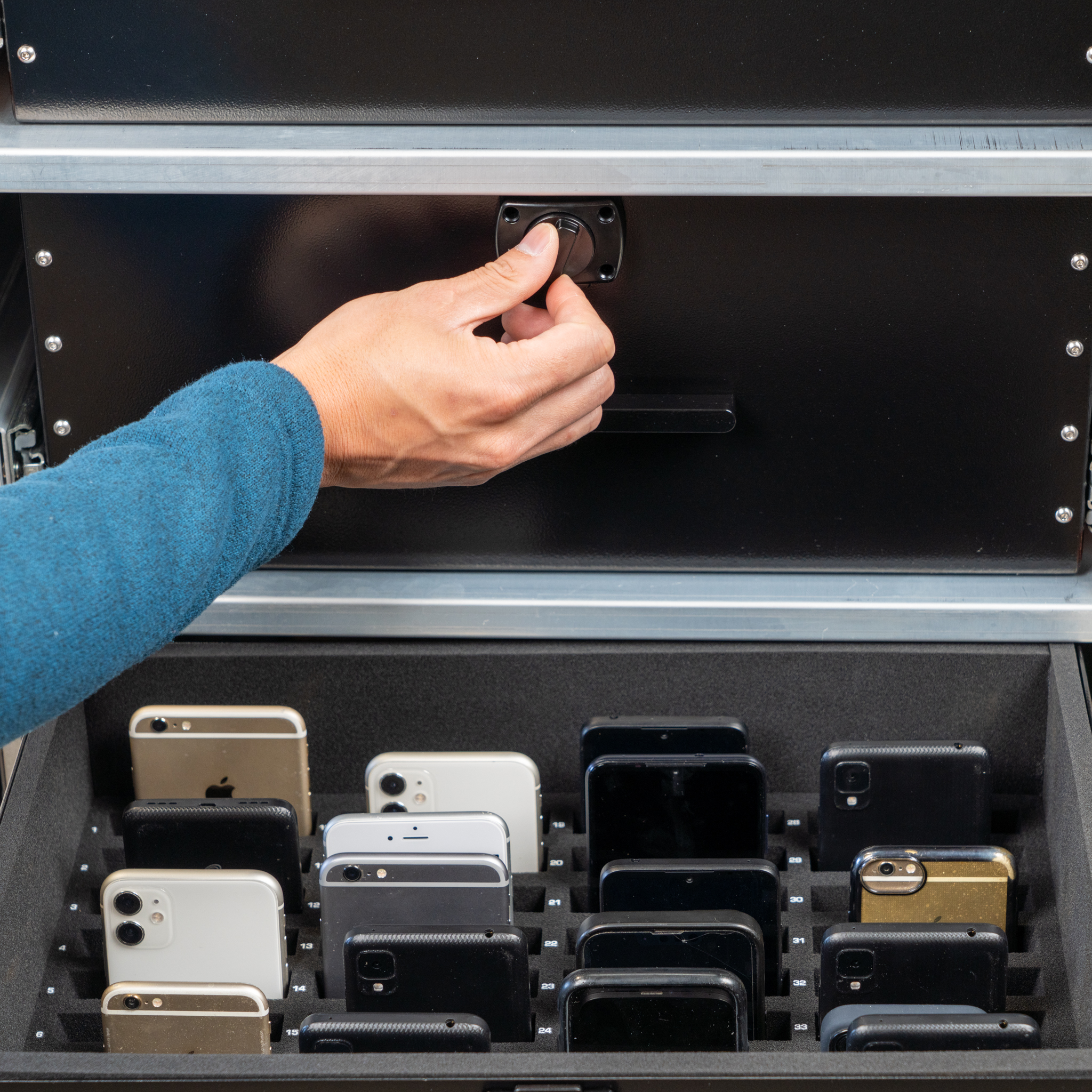
Drawer access, in detail.
Individual drawer latches and a one-drawer-at-a-time interlock support the staff-managed loading routine.
Generation Faraday · Four-drawer Phone Drop Box
A place for every phone. A better start to the day.
Collect up to 144 phones in one staff-managed cabinet. Four drawers, numbered padded spaces and signal-blocking storage bring a clear routine to larger school collections.
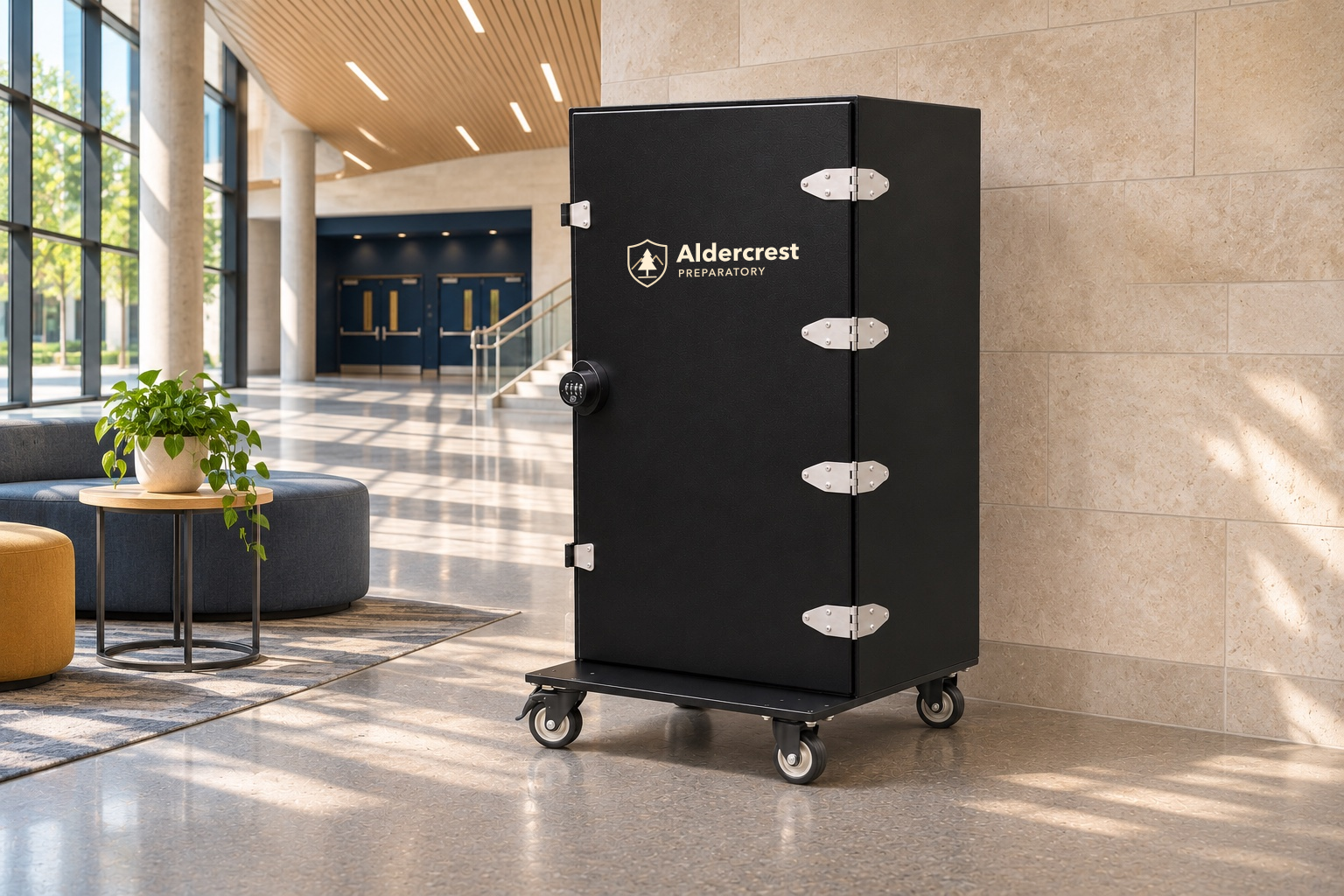
A larger shared collection
Give a larger collection a simple structure: a drawer, a numbered position and a staff-managed return routine.
A closer look
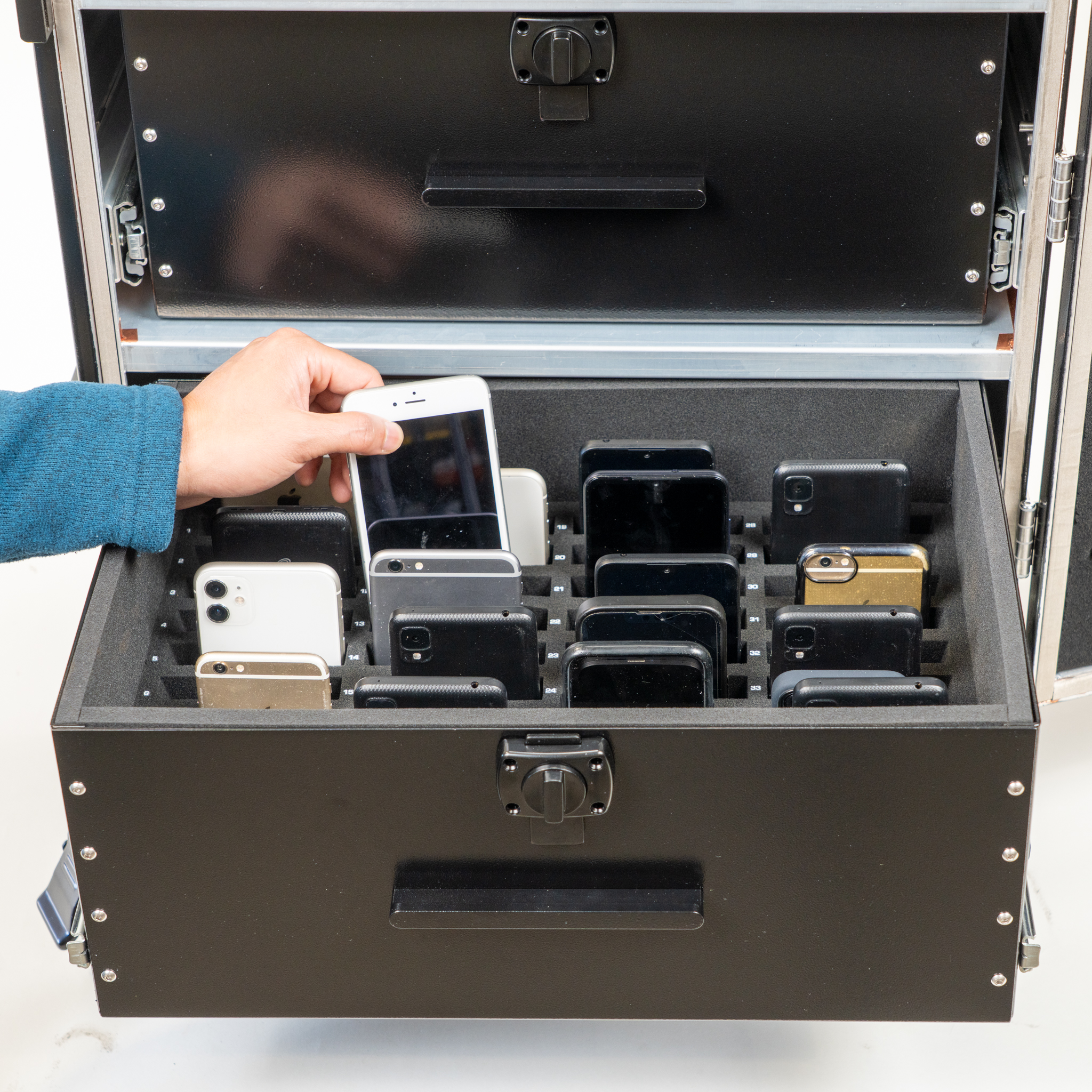
See the real drawer hardware and the four-drawer layout up close.
Individual drawer latches and a one-drawer-at-a-time interlock support the staff-managed loading routine.
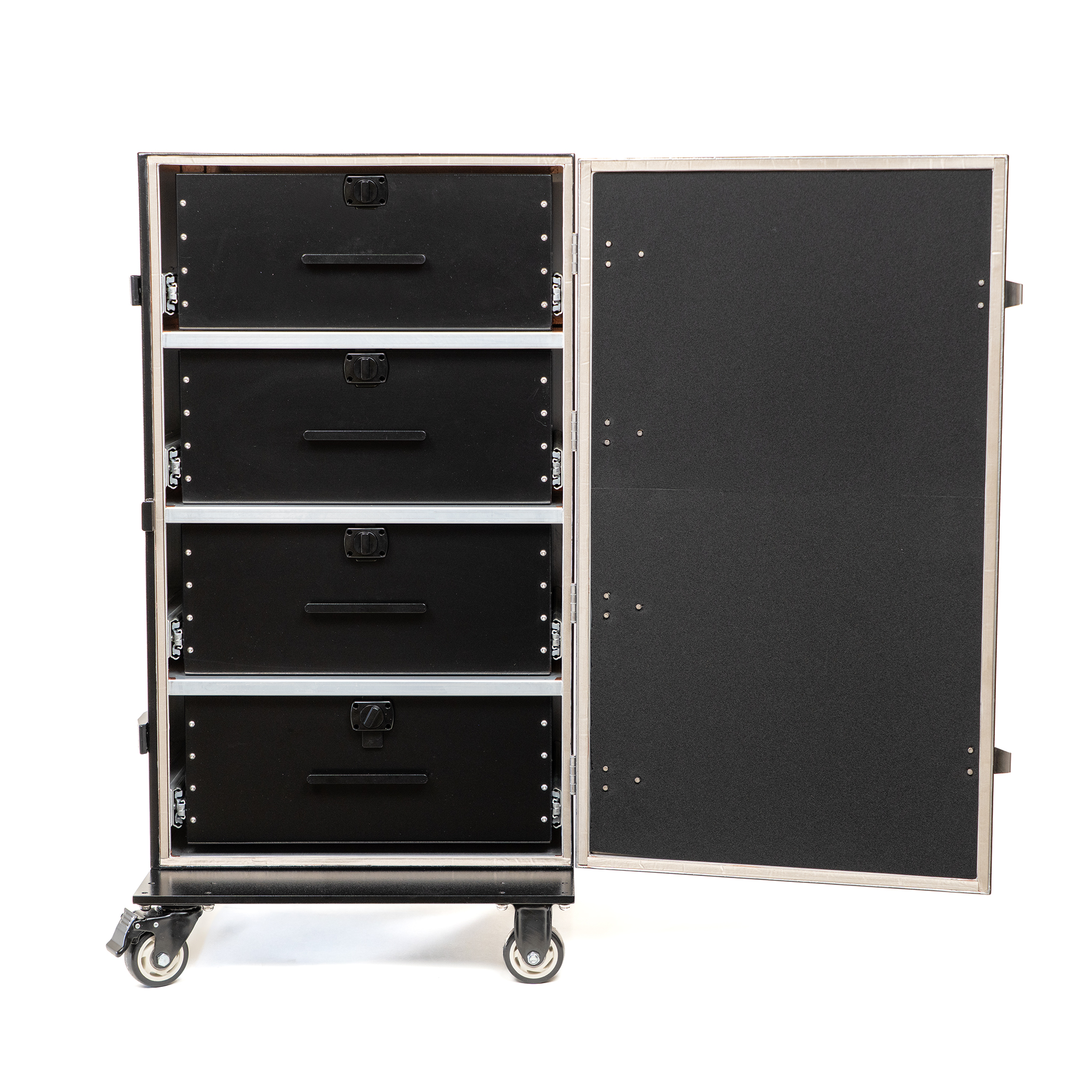
The four-drawer model holds up to 144 phones. A separate two-drawer configuration is available for up to 72.
The daily sequence
Collect by number, close the cabinet correctly and return devices through your school’s planned procedure.
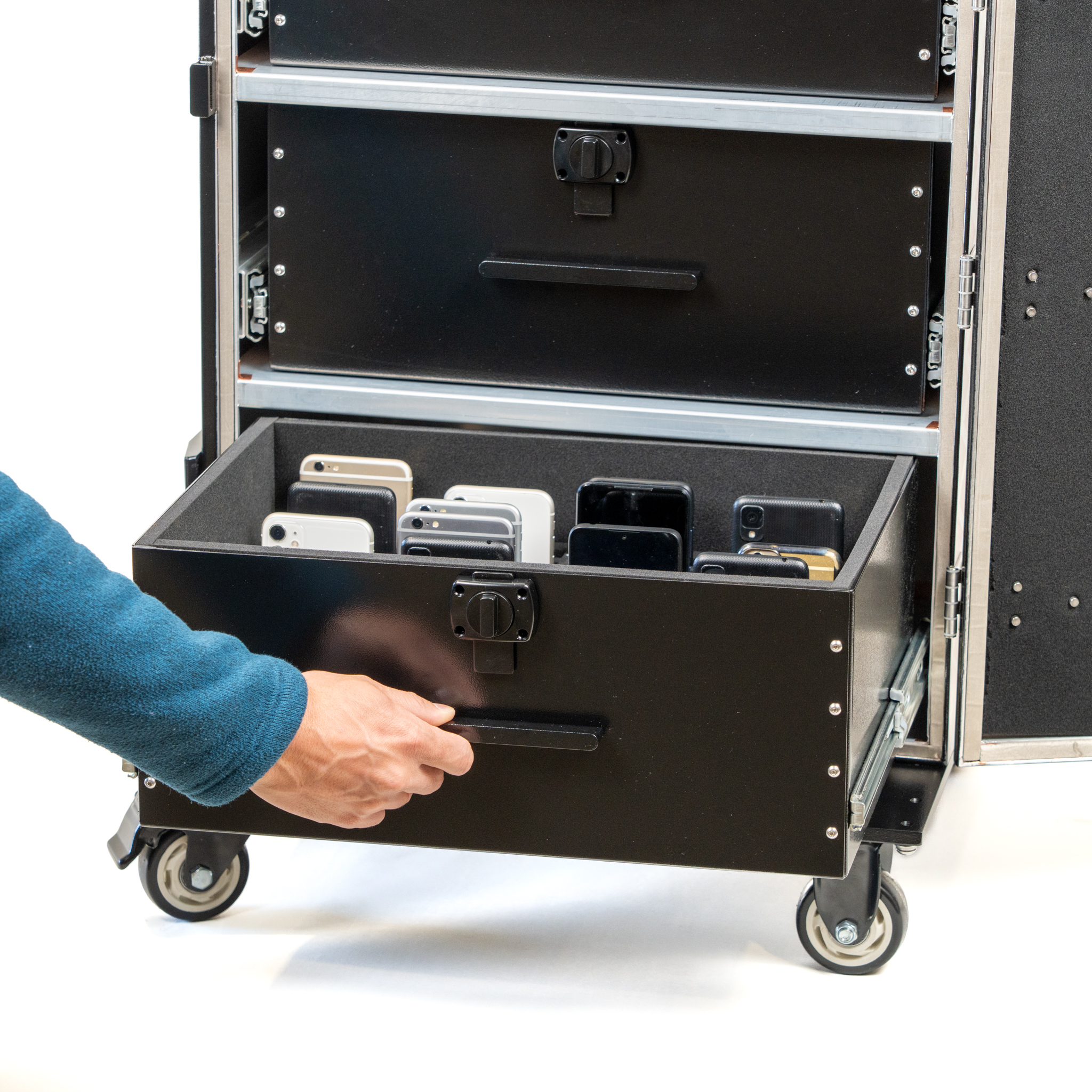
Collect
Position the cabinet, engage the wheel locks and open one drawer at a time. Place each phone in its assigned padded slot.
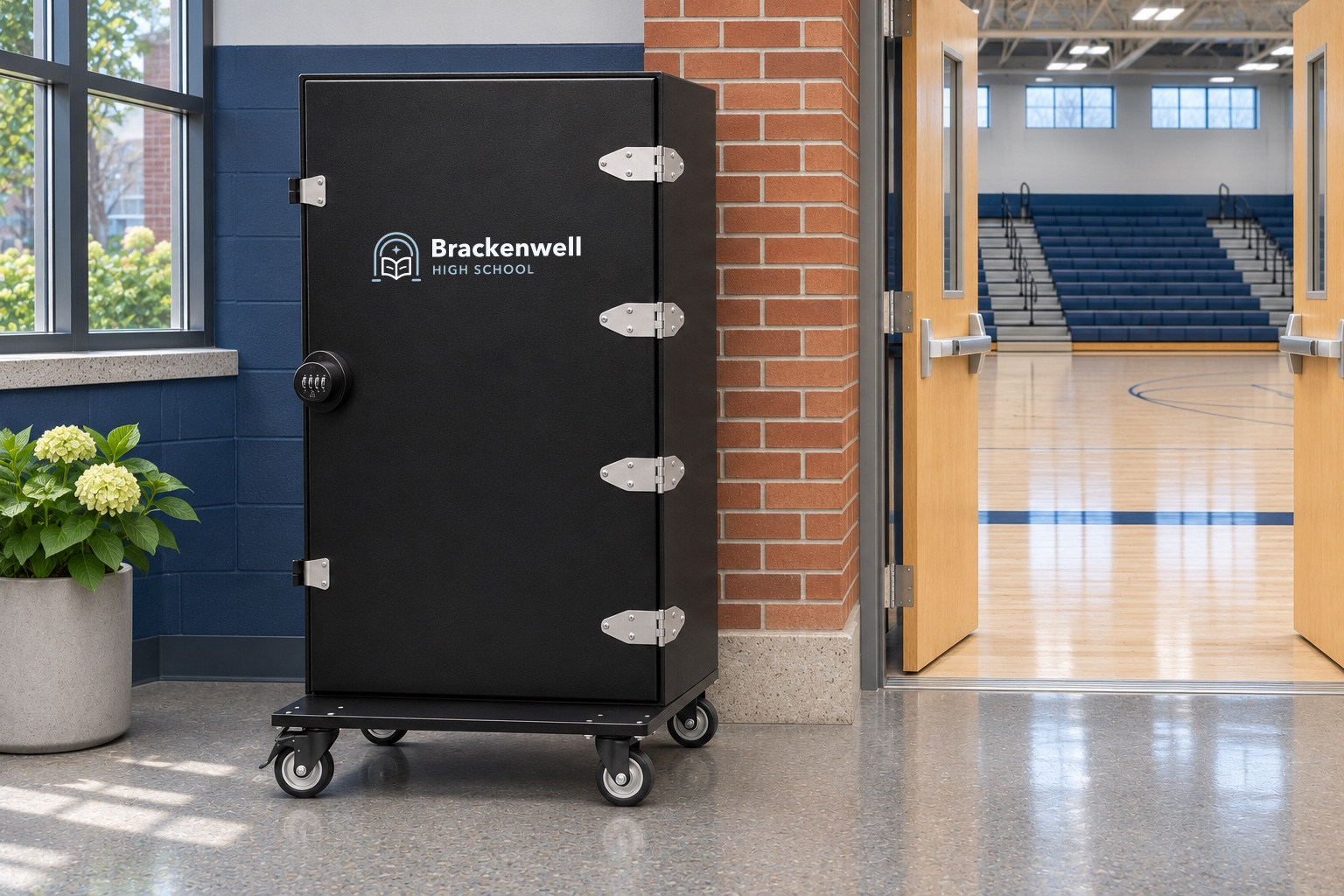
Secure
Close all drawers and the outer door, then engage the side latches as directed. Staff manage access using the cabinet lock.
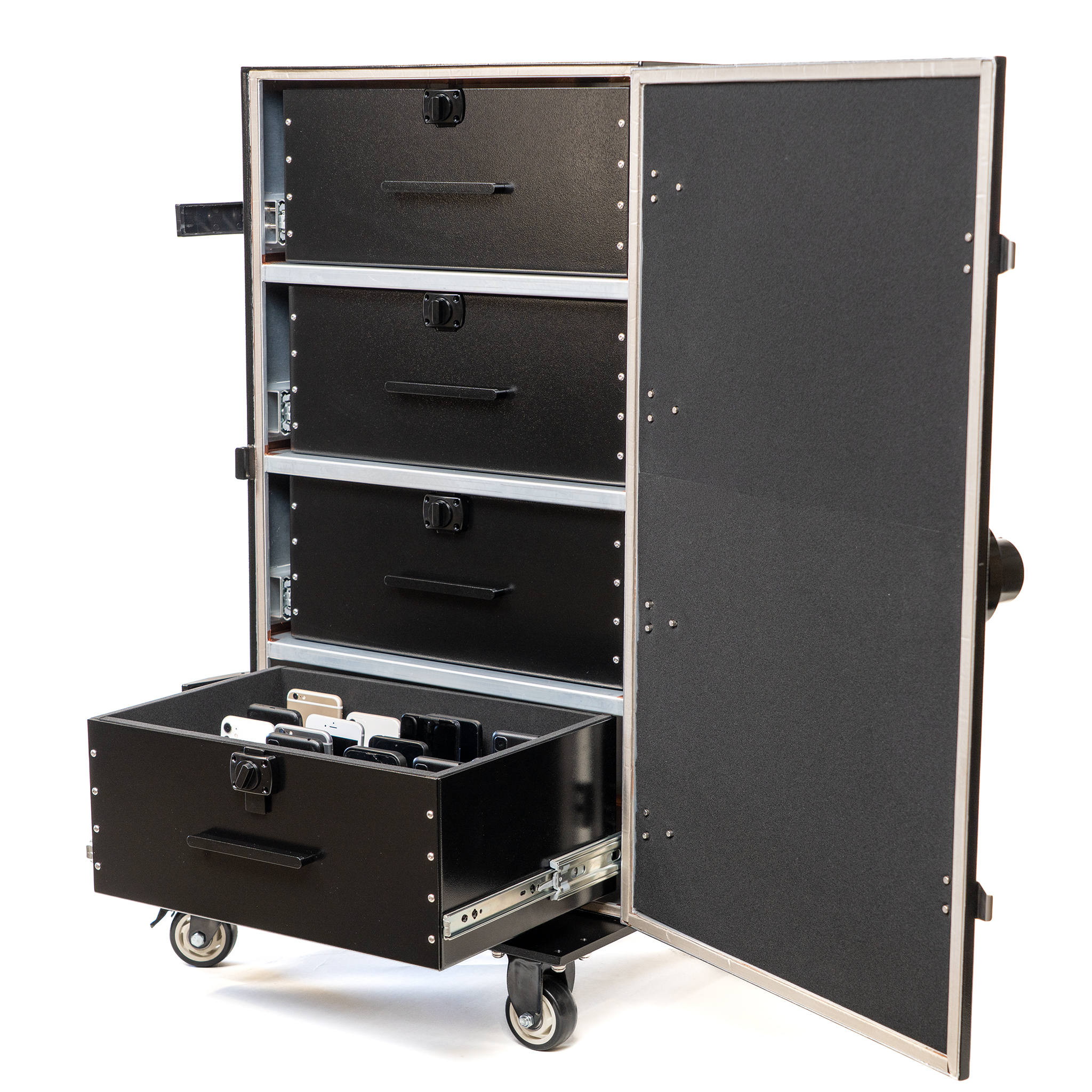
Return
At the planned release time, staff open one drawer at a time and return devices using the school’s assignment procedure.
See how the numbered drawers organize a shared collection during the school day.
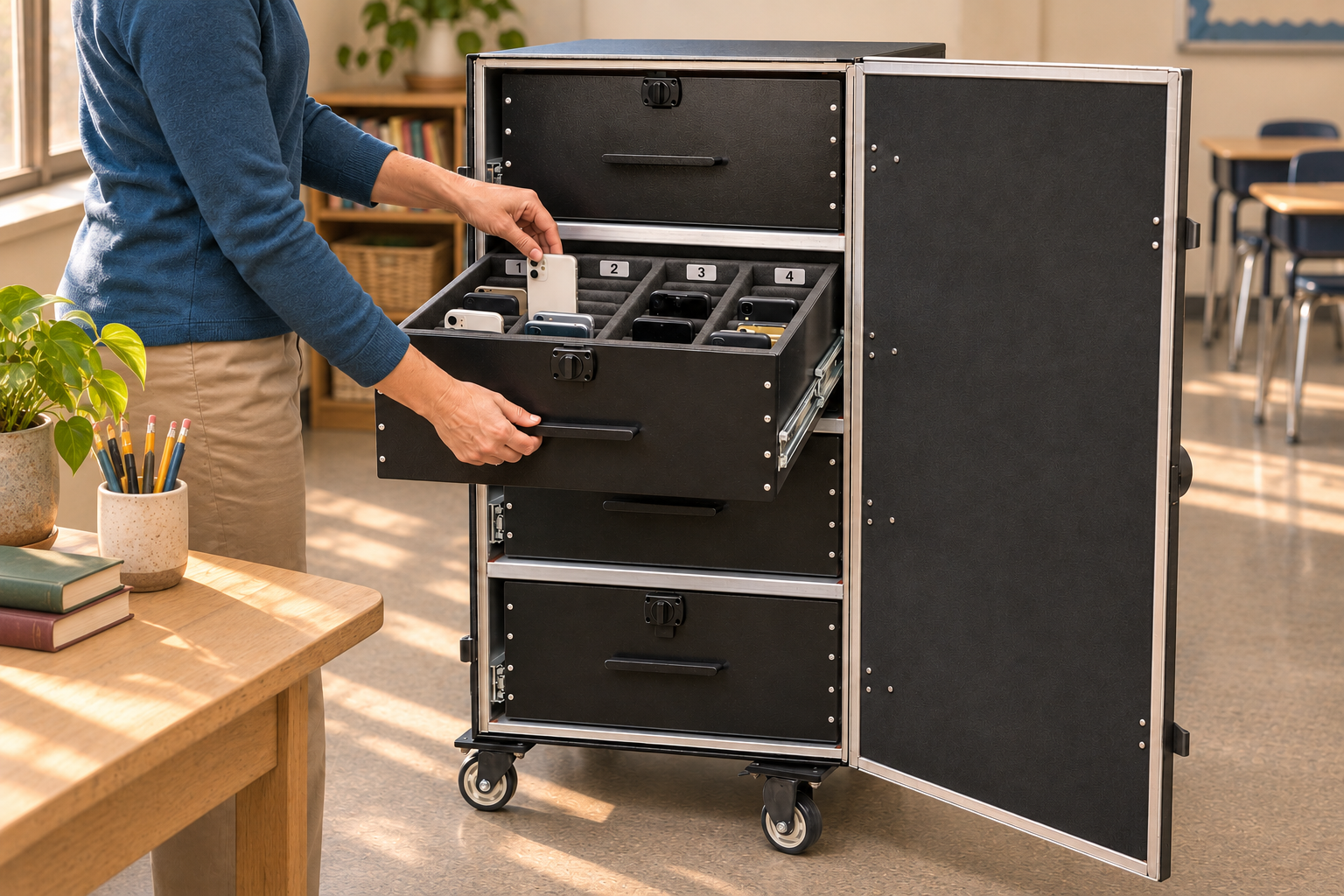
Collection, in context
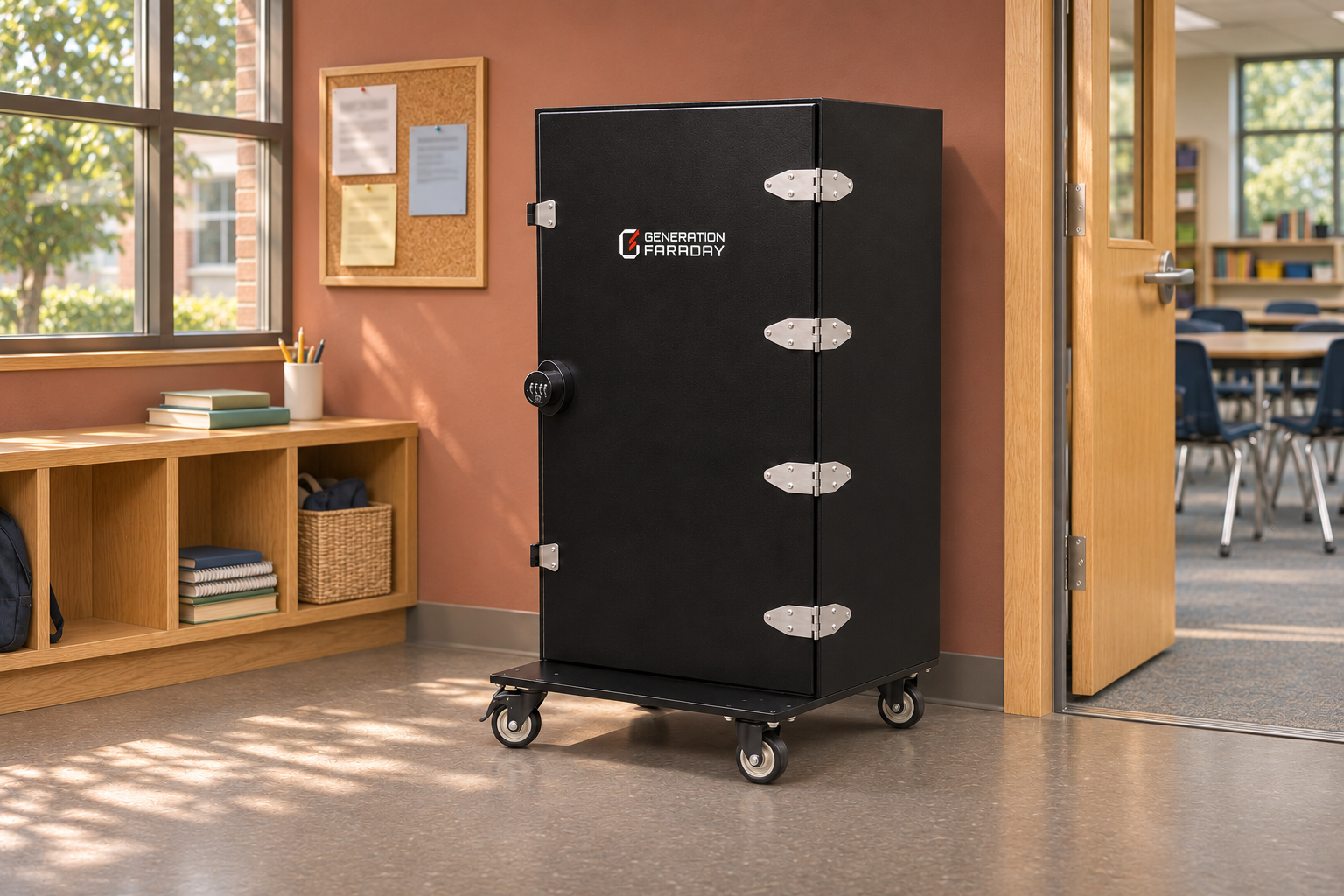
Plan a collection point staff can supervise, with a numbered place for each phone and a clear routine for collection and return.
Wireless isolation requires the cabinet to be properly closed.
Signal blocking, explained
When the outer cabinet is correctly closed and latched, its shielded enclosure isolates the phones’ cellular, Wi-Fi and Bluetooth connections.
Signal blocking isolates wireless connections; it does not turn a phone off. Alarms, timers, and downloaded content can still operate. Follow your school’s access and accommodation procedures.
Optional app workflow
Use the cabinet’s RFID or serial identifier with the Generation Faraday app to find its record and plan student assignments to numbered drawer positions.
Identify the cabinet.Use compatible RFID hardware or enter the serial number.
Organize assignments.Connect the school’s student records with the planned drawer and slot.
Keep staff in control.Use your team’s collection, exception and return procedures.
Reader compatibility and setup depend on your hardware. An RFID identifier does not automatically verify that a phone is inside.
See it in action
The official product demonstration, with the setup guide close at hand.
Choose the scale
Choose the configuration around your device count, available space and staff routine.
Featured configurationFour-drawer cabinet
Four drawers with 36 numbered spaces each. A larger, staff-managed collection point for your school.
Plan a four-drawer setup →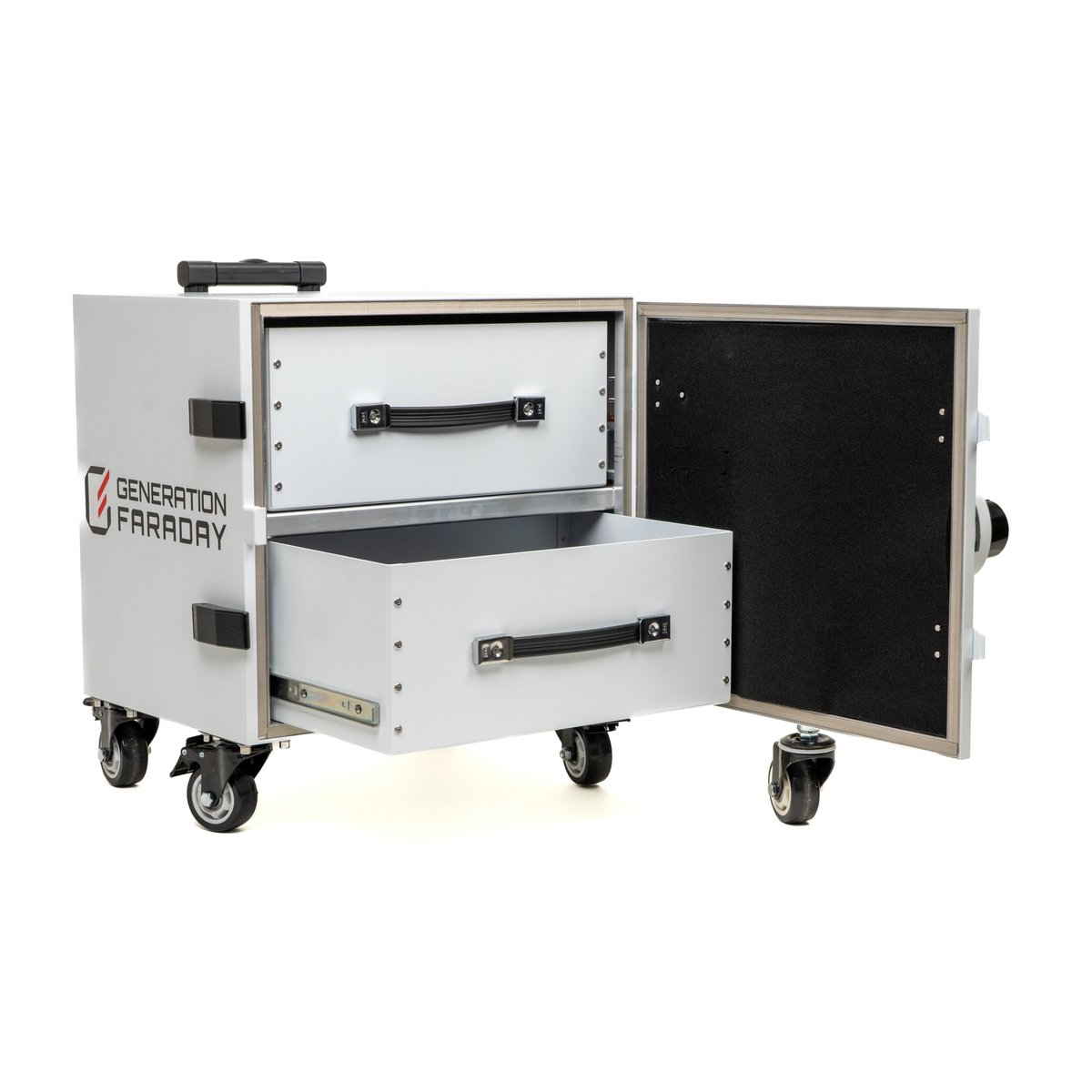 Smaller collection point
Two-drawer alternative
Two drawers with 36 numbered spaces each. Explore the separate listing for this smaller configuration.
Explore the two-drawer model →The two-drawer reference shows the official silver/white configuration. Confirm current finish, fit, availability and included equipment in your quote.
Choose an exterior finish or preview school branding on the four-drawer Phone Drop Box.
From planning to the first collection
Define the collection groups, staff access and location before rollout.
Assign a drawer or numbered range through the school’s chosen procedure.
Decide who manages the lock, latches and approved early returns.
Confirm clearances, the level standing point and movement only with drawers closed.
| Capacity | Up to 144 phones / 4 drawers |
|---|---|
| Per drawer | 36 numbered spaces |
| Alternative | 72-phone / 2-drawer configuration |
| Signal blocking | Close the cabinet correctly |
| Dimensions | 39 × 20 × 23 in |
| Weight | 150 lb / 68 kg |
| SKU | GFSA-PSV-4 |
Use a level surface and engage wheel locks before loading.
Close each drawer fully before opening another. Do not force the interlock.
Keep drawers closed during movement and close the outer cabinet as instructed for isolation.
Use the complete cabinet closure: all drawers closed, the outer door fully closed and side latches engaged as instructed. Closing one drawer alone is not the isolation procedure.
No. Signal blocking isolates wireless connections. Alarms, timers and other offline functions may still operate.
The cabinet’s anti-tilt interlock permits one drawer at a time. Close one fully before opening another and keep the interlock intact.
Charging is not a listed capability of this product. Plan it as managed phone collection and signal-blocking storage.
Device quantities and fit, the collection location, staff access, movement route, current finish, included equipment and the app workflow you want to use. Your quote confirms the supplied configuration.
Build your setup
Use the Drop Box where a larger shared collection makes sense, then choose the right routine for other rooms and student groups.
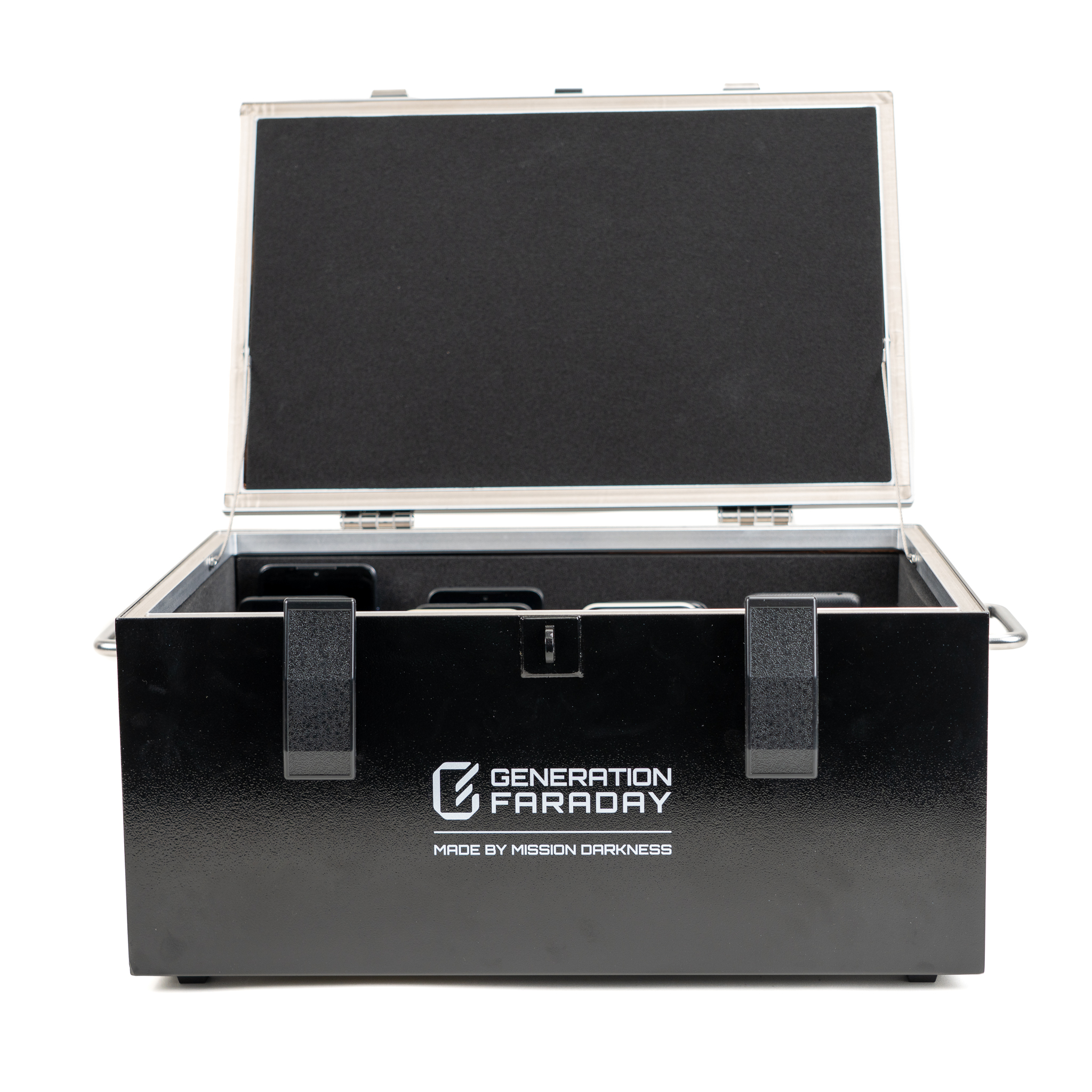
Add a separate 36-phone collection point for classrooms that need signal isolation. Plan one shared routine per room.
View product →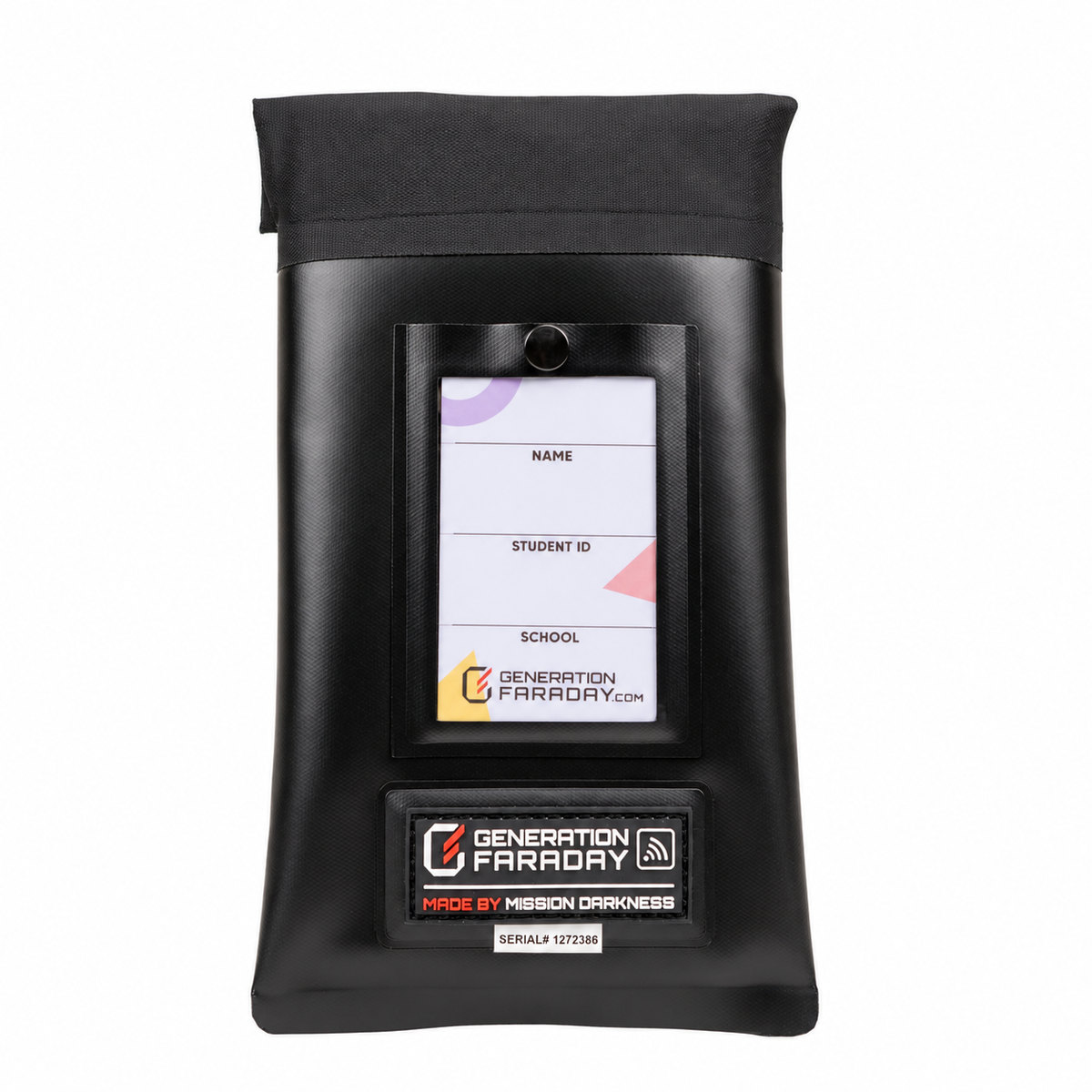
Add staff-controlled locking bags for groups that keep phones with the student. Plan compatible release tools with the bags.
View product →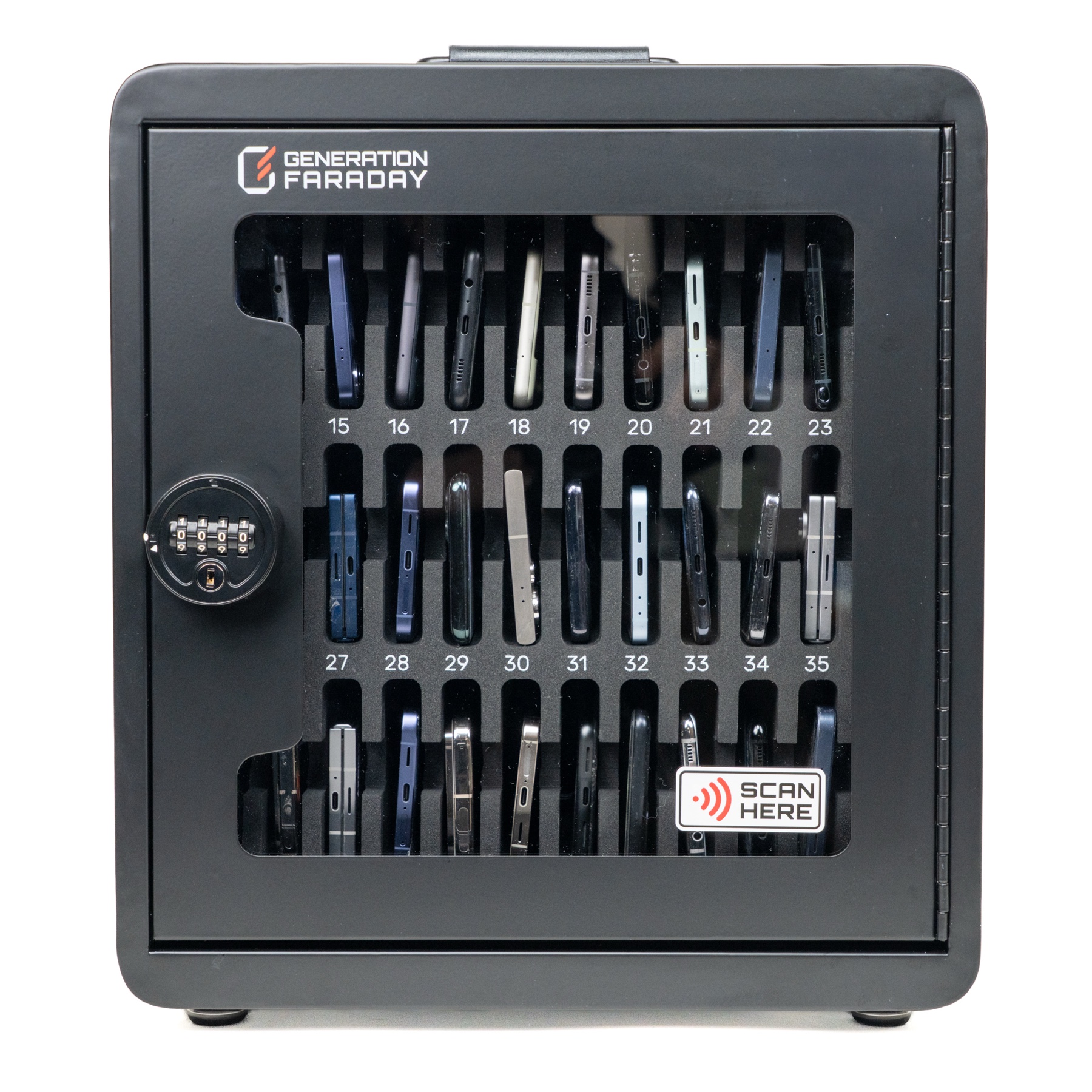
For rooms that want 36 numbered front-loading spaces without signal blocking. A different storage approach for another part of the school.
View product →Build your school’s collection plan
Tell us your device count, collection location and staff routine. We’ll help scope the right configuration and a practical rollout.