

Generation Faraday · Shielded storage
The Shielded Box.
For phones,
laptops and other devices.
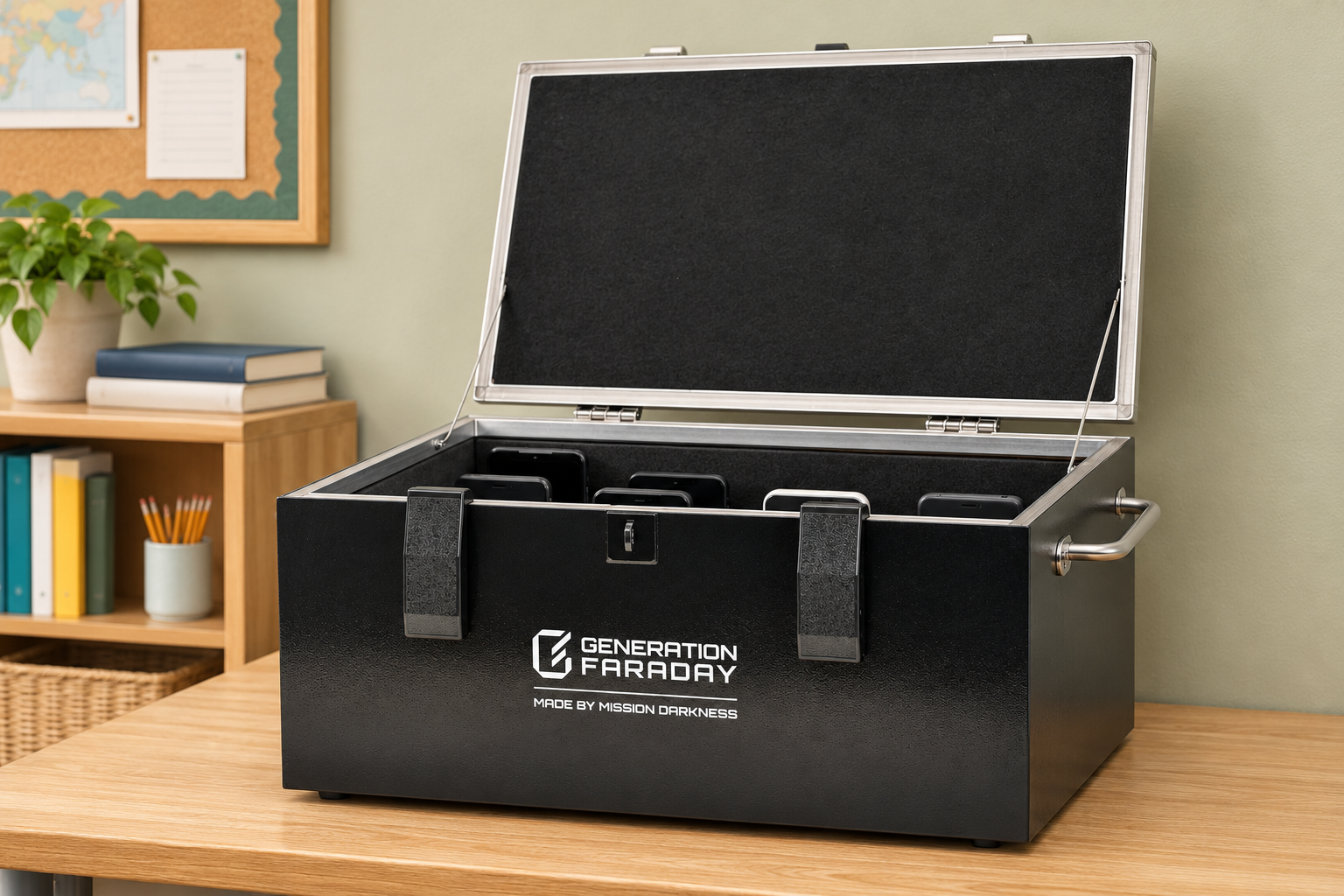
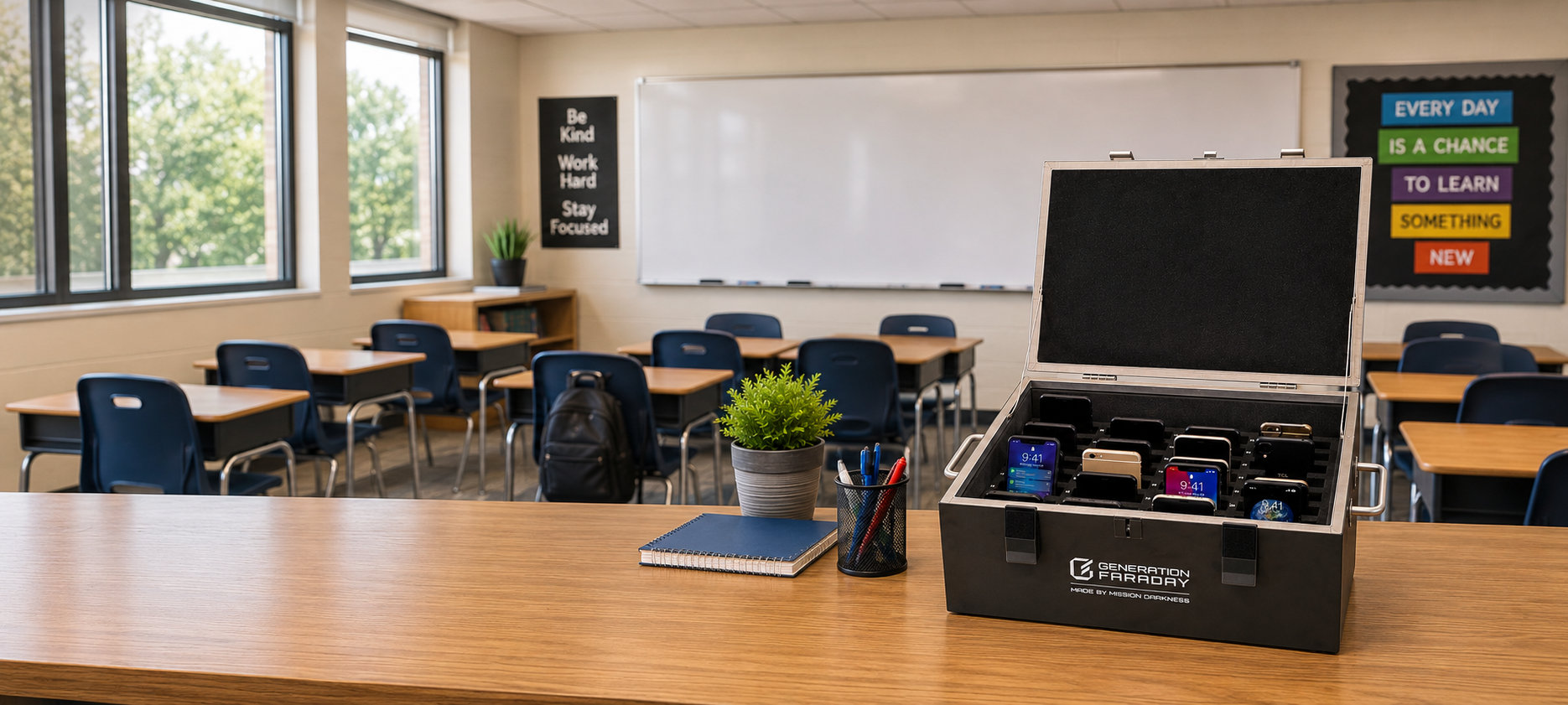
Choose 36 numbered phone spaces or a foam-lined interior for larger devices. Fully close the lid to block wireless signals.
For a classroom, a testing room, or a district-wide rollout.
Desktop box or mobile cart
Choose your shielded storage.
Choose a desktop box for a classroom or a mobile cart for larger phone collections. The desktop box comes with numbered phone spaces or an open interior for larger devices.
Both isolate wireless signals when properly closed. Close the desktop lid; for the cart, close every drawer and the outer door, then engage its side latches.
Configure the desktop box
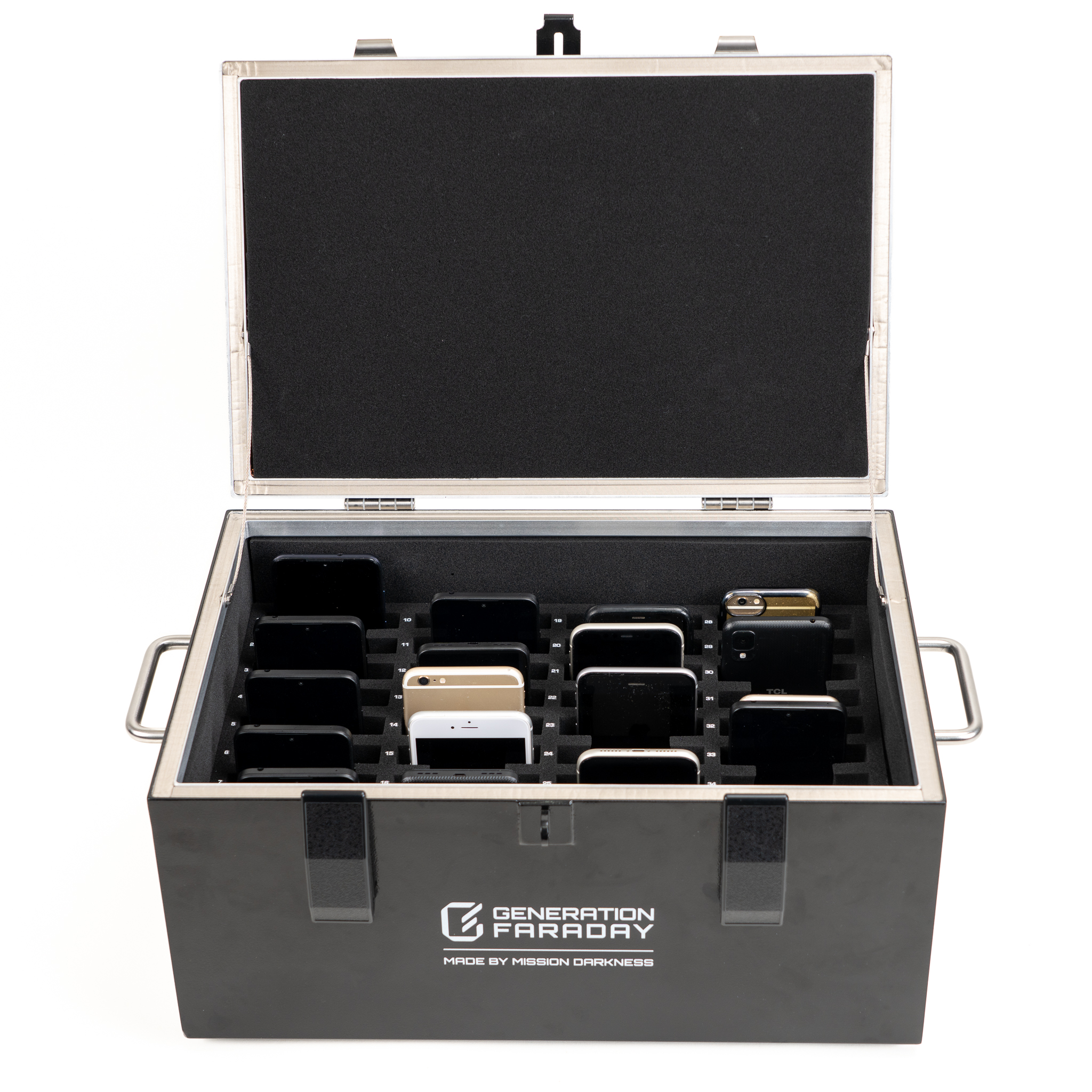
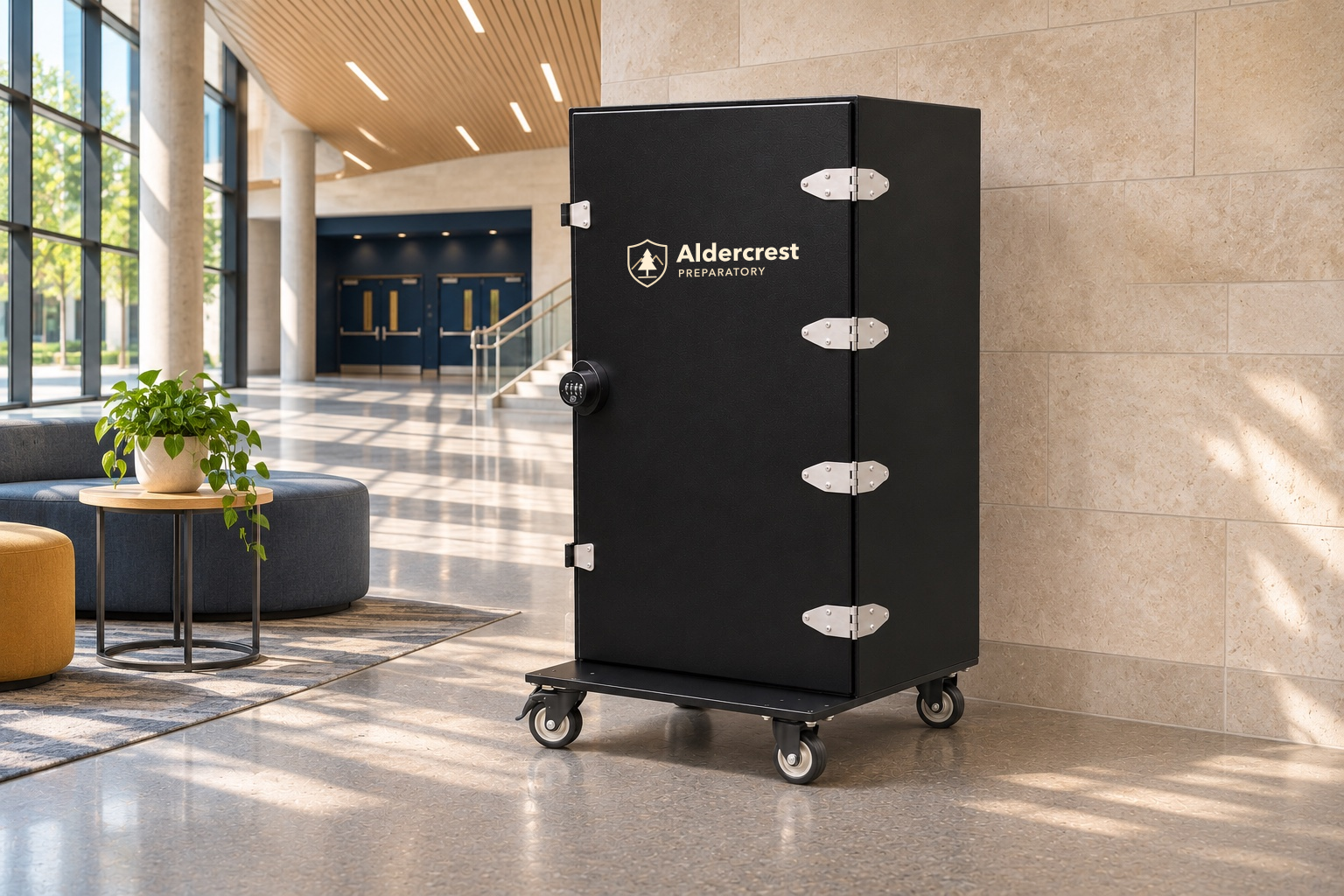
Black is standard. Other powder-coated colors are made on request for either interior. Ask about custom colors or a school logo
School branding examples
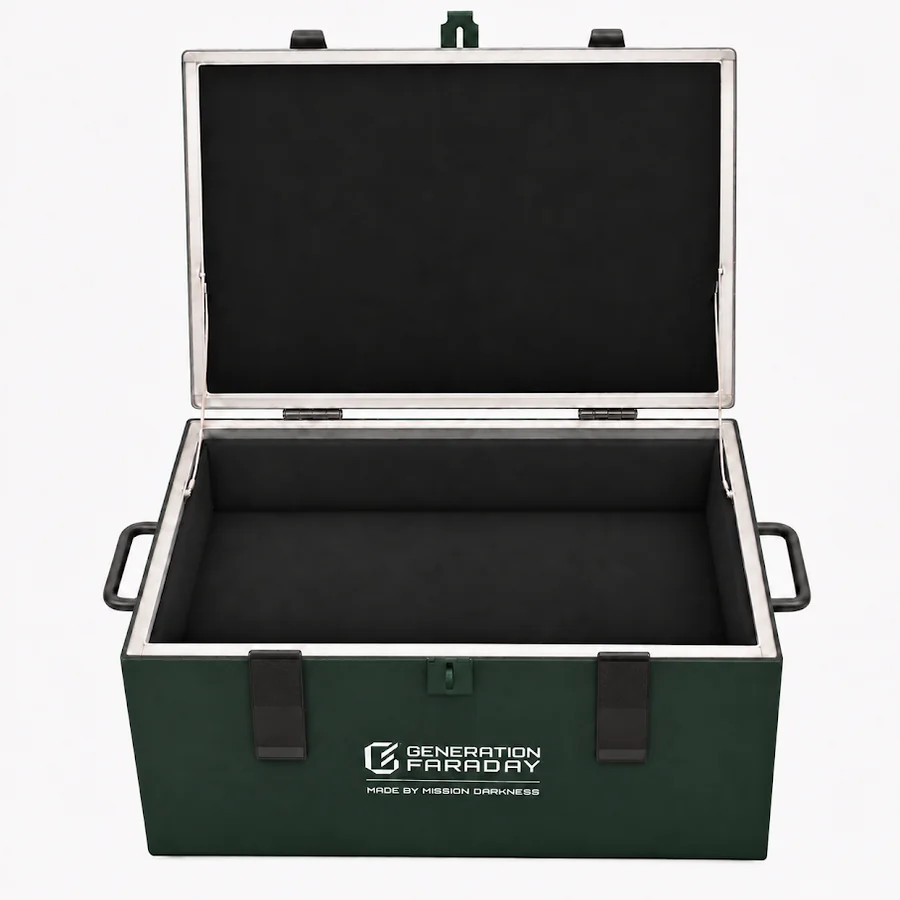

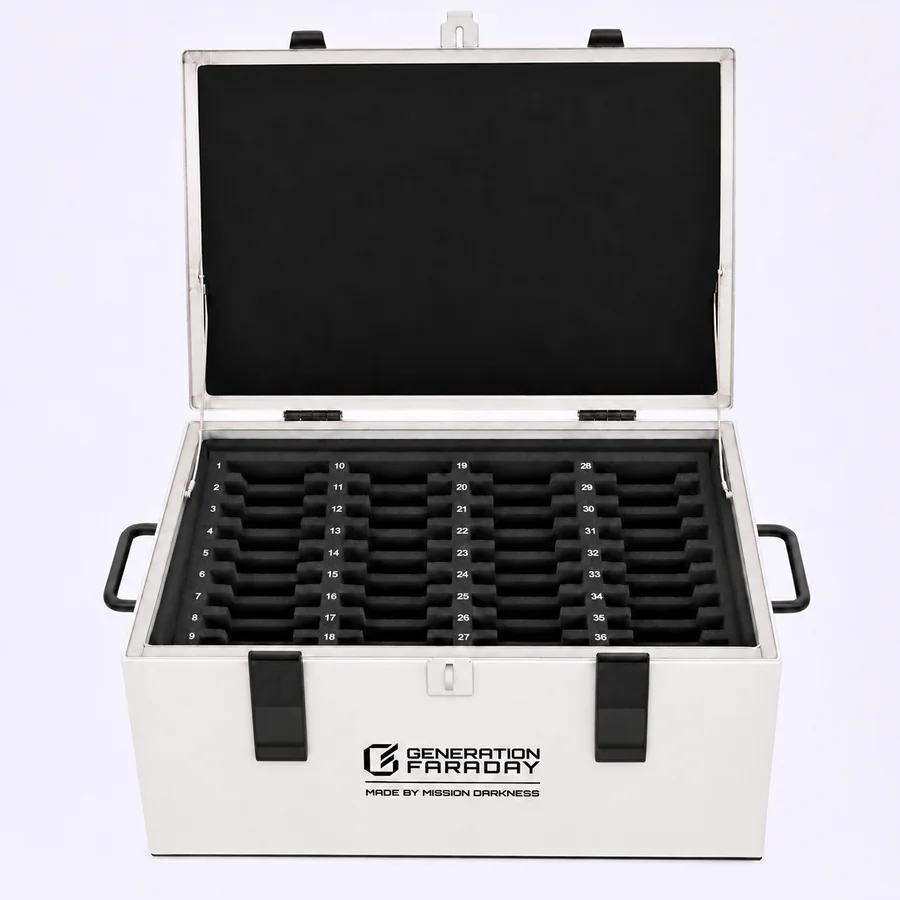

Explore the desktop Shielded Box with phone divider
Explore the full venue cart listing See cart colors and school brandingOpen foam-lined interior
Shielded storage for laptops and larger devices
The open compartment fits laptops up to 16 inches. Soft foam on the side walls and bottom cushions devices when you set them inside. Fully close the lid to block wireless signals.
Ask about the open-interior box- Usable interior
- 16.9 × 10.9 × 7 in
- Laptop fit
- Up to 16 in. Check your device’s outside dimensions, including any case.
- Interior lining
- Soft foam along the sides and base
- Exterior
- Black standard, other powder-coated colors made on request
The 36-phone divider in use
See how classrooms collect, assign and return phones with the numbered insert.
Designed for the room
Make space for
the school day.
A place at the front of the room. A numbered space for each phone. A familiar start to class that helps everyone get on with being there.
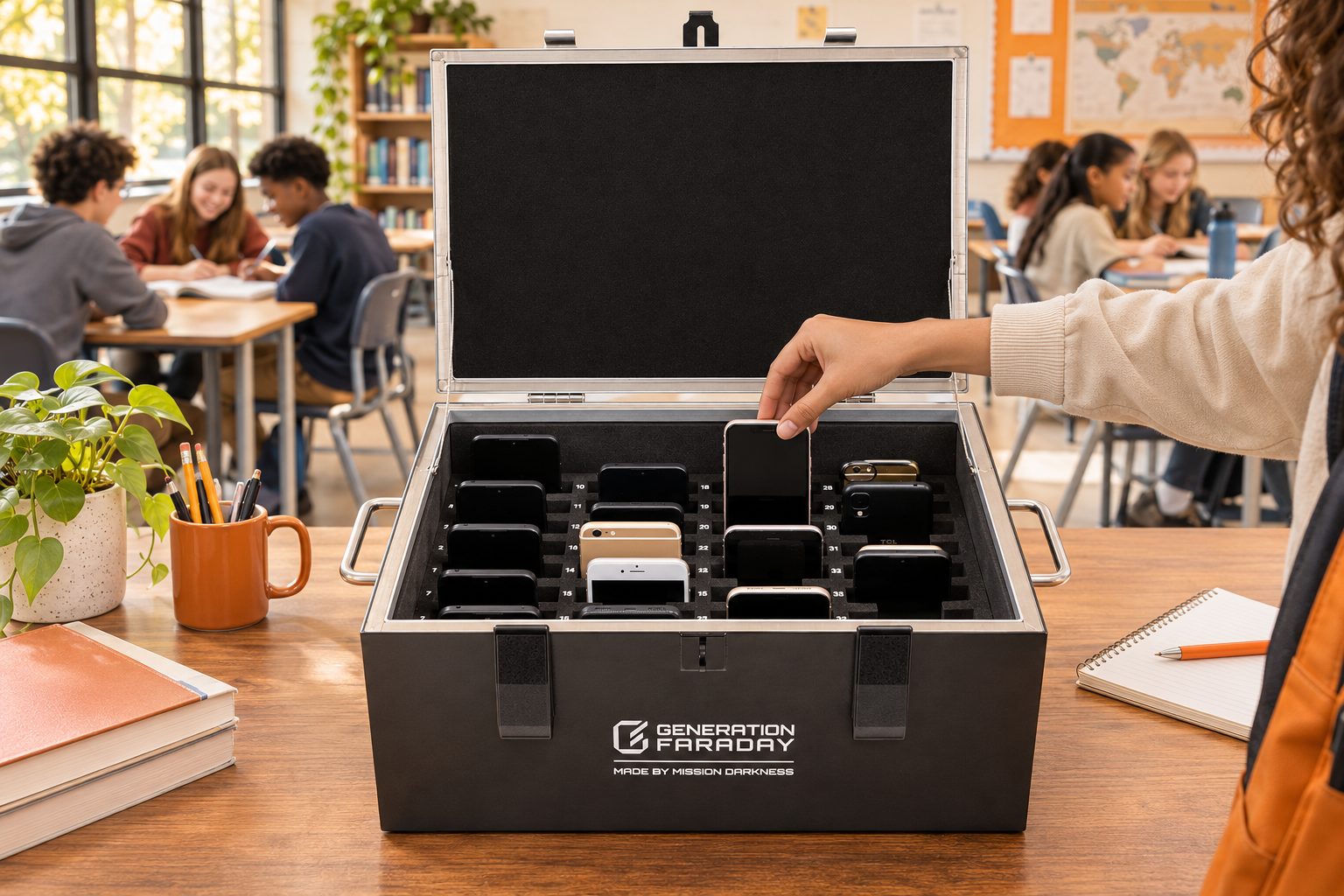
Bring attention back.
Students place phones in their assigned spaces. Staff keep the box in a planned location and manage access throughout the day.
See how we support your rolloutOne routine. Three moments.
A clear beginning.
An easy return.
Set the expectation once. Repeat it each day. Explore how collection, signal isolation, and return fit together.
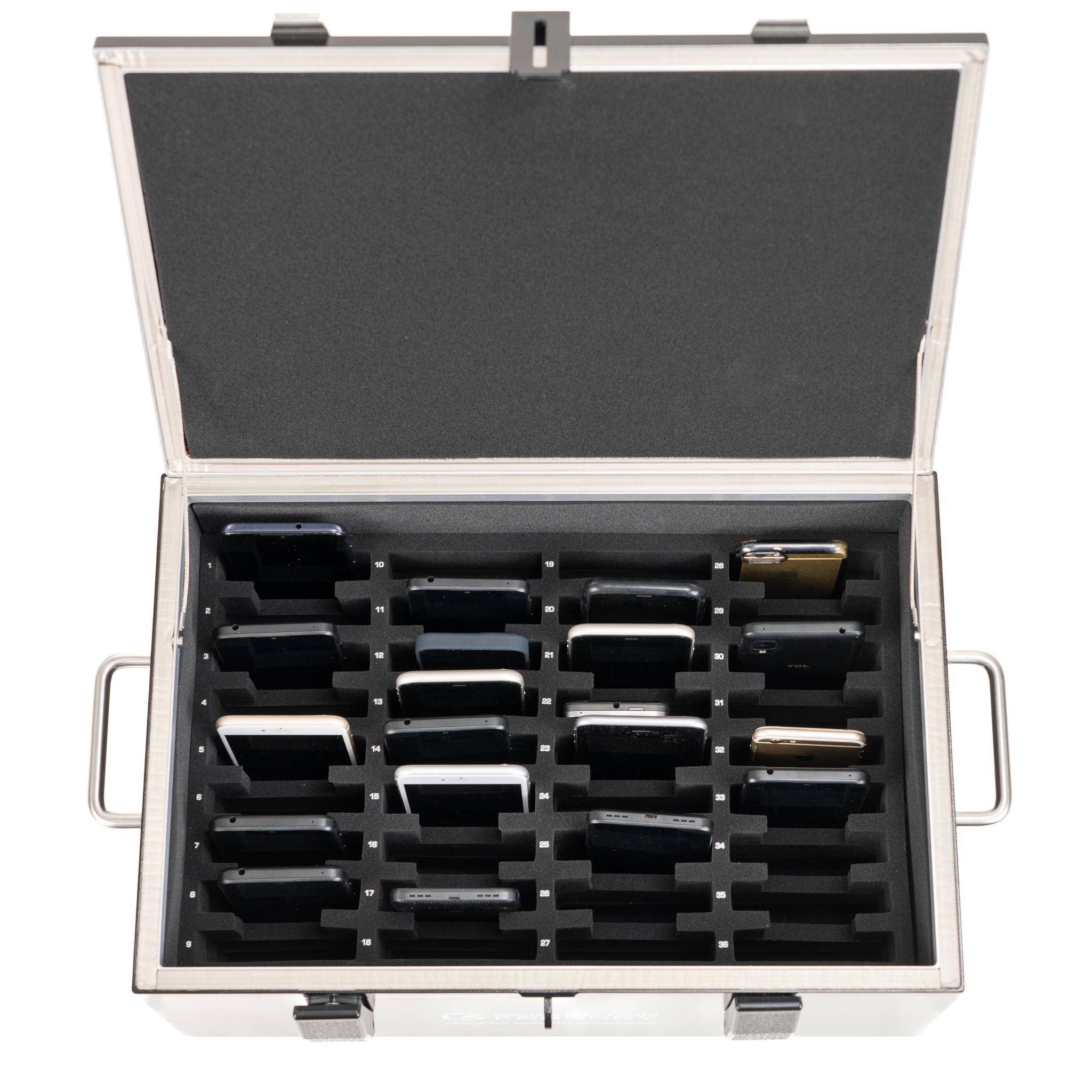
Collect: place phones in their numbered spaces.
Purpose in every detail
Built around
what schools need.
The right storage makes the routine easier. Give each phone a place, cushion it during collection, and keep access with your staff.
 01
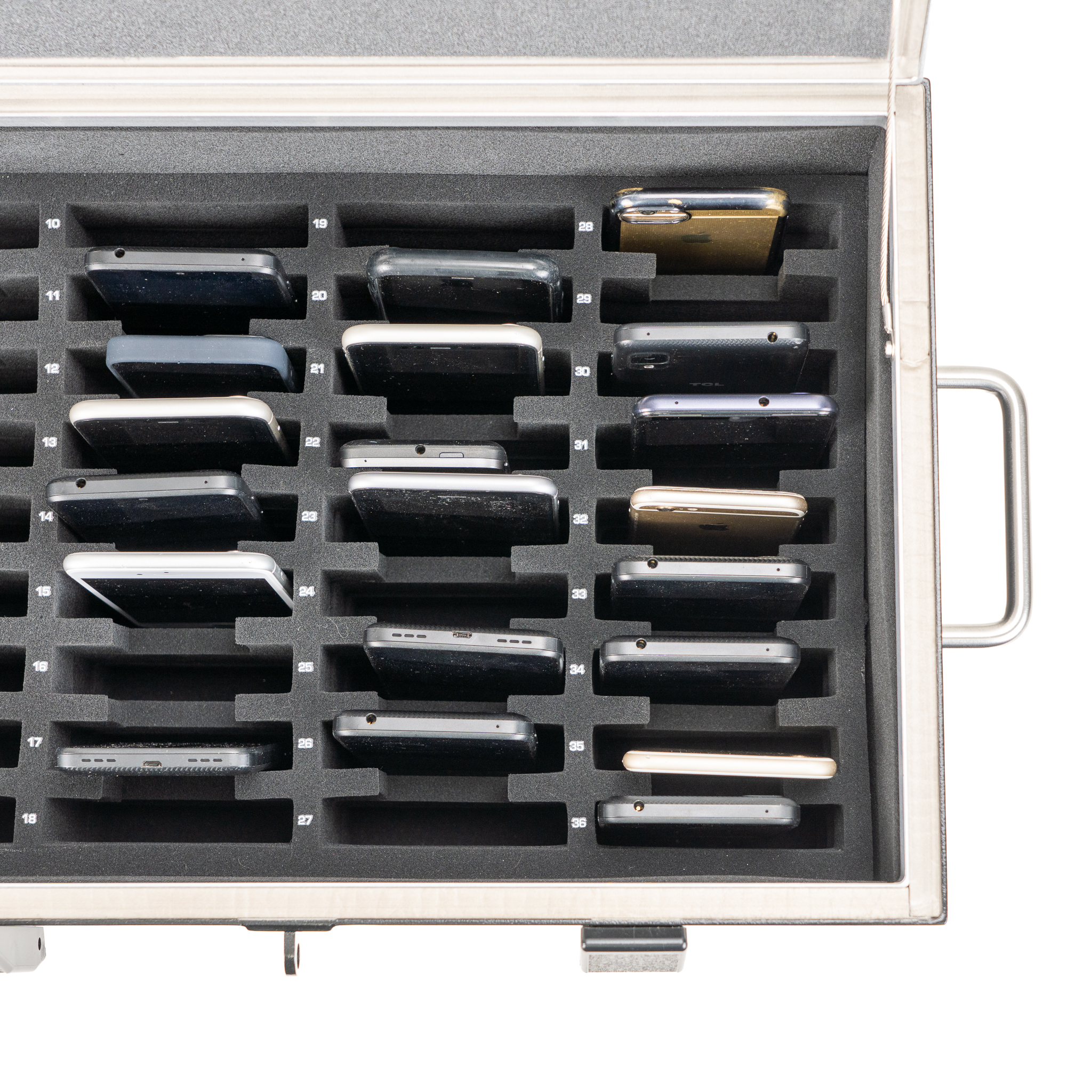
A number. A place.
36 individual spaces make the collection and return routine easy to follow.
 02
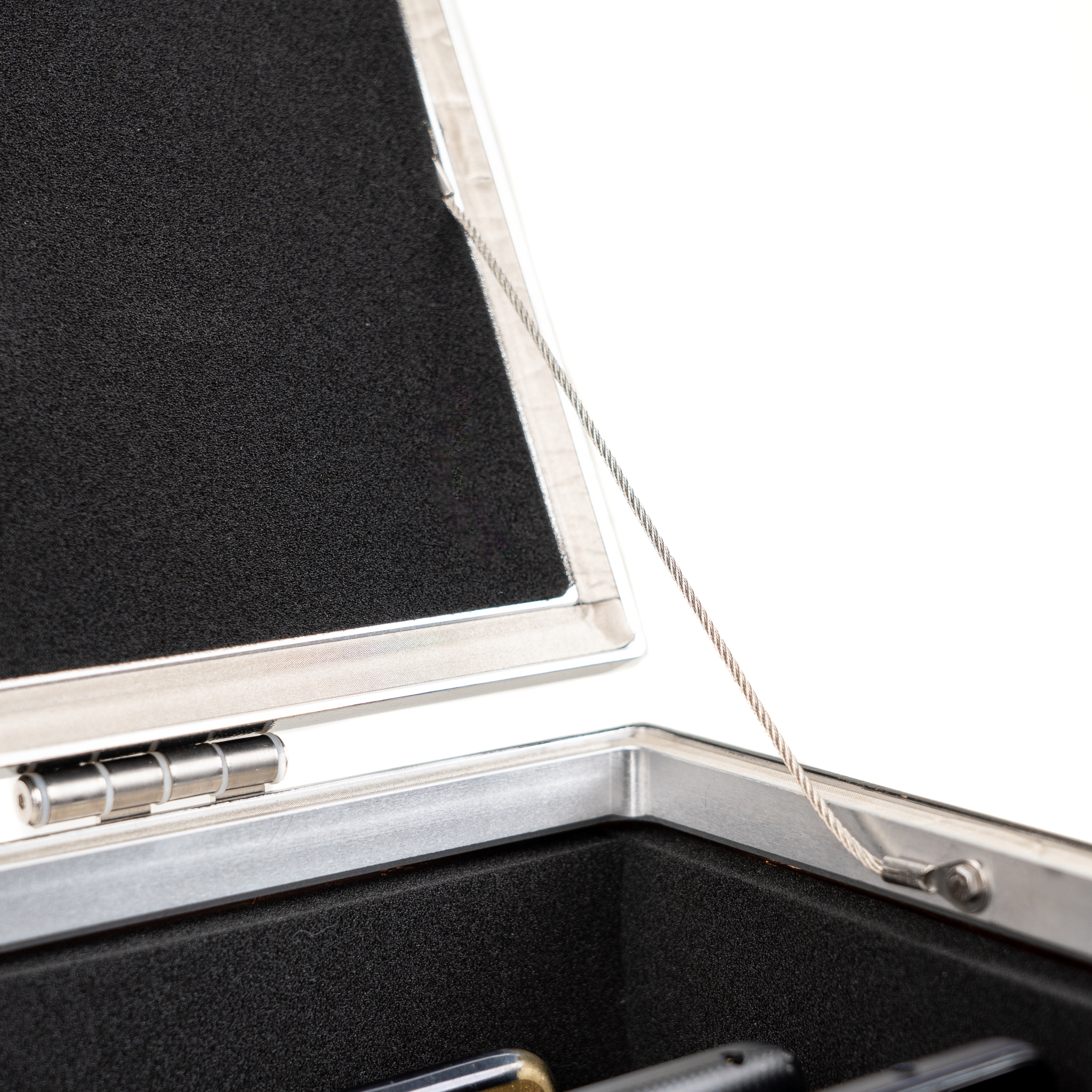
Protected on the inside.
Foam compartments and a felt-lined interior give collected phones a cushioned home.
 03
Access stays with staff.
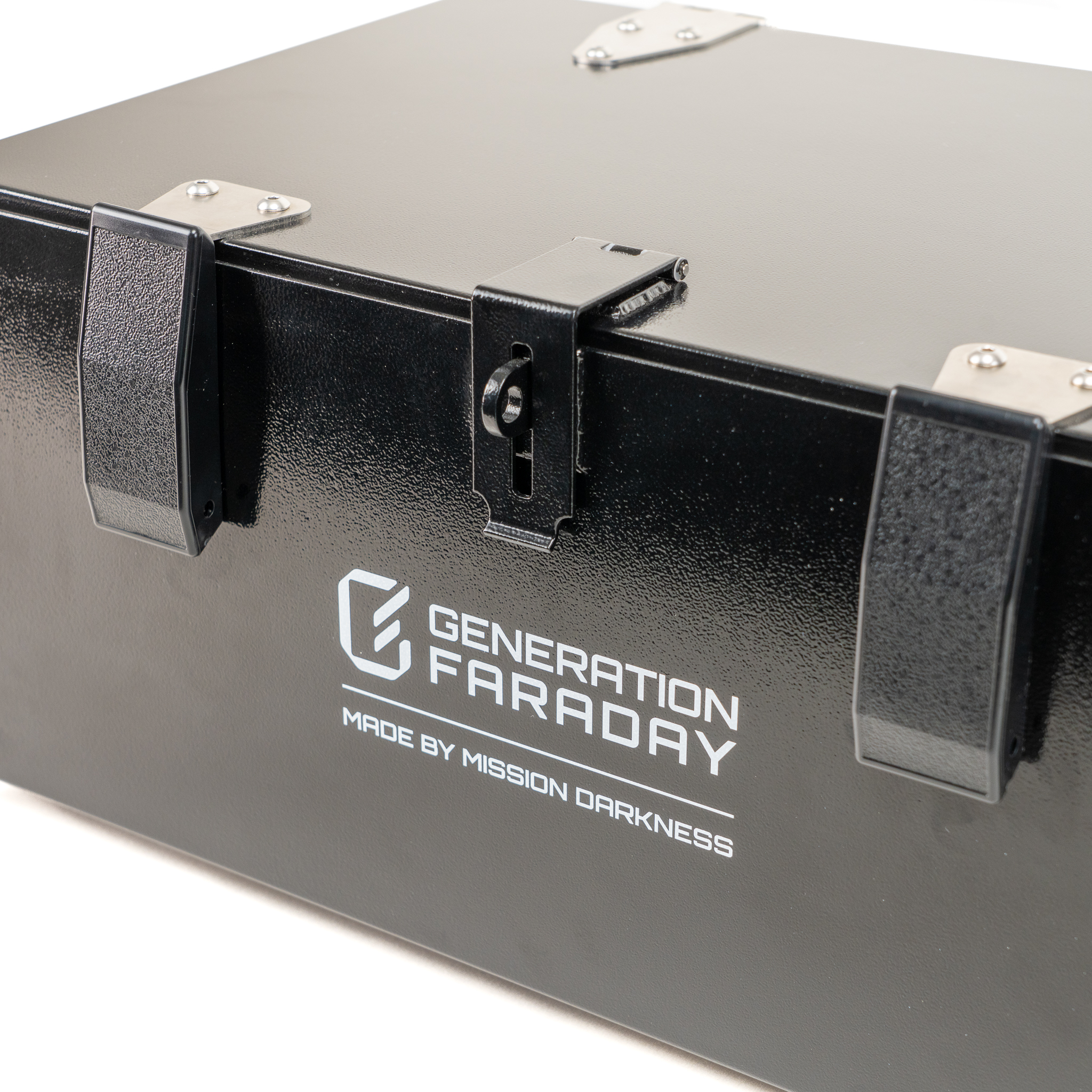
A lid latch accepts a compatible padlock. Plan who holds access and how exceptions are handled.
Dual side handles help staff position the box where the room’s collection routine works best.
Size & weightThe physical box. A digital record.
Scan it.
Make it your room’s.
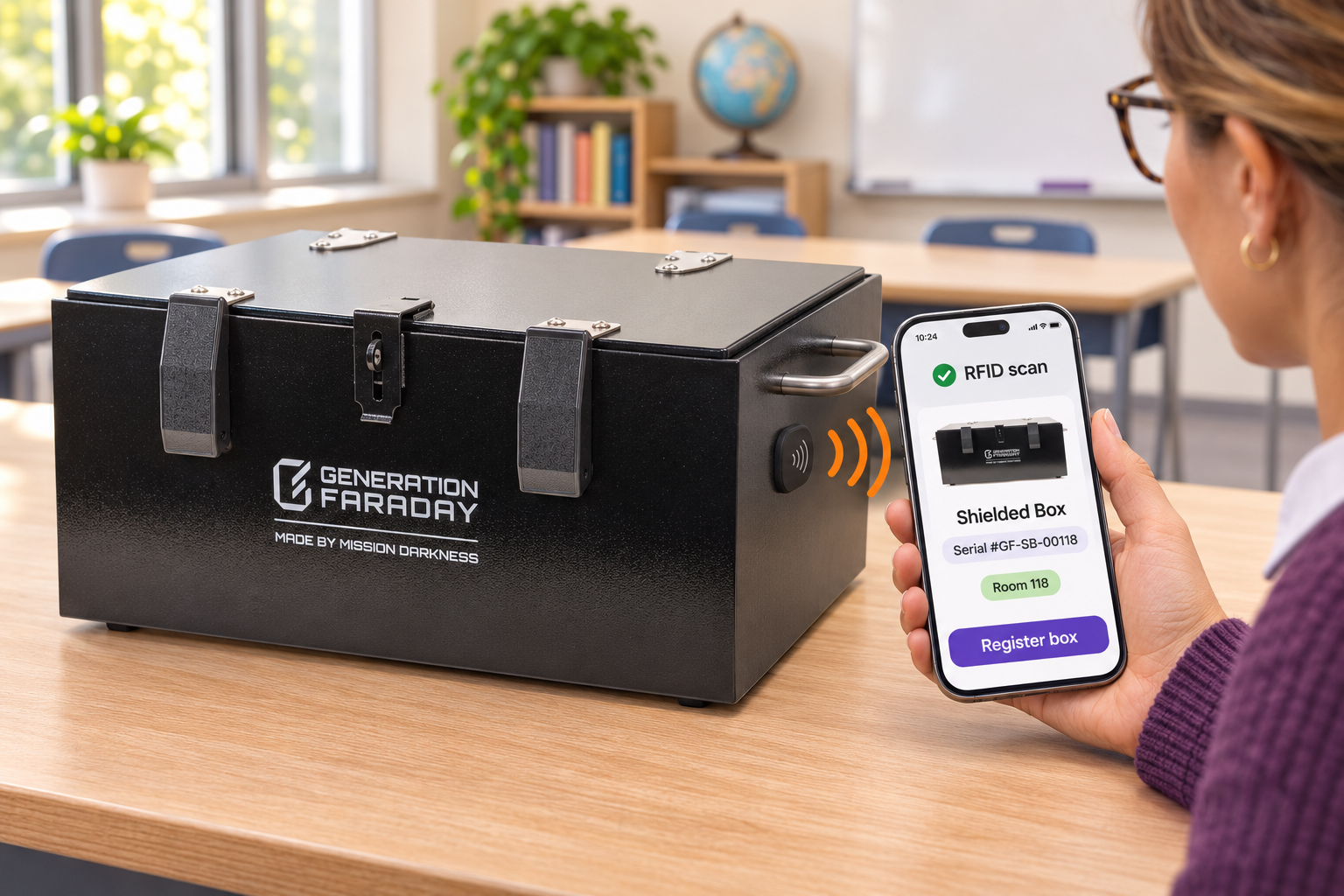
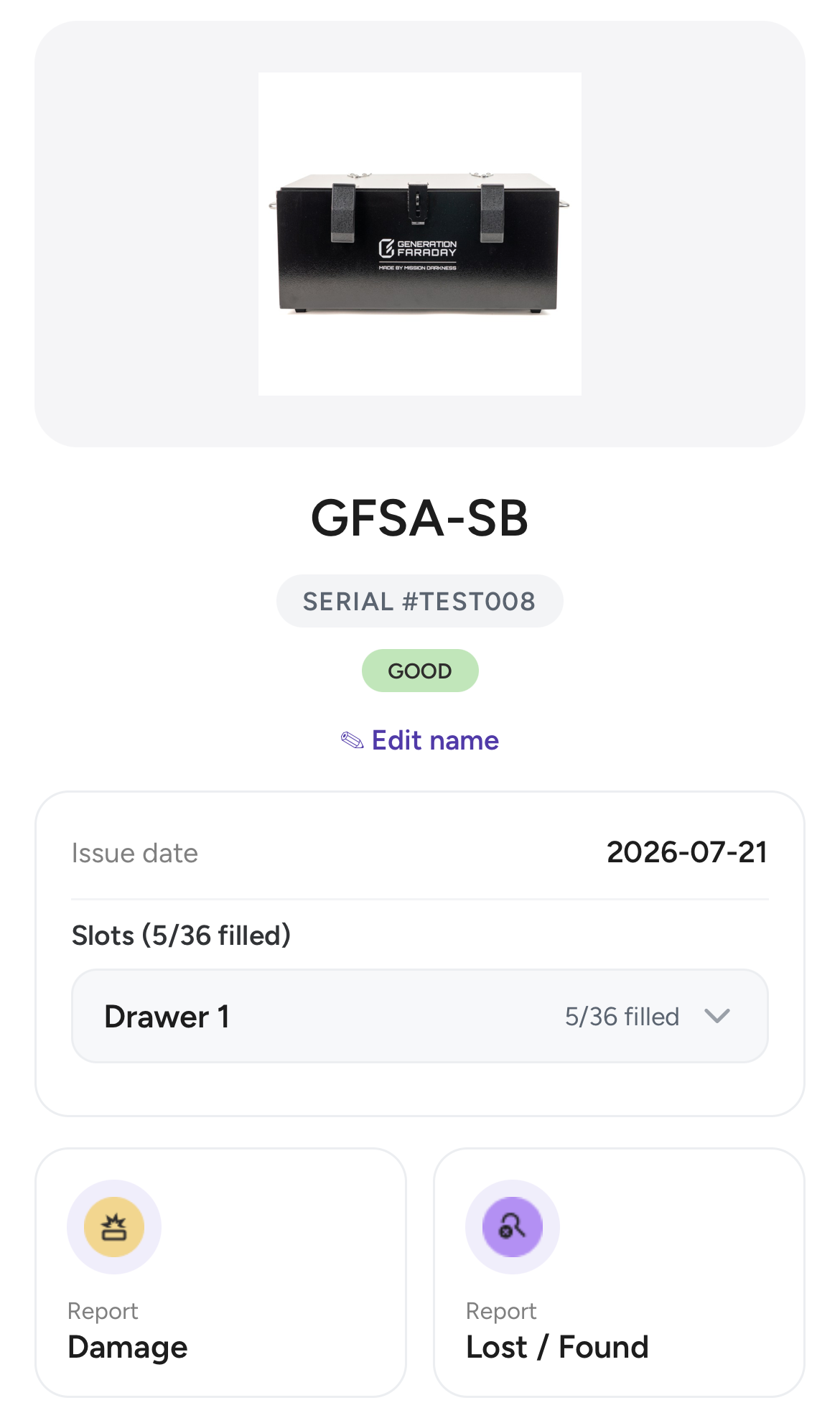
Connect the box to its record in the Generation Faraday app. Use its RFID tag or serial number to identify it, then organize the room around its 36 numbered spaces.
From one scan to a familiar routine
One box.
A clearer picture.
- 01Identify the box.
Scan its external RFID tag with the supported app workflow, or search its printed serial number.
- 02Give it a room.
Name and assign the box to its classroom or class so staff know exactly which record to use.
- 03Keep the routine organized.
Assign students to slots and let staff record arrivals, policy issues, and the box’s condition.
RFID identifies the box. Phone arrival and condition are recorded by staff.
Take a closer look
Meet the box.
See the difference.
Watch the official Shielded Box overview for a closer look at the product and the idea behind it.
Watch the official product film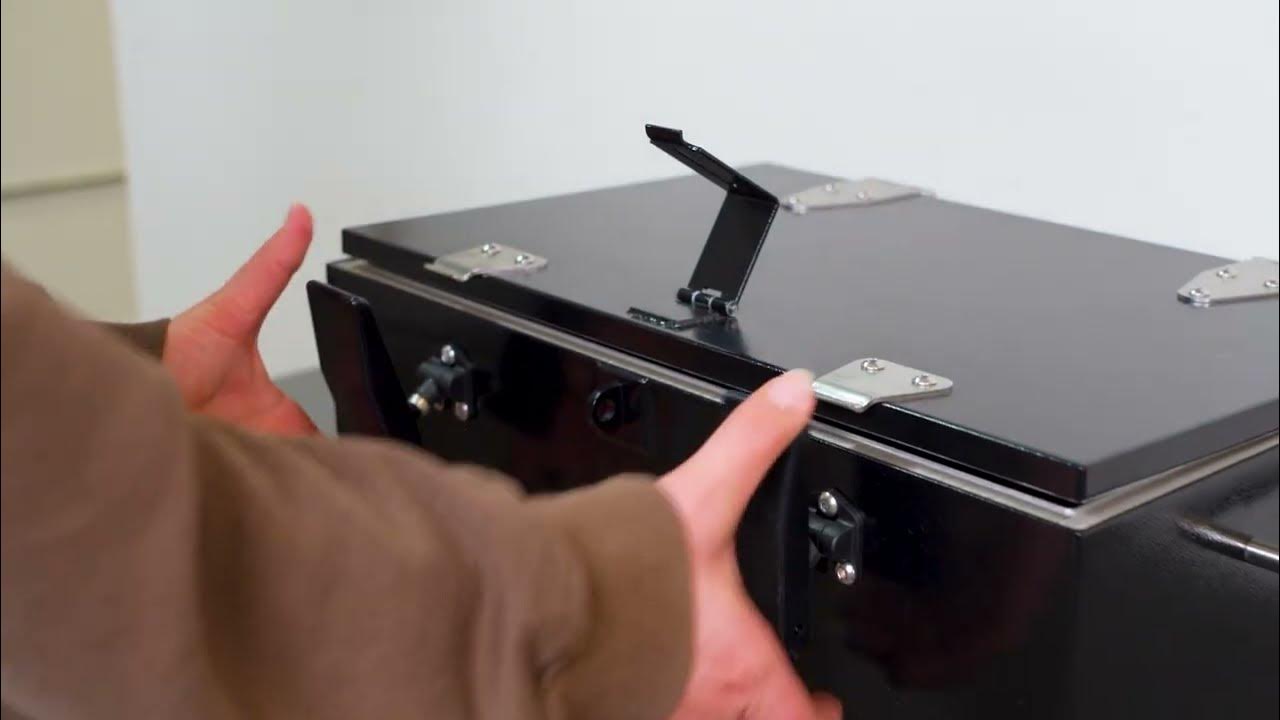

Chosen by Central Unified
One classroom solution.
A district-wide commitment.
Central Unified purchased 205 Shielded Boxes for elementary and middle schools. Build a classroom-by-classroom plan for your district.
See every angle
The details.
All in one place.
Explore the native product photographs, dimensions, and setup guide as you plan your rooms.
Generation Faraday Shielded Box
- Capacity
- 36 numbered phone compartments
- Dimensions
- 24 × 10 × 10 in
61 × 25.4 × 25.4 cm - Weight
- 20.1 lb / 9.1 kg
- Interior
- Foam compartments and felt lining
- Access
- Latch accepts a compatible padlock
- Handling
- Dual side handles
- Identification
- RFID tag and unique serial number
- Product code
- GFSA-SB
Before your first school day
A few practical
questions.
We’ll help you plan the room, prepare staff, and build the collection routine.
Talk to our teamDoes the lid need to be closed to block signals?
Yes. Phones must be fully inside and the lid properly closed to form the shielded enclosure. Follow the setup guide and check signal isolation periodically with a known-connected phone.
Can phones still make sounds inside?
Yes. Internal alarms, timers, downloaded content, and vibration can still operate. Include setting phones to silent in the collection routine.
How does the RFID tag connect to the app?
Use the supported RFID scanning workflow to find the box’s record, or search its serial number. Assign the box to a room or class, map student slots, and let staff record phone arrivals and condition. RFID identifies the box; it does not detect which phones are inside.
How do we plan access and accommodations?
Choose authorized staff, a compatible padlock, and a clear procedure for early collection or emergency return. Plan accommodations for devices that need to remain connected before launch; wireless emergency alerts are unavailable while phones are enclosed.
How many boxes should our school order?
Plan around the number of devices in each room, with up to 36 numbered compartments per box. Include phone fit, overflow, collection locations, and staff access. We’ll help you work through a classroom, school, or district order.
How do we look after the box?
Use a stable surface, keep the interior clean, and wipe with a soft, dry cloth. Follow the care guide for storage, gasket checks, and periodic signal checks. Ask our team about replacement foam and gaskets when needed.
From room to room
Give every box
a familiar classroom home.
A district plan starts with clear room assignments. Connect the physical box, its numbered positions and the staff who manage access.
- Assign the room
Name the box for the room or collection group using it.
- Map the positions
Use the 36 numbered spaces in the school’s student-assignment routine.
- Plan staff access
Choose authorized staff, a compatible padlock and approved return procedures.
Complementary products
Different groups. One considered program.
A school may combine classroom collection with student-carried bags. Add the equipment for each chosen routine, rather than treating every accessory as a box requirement.
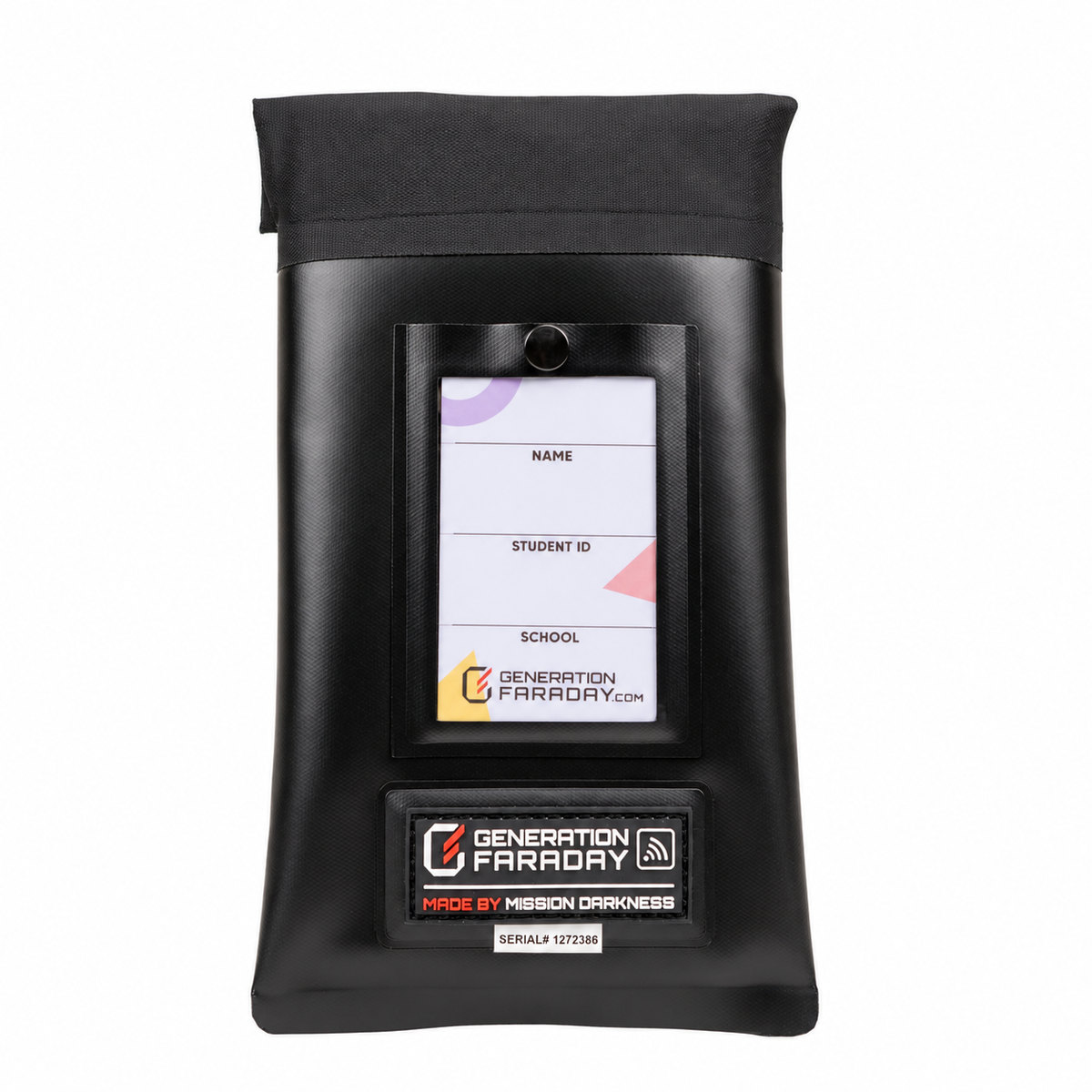
Max Lock
Add staff-controlled locking bags for groups that keep phones with the student. Plan compatible release tools with the bags.
Explore this option ↗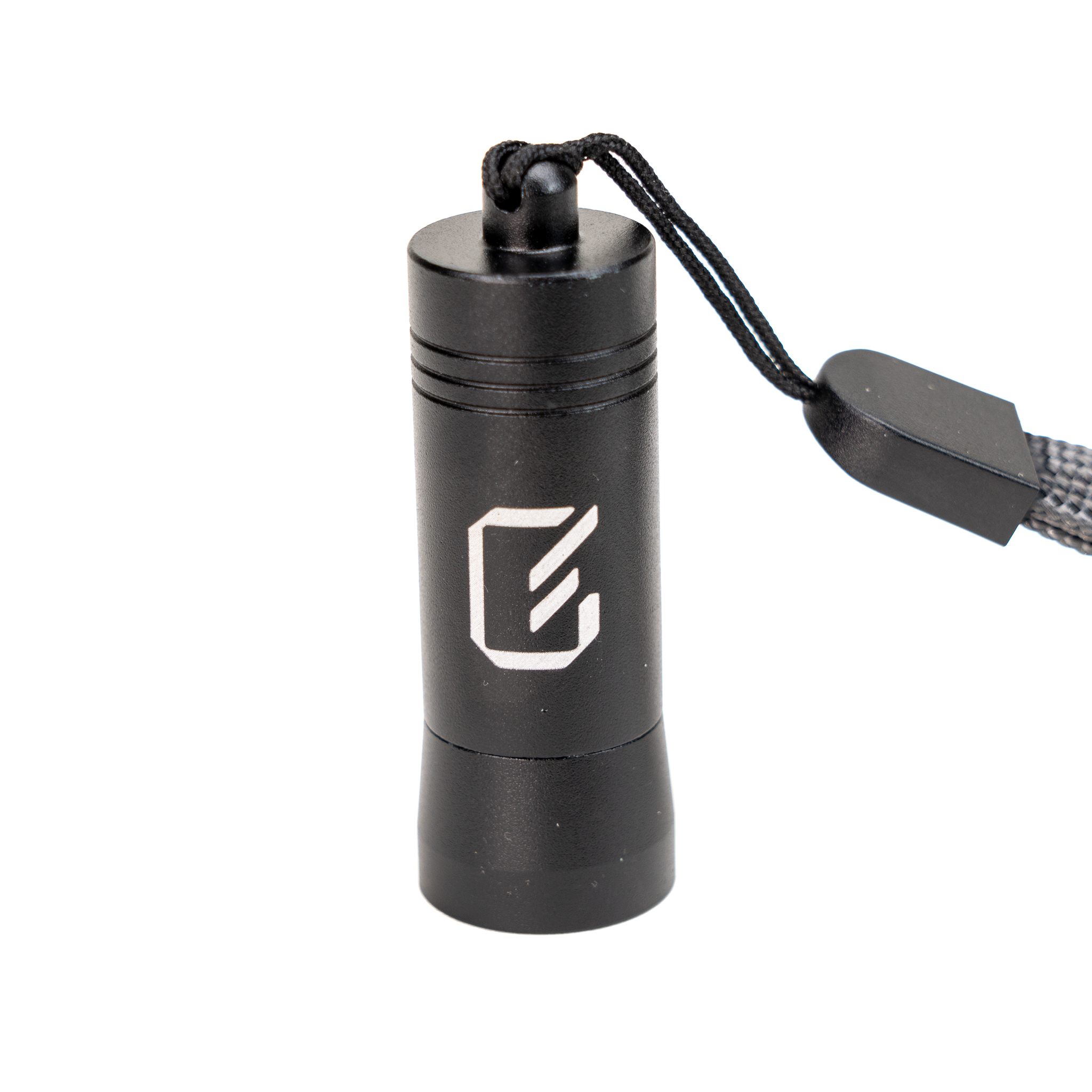
Unlocking Key
For the Max Lock bags in a mixed program: give authorized staff a portable release tool. It does not unlock this cabinet.
Explore this option ↗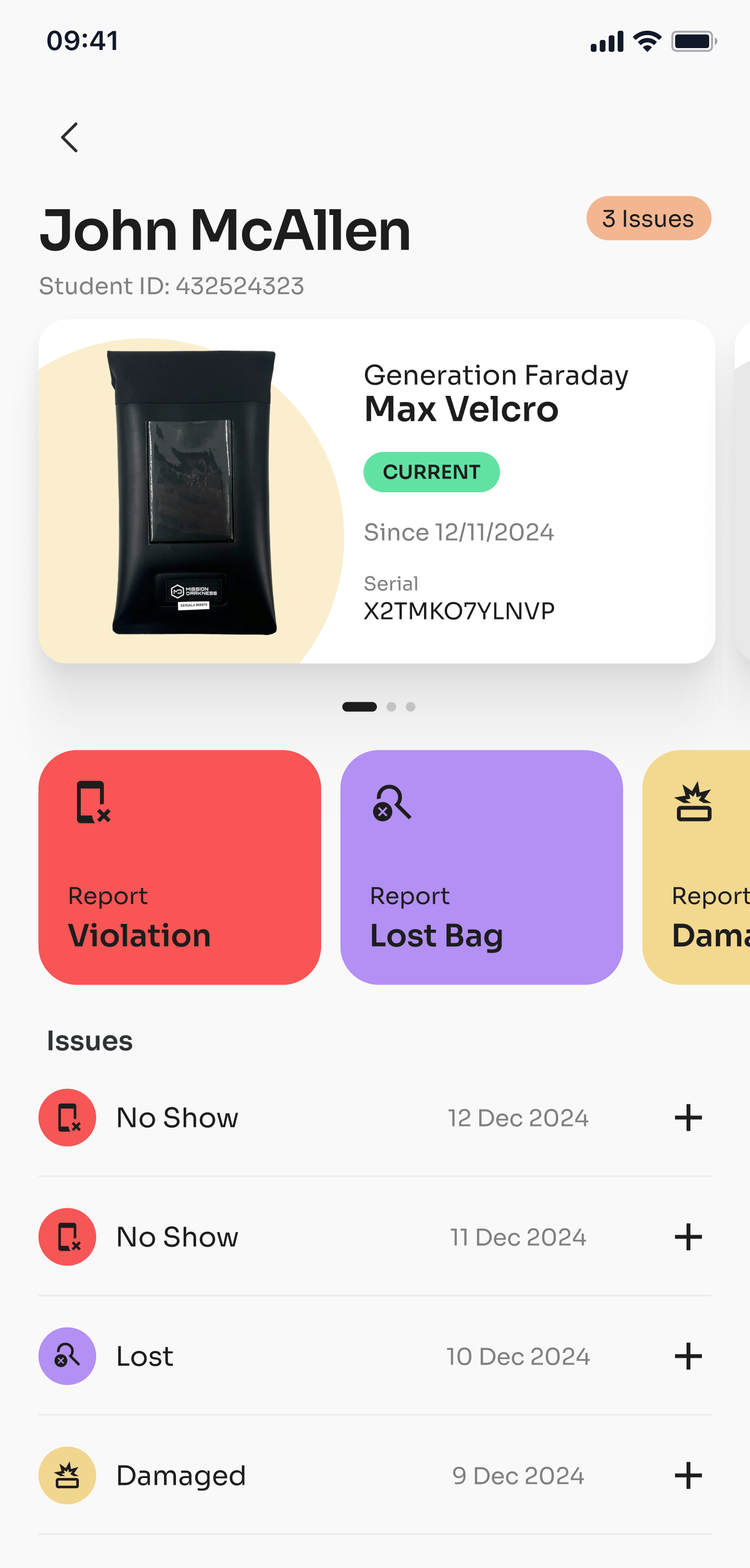
Generation Faraday apps
Connect supported RFID or serial lookup with staff-kept assignments and condition records. Ask about setup and compatible readers.
Explore this option ↗Give every phone a place
Make room
for what matters.
Bring your classroom counts, student numbers, and rollout plans. We’ll help you build the right Shielded Box setup for your school.
Make the cart yours
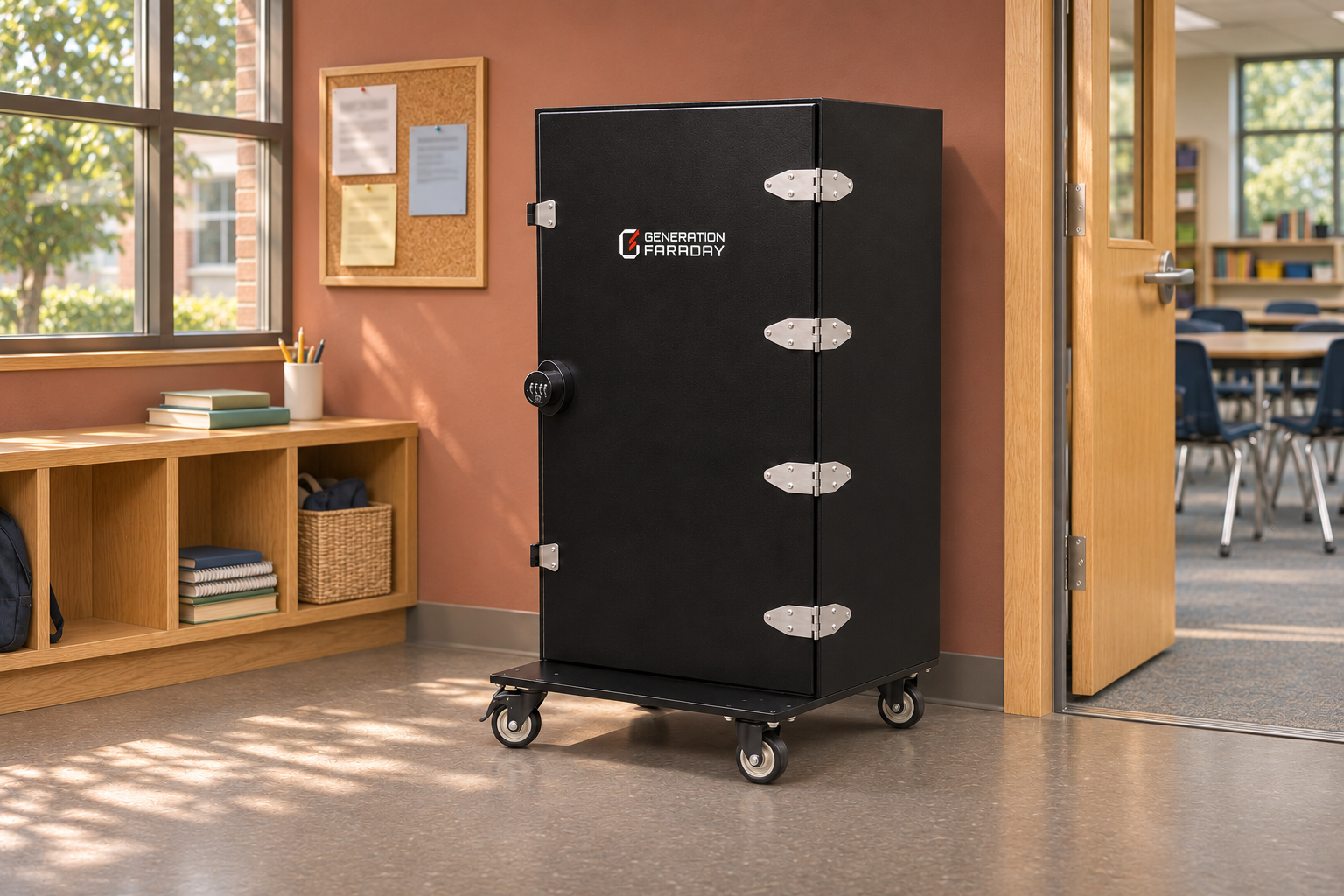
Choose an exterior finish or preview school branding on the four-drawer Phone Drop Box.
Your mobile cart option
More phones.
One collection point.
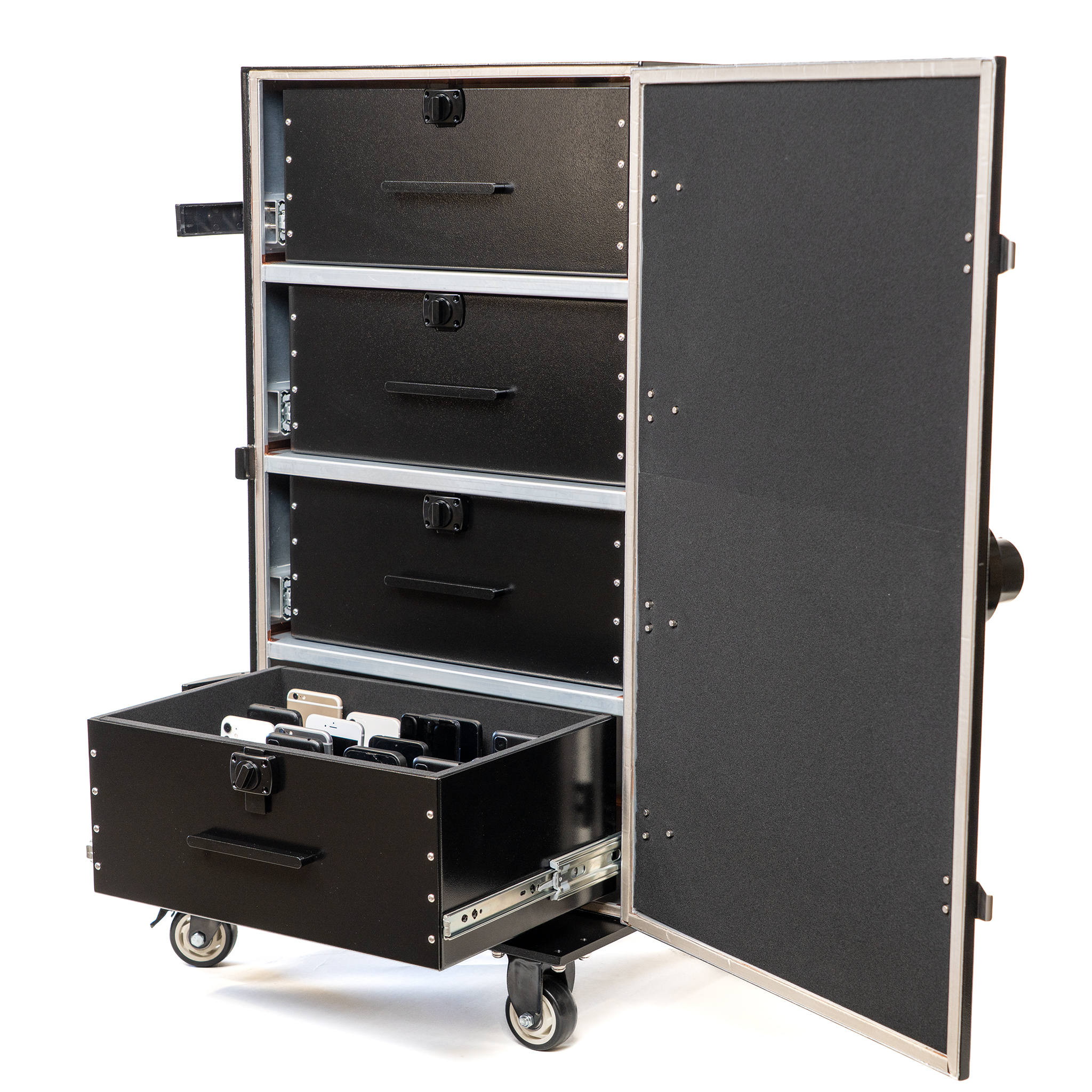
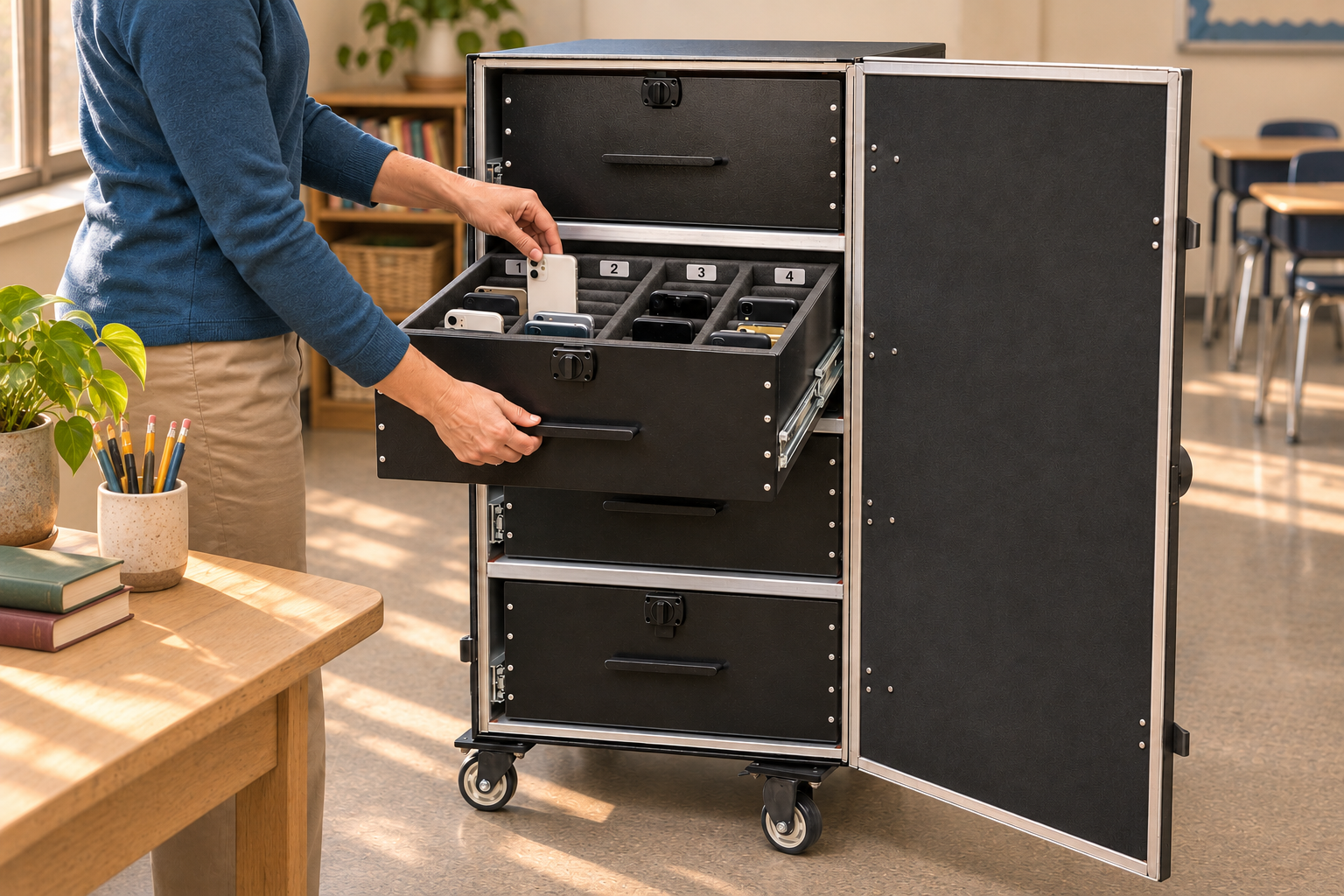
The Phone Drop Box brings four numbered drawers into a mobile, signal-blocking cabinet. Choose it when a shared collection point suits your school better than a box on each desk.
- A larger collection
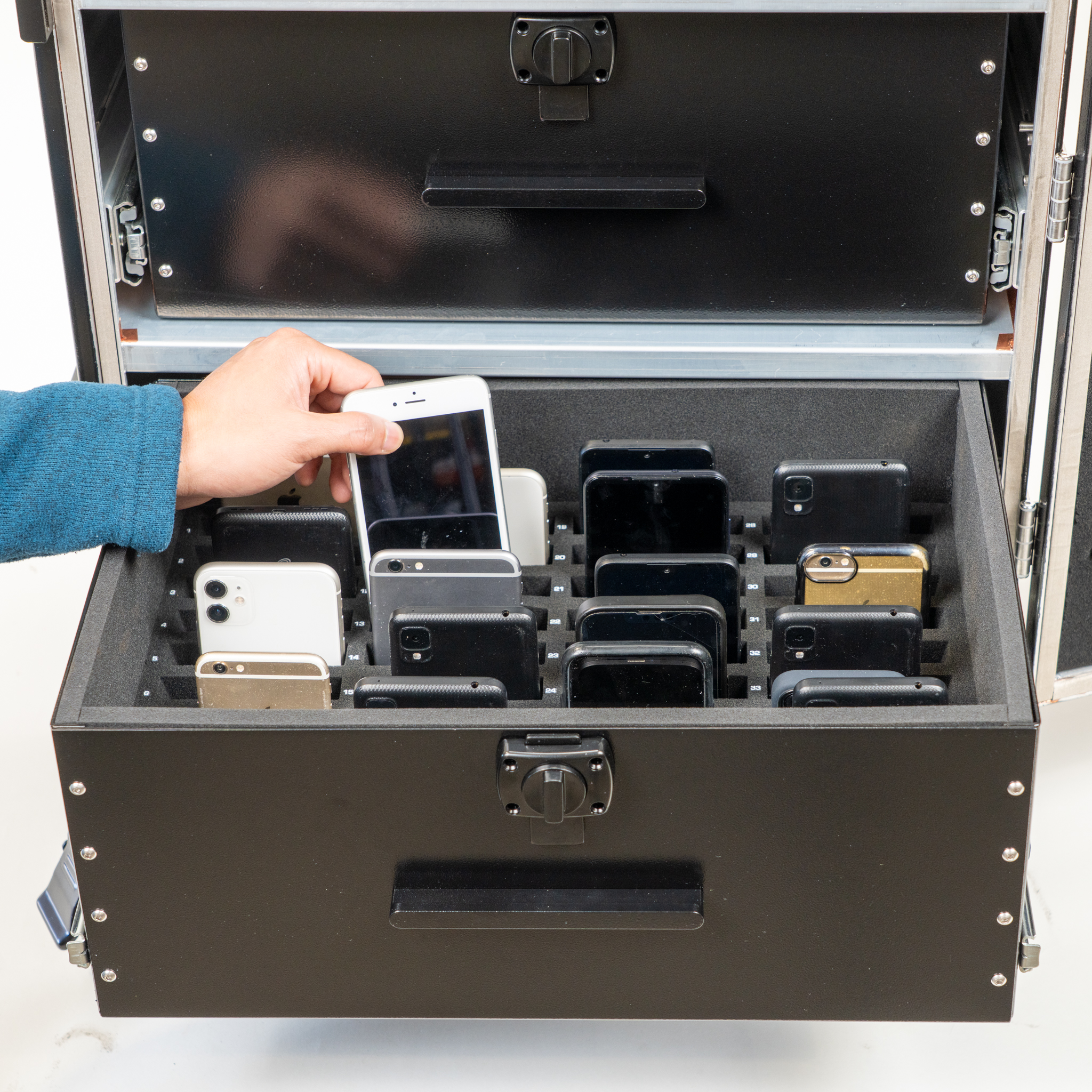
- Up to 144 phones, with 36 numbered spaces in each of four drawers.
- A mobile cabinet
- Position the cart where staff manage arrivals, testing or events. Lock its wheels before collection.
- Staff-controlled access
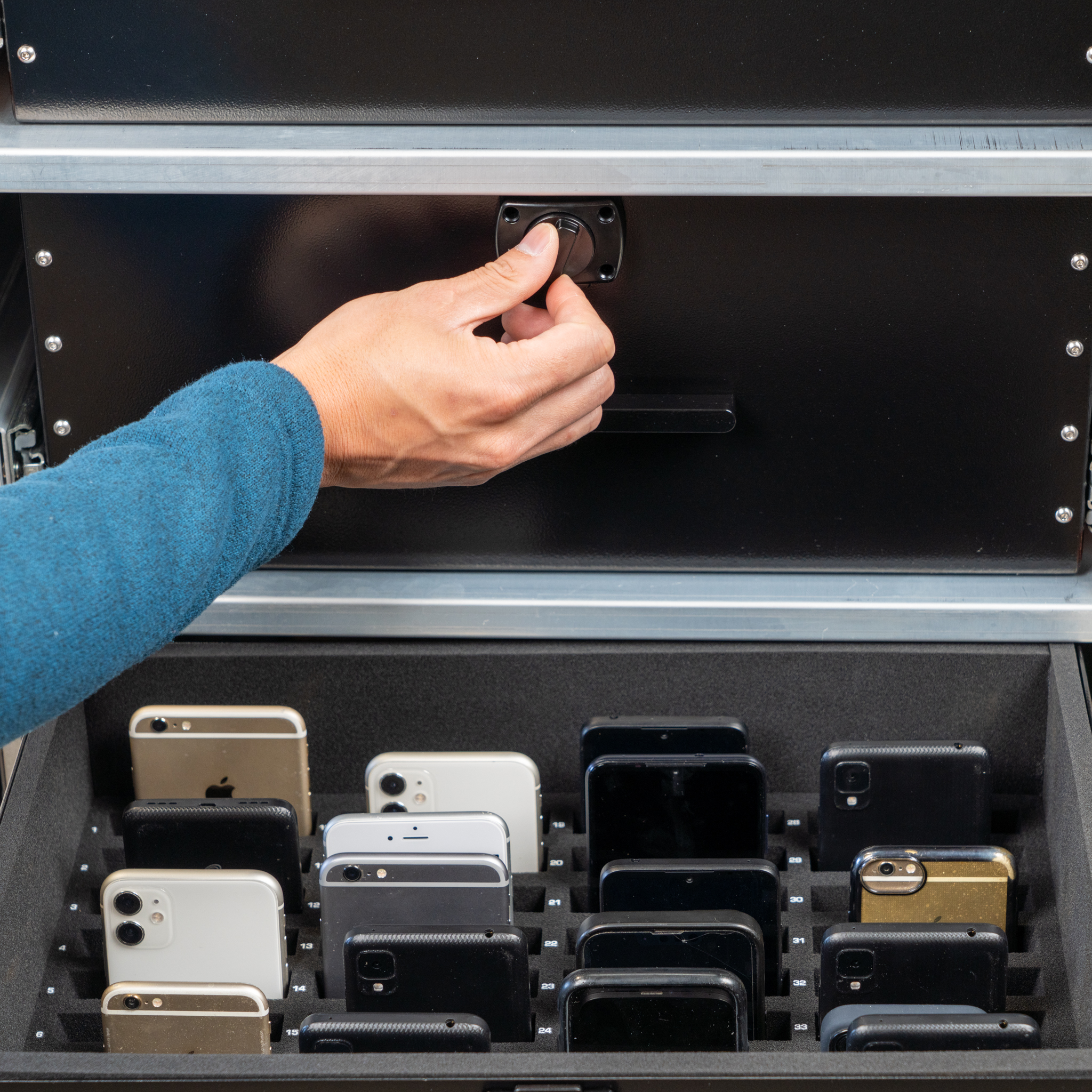
- A combination lock controls the exterior door. The drawer interlock allows one drawer to open at a time.
A routine staff can repeat
Collect. Secure. Return.
Give each phone a numbered space and make the handover familiar. Staff manage the cabinet and the collection record.
-
 01
Collect by number.
Set phones to silent and place them fully inside their assigned drawer spaces. Open one drawer at a time.
-
 02
Close the enclosure.
Push drawers flush, close the exterior door fully and engage the side latches. Follow the guide to complete the shielded closure.
-
 03
Return with a clear handover.
Authorized staff reopen the cabinet and return each phone through the same numbered collection routine.
Phones stay powered inside. Wireless isolation depends on the complete enclosure being properly closed; internal alarms and vibration can still operate.
Around the school day
A familiar stop.
For bigger groups.
Use a planned collection area for larger classes, testing sessions, after-school groups or school events.
- Plan the location.Allow staff room to open the door, operate one drawer and manage the queue.
- Plan the records.Use the cabinet’s RFID or serial number to find its app record. Staff maintain student-to-space assignments.
- Plan the exceptions.Agree who controls access, handles early collection and supports accommodations before launch.
The cart, up close
See the space.
Know the setup.
Original product views and the practical details for planning your collection area.