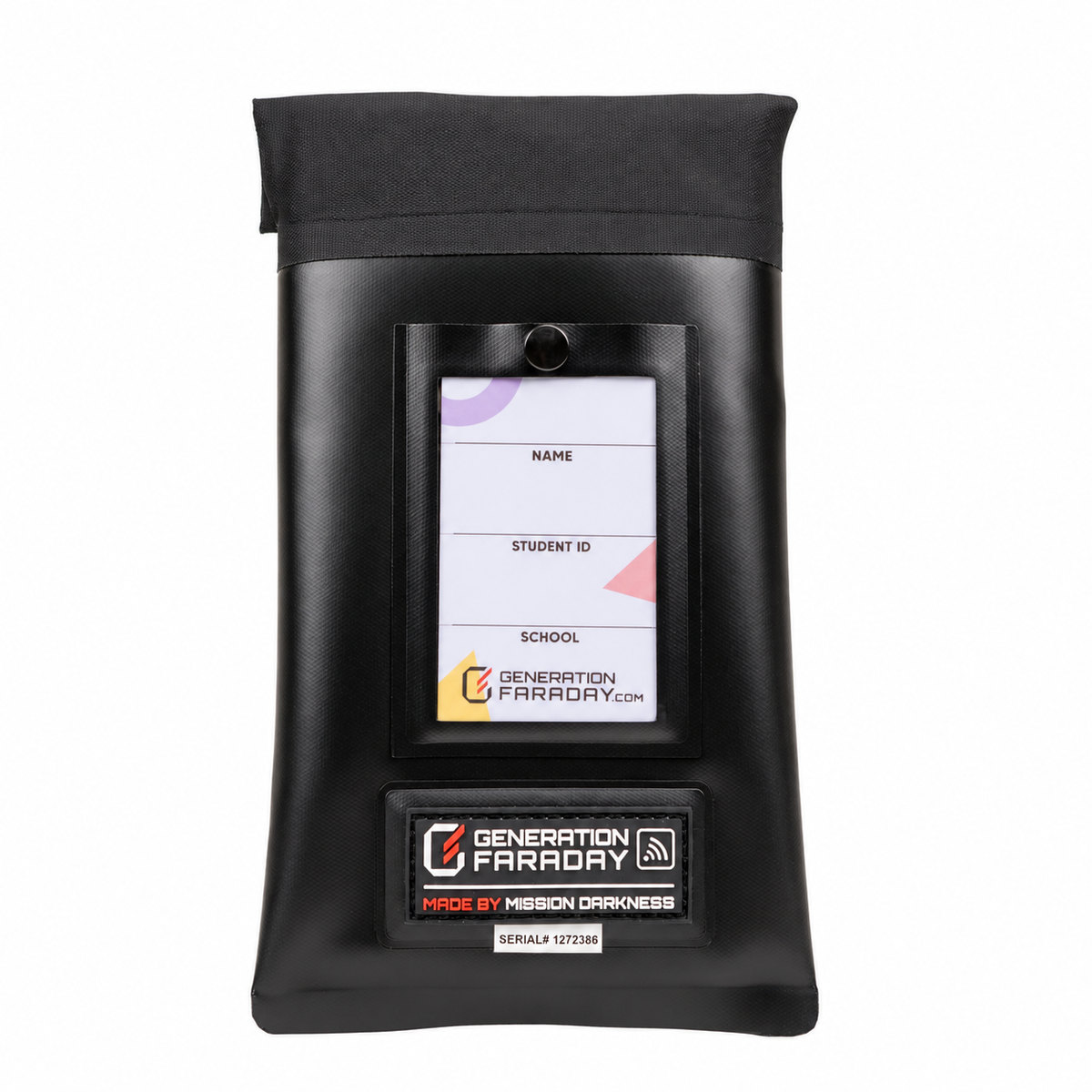
Align the clasp.
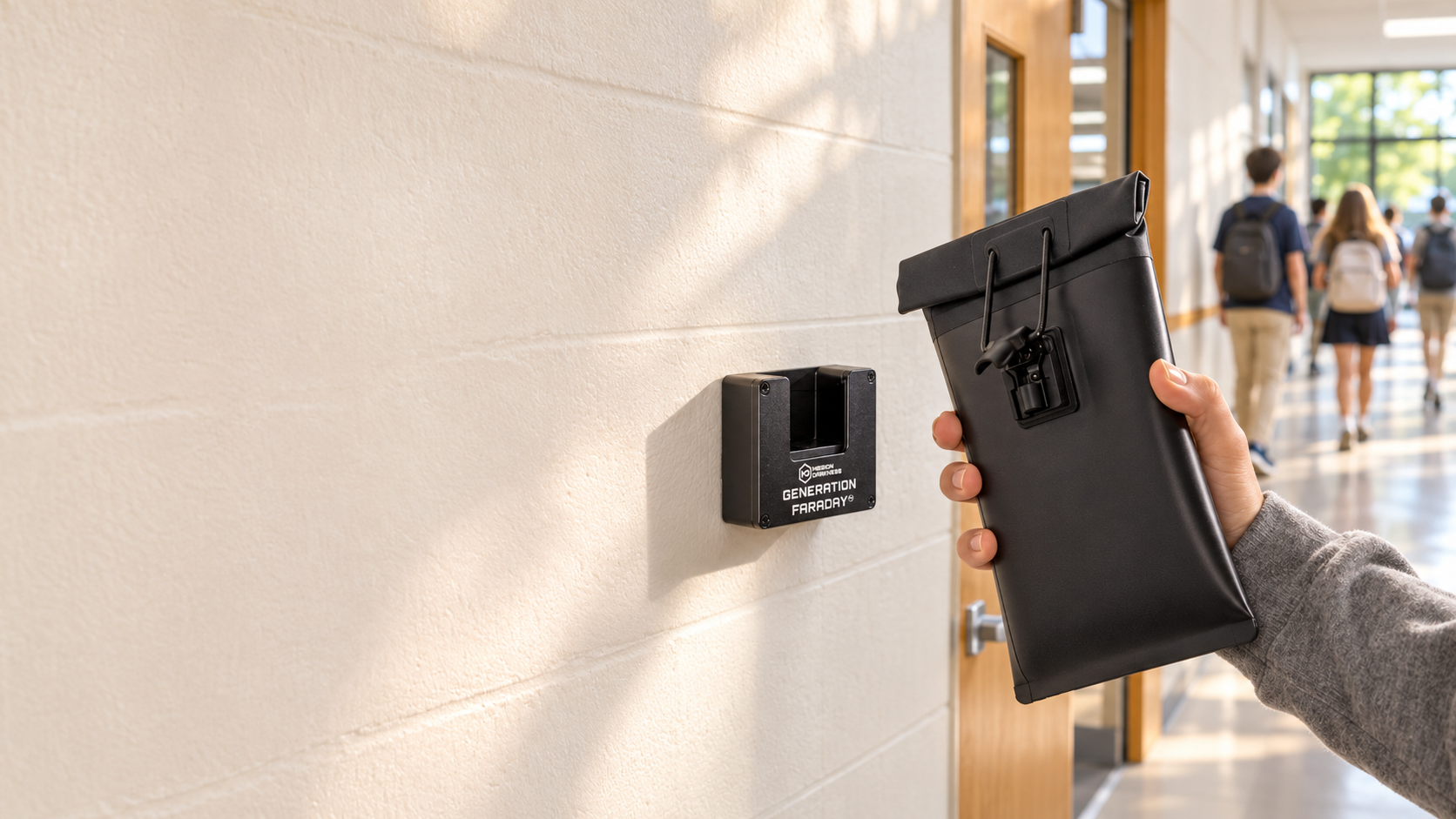
Bring the bottom of the compatible Max Lock clasp to the dock’s magnetic release point.
Generation Faraday · Max Lock system
A familiar finish to the school day.
A dedicated magnetic release point. A clear place to open compatible Max Lock bags, built into the way your school moves.
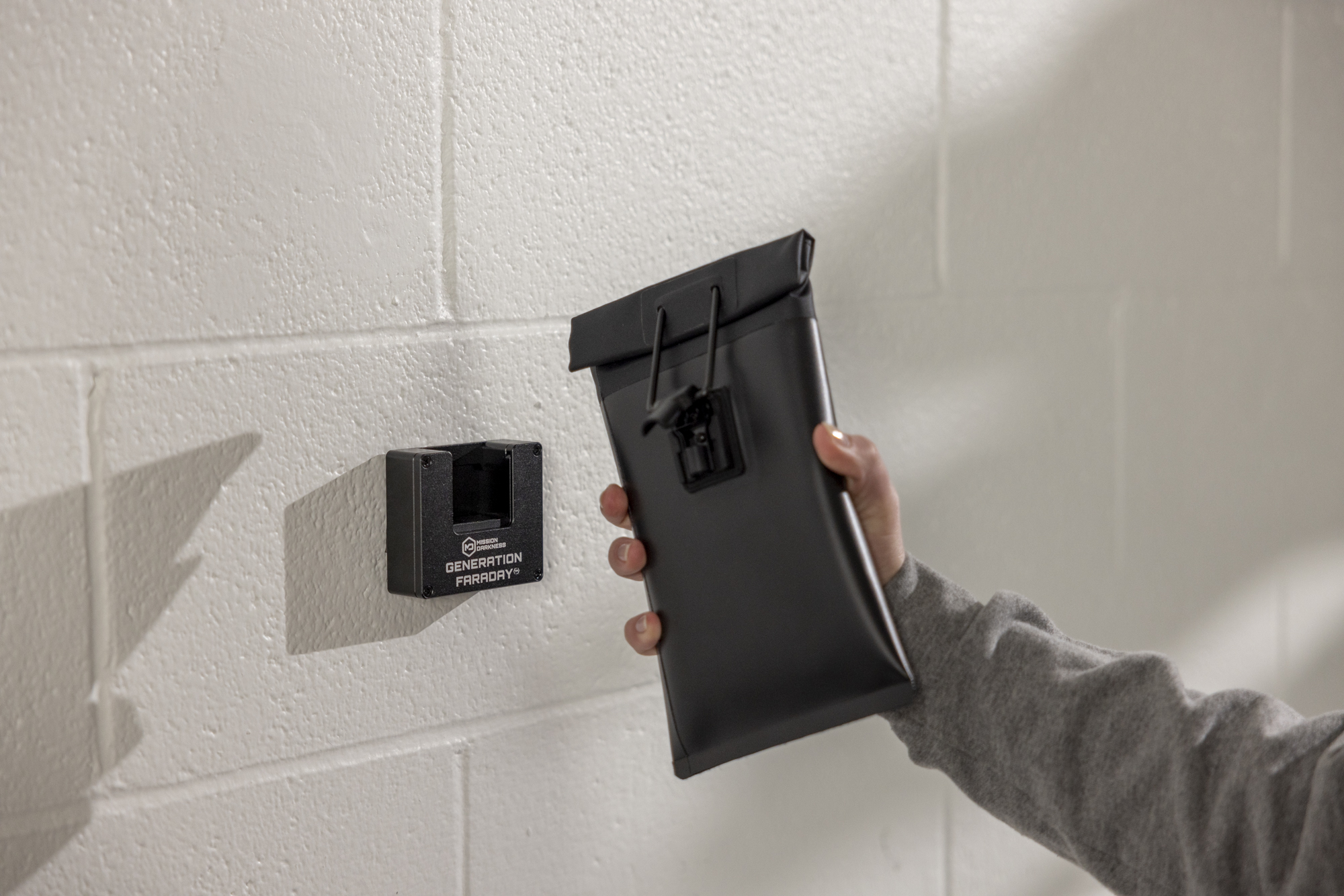
The everyday release
A repeatable action staff can explain and students can recognize. Rehearse the release before your program begins.
Bring the bottom of the compatible Max Lock clasp to the dock’s magnetic release point.
Position the locking mechanism against the magnet, as shown in the product instructions.
Push inward as instructed to disengage the clasp, then move clear of the station.
Watch the official Max Lock product overview, including its magnetic dock-release sequence.
Open the official videoA classroom doorway, a supervised access point or a planned dismissal route. Choose the location around people and movement—not the other way around.
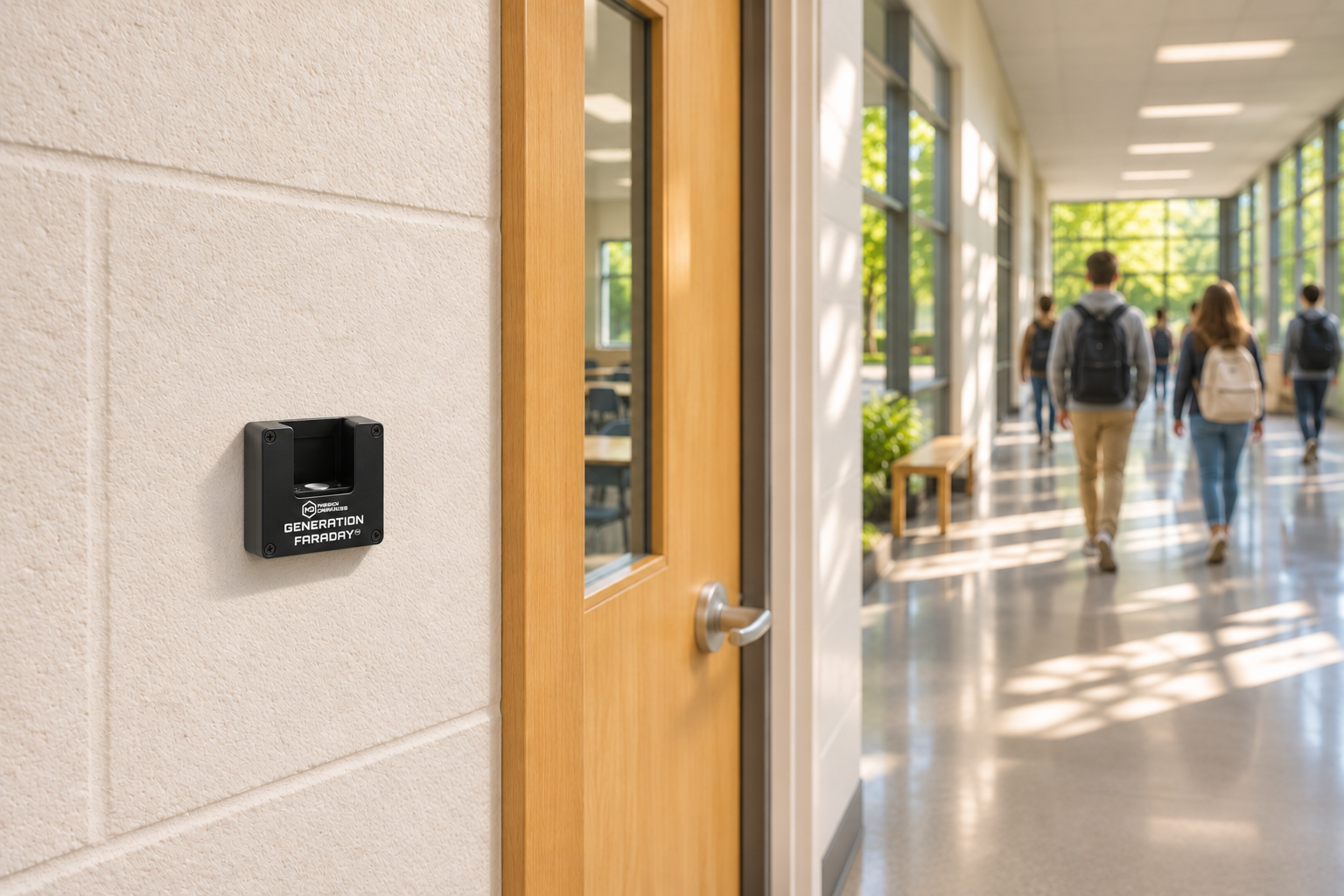
Place the dock where release can be reached and supervised. Check the mounting surface and hardware before installation.
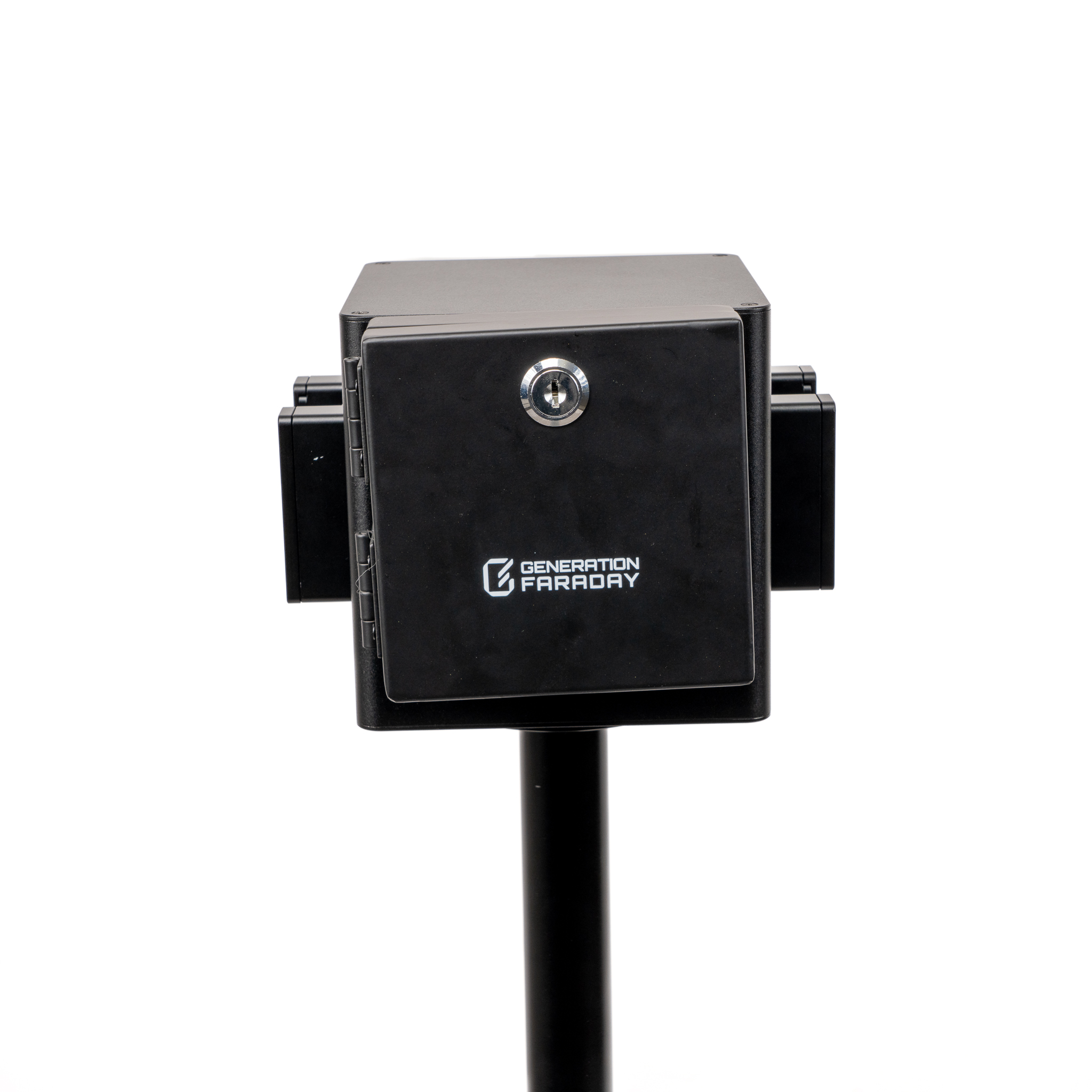
A compatible key-operated cover can restrict physical access between release periods. The cover is a separate accessory.
Keep a Handheld Dock or staff Unlocking Key available where your policy calls for authorized release away from the fixed station.
The details that make the station
Keep the release mechanism, mounting arrangement and access plan working together.
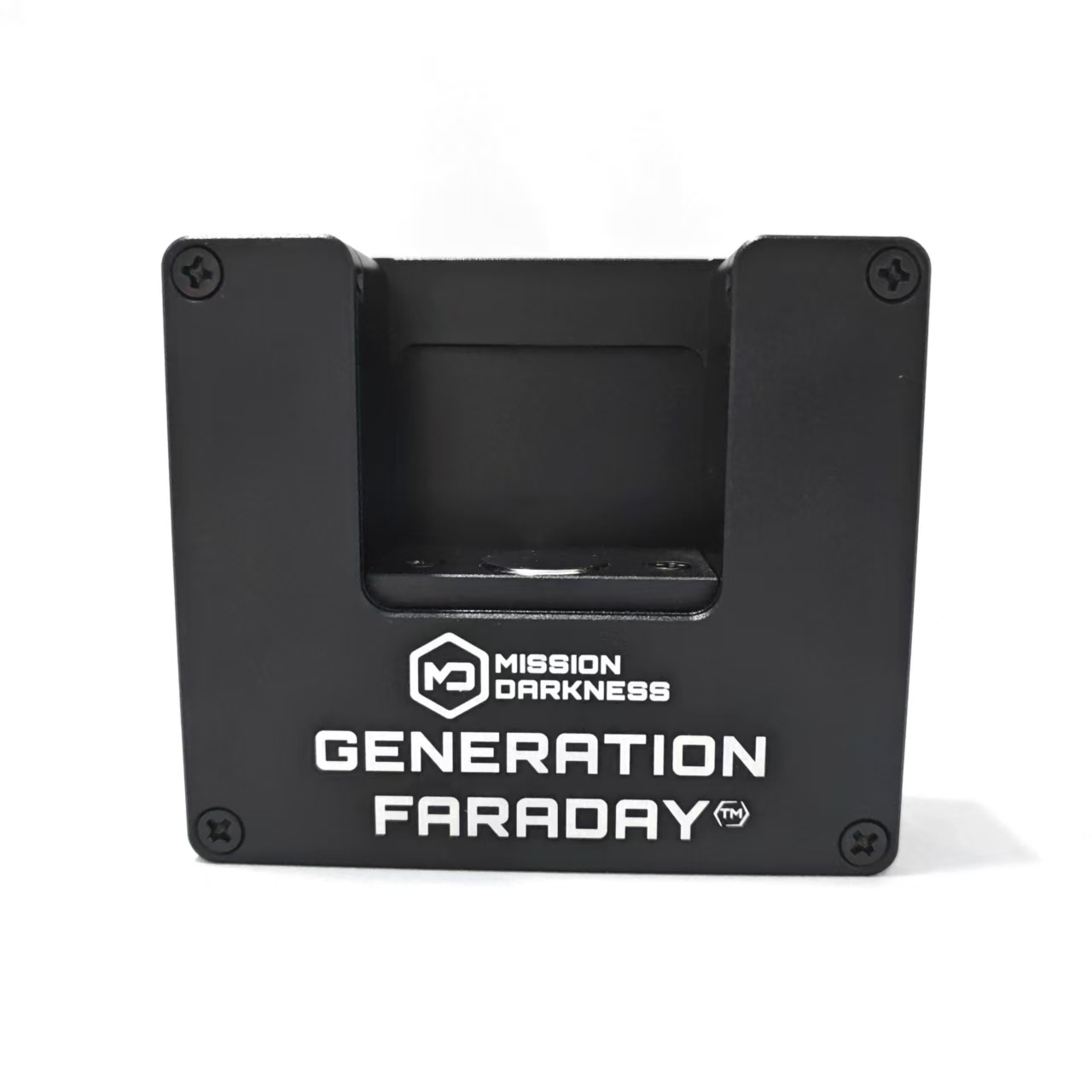
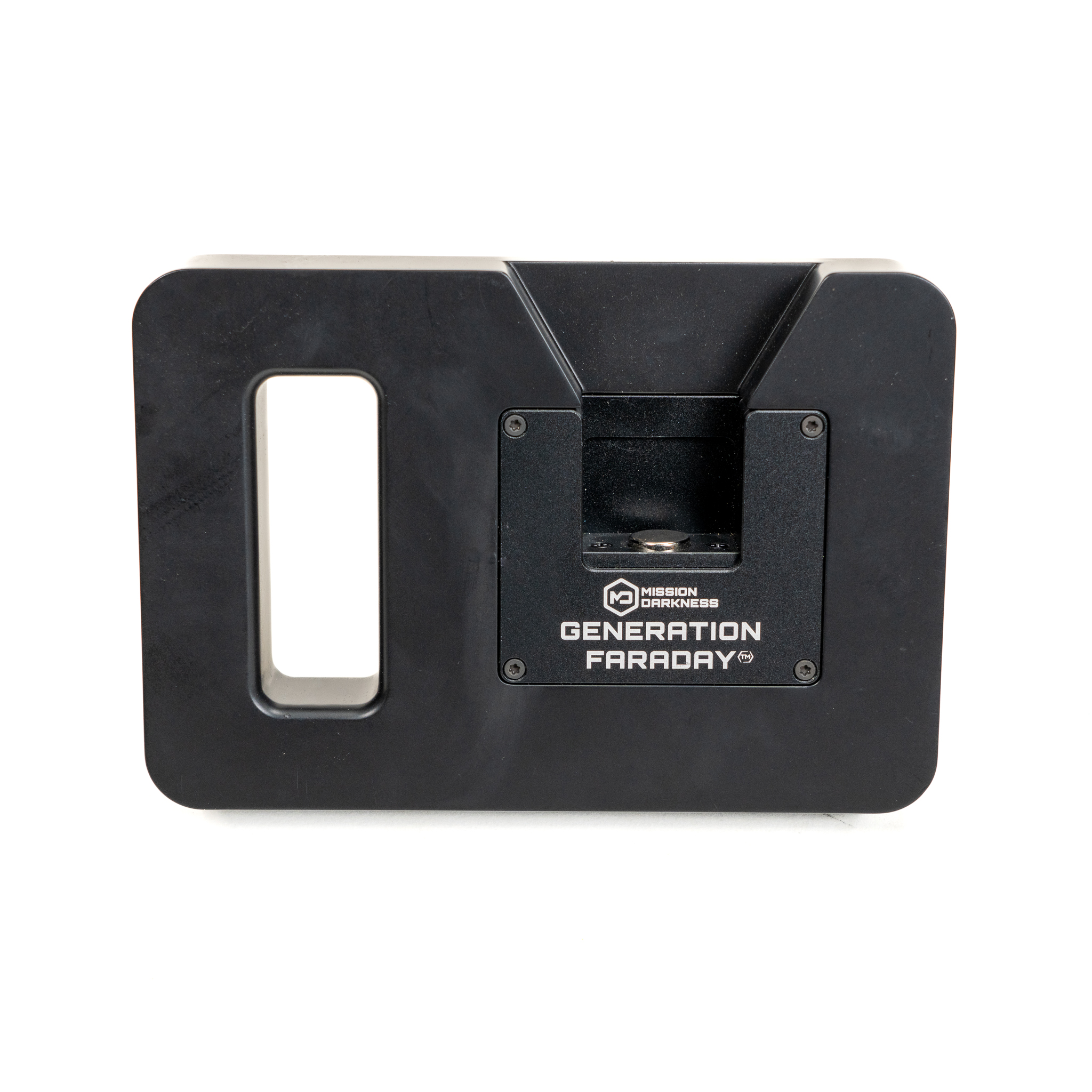
A compact magnetic dock for compatible Max Lock clasps, with a non-slip base for stable surface use.
The locking clasp meets the dock. The bag opens through the magnetic release mechanism shown in the instructions.
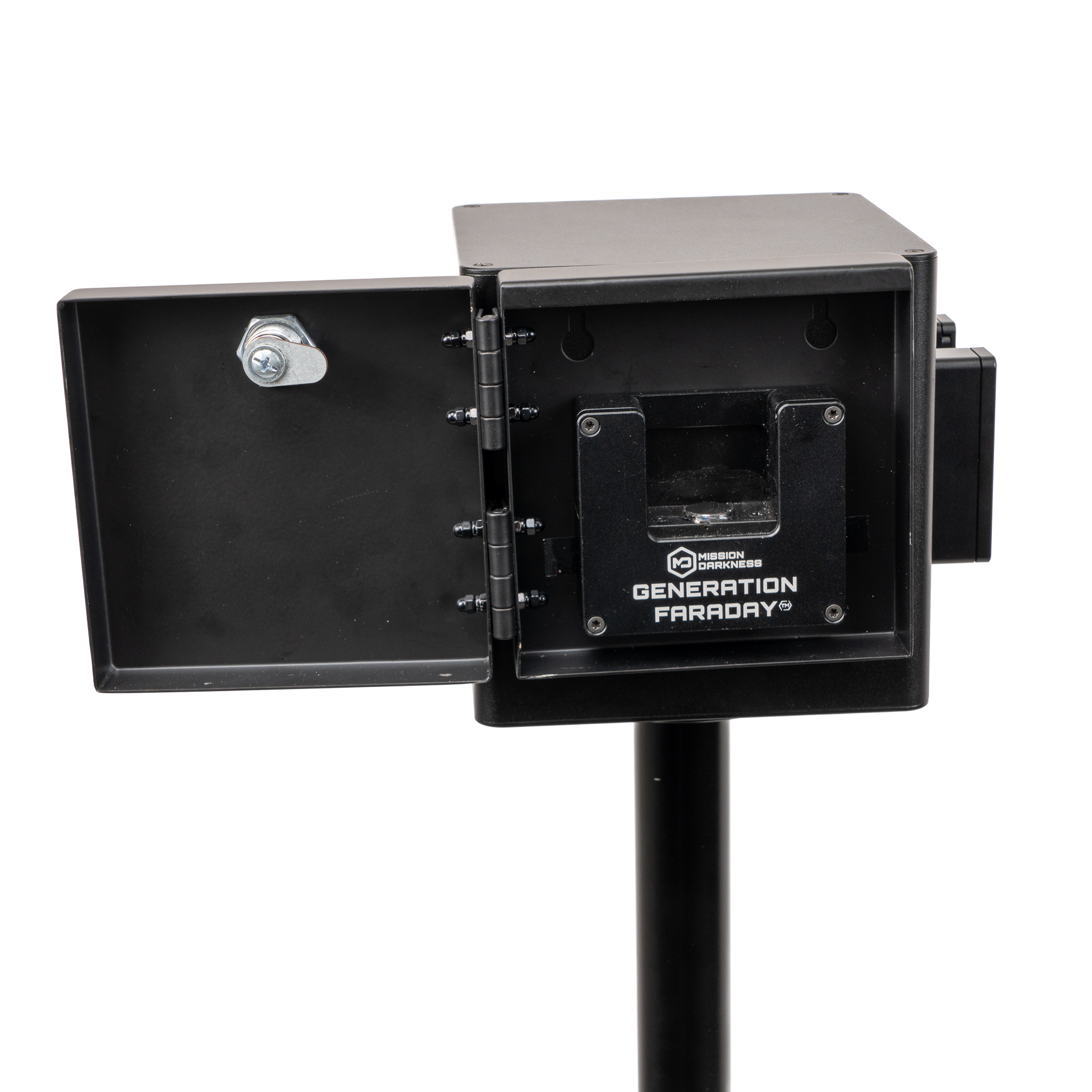
Add the separate Tamper-Proof Cover to restrict physical access to the dock between your chosen release periods.
Explore the coverReady for your installation conversation
| Product code | GFUD-DOCK |
|---|---|
| Release method | Magnetic |
| Compatible system | Generation Faraday Max Lock |
| Access option | Tamper-Proof Cover, sold separately |
| Included | Unlock Dock and faceplate, preinstalled tamperproof screws, L-shaped wrench |
| Mounting hardware | Selected for your surface; not included |
The illustrated guide walks through removing the faceplate, securing the backplate and refitting the faceplate. Check your installation location and select suitable mounting hardware for the surface.
Read the installation guideUse the illustrated guide alongside your school’s installation plan. Read the setup guide →
The dock is designed for compatible Generation Faraday bags with the Max Lock system. Signal shielding and physical locking are separate choices; confirm your exact bag configuration with our team.
Start with the students using locking bags, their routes, your release windows and the staff covering them. Use the school configurator to build an editable starting mix, then review station placement with our team.
The official product guidance allows a stable surface or a suitable mounting arrangement. Choose a reachable position and an installation that works with your supervision plan.
A compatible Handheld Unlock Dock or Unlocking Key gives authorized staff a portable release option. Select those separately around your school’s access and accommodation procedures.
Complete the setup
Choose the bags and access-control options around the way your school day works.
Plan your school setup
Build a release plan around your students, your spaces and your school day. We’ll help you choose compatible bags, fixed docks and staff access tools.