Skip to product content
Generation Faraday
← All products

Unlocking accessories

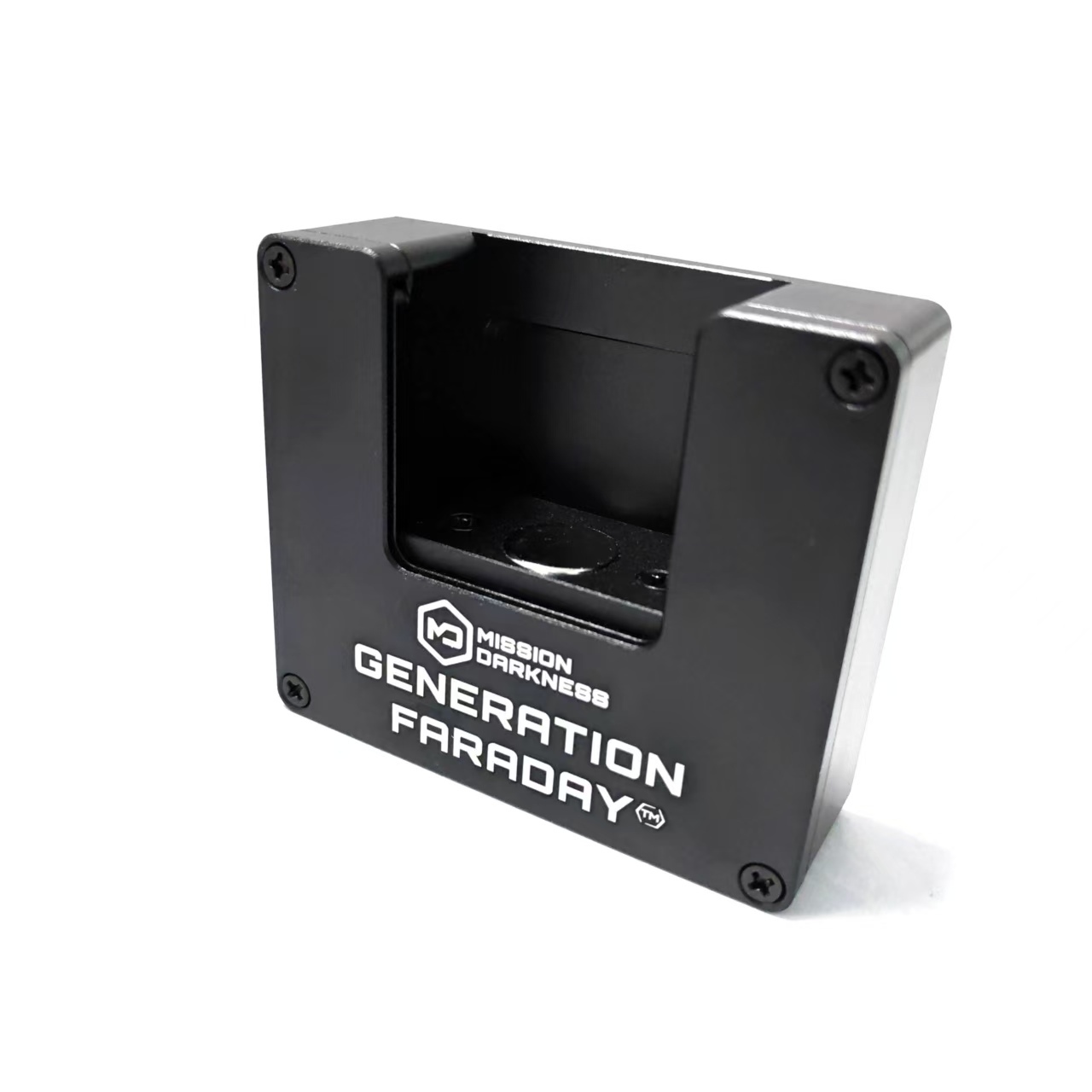
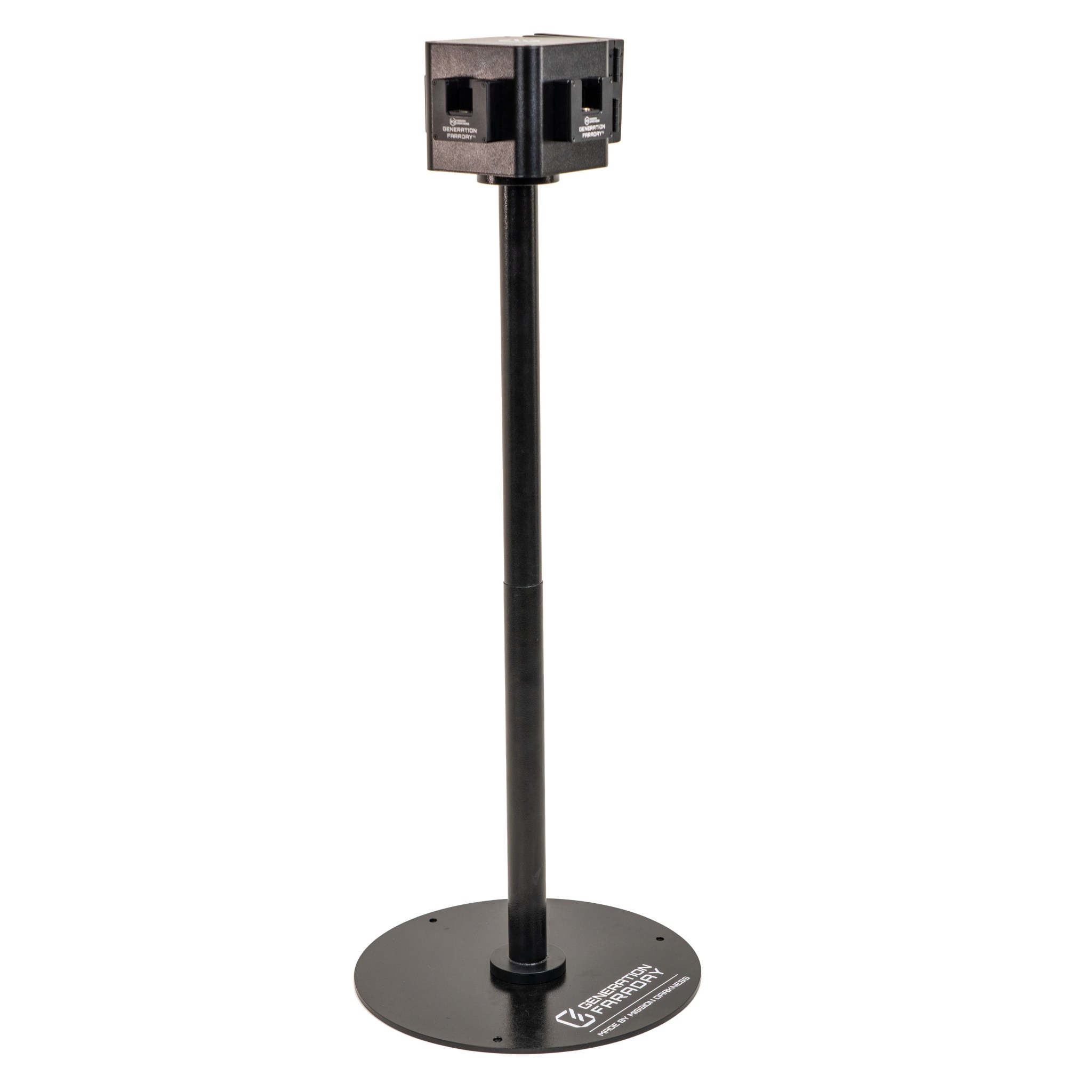
Tamper-Proof Dock Cover

Control access to a compatible Unlock Dock between release periods.

The key-operated cover is a physical access option for the release station. Pair it with the compatible dock and decide who controls the key.
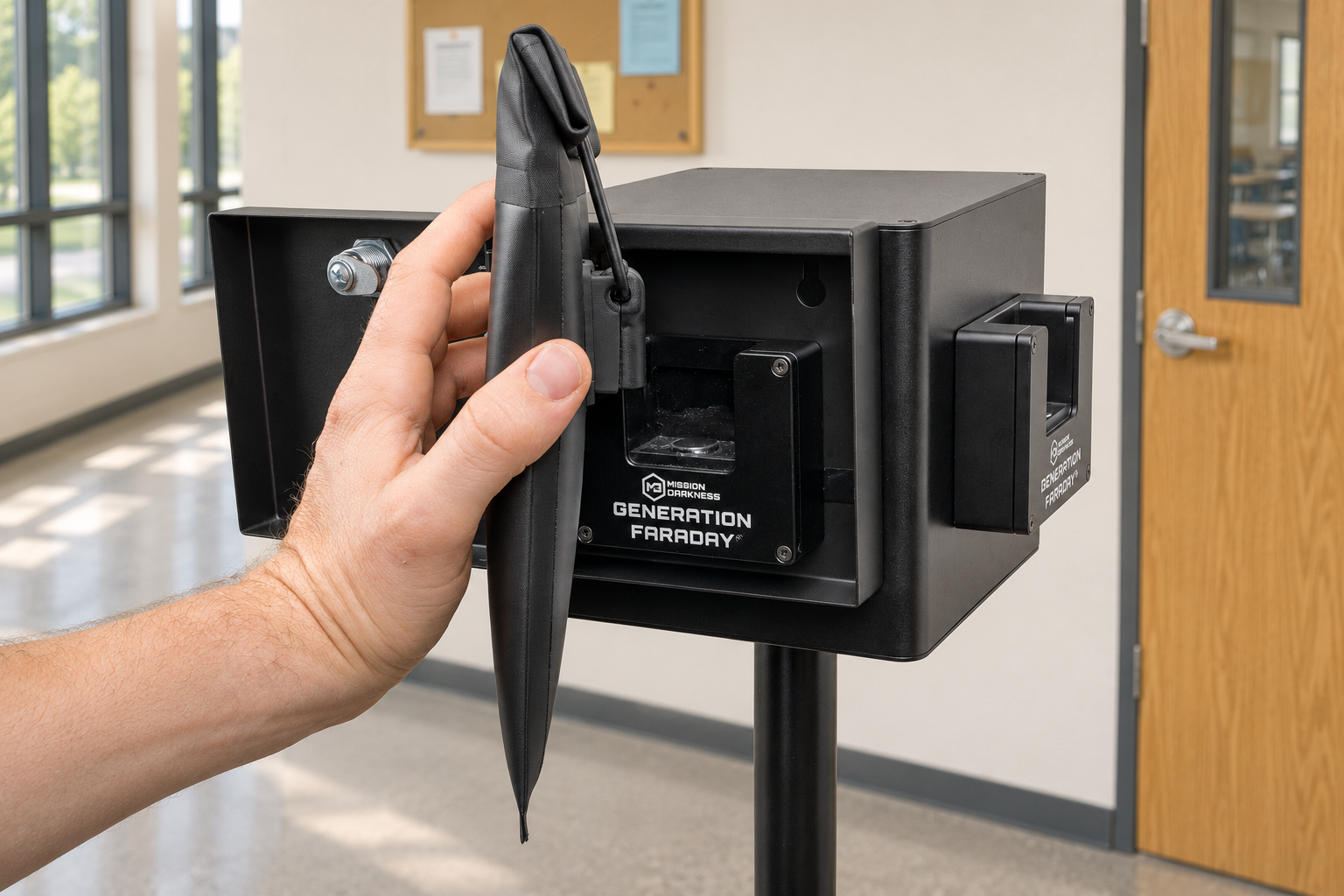
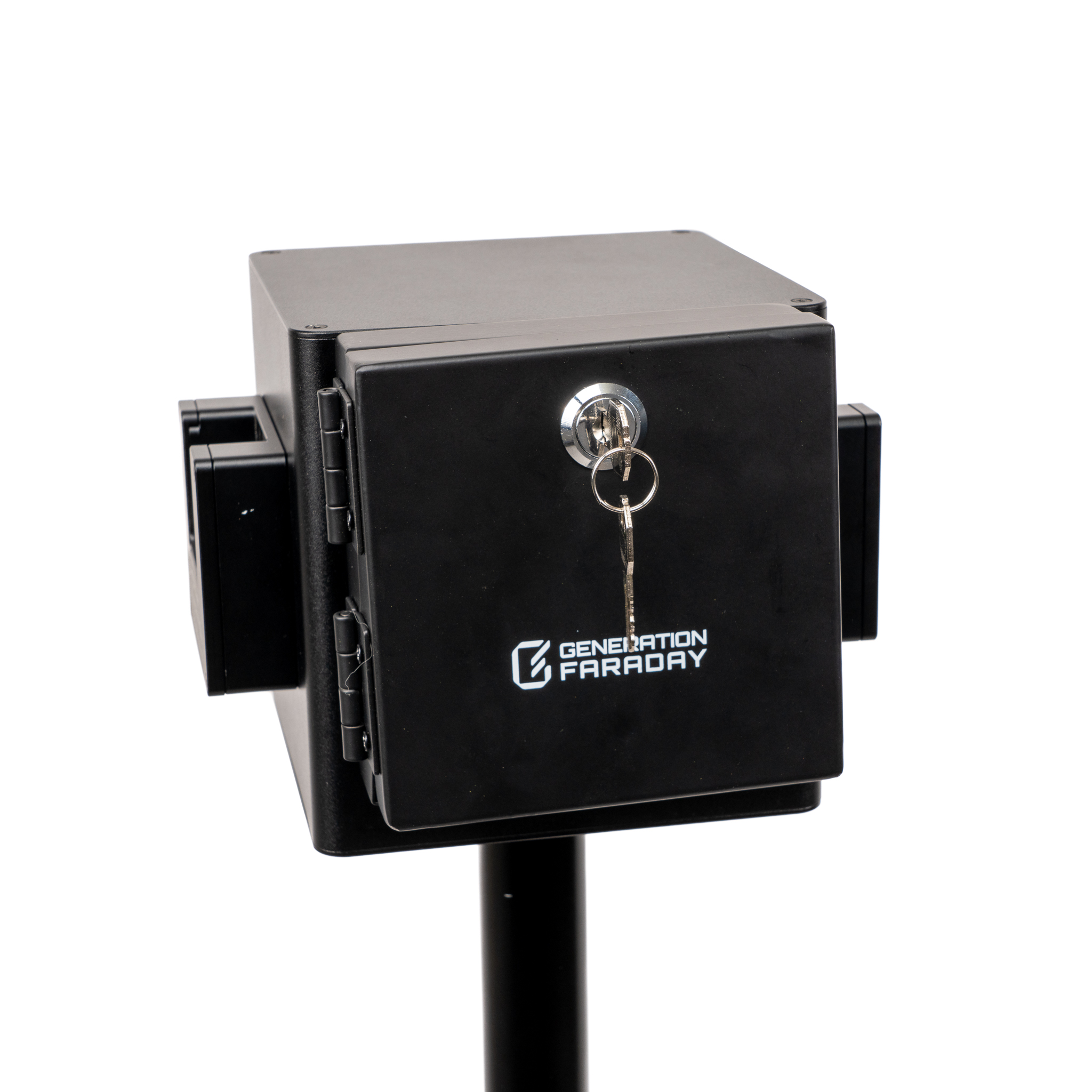
School-use concept: Open key-operated cover around an Unlock Dock with a Max Lock pouch at a school release point
Photo illustration · Native-reference open-cover configuration.

Made for the staff routine

Make availability part of the plan.

Add a lockable cover to a compatible Unlock Dock to restrict access between release periods. This standalone accessory supports staff-controlled unlocking in classrooms and shared spaces. Confirm surface compatibility and installation hardware when planning the setup; mounting hardware is not included.

Explore the original product views and configuration details. Select an image for a closer look.

Product code
GFUD-COVER
Compatibility
Generation Faraday Unlock Dock
Original Unlock Dock Tamper-Proof Cover product detail and use reference

Make the equipment part of the routine

Availability is part of the release routine.

The cover controls physical access to the compatible dock. Open it for the planned release period, then close and lock it when dock access is restricted.

Prepare the station.

Confirm the compatible dock, surface and installation hardware before setup.

Open for release.

The assigned staff member uses the physical cover key and opens the door.

Secure between uses.

Close and lock the cover after the release period and return the key to its agreed location.

A closer look

Open access when you need it.

Add a lockable cover around a compatible Unlock Dock and make availability part of your release routine.

A lockable barrier

A lockable barrier

The cover restricts access to the magnetic unlocking mechanism when it is closed and locked.
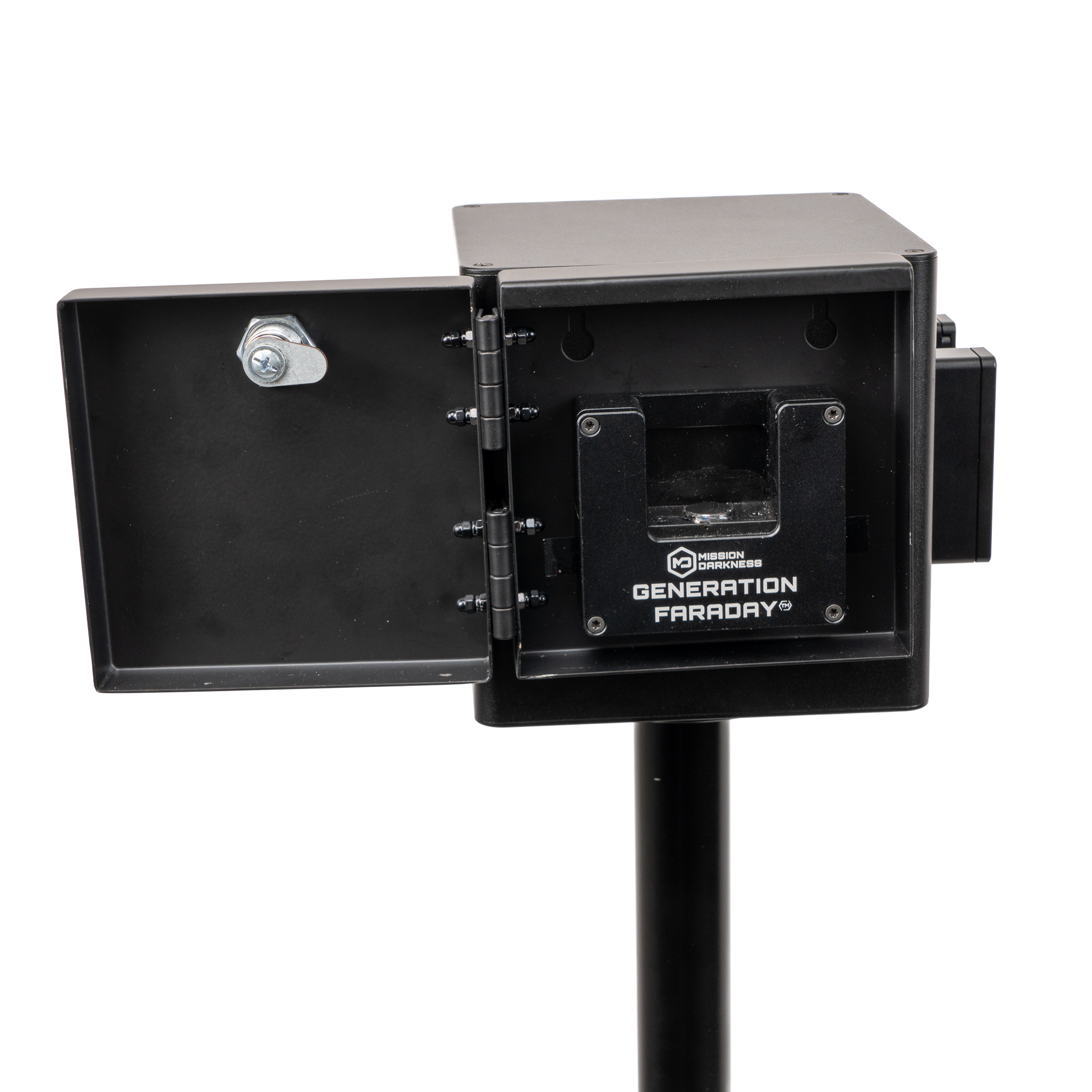
Ready for release

Ready for release

Unlock and open the cover when your school’s release period begins. Confirm the dock and mounting arrangement with your team.
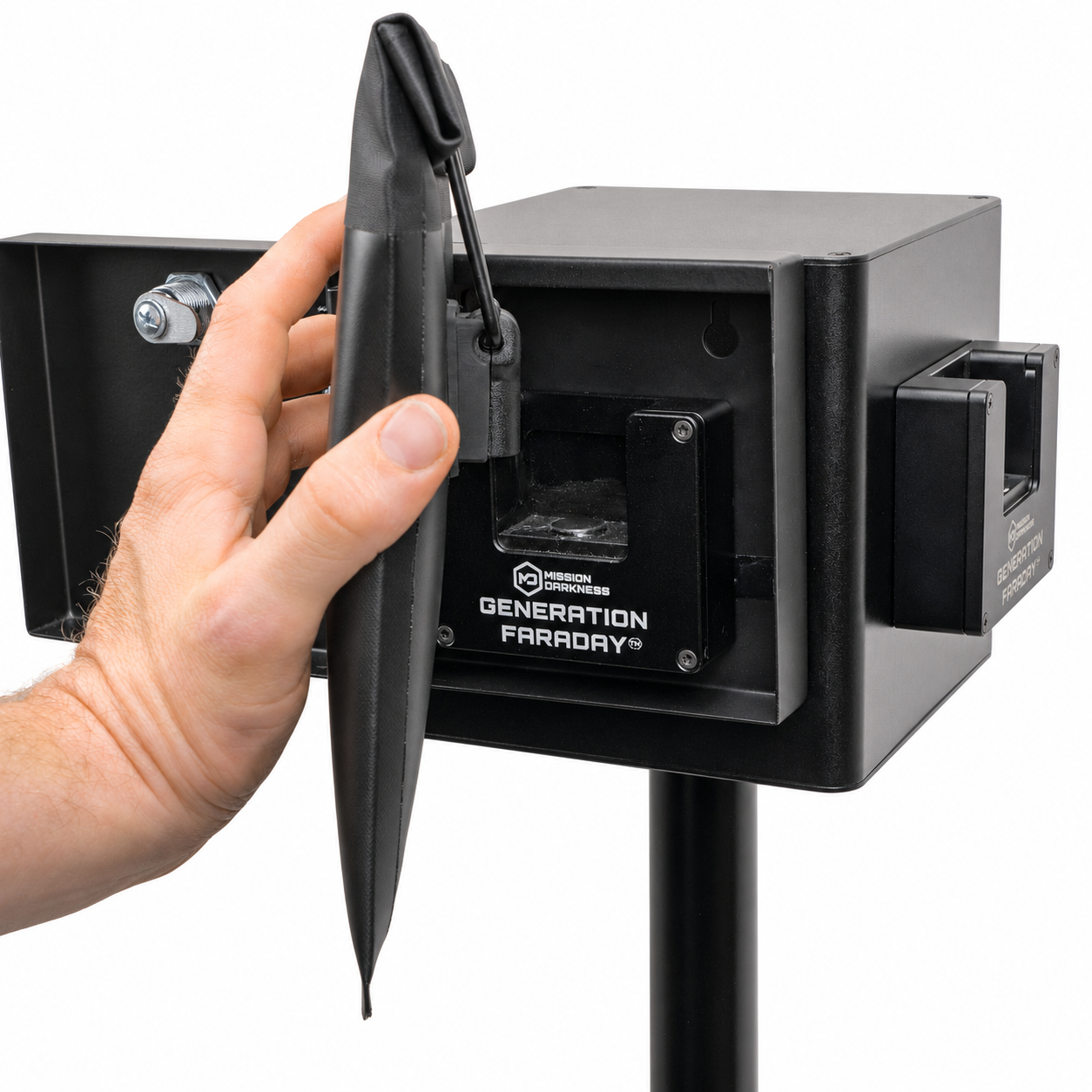
The same bag routine

The same bag routine

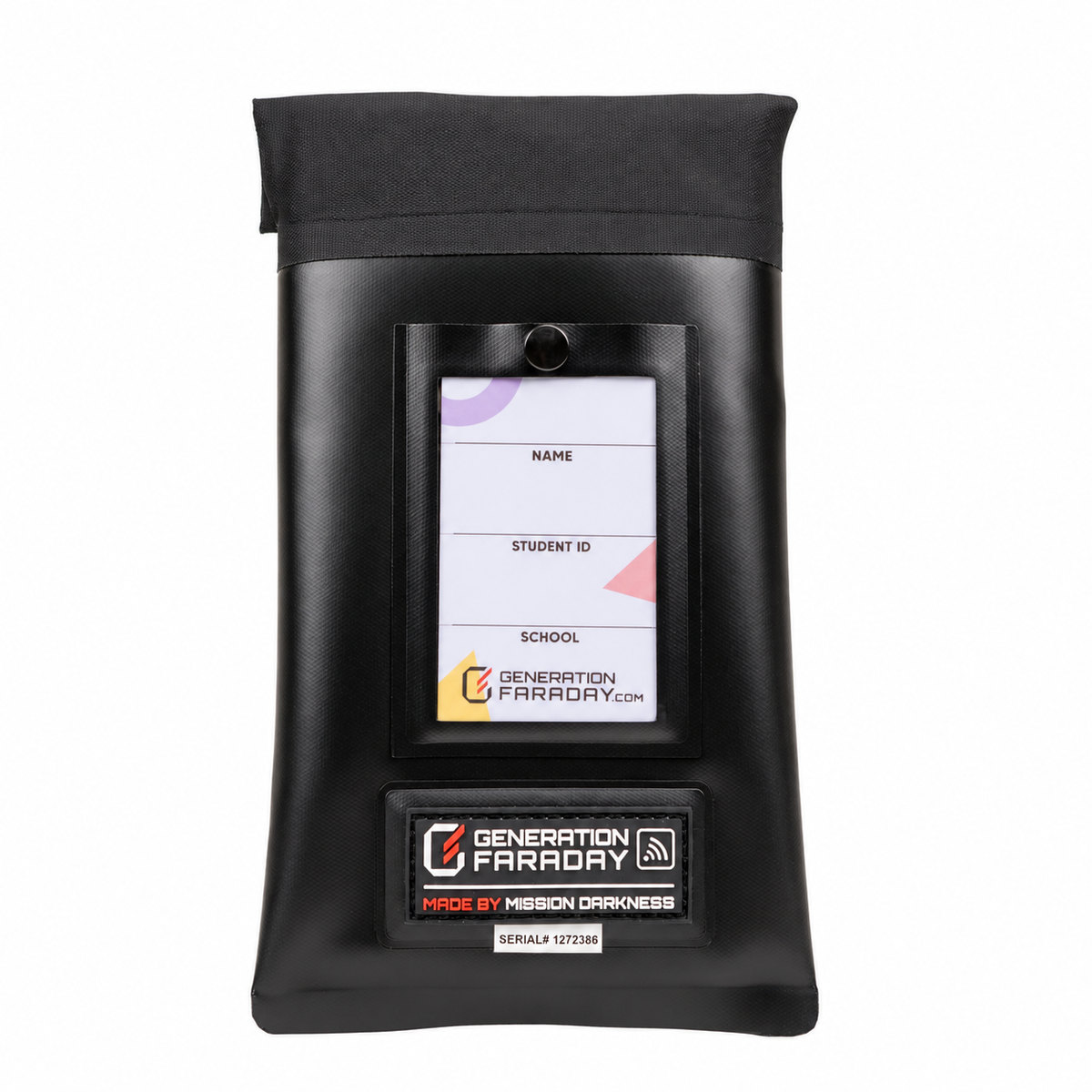
With the door open, align a compatible Max Lock clasp with the dock and press to release.

Open when planned. Secure between uses.

A clear routine around the cover.

Assign responsibility for the key and the station so availability follows your school’s plan.

  1. Before release

    The responsible staff member unlocks and opens the cover.

  2. During release

    Students use the compatible dock according to the school’s procedure.

  3. After release

    Close and lock the cover, then return the key to the agreed staff location.

The essentials

Specifications, care and setup.

Product codeGFUD-COVER
CompatibilityGeneration Faraday Unlock Dock
AccessKey-operated cover
Surface mounting hardwareNot included
Full product details

Specifications

  • Independent Tamper-Proof Solution - Adds a layer of security to the Unlock Dock by restricting access to the unlocking mechanism.
  • Lockable Design - Features a key to ensure only authorized users can remove the cover.
  • High-Durability Materials - Crafted from tamper-resistant materials to withstand heavy use and deter unauthorized attempts.
  • Seamless Compatibility - Designed specifically to fit and function with the Generation Faraday Unlock Dock.
  • Simple Installation - Easy to attach and secure over the Unlock Dock for enhanced security without additional setup.
  • Portable and Adaptable - Can be moved and secured in different locations and installed into a variety of surfaces; mounting hardware not included.
  • SKU - GFUD-COVER
Setup & care

Usage & Care

  1. Placement - Position against a secure, flat surface and attach using your own mounting hardware.
  2. Attach Dock - Secure the Unlock Dock to the cover using the predrilled holes and included screws.
  3. Access - Unlock the cover and open the door to use the dock.
  4. Unlocking a Bag - Hold the Generation Faraday Max Lock bag, align with the dock, and press until the lock releases.
  5. Cleaning - Wipe with a dry or slightly damp cloth. Avoid harsh chemicals or abrasives.
  6. Storage - Keep in a clean, dry area away from extreme heat or moisture.
Installation guide

Use the illustrated guide alongside your school’s installation plan. Read the setup guide →

Plan your school setup

Plan the dock, cover and mounting together.

Tell us where the product will be used, who will manage it and how it fits the school day. We’ll help confirm the configuration and compatible equipment.