Skip to product content
Generation Faraday
← All products

Unlock stations

Unlock Dock Podium

Bring release points into the flow.

  • Magnetic Unlocking Mechanism
  • Supports Up to 4 Unlock Dock Hubs
  • Ergonomic Height and Mobile Positioning
  • Optional Tamper-Proof Cover and Caster Wheels
School & district pricing

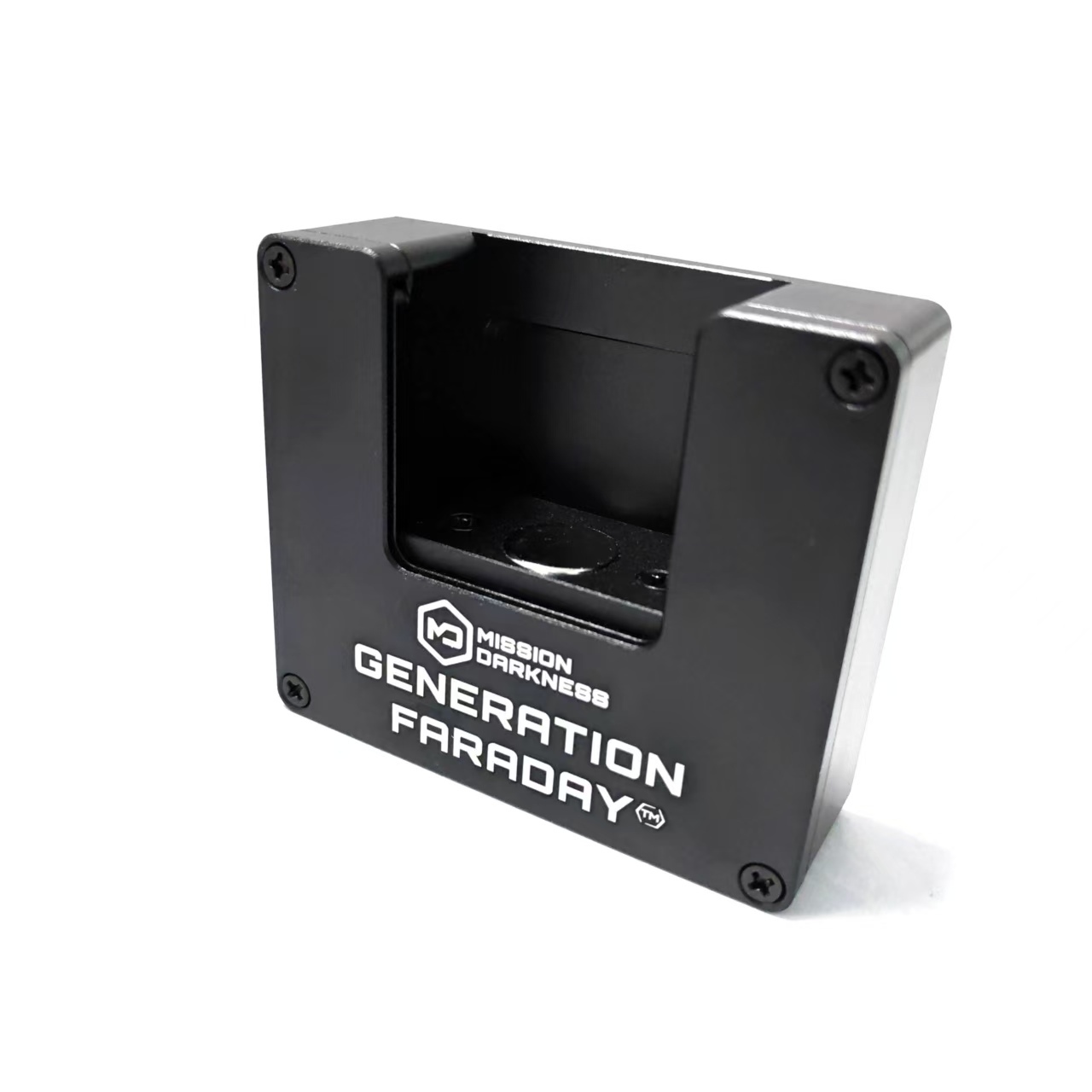
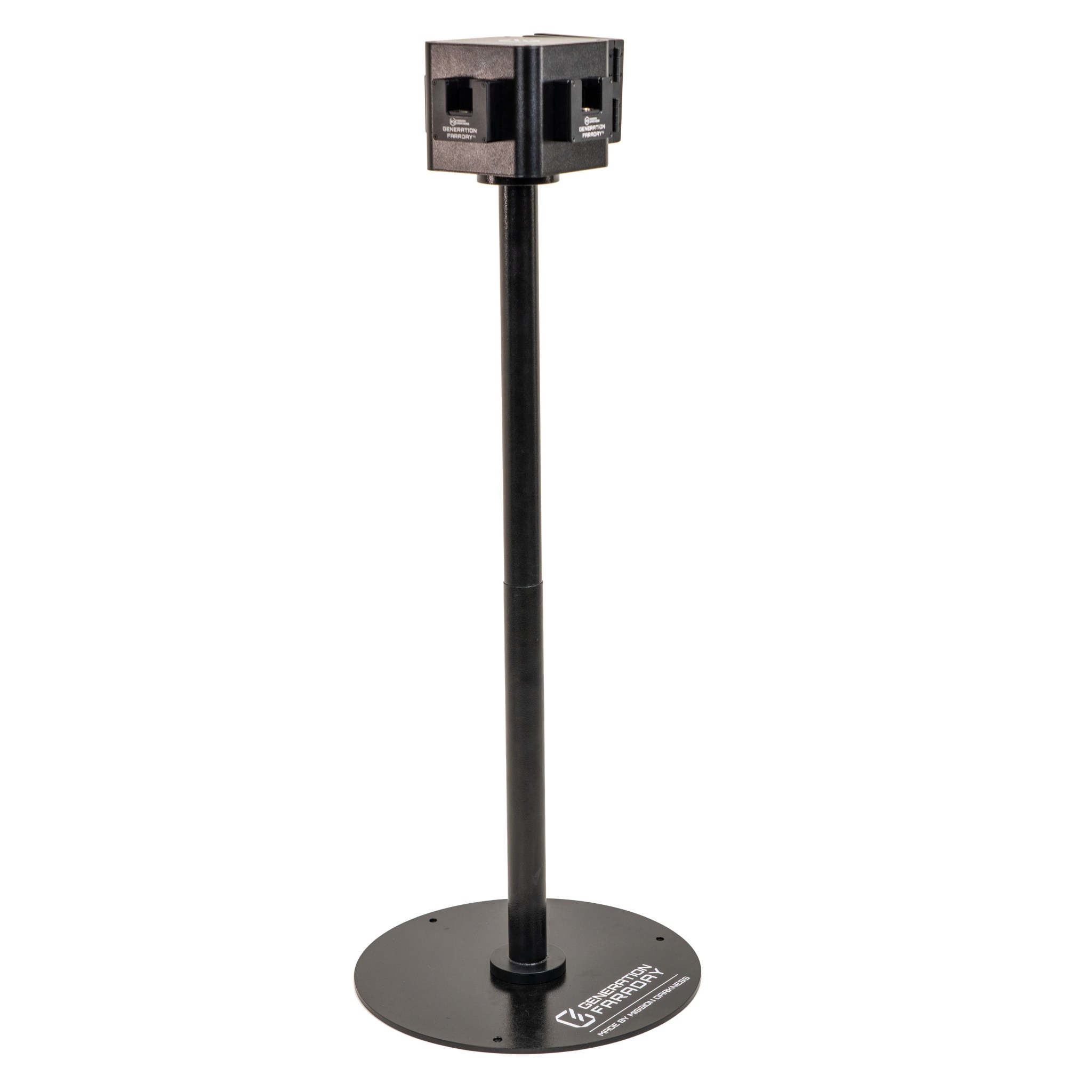
Build a two-way or four-way release station using a mobile aluminum podium and compatible Unlock Docks. The sturdy base and caster wheels help position unlocking points where students need them. Optional Tamper-Proof Covers control access between release periods. Confirm the docks, covers, and mounting hardware included in your configuration.

A closer look

Configure the release point around your campus.

Choose a two-way or four-way station and plan where students approach, unlock and move on.

A dedicated station

A dedicated station

The freestanding podium supports multiple Unlock Docks so release points can fit the school’s workflow.
A familiar unlocking action

A familiar unlocking action

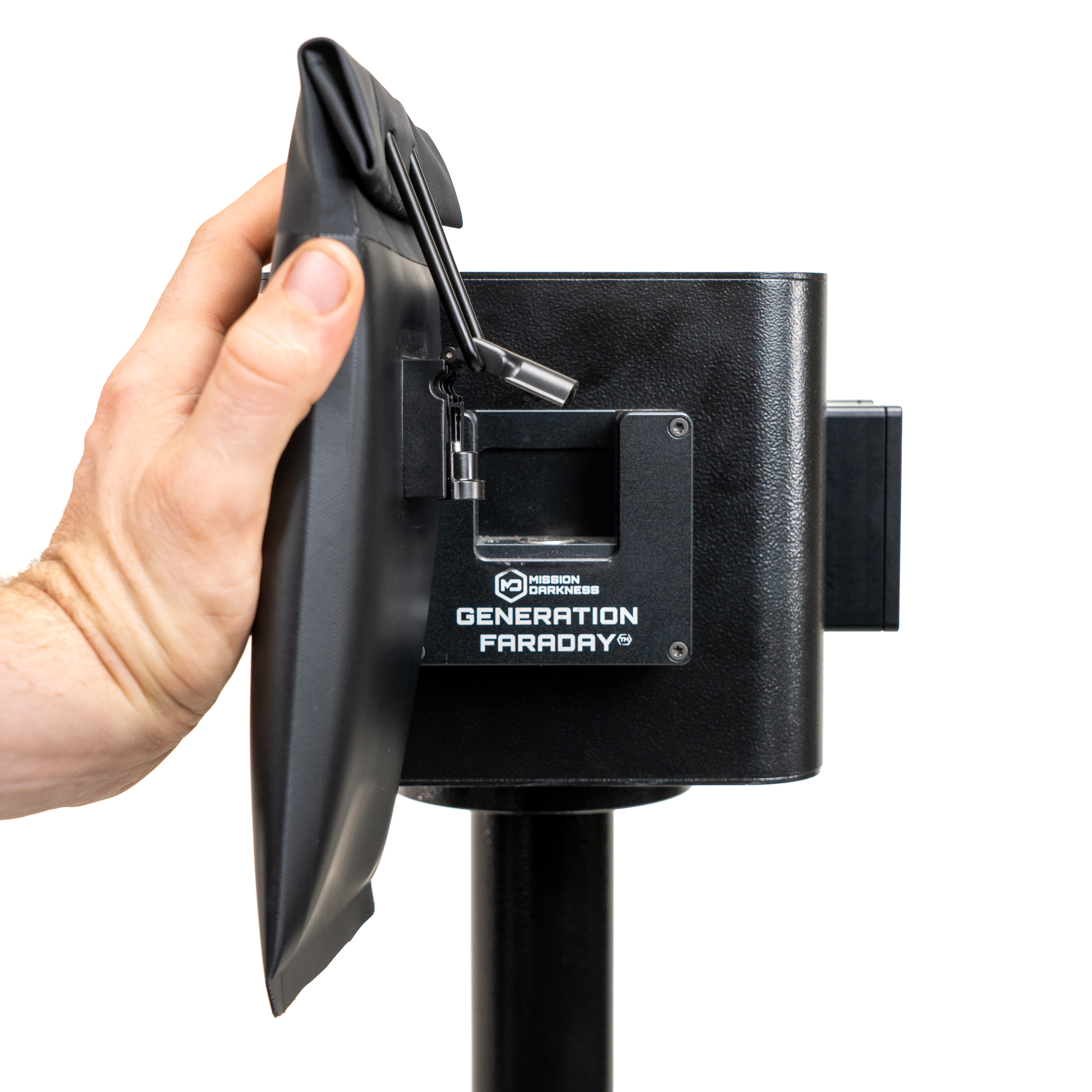
Students bring compatible locking bags to the dock. Staff decide when and where the station is available.
Position, then stabilize

Position, then stabilize

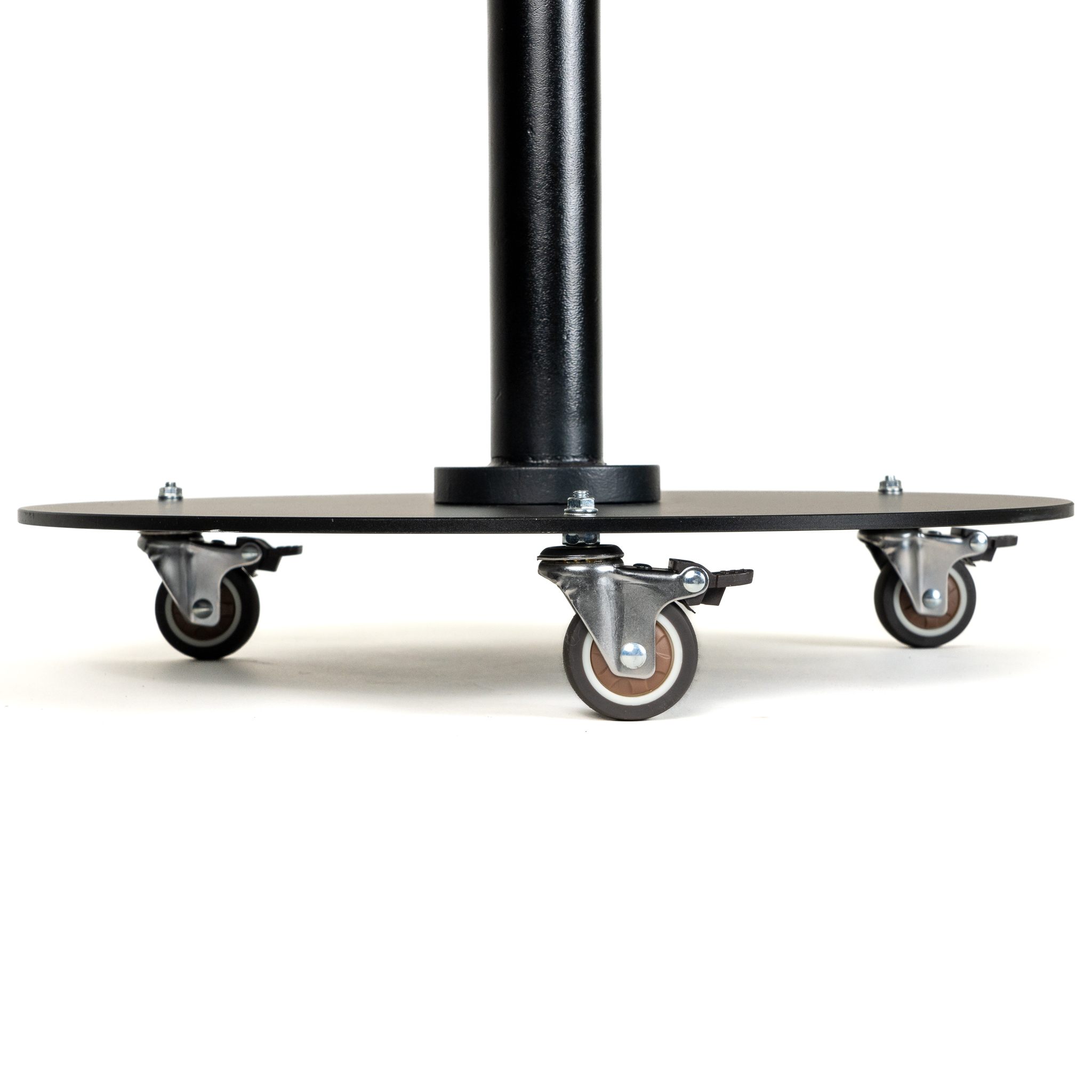
Caster wheels support moving the stand. Place it on level ground and lock the wheels before use.

Choose the station around your approach

Two-way or four-way.
A deliberate point of release.

Explore the configuration options and confirm the docks, covers and hardware included in your quote.

POST2-WAY
Illustrative top-view configuration. Footprint and approach space are not to scale.

2-way configuration: two compatible dock positions.

Make the configuration an operating decision.

The podium supports up to four compatible Unlock Docks. Plan the approach from each side, the staff position and the route students follow after release.

More dock positions do not replace a clear release procedure. Confirm the physical arrangement for your school rather than assuming a fixed throughput.

IN THE SCHOOL DAY

A release point that fits your school.

At a covered entrance or inside a hallway, make compatible bag release part of a familiar school routine.
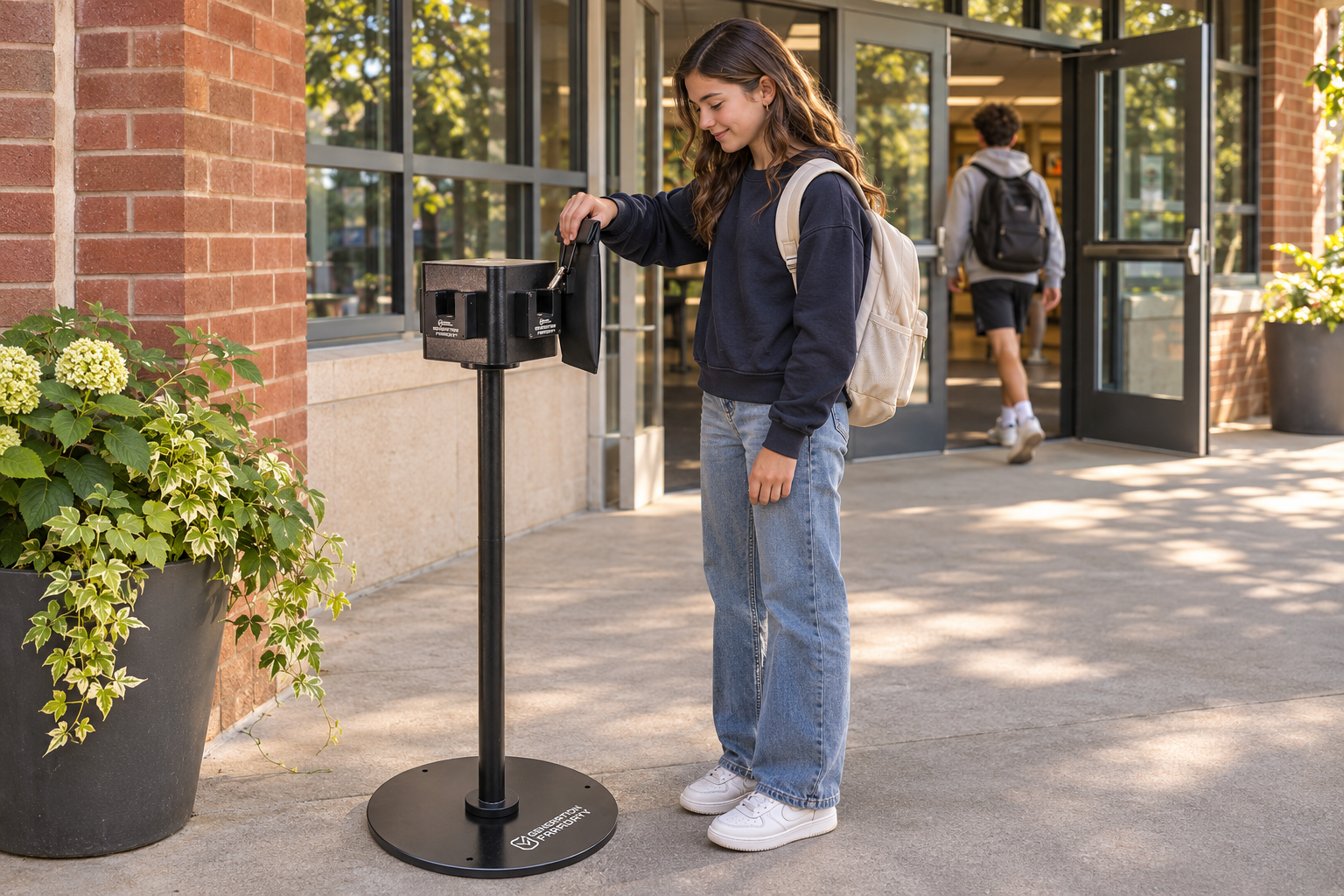
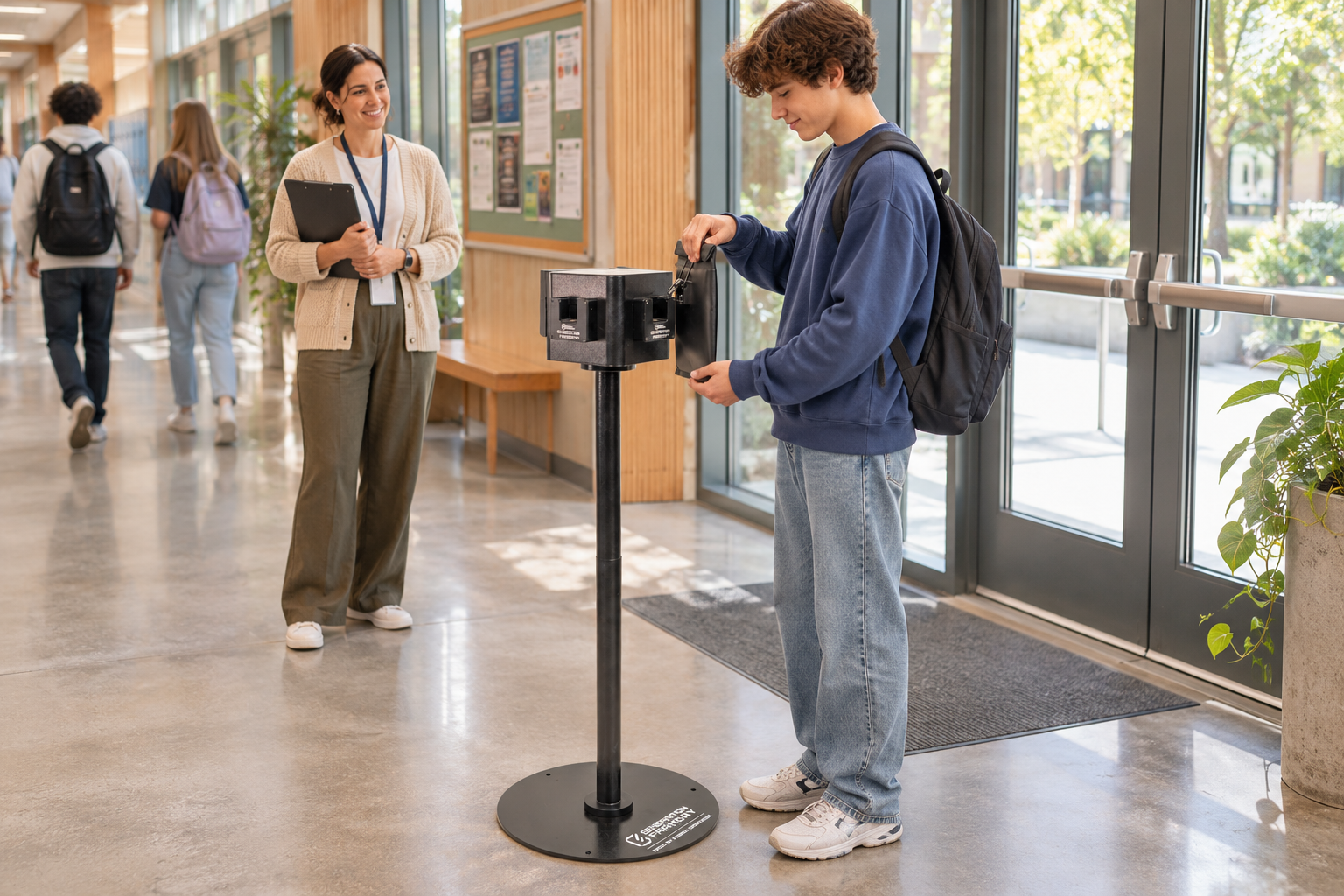
Illustrative school entrance with a student using a Max Lock bag beside the round-base Unlock Dock Podium
Beside the entranceA covered doorway. A clear place to release the bag.
Illustrative indoor school hallway with a student releasing a Max Lock bag at the Unlock Dock Podium with staff nearby
Inside the hallwayStudent-held bags. Staff nearby. A familiar route.
A station is more than a post

Plan the hardware around access.

Match the dock arrangement with how your staff manage release periods and access between them.
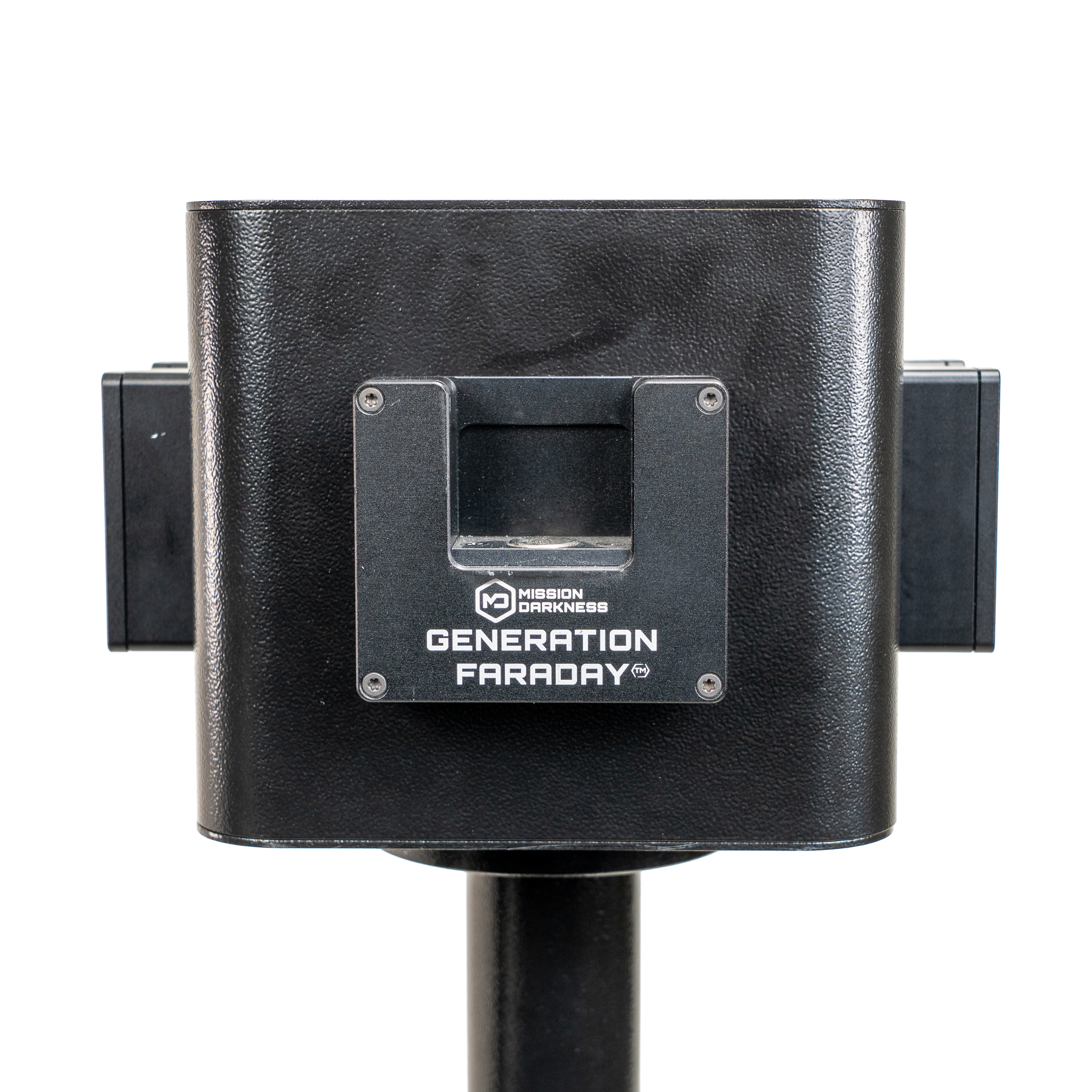
Native Unlock Dock Podium upper dock configuration
01 / Configure

Choose the dock positions.

Confirm the two-way or four-way configuration and the equipment included in your quote.
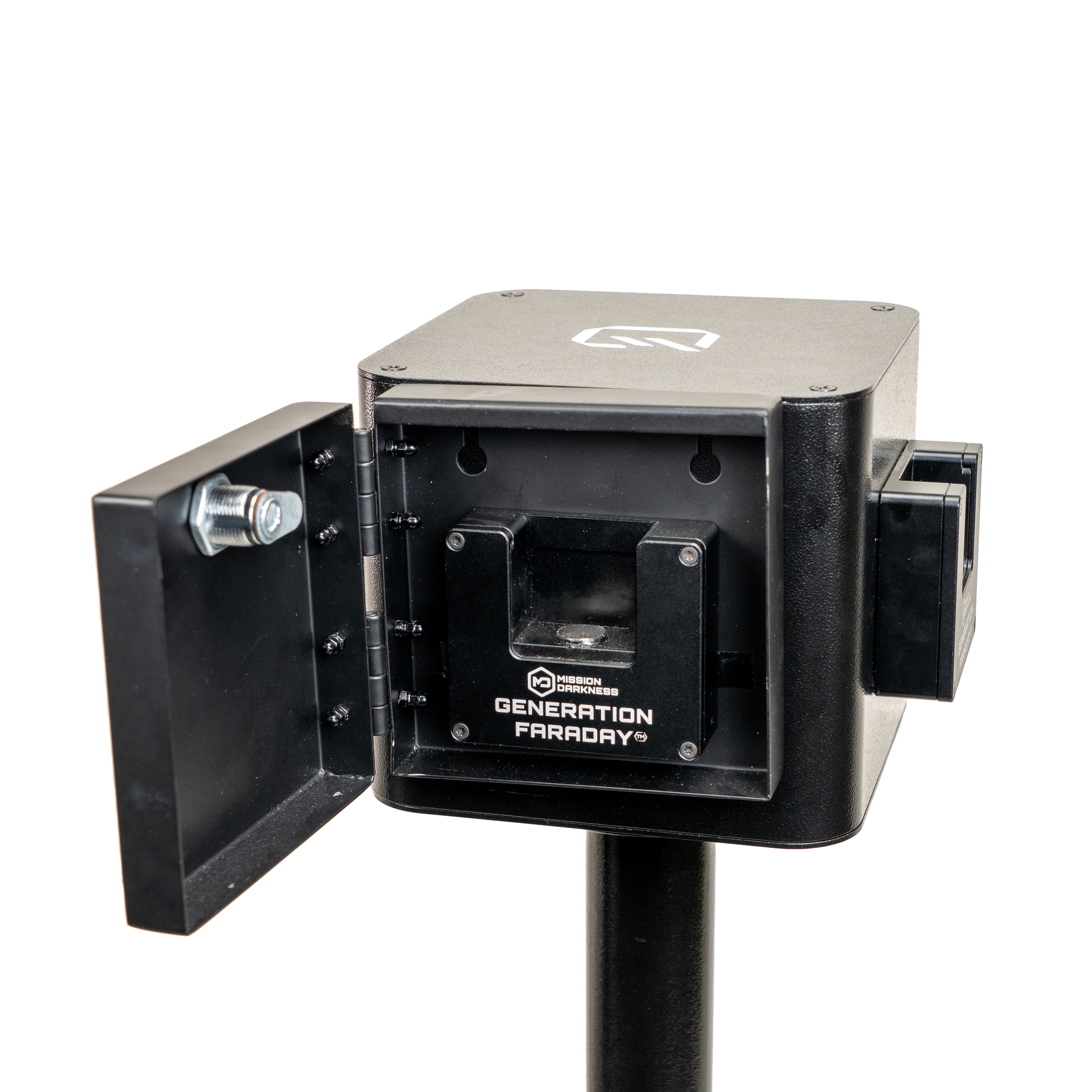
Native dock and open key-operated cover on the podium
02 / Control

Add covers where useful.

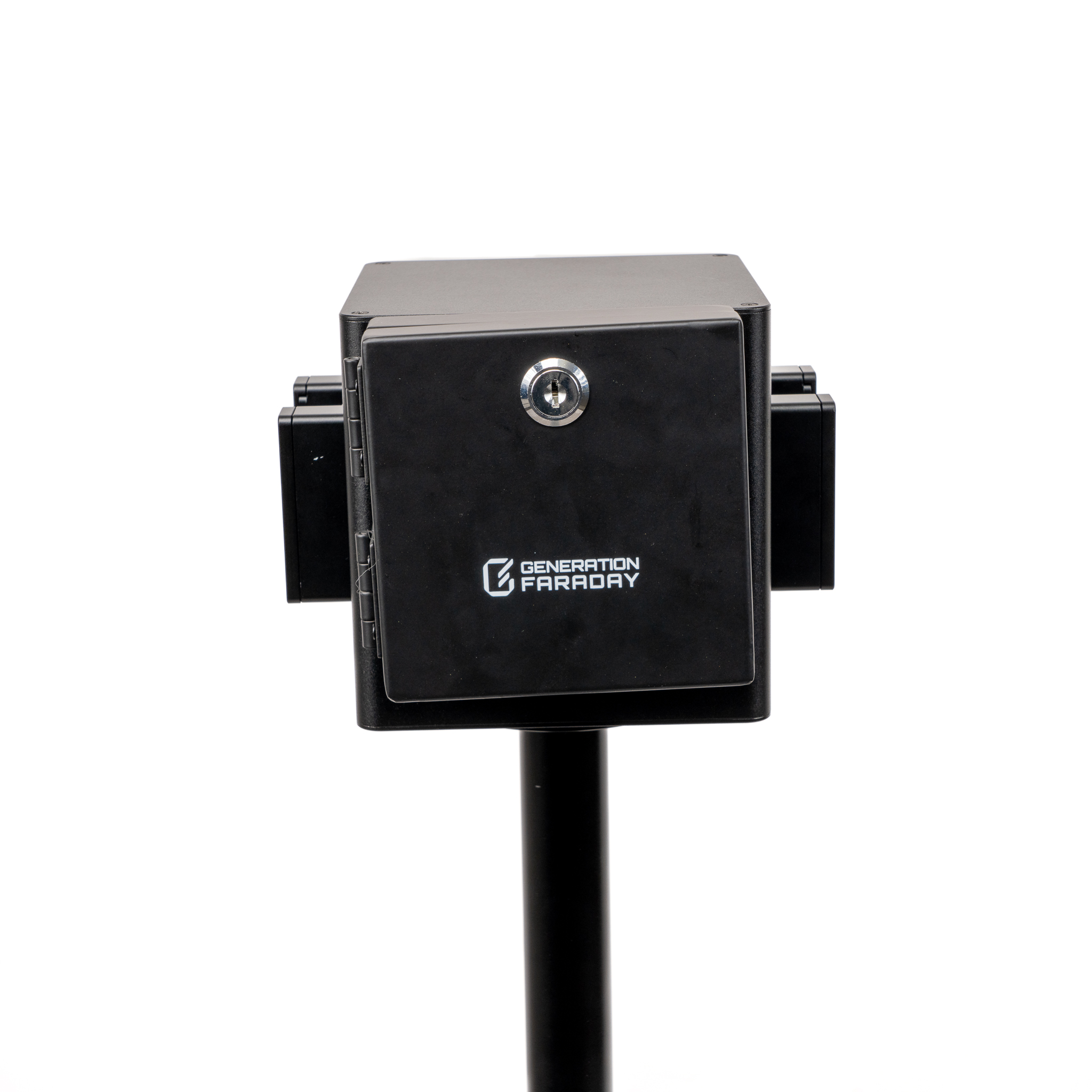
Compatible covers restrict access to the dock between the release periods your school plans.
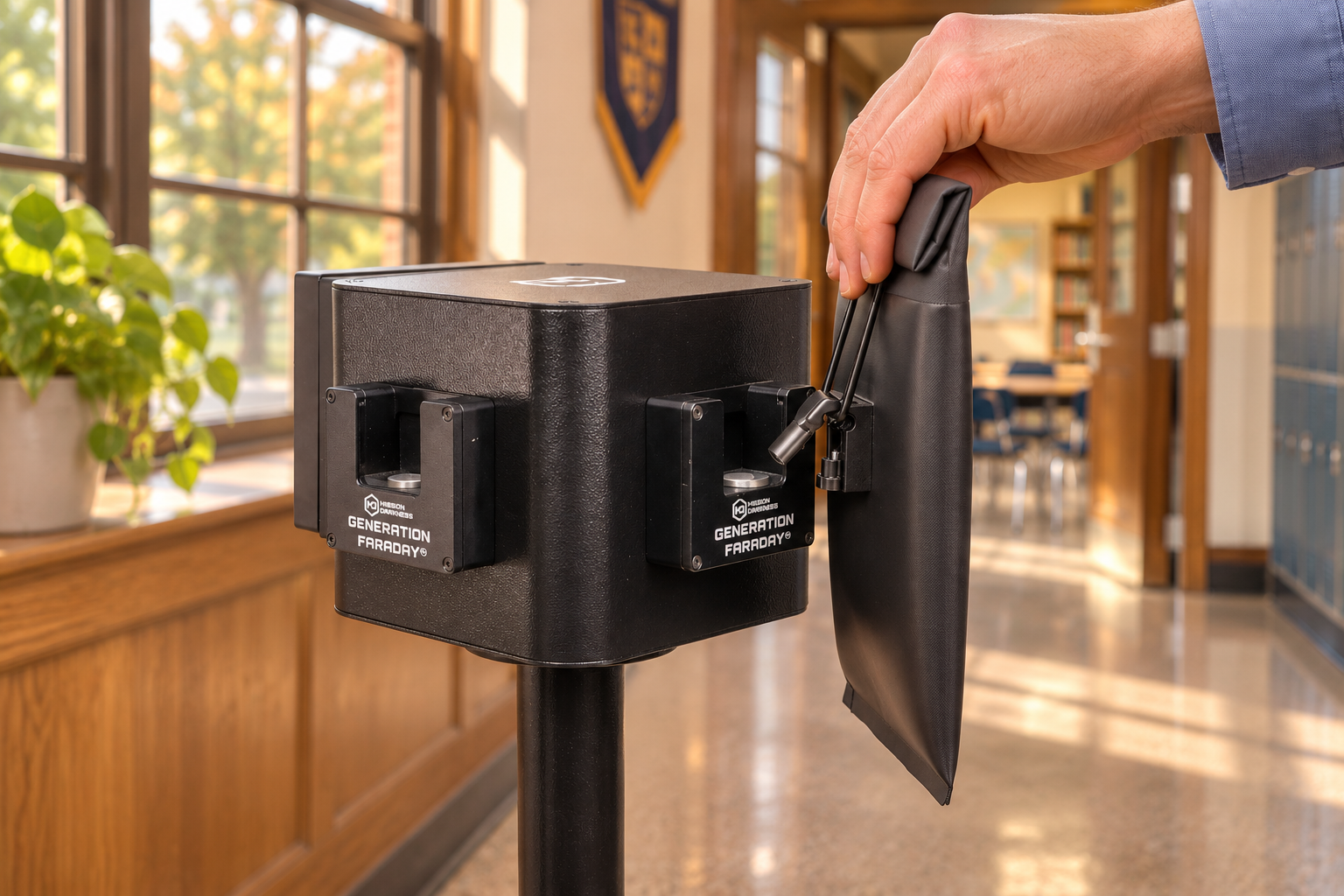
Illustrative compatible Max Lock bag release at the podium
03 / Release

Keep the action familiar.

Students align the compatible locking mechanism while staff manage availability and the flow onward. Illustration shown.

The essentials

Plan the right setup.

Station configurations2-way or 4-way
Dock capacityUp to 4 Unlock Docks
MobilityLocking caster wheels; removable
Access controlOptional Tamper-Proof Covers
Full product details

Specifications

  • Multi-Dock Capacity - Supports up to four Unlock Dock hubs, with optional tamper-proof covers, for streamlined and organized device management.
  • Customizable Positioning - Unlocking stations can be adjusted and configured to suit different workflows and locations with ease.
  • Ergonomic Height - The podium’s fixed height is engineered to suit student ergonomics, offering stability and consistent usability across varied classroom applications.
  • Mobile Design - Includes locking caster wheels for easy transport and secure placement, with optional removal.
  • Sturdy Construction - Built from durable materials to ensure stability and reliable performance during frequent use.
  • Professional Appearance - Sleek, modern design that integrates seamlessly into professional and educational settings.
  • SKU - GFUD-STAND-4WAY (includes 4 Unlock Docks) SKU - GFUD-STAND-2WAY (includes 2 Unlock Docks)
Setup & care

Usage & Care

  1. Placement - Set on stable, level ground. If caster wheels are installed, lock them in place. Check the stand’s stability before use.
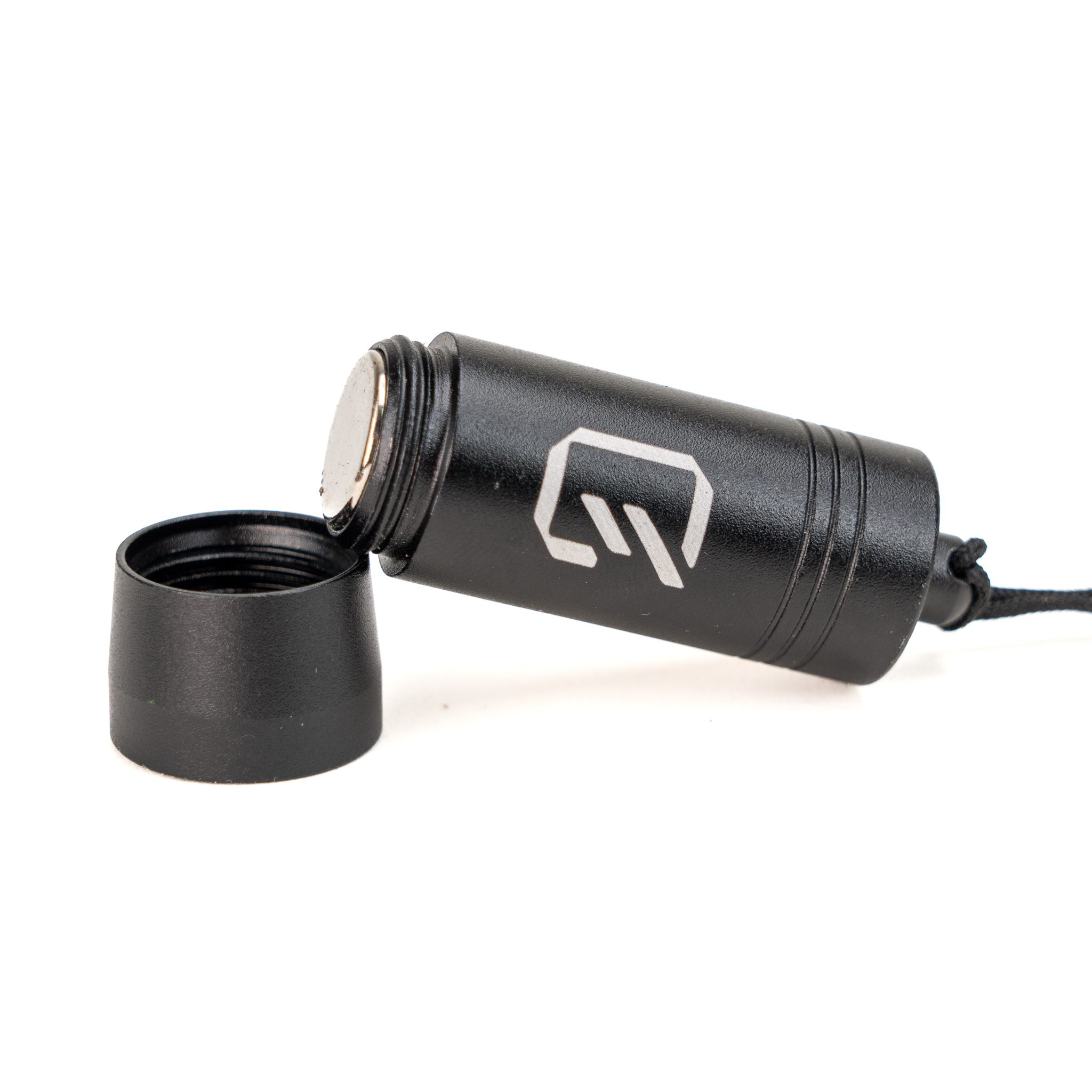
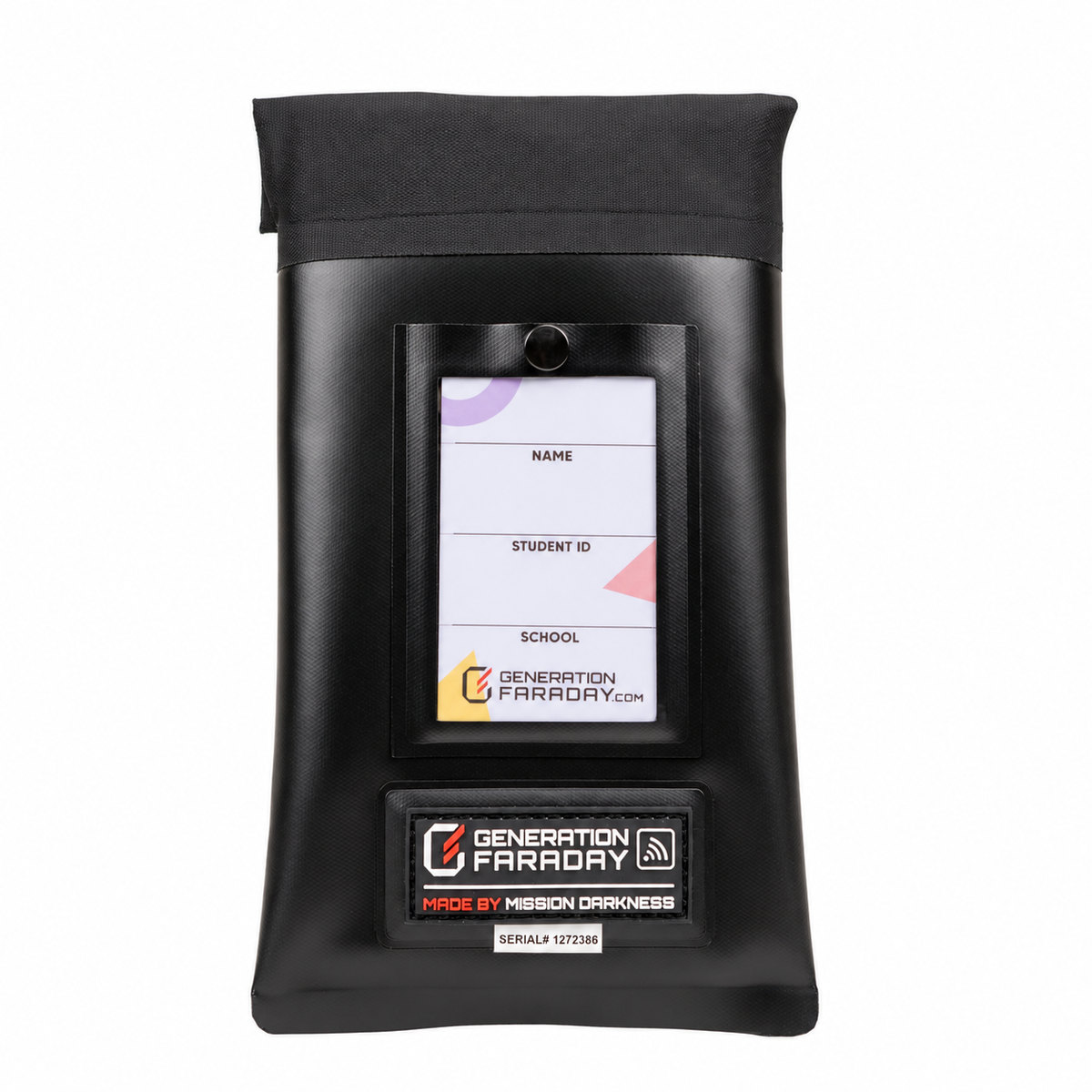
  2. Unlocking a Bag - Hold the Generation Faraday Max Lock bag, align with the dock, and press until the lock releases.
  3. Cleaning - Wipe with a dry or slightly damp cloth. Avoid harsh chemicals or abrasives.
  4. Storage - Keep in a clean, dry area away from extreme heat or moisture.
  5. Security - For restricted settings, use a Tamper-Proof Cover for controlled access.
Installation guide

Use the illustrated guide alongside your school’s installation plan. Read the setup guide →

Plan the release points

Four doors.
A familiar place to unlock.

An example layout for placing Unlock Stations at four different school doors. We’ll help map release points to your school’s routine.
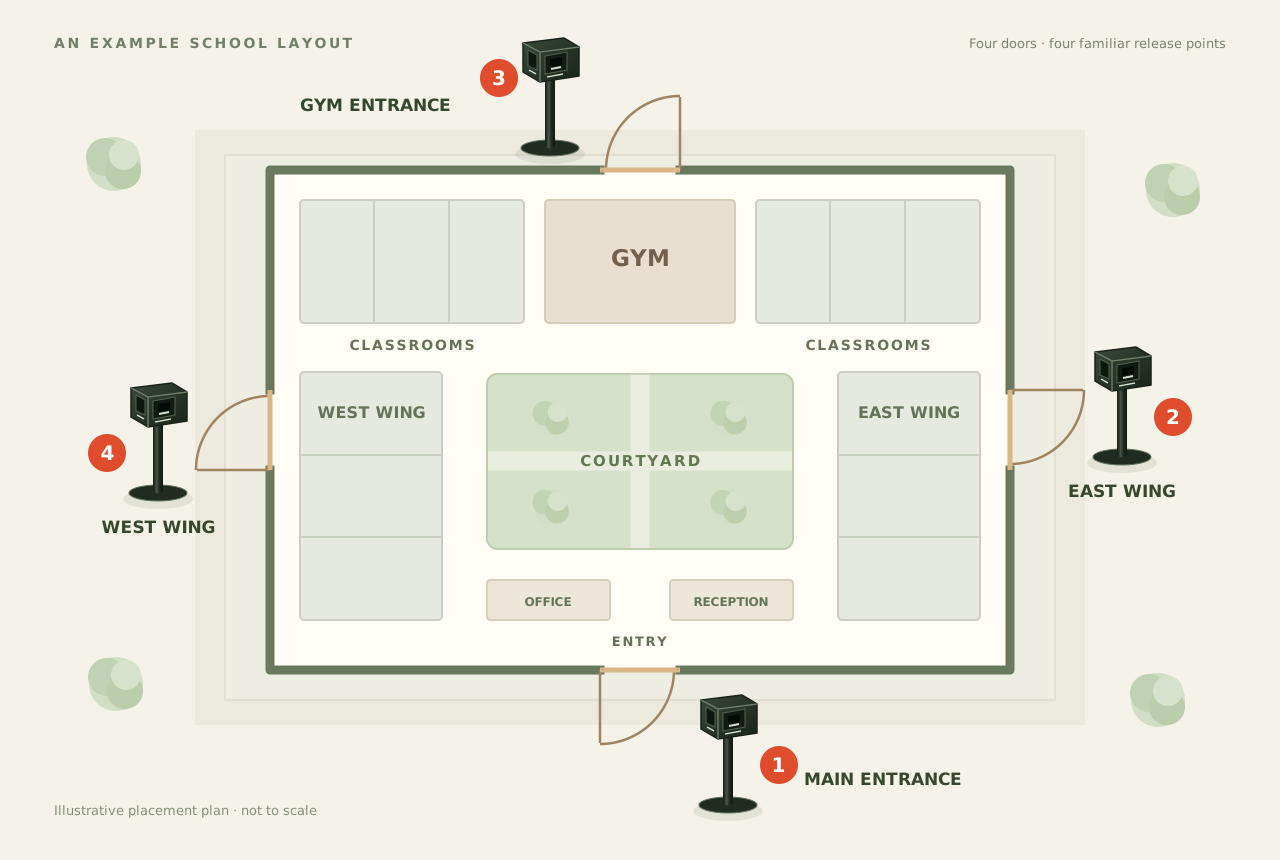
Example school schematic showing four Unlock Dock Podiums at four exterior doors: the main entrance, east wing, gym entrance, and west wing
Illustrative school layout · four example door locationsView full diagram
  1. Main entrance

    The school’s main arrival and release point.

  2. East wing

    A familiar door for the east side of campus.

  3. Gym entrance

    A release point beside the gym’s exterior door.

  4. West wing

    Another station at the west-side school door.

Illustrative school use of a compatible Max Lock bag at an Unlock Dock on the podium
Illustrative school sceneEnlarge photo

The end-of-day routine

A release point that fits your school.

Place compatible Unlock Docks where your school’s release routine needs them. Students keep their bags; staff plan when and where release happens.

  1. Choose the release point.

    Set the stand on level ground and keep the approach clear.

  2. Align the bag’s lock.

    Bring the Max Lock mechanism to the compatible dock and press to release.

  3. Manage access.

    Use your school’s release routine and optional covers between release periods.

Illustrative setup. Confirm the docks, covers, and hardware included in your configuration.