
A clearer routine.
A team behind it.
Choose what fits your school. Prepare your people. Bring one consistent phone routine into every school day.
- Policy & school needs
- Equipment & access
- People & daily routines
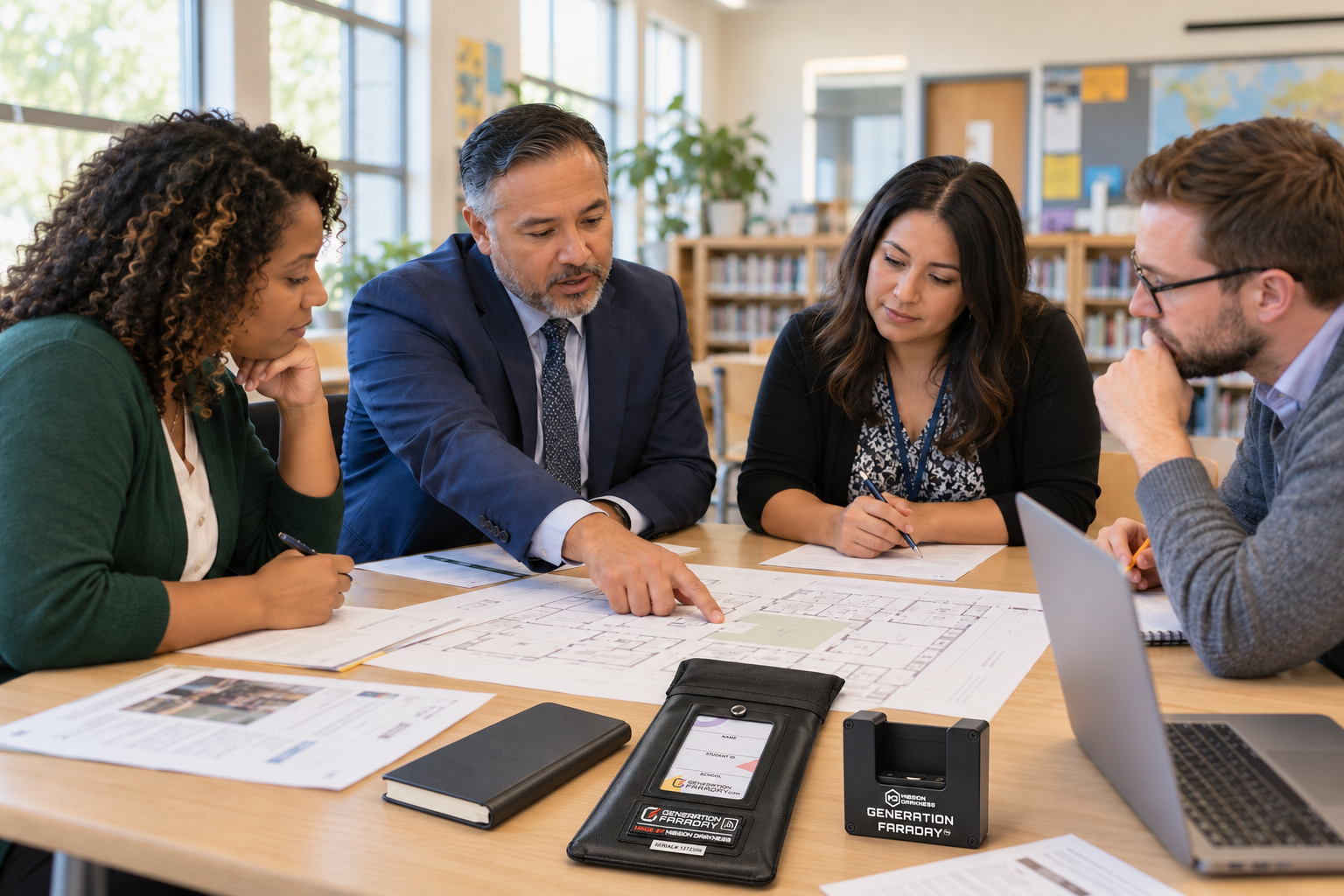
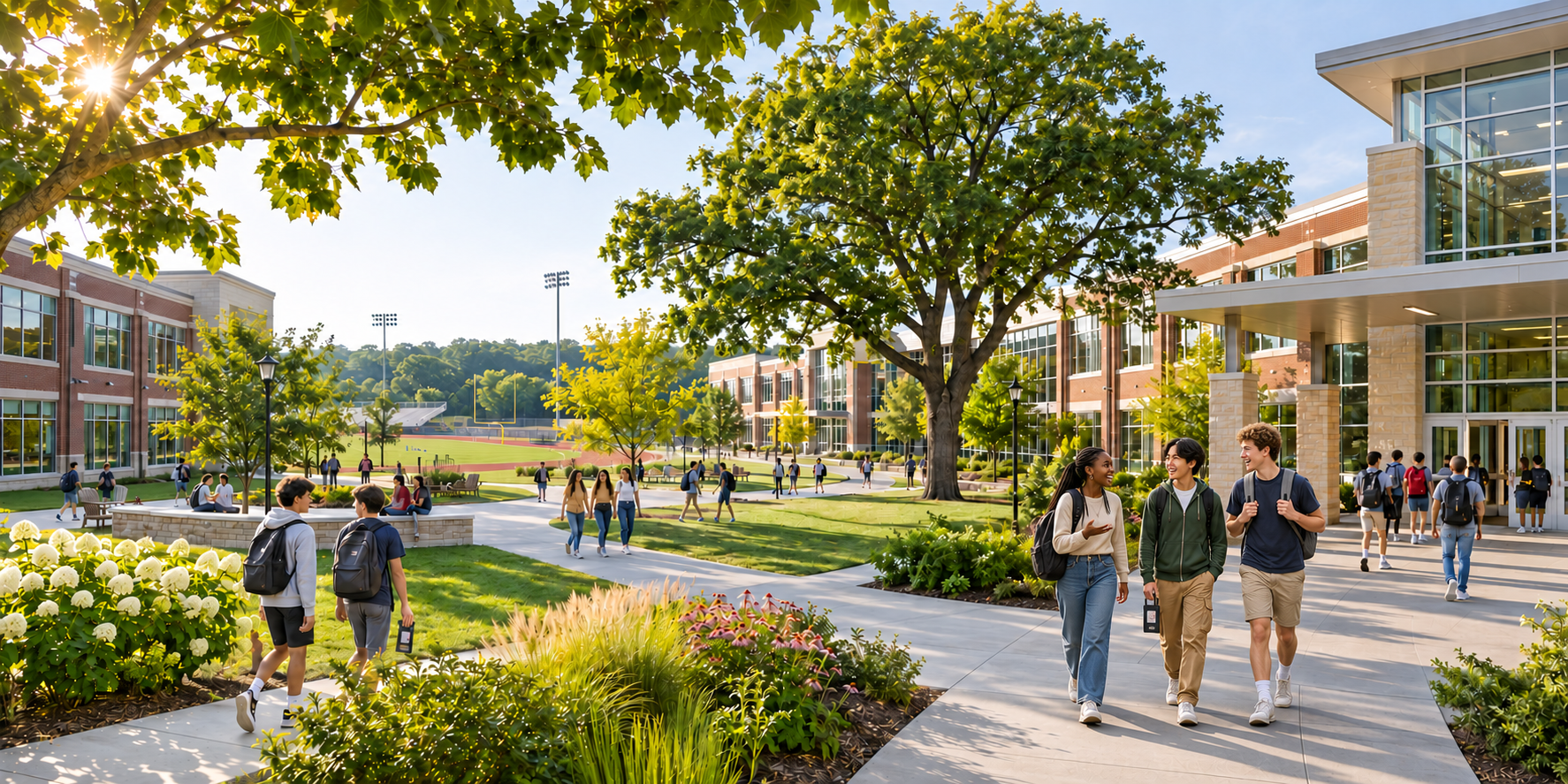
Five stages.
Built around your district.
Explore the work we do together before, during, and after launch.
Start with your school day.
- Your school brings
- Grade levels, policy goals, student needs, and the time phones should be put away.
- We work through together
- Shielded storage, student-held bags, the unshielded ClassKeeper system, or a mix that fits your district.
The outcome: a shared starting point.
Map the equipment.
Plan the access.
- Your school decides
- Collection points, responsible staff, individual arrangements, and emergency procedures.
- We help scope
- Product quantities, release tools, storage, and the practical steps around them.
The outcome: an equipment and access plan.
Practice the routine
before day one.
- Your school leads
- Staff responsibilities, student expectations, and family communication.
- We support with
- Usage guides, demonstrations, setup guidance, and answers to program questions.
The outcome: people who know what to do.
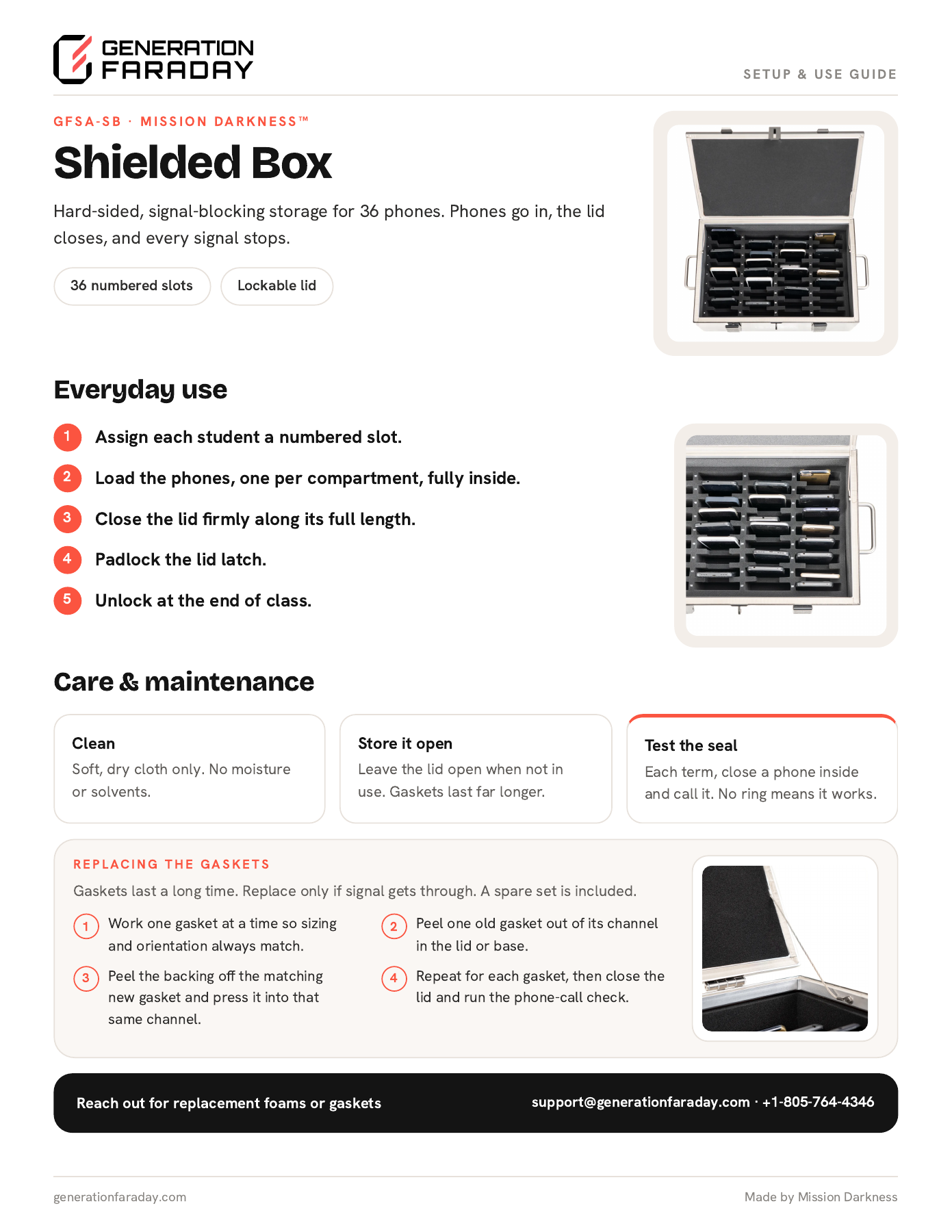
Assign. Set up.
Start together.
- Your school prepares
- Equipment assignments, approved identifiers, staff access, and launch communication.
- We help connect
- Product setup and, if you use the app, the records needed to get started.
The outcome: an organized start.
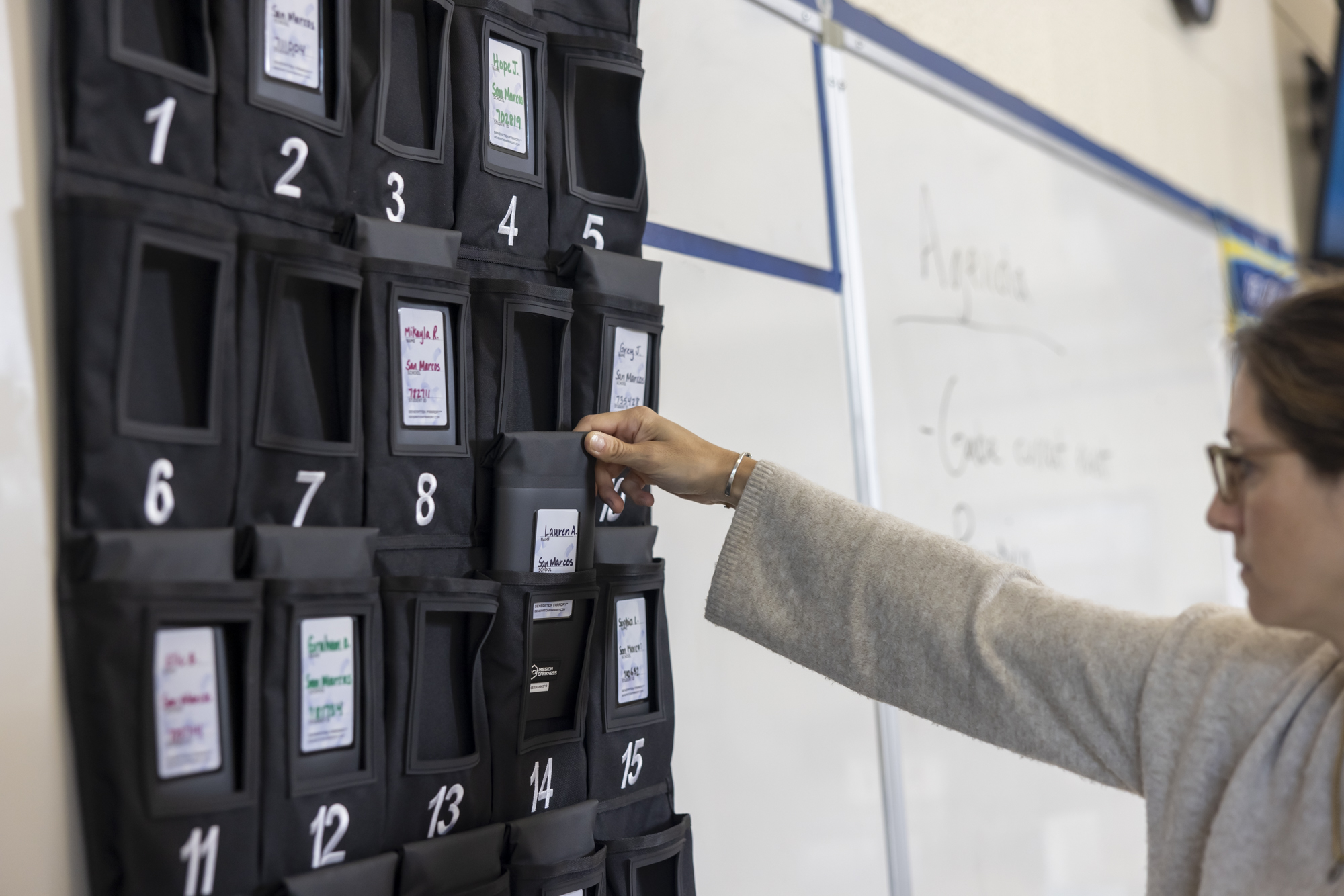
Review the routine.
Resolve the friction.
- Your staff provide
- Day-to-day feedback and records of missing or damaged equipment and policy issues.
- Our team supports
- Troubleshooting, training questions, and the conversation about replacements or adjustments.
The outcome: a routine you can keep improving.
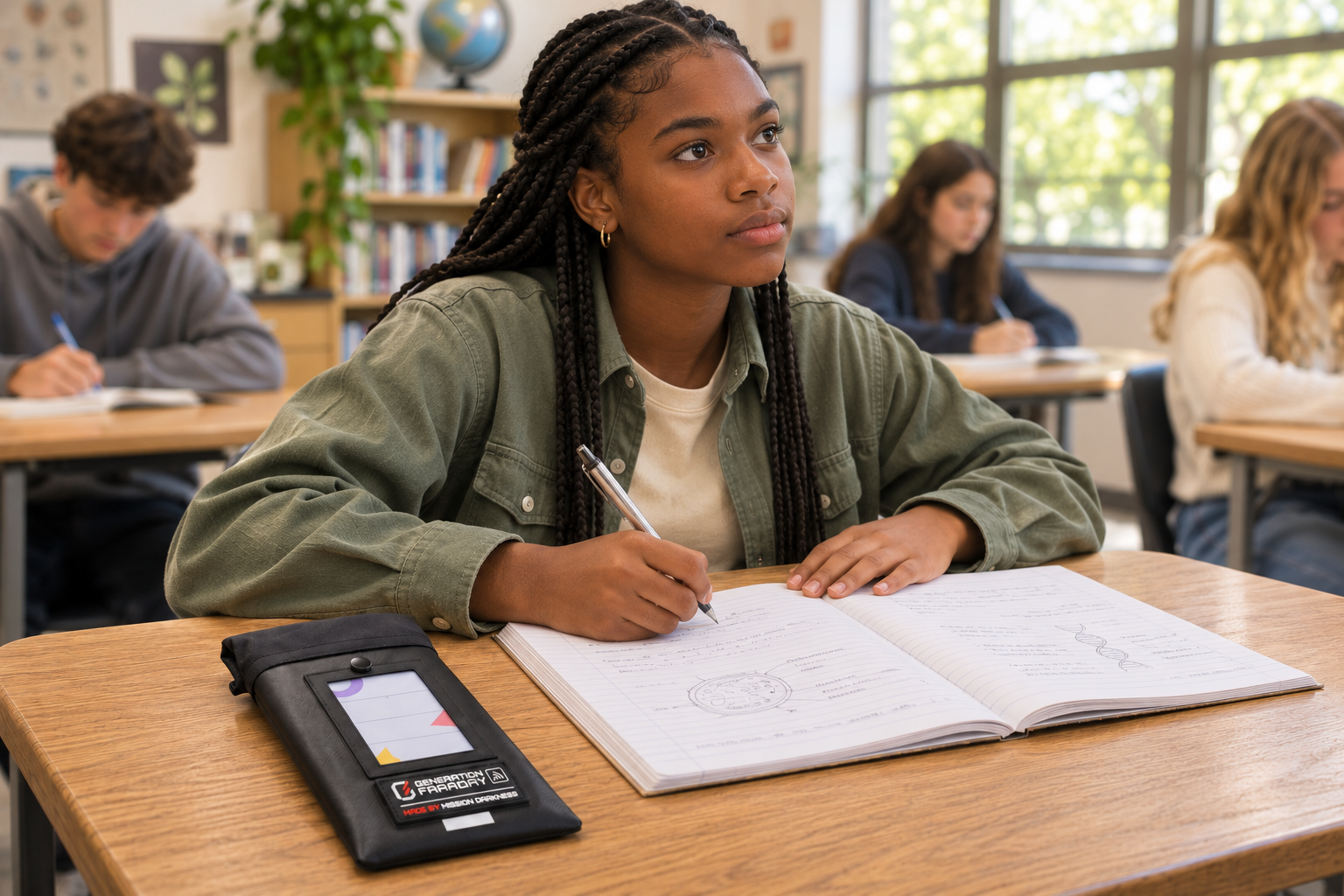
Where will phones spend the day?
Choose a product family to see its school-day routine. Compare who holds the phone, whether signals are blocked, and how students regain access.
Click a product family. The photos and steps below will change.
Choose what you need to store
Choose numbered storage for phones or an open, foam-lined interior for larger devices. All three isolate wireless signals when properly closed.
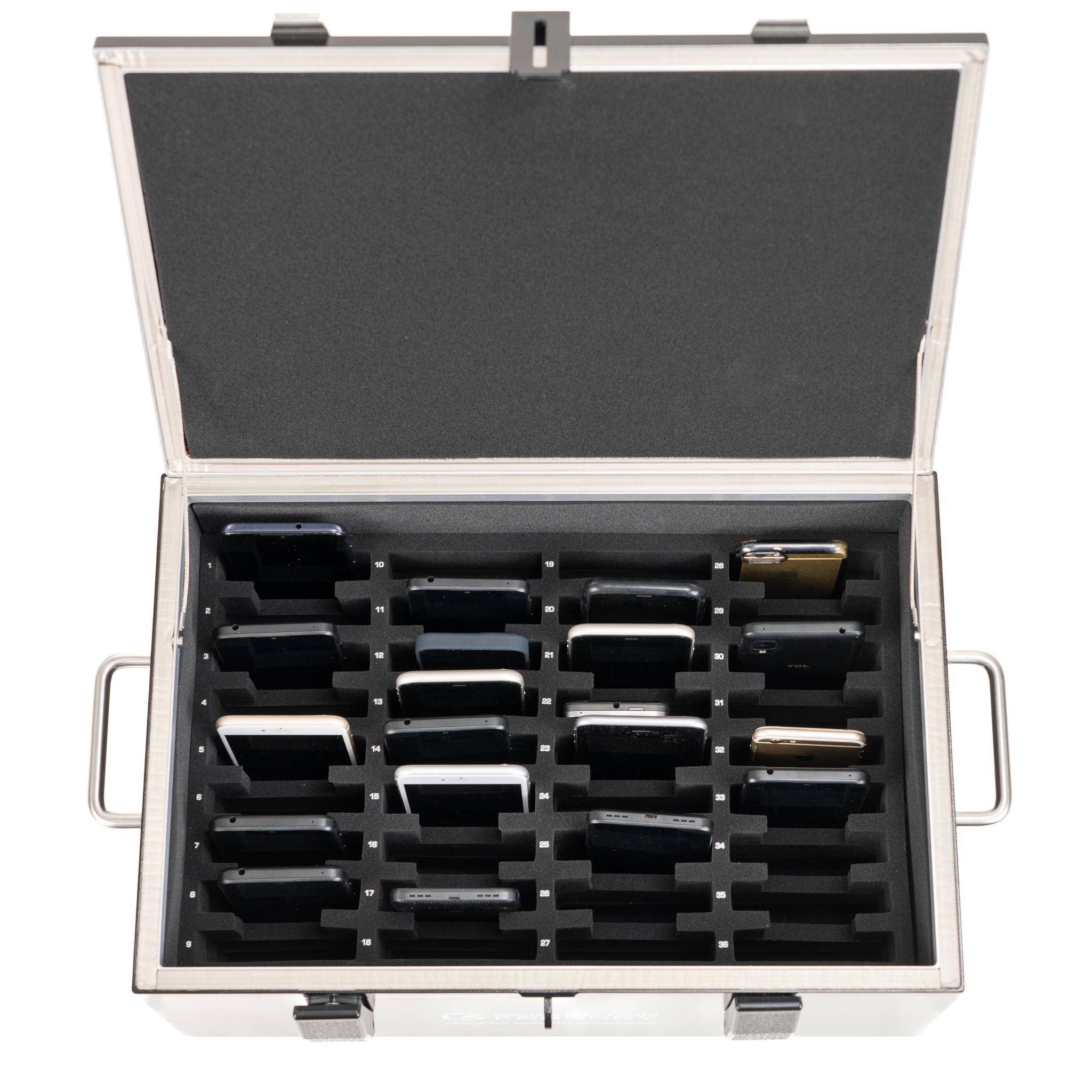
One box. A place for every phone.
Staff collect phones in 36 numbered, padded compartments. Use classroom collection for a lesson, an assessment, or the period set by your school.
Arrive & identify.
Silence devices and place each phone fully inside its assigned numbered space.
Close & secure.
Close the lid firmly along its full length. Add a compatible lock according to school policy.
Keep access with staff.
Keep the box on a stable, staff-managed surface. Use the agreed procedure for approved access.
Return & reconnect.
Open at the designated time. Match phones to their assigned spaces and return them in order.
Shielded storage for larger devices
The open interior measures 16.9 × 10.9 × 7 in and fits laptops up to 16 inches. Soft foam lines the sides and bottom.
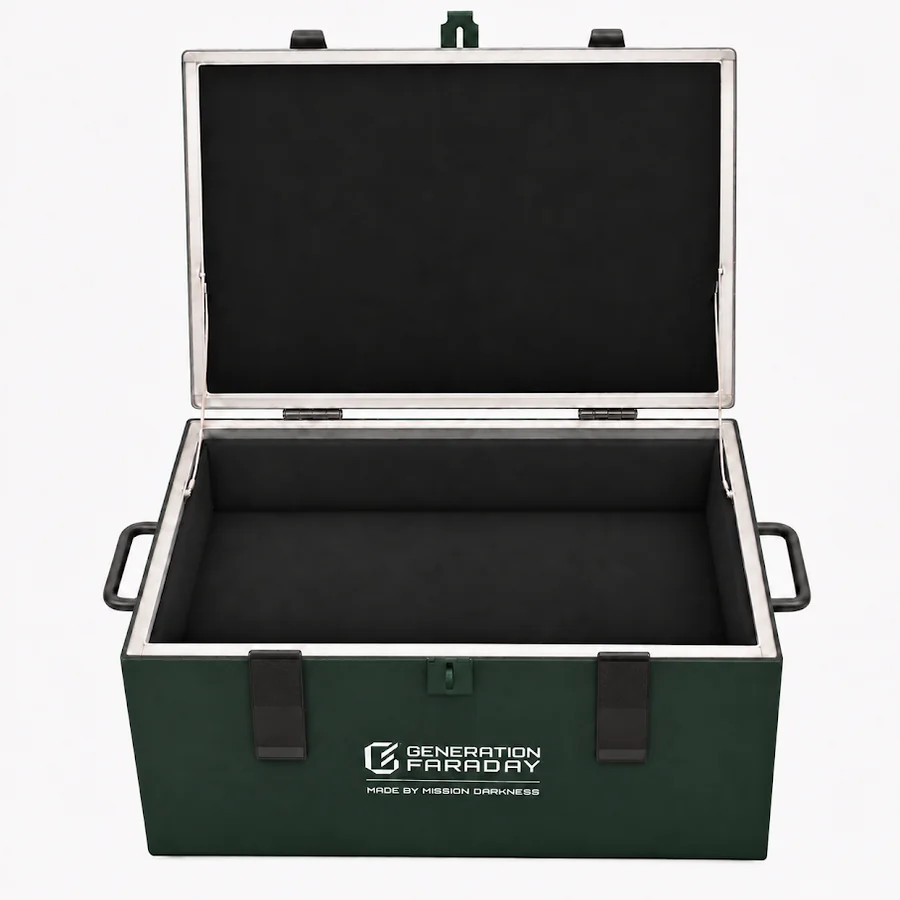
Check device fit.
Measure your largest device with its protective case before choosing a box.
Place and close.
Place devices fully inside the foam-lined compartment, then close the lid completely for signal isolation.
Plan an orderly return.
Keep a separate device record for staff. Choose the divider version if your routine needs numbered phone positions.
A larger collection point. Ready to move.
The Phone Drop Box brings four 36-phone drawers into one mobile, staff-managed cabinet. Use it for larger groups, shared collection, assessments or events.
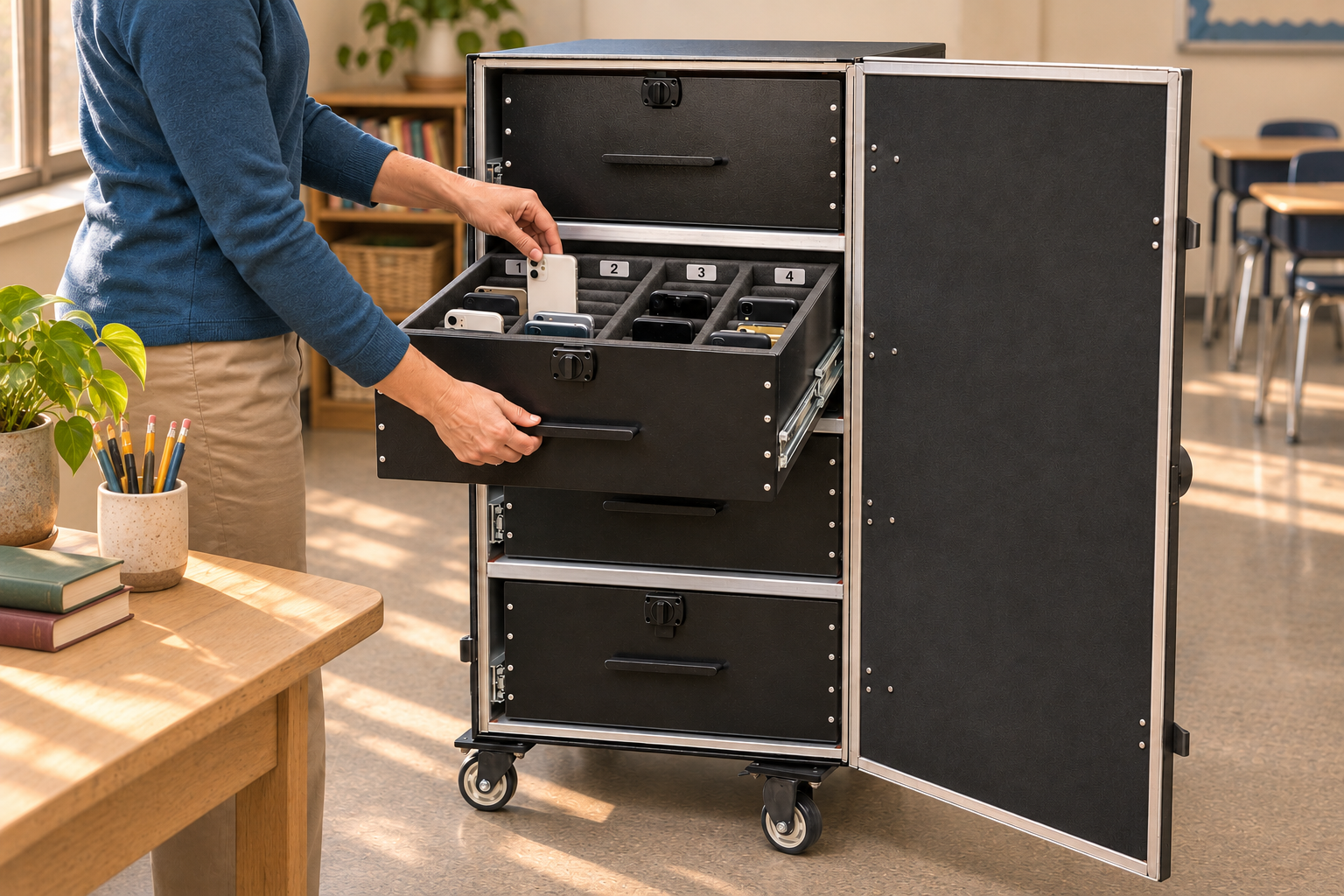
Set the collection point.
Move the cabinet into its agreed supervised position and engage the wheel locks. Staff control the exterior combination lock.
Collect by drawer and position.
Open one drawer at a time. Silence phones, place them in assigned numbered spaces, and check the collection record.
Close fully for shielding.
Close drawers flush, shut the outer door completely, and engage the side latches. Open drawers or an open door do not form the closed shielded enclosure.
Return in an agreed order.
Staff open at the designated time and return devices using the drawer and position record. Keep a separate plan for approved early access.
Choose how access works.
Shielding and locking are different decisions. Both bag styles below block signals when their Faraday closure is correctly sealed; only Max Lock needs a compatible release tool.
Their phone. Your access routine.
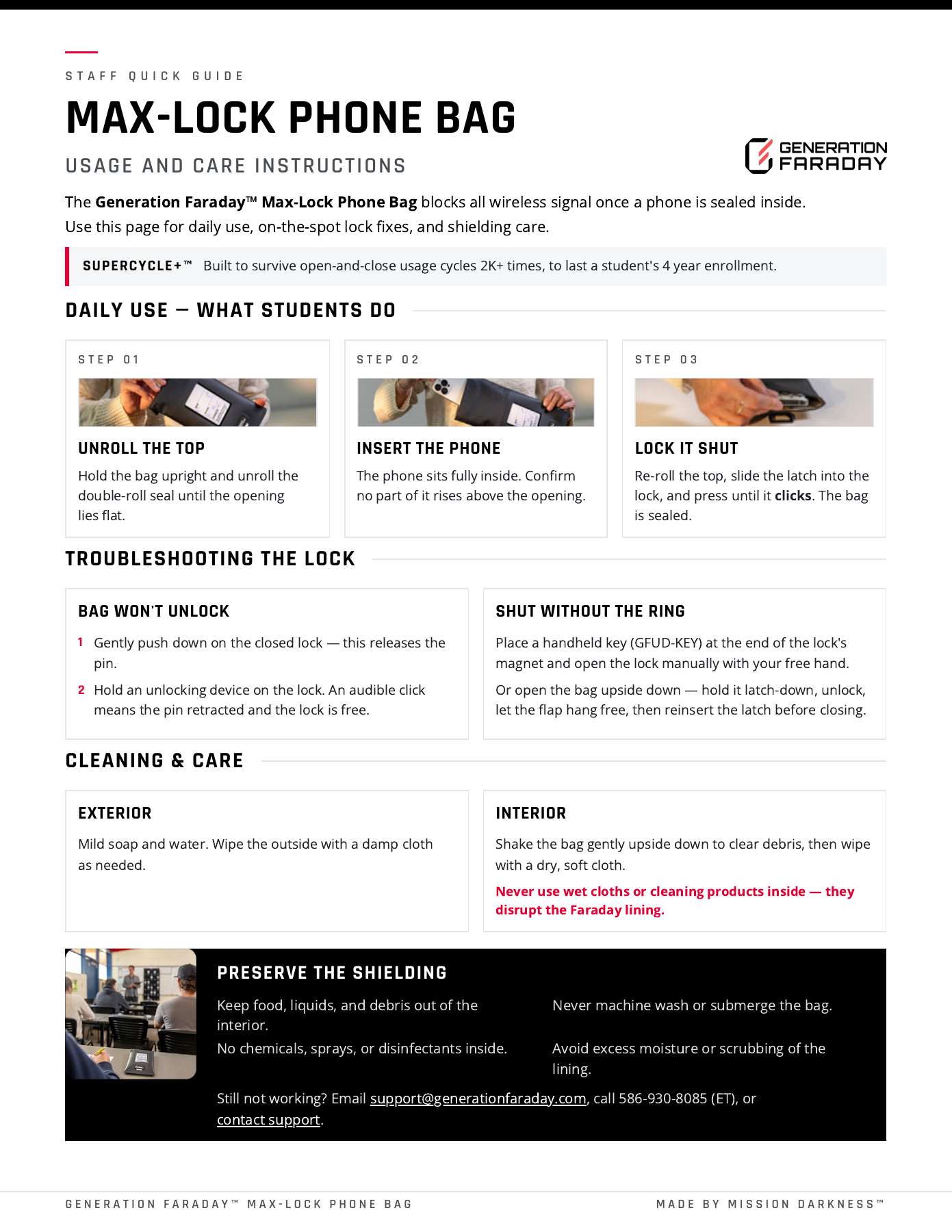
With Max Lock, students carry their own phone inside a locked, signal-blocking bag. Staff control the compatible release tools.
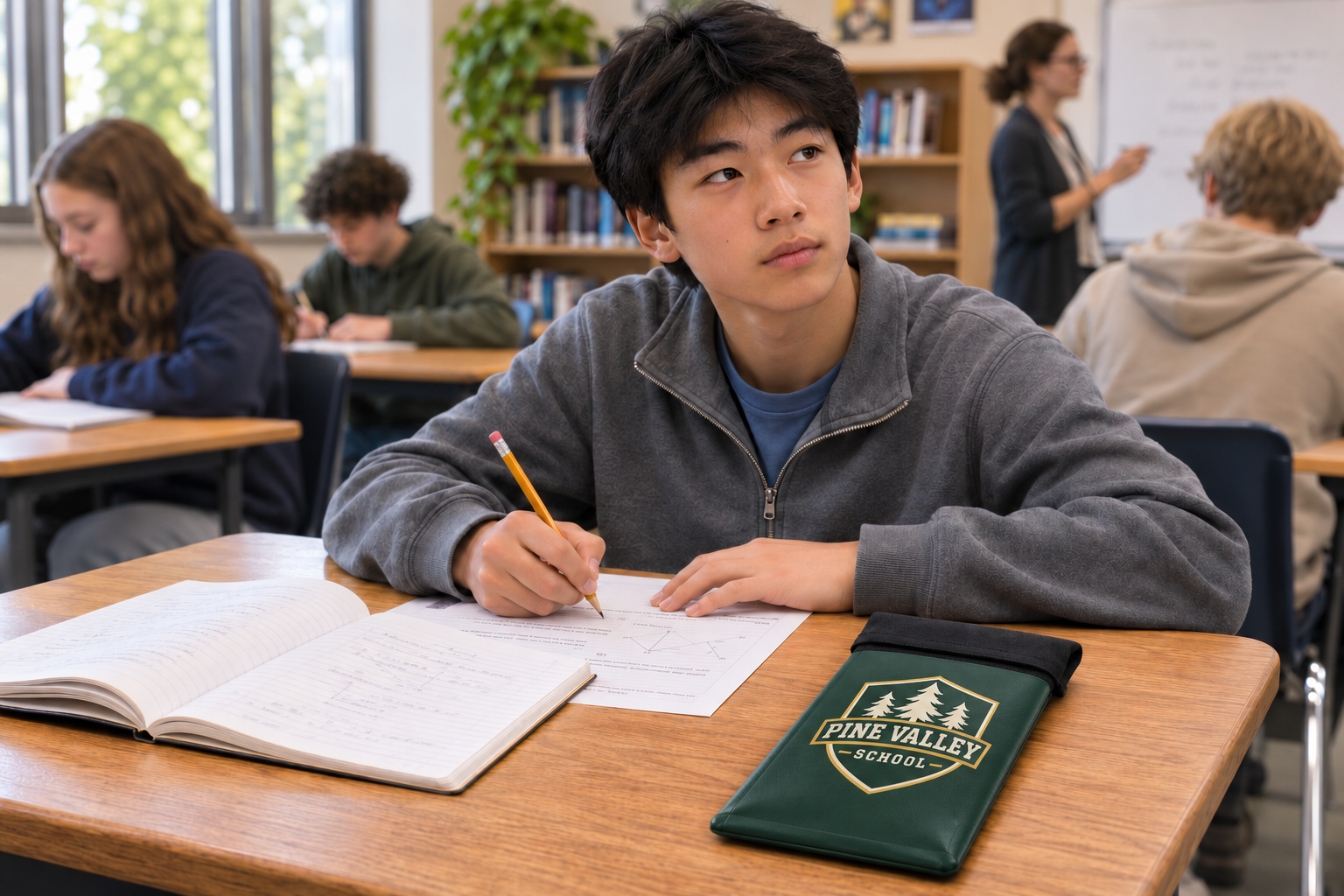
Arrive & prepare.
Silence the phone, place it fully inside the assigned bag, and follow the school’s check-in routine.
Close & lock.
Close the double-roll seal and engage Max Lock’s clasp, following the product instructions.
Follow the school-day policy.
Students keep possession. Staff follow the approved-access process whenever a device is needed.
Release & reconnect.
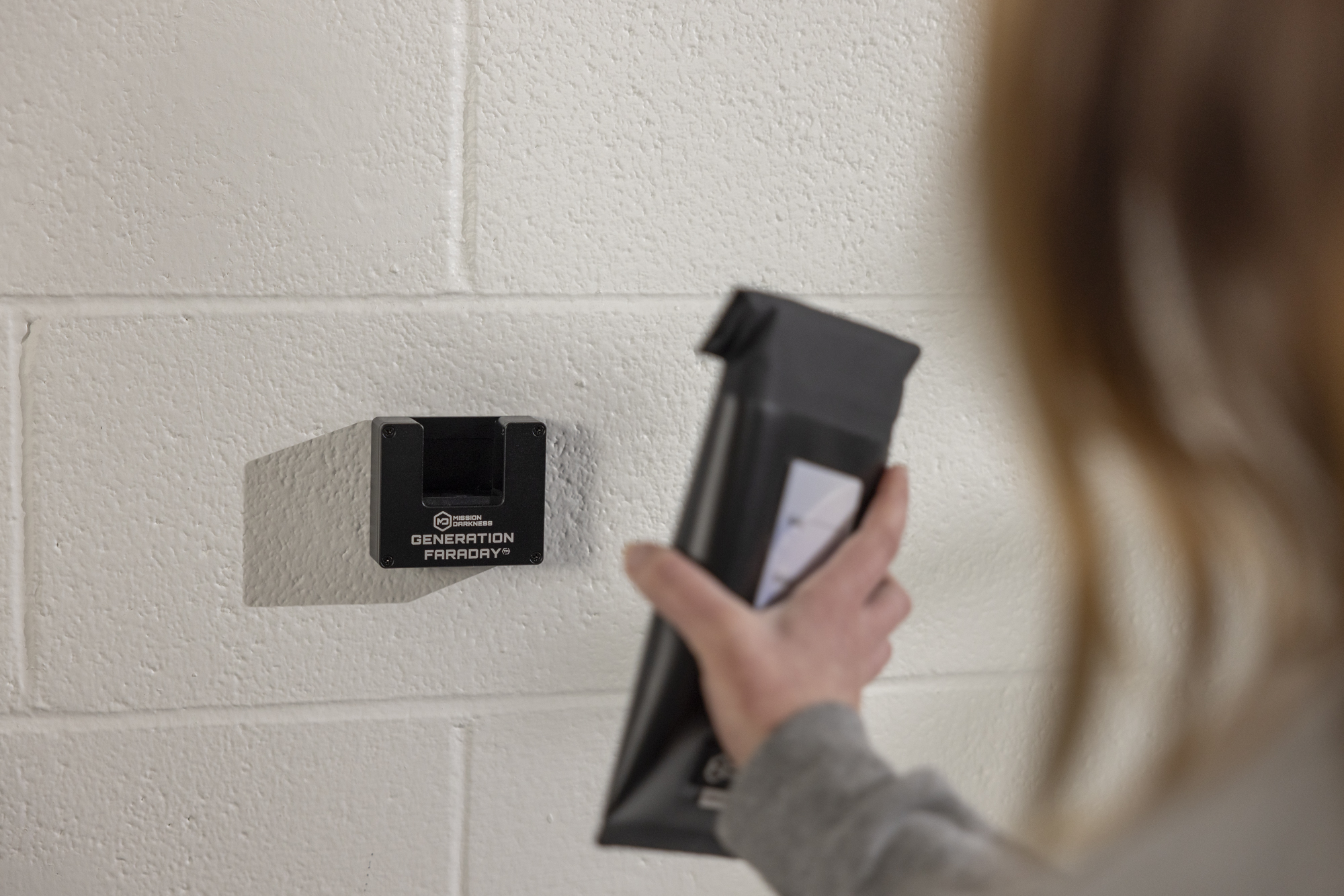
Use a compatible dock or handheld tool at the designated release point. Students remove their devices.
Keep the phone. Practice the routine.
Max Magnetic and Max Velcro let students open their own bag without a dock or key. Choose the signal-blocking version when your policy calls for a disconnected phone.
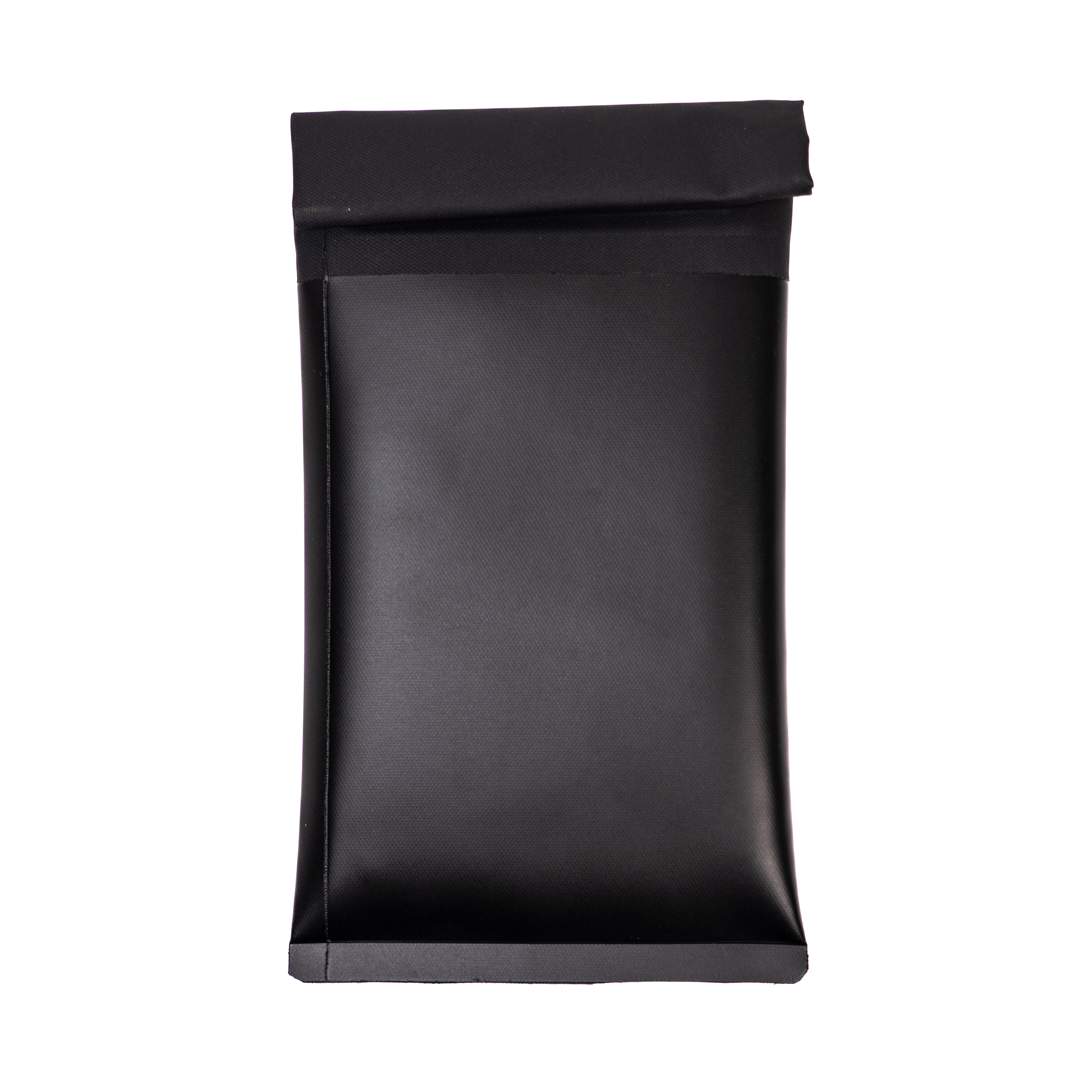
Non-signal-blocking bag versions are also available. State that requirement when planning; a closure alone does not make a bag shielded.
Assign a bag.
Match the bag’s identifier to the student. Explain when phones must be stored and when opening is permitted.
Silence, insert and seal.
Place the phone fully inside and close the roll-top seal according to the selected model’s instructions.
Keep it with the student.
Students carry their bag. Staff reinforce the agreed routine and use the school’s approved-access process when needed.
Open at the allowed time.
Students open their own magnetic or Velcro closure. This routine does not require unlocking stations or release keys.
Collect by class. Scale with a cart.
Physical storage with staff-controlled access. ClassKeeper does not block wireless signals; choose shielded storage instead when isolation is part of the policy.
A numbered place for each phone.
Use an individual lockable, stackable Phone Storage Box as a class collection point. Its front door gives staff a clear view of the numbered spaces.
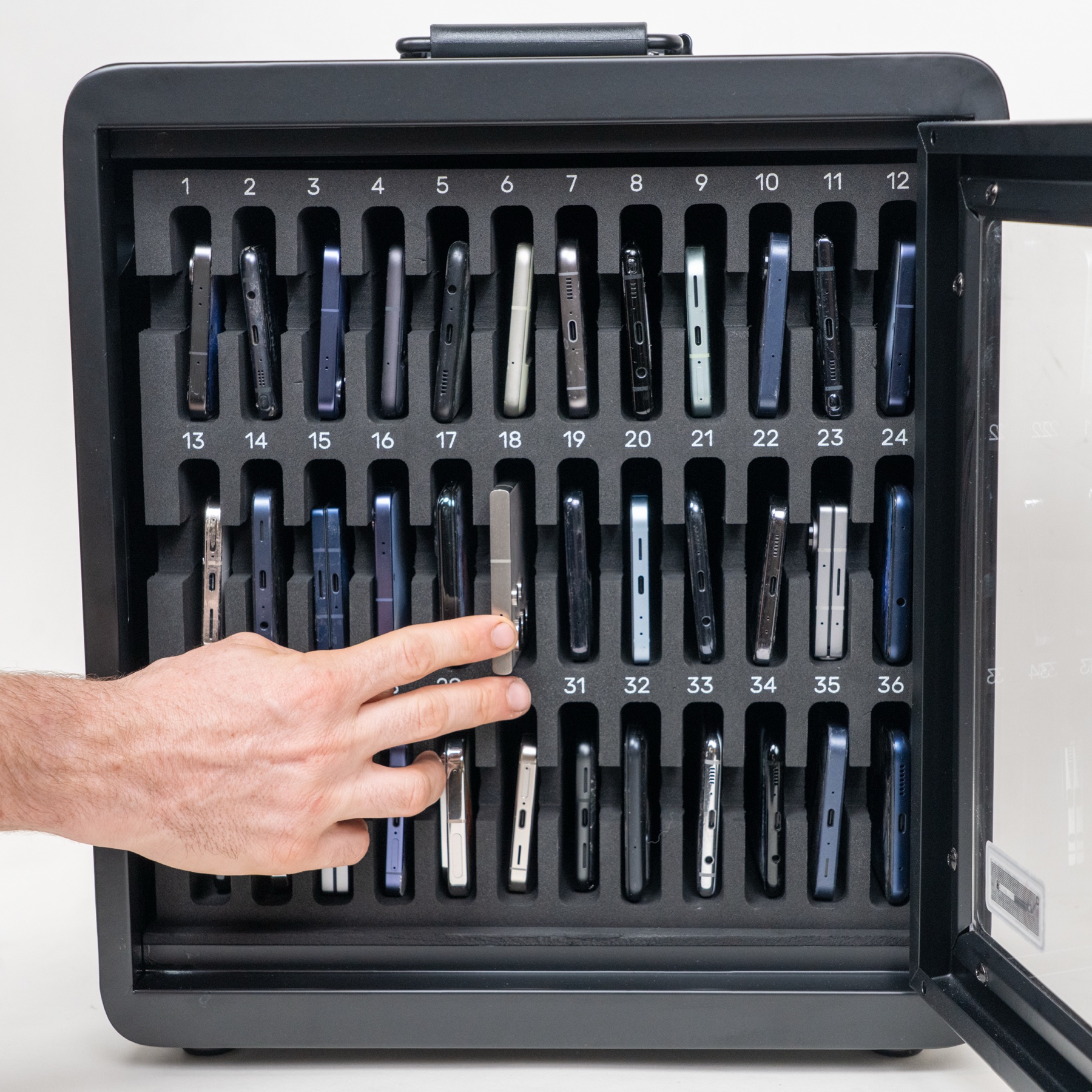
Assign the spaces.
Plan the class’s numbered positions and supervised collection point.
Collect and lock.
Silence phones, place them in the assigned spaces and secure the box’s combination lock.
Keep access with staff.
Follow the school’s access plan. RFID and serial records identify the box; staff maintain student assignments.
Return by position.
At the designated time, staff open the box and match devices to the class record.
One connected collection system.
The complete system includes a rolling cart, eight 36-phone boxes and cable-and-lock retention. Individual boxes can serve separate groups before coming together on the cart.
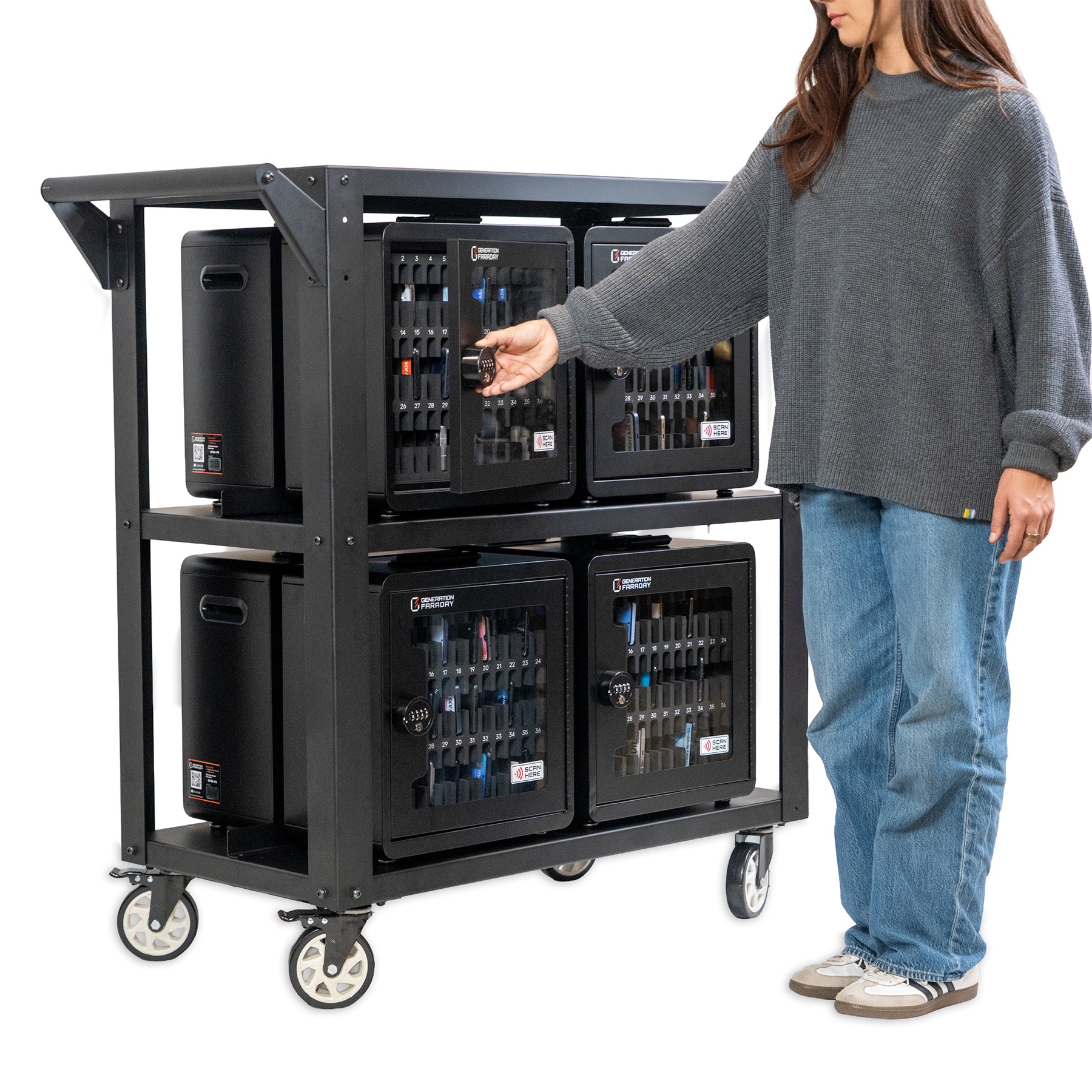
Map the collection.
Assign each group a box and numbered positions; agree where the cart will be kept.
Collect into the boxes.
Staff supervise collection, check their records and lock each box.
Bring the system together.
Use the cable-and-lock retention system to secure the boxes to the cart. Staff manage movement and access.
Return group by group.
Take boxes to the agreed return points and use the group records to return phones in order.
One routine for everyone—or a plan by tier.
Start with all students, or give Tier 1 and Tier 2 different product mixes. For example, classroom collection or non-locking bags for Tier 1 and locked bags for Tier 2.
Everyone needs
their part of the plan.
We help schools prepare the people who make the policy work. Central Unified School District purchased 205 Generation Faraday Shielded Boxes.
Staff
Practice closure, release, exceptions, and device return.
Students
Learn one consistent routine and how to ask for help.
Families
Understand the policy, contact route, and individual arrangements.
Open the actual setup guides. Training and family communication are planned with your school.
Set up the records.
Keep the picture clear.
Our team helps you get started. Your staff keep assignments, equipment condition, and reported issues current.
Staff provide the records. RFID identifies the bag; it does not verify that a phone is inside.
Take the full app tour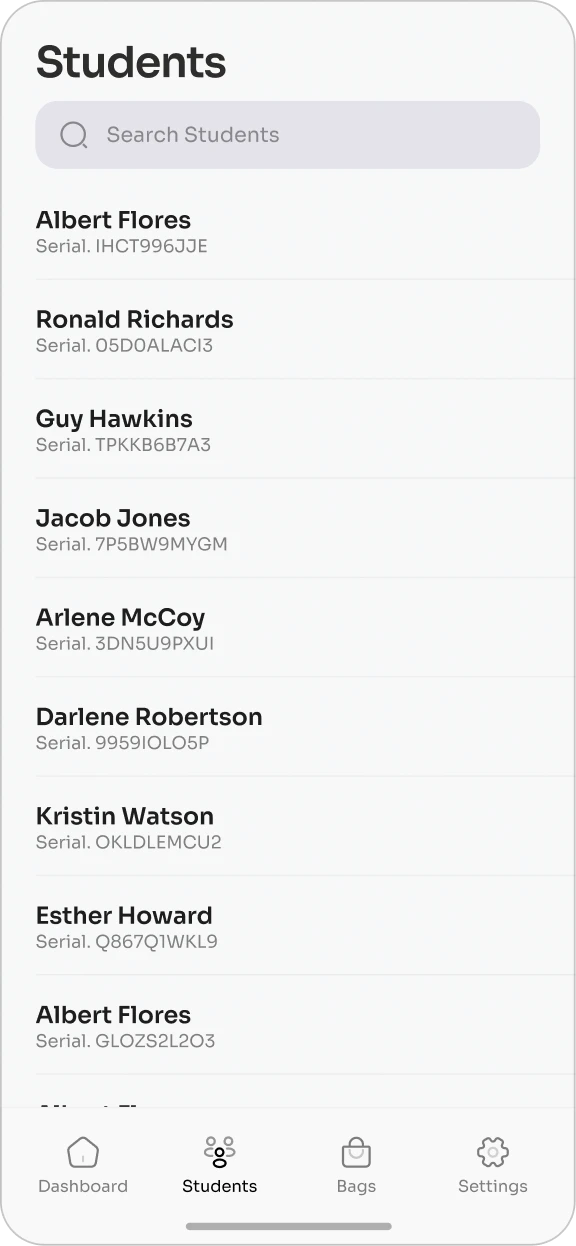
Bag assignments · product demonstration
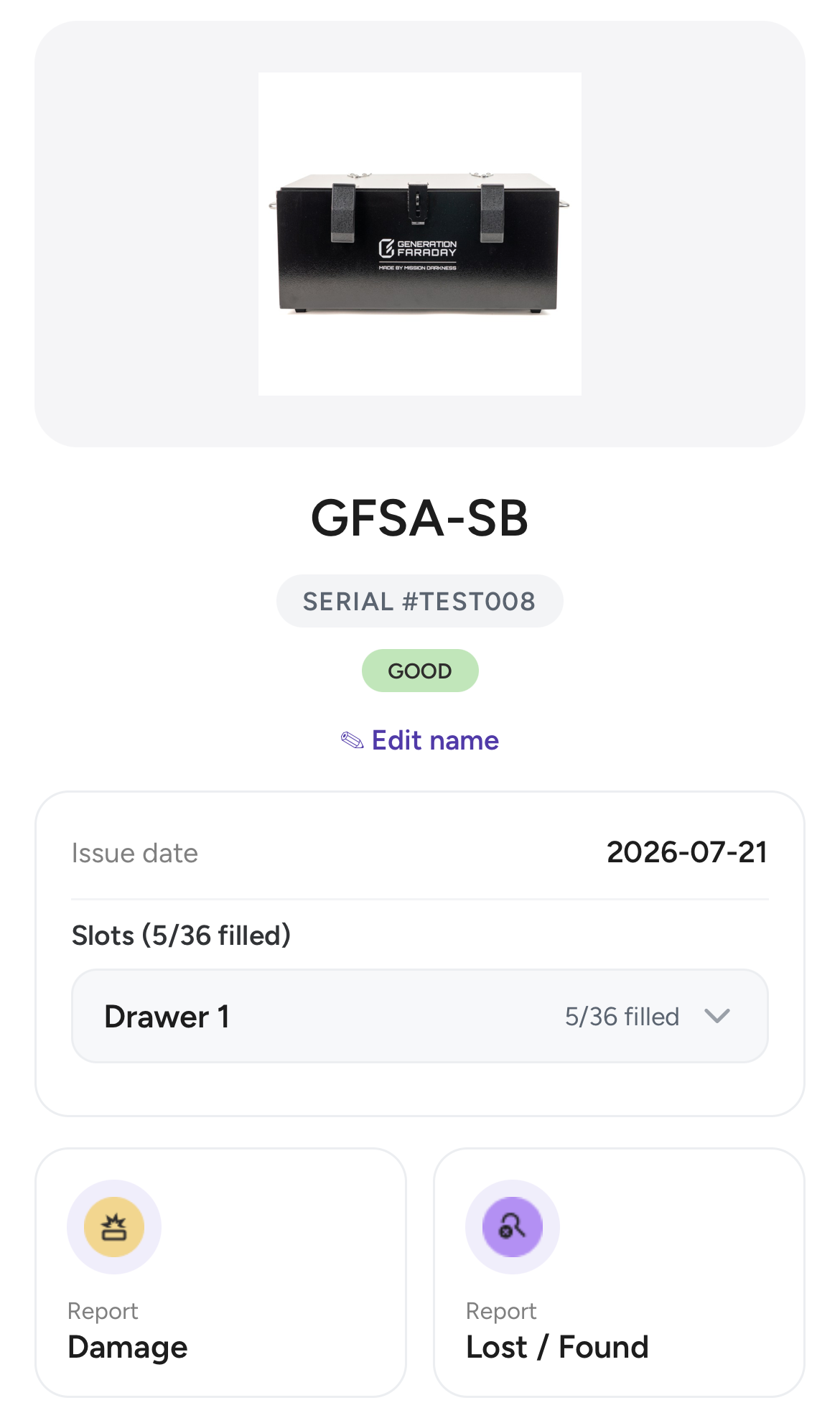
Shielded Box record · official setup-guide demonstration
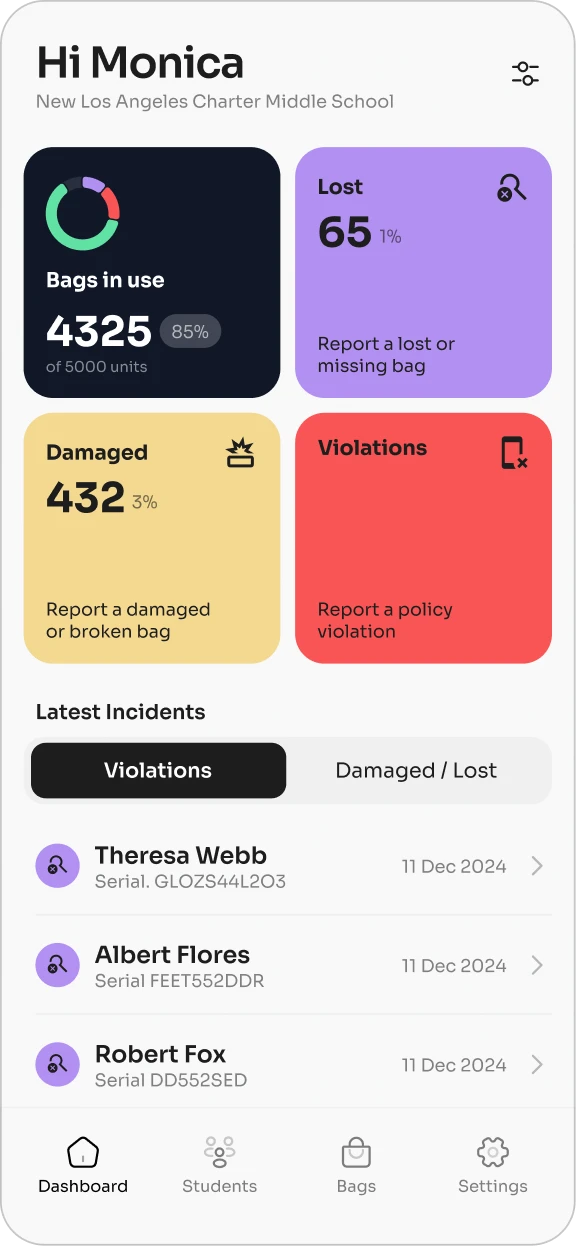
Dashboard · product demonstration
Actual product screens. Example records are shown. Select a screen to view it at full size.
Access and connectivity
are different jobs.
A lock manages physical access. A properly closed shielded enclosure isolates wireless connections to the phone.
Closed: wireless connections are isolated.
The phone can stay powered on. Offline alarms and timers can still run, so set devices to silent. A properly closed enclosure also blocks wireless calls and emergency alerts.
Signal and access questions
How do we plan staff access and exceptions?
Before launch, name the responsible staff, decide where opening tools and spare equipment are kept, and document emergency procedures. Agree on medical, accessibility, and other individual arrangements with families and the school's support team.
Plan the implementation →Does every bag lock?
No. Max Lock uses a staff-released locking clasp. Nonlocking signal-blocking bags are also available. Choose the product that matches your school's access policy.
Compare phone bags →How do families reach a student?
Give families the school's designated contact route before launch. A properly closed shielded enclosure blocks wireless calls, messages, and emergency alerts to the phone. School leadership should define staff access and emergency procedures.
What if a student needs a connected device?
Plan medical, accessibility, and other individual arrangements with families and the school's support team. Non-shielded options or approved access routines can support devices that need to stay connected.
What about forgotten or damaged bags?
Set a fallback procedure before launch. Decide who holds spare bags or shared storage, how staff record the issue, and how the phone will be returned. Follow product care instructions and discuss replacements with our team.
Can the app tell whether a phone is inside?
No. A serial number or RFID identifier identifies a bag. Staff still carry out the school's collection and checking routine. Use the app for assignments, inventory, and reported compliance.
See how app records work →How is Max Lock tested for repeated use?
Generation Faraday's published durability comparison reports an average of more than 2,000 open-and-close cycles for Max Lock under the tested conditions. Test cycles are not a guaranteed service life. Ask for the full method, compared products, and current warranty terms.
Read white paper (PDF) →