
Classroom phone storage
Phone Storage Box
36 slots. Ready for your classroom.
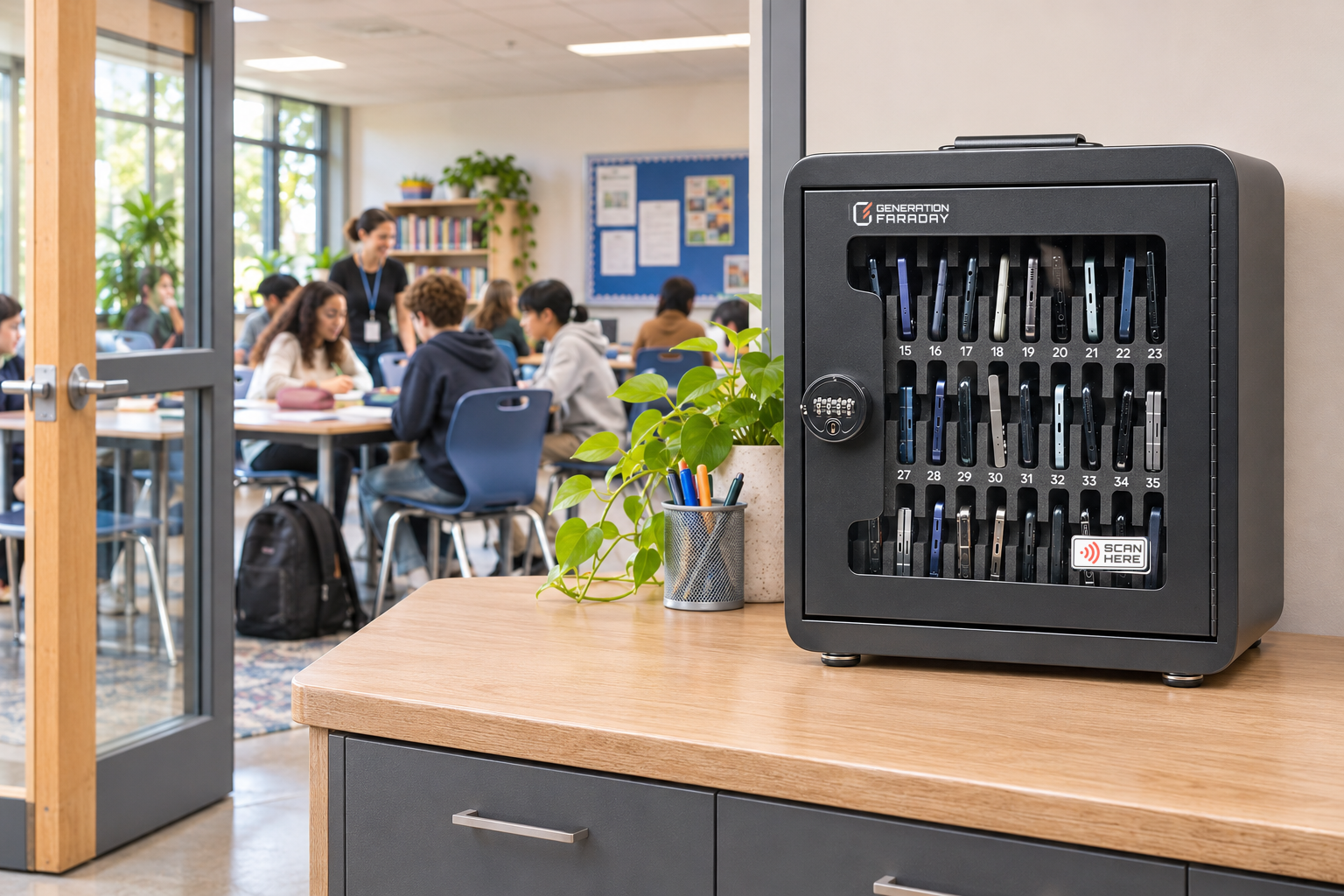
Collect phones in numbered slots. Close the door and keep access with staff.
The school-day routine
Phones away. Class underway.
Collect at the start of class. Return when the lesson ends.
- 01
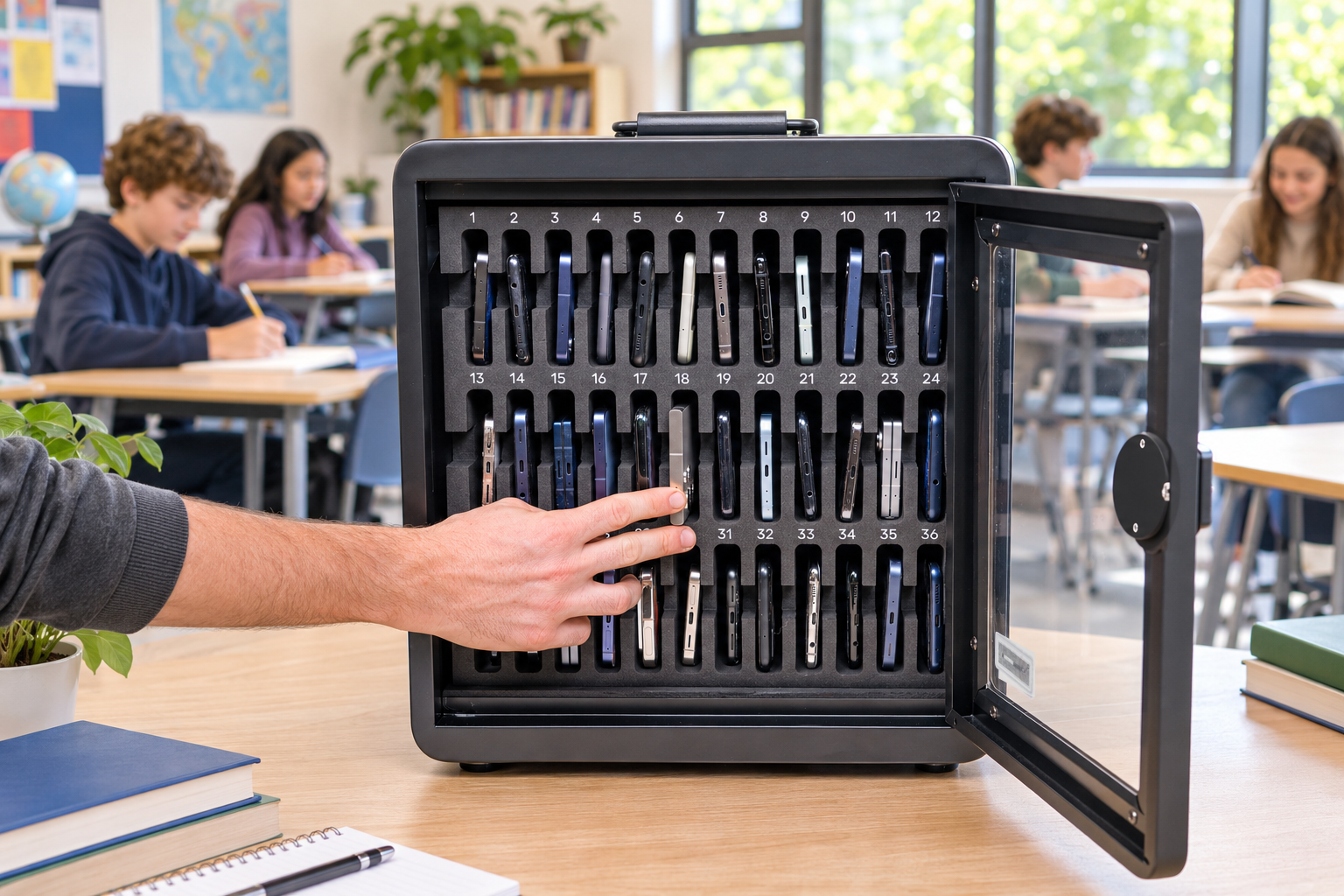
Collect.
Place phones in their assigned numbered slots.
- 02
Secure.
Close the door and use the combination lock.
- 03
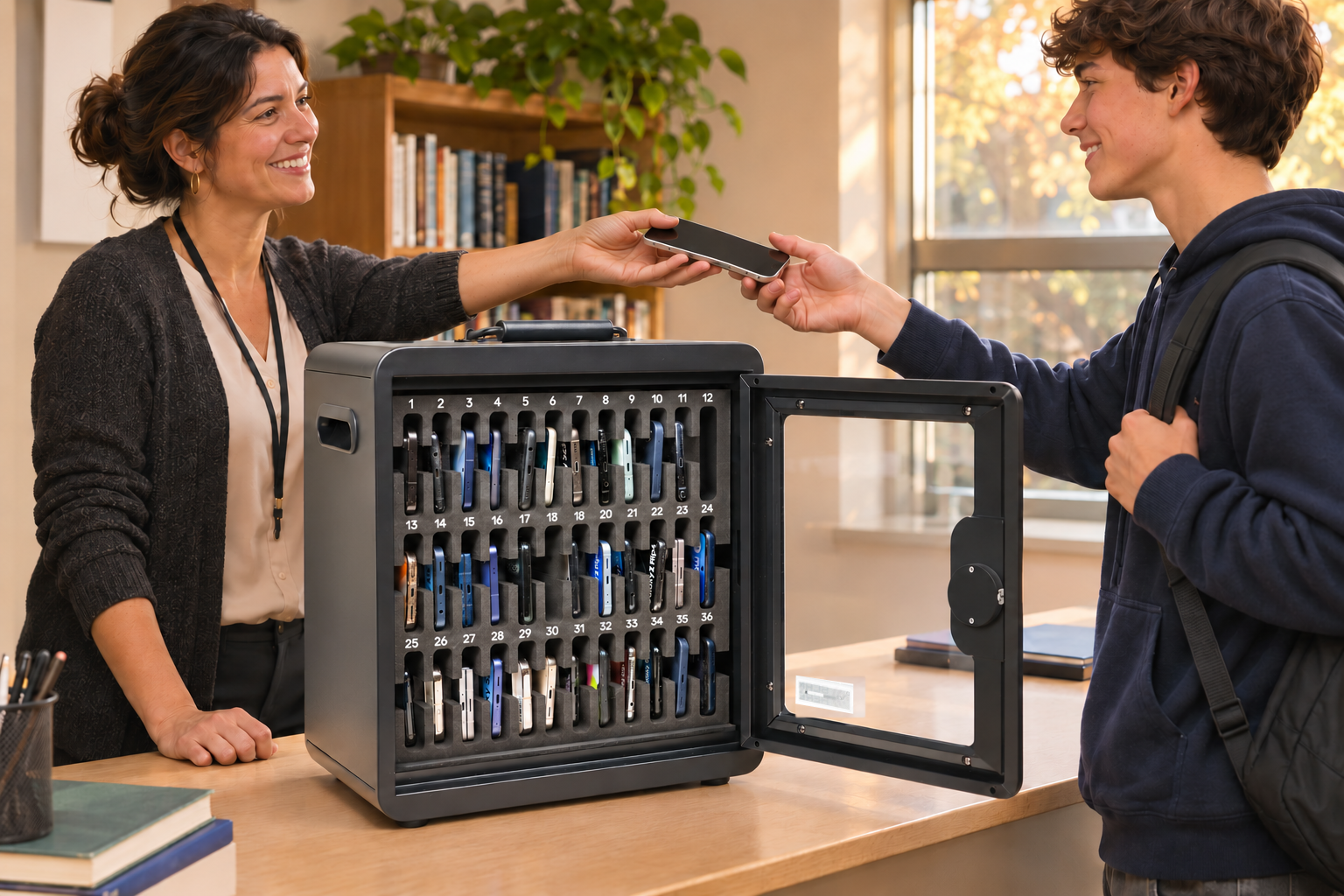
Return.
Staff reopen the box and return the phones.



Room for your class
36 slots.
Designed specifically for schools, with 36 phone slots to accommodate larger class sizes.
Each student gets a dedicated, padded space for their phone, making classroom collection and return easy to manage.
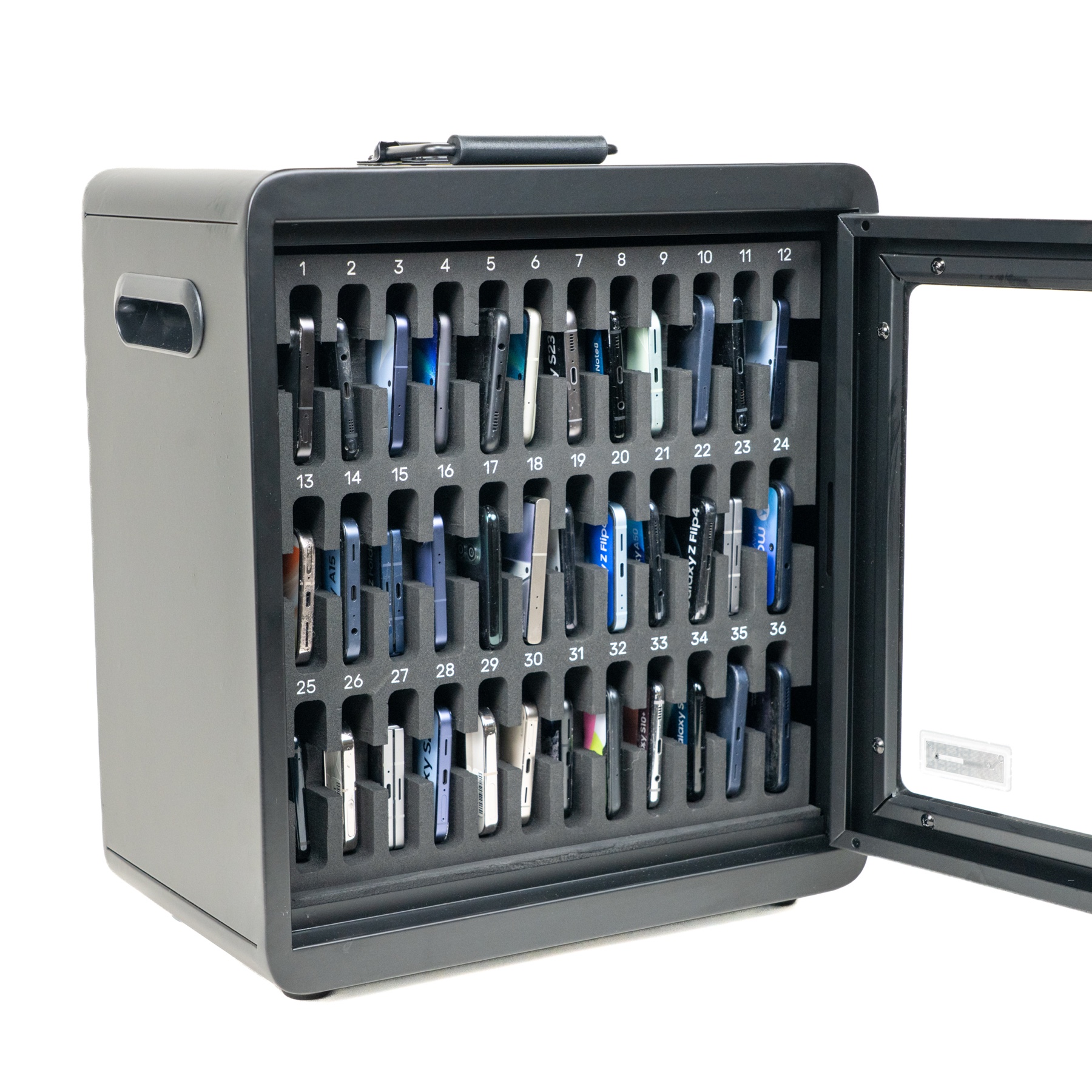
A place for every phone.
A simple start to the lesson.
Students place phones in their numbered slots, then return to the room.
Fit it to your school
One box. Three ways to place it.
Choose where phones will be collected: on the wall, on a desk or together in a ClassKeeper cart.
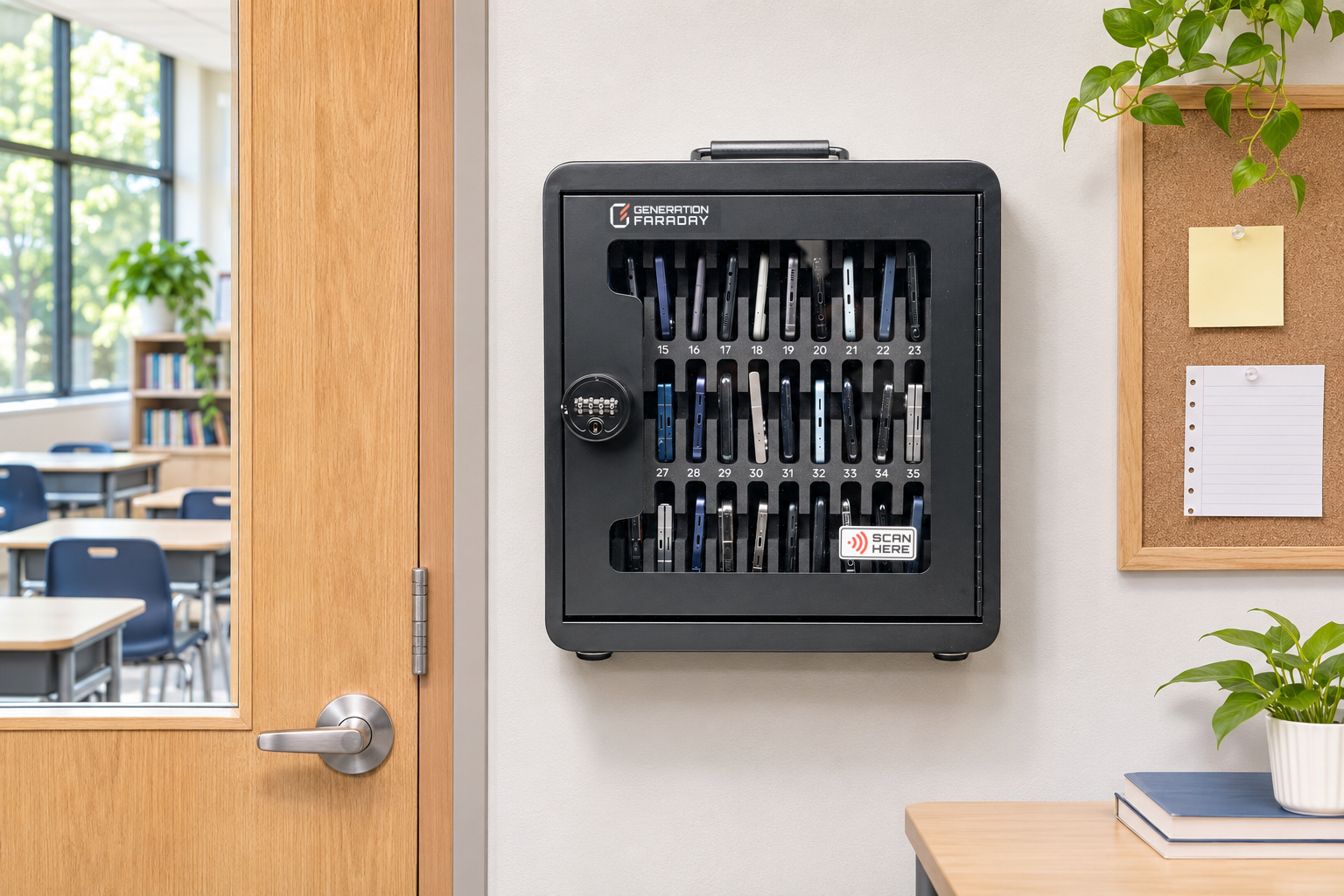
Make it a fixed collection point.
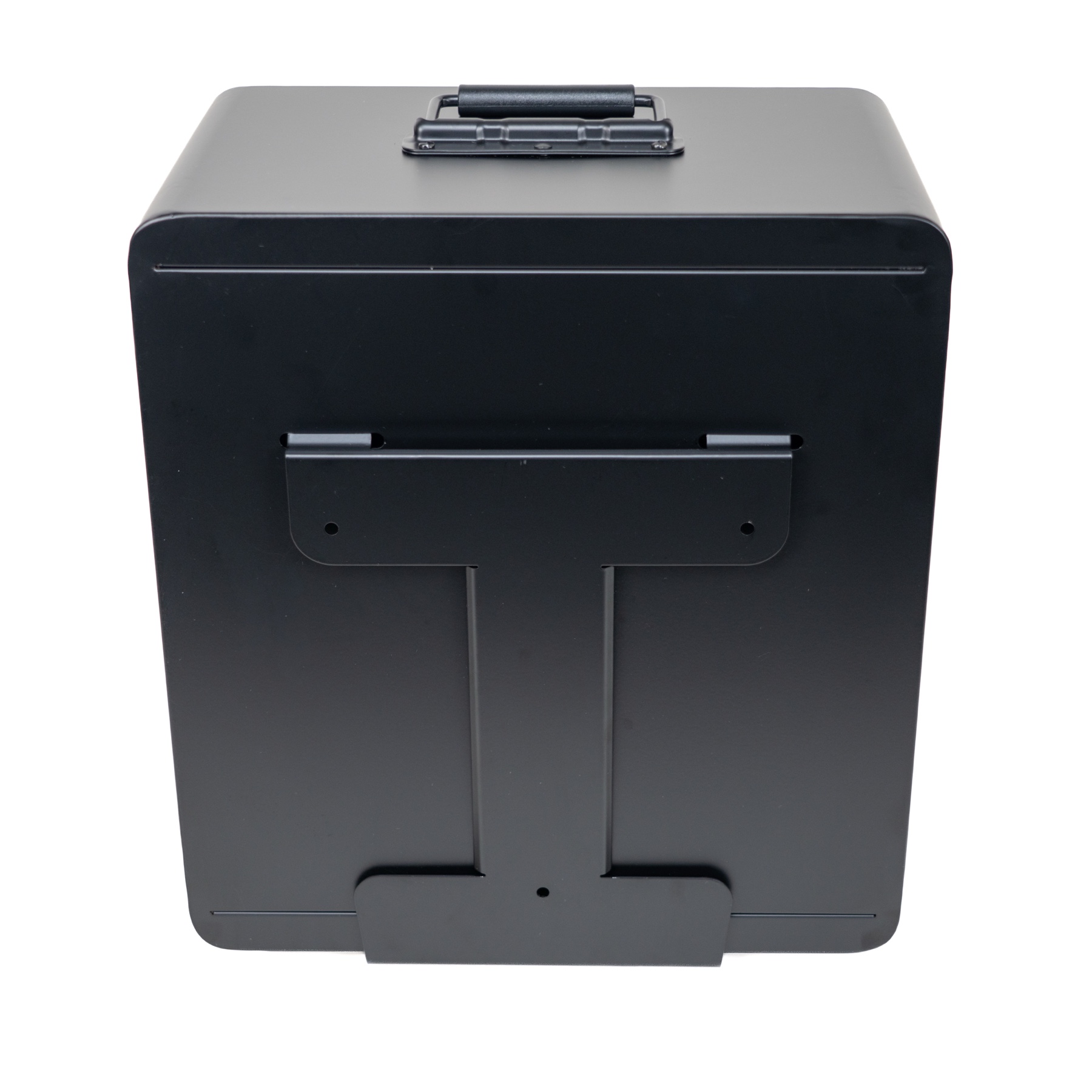
Create a fixed collection point using the rear mounting bracket. Confirm the wall and suitable fixings before installation.
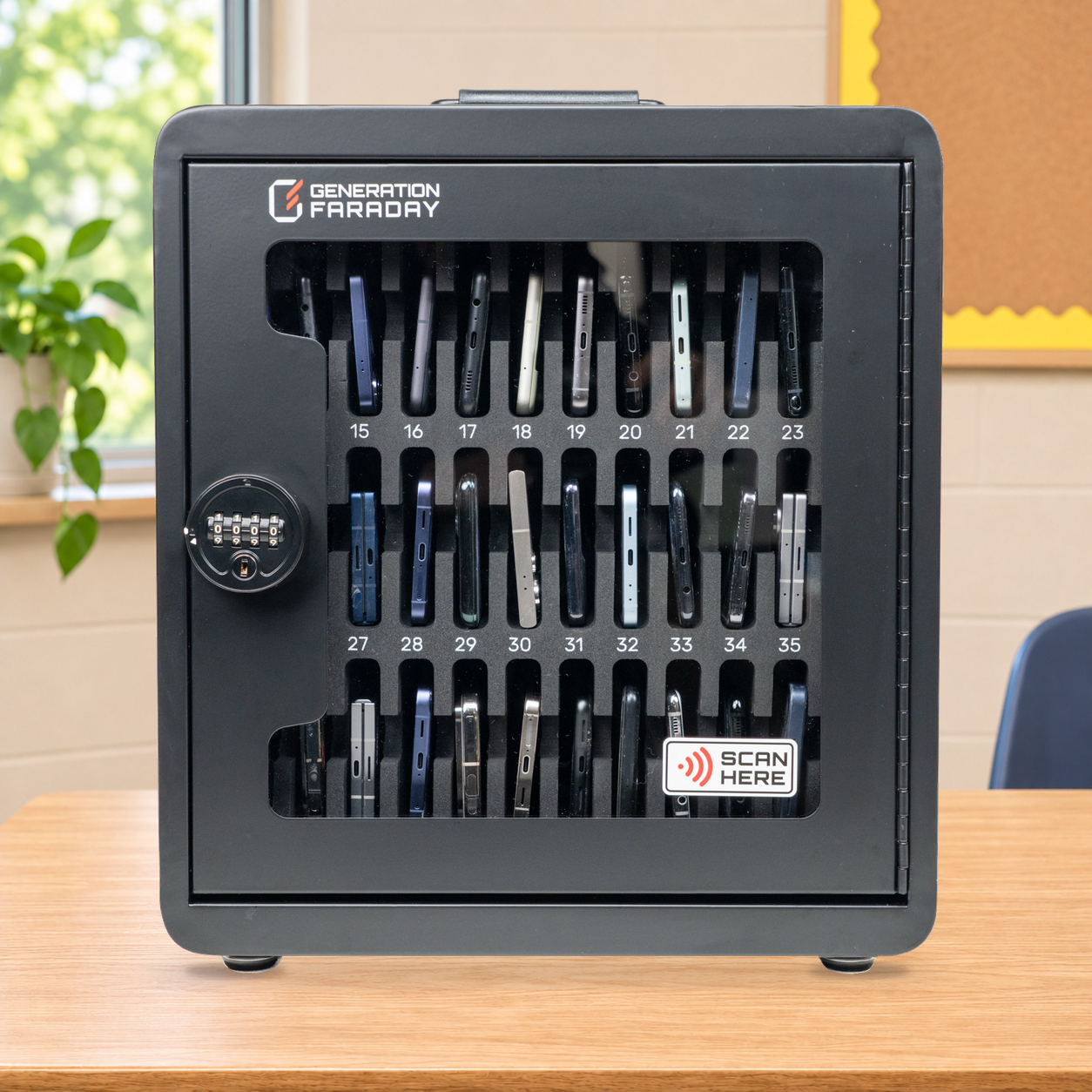
Keep it in the classroom.
Set the box on a stable desk or counter. Side grips and the folding top handle make staff handling straightforward.
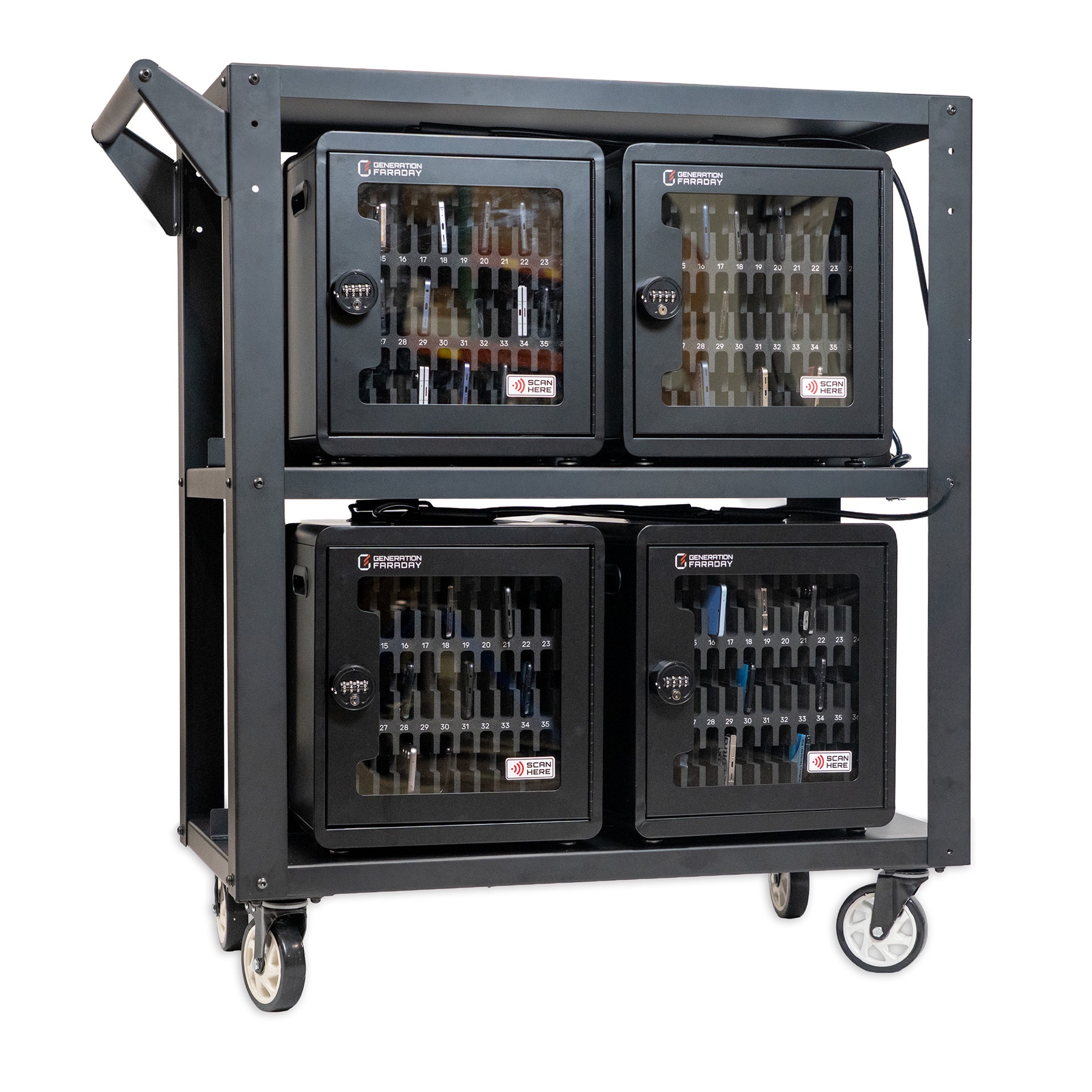
Bring the boxes together.
Load compatible boxes into the cart for school-managed distribution, transport and storage.
Explore ClassKeeper ↗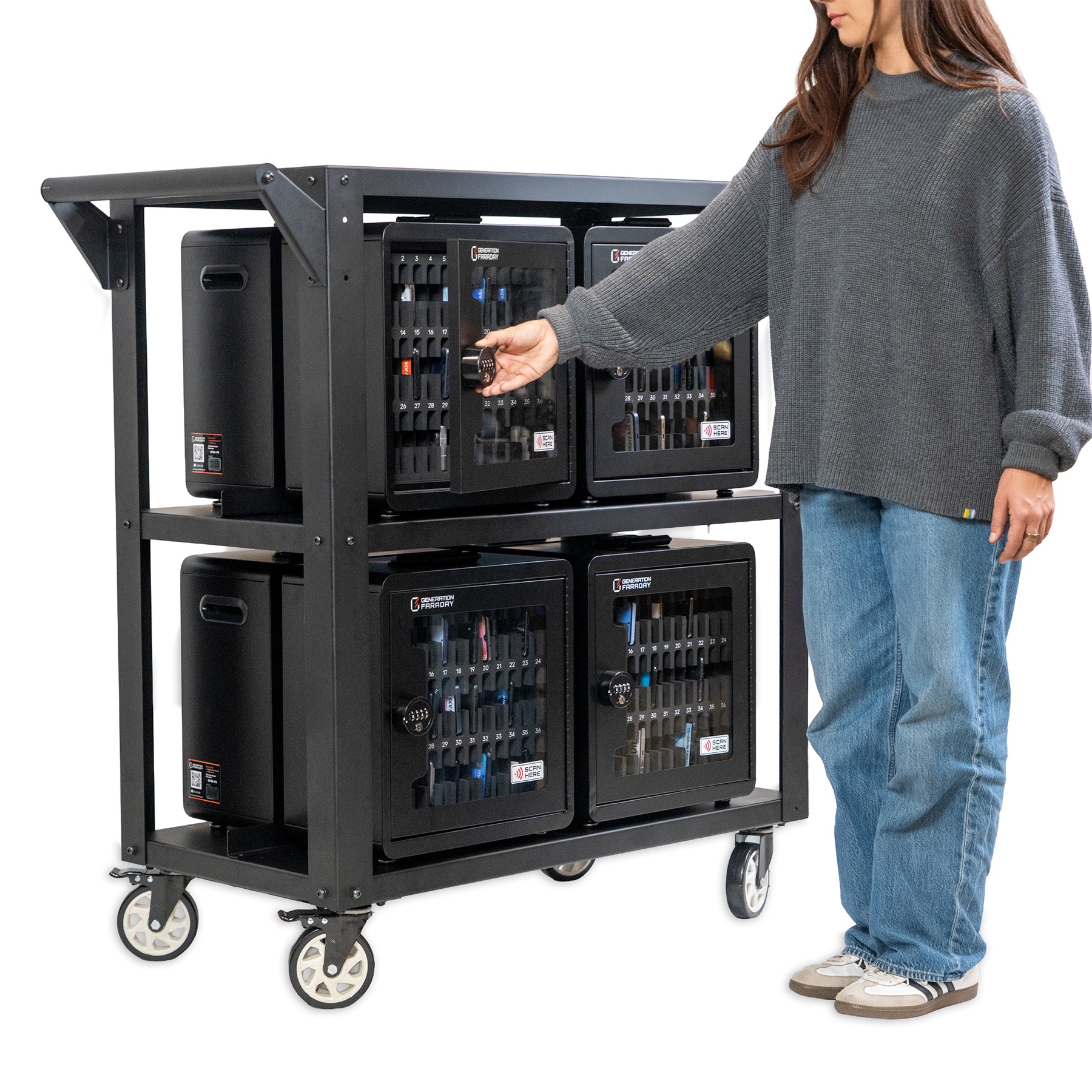
From a room to a campus
Start with one. Grow with your school.
Use one box in a classroom, or bring eight together on a ClassKeeper cart.
Complete kit: eight boxes, retention cable and locks. For a standalone box, a compatible retention cable is optional.
Explore ClassKeeper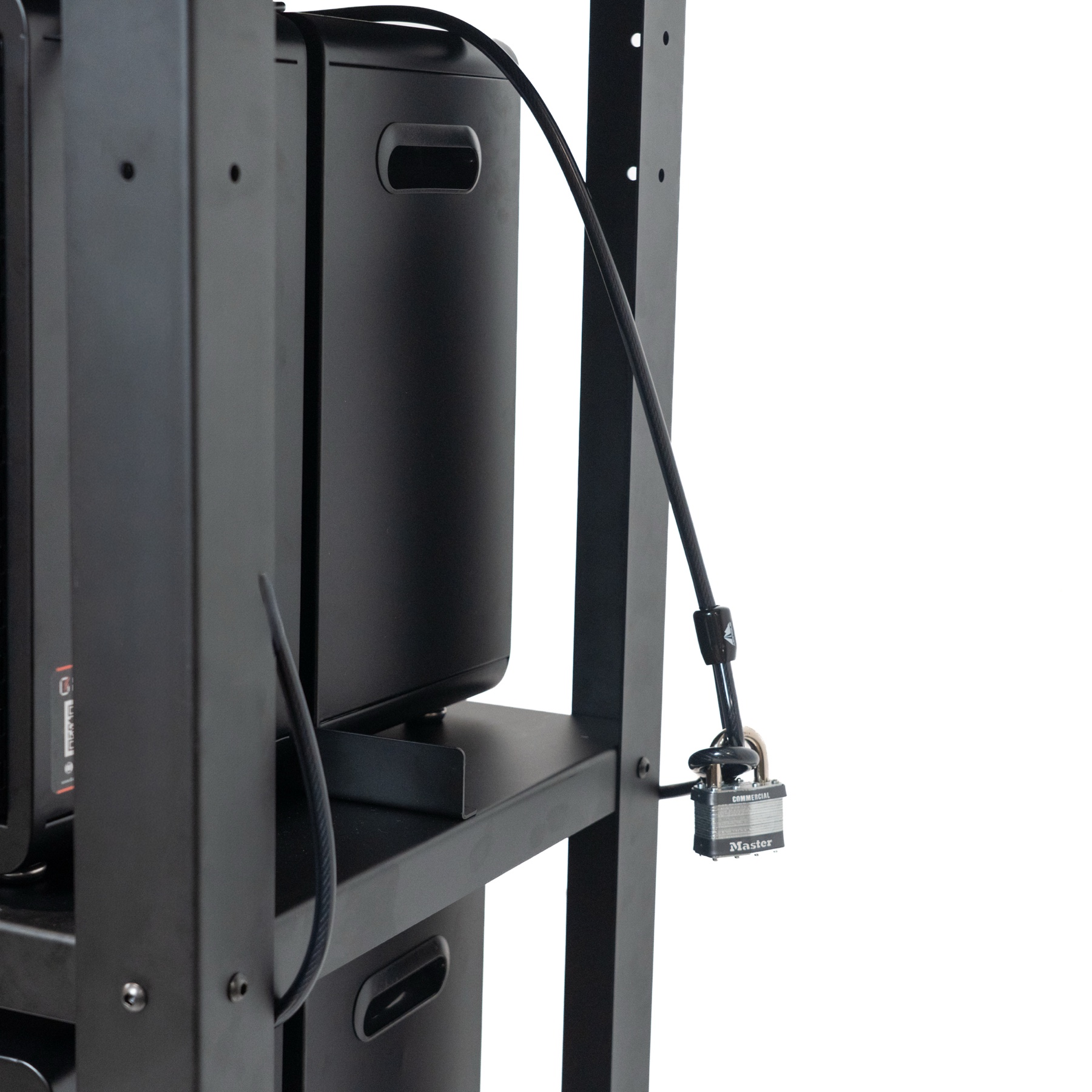
Keep the whole collection together
$200k+ in phones.
288 phones at $700 each represents $201,600 in devices in one managed collection.
Modeled device value: 288 × $700 = $201,600. Actual phone values vary; this is not the cart price or a security guarantee.
Physical security, thoughtfully layered
Separate the phones. Control access.
A combination lock manages the door. Individual slots keep devices apart. Appropriate mounting or retention adds another layer to the school’s collection plan.
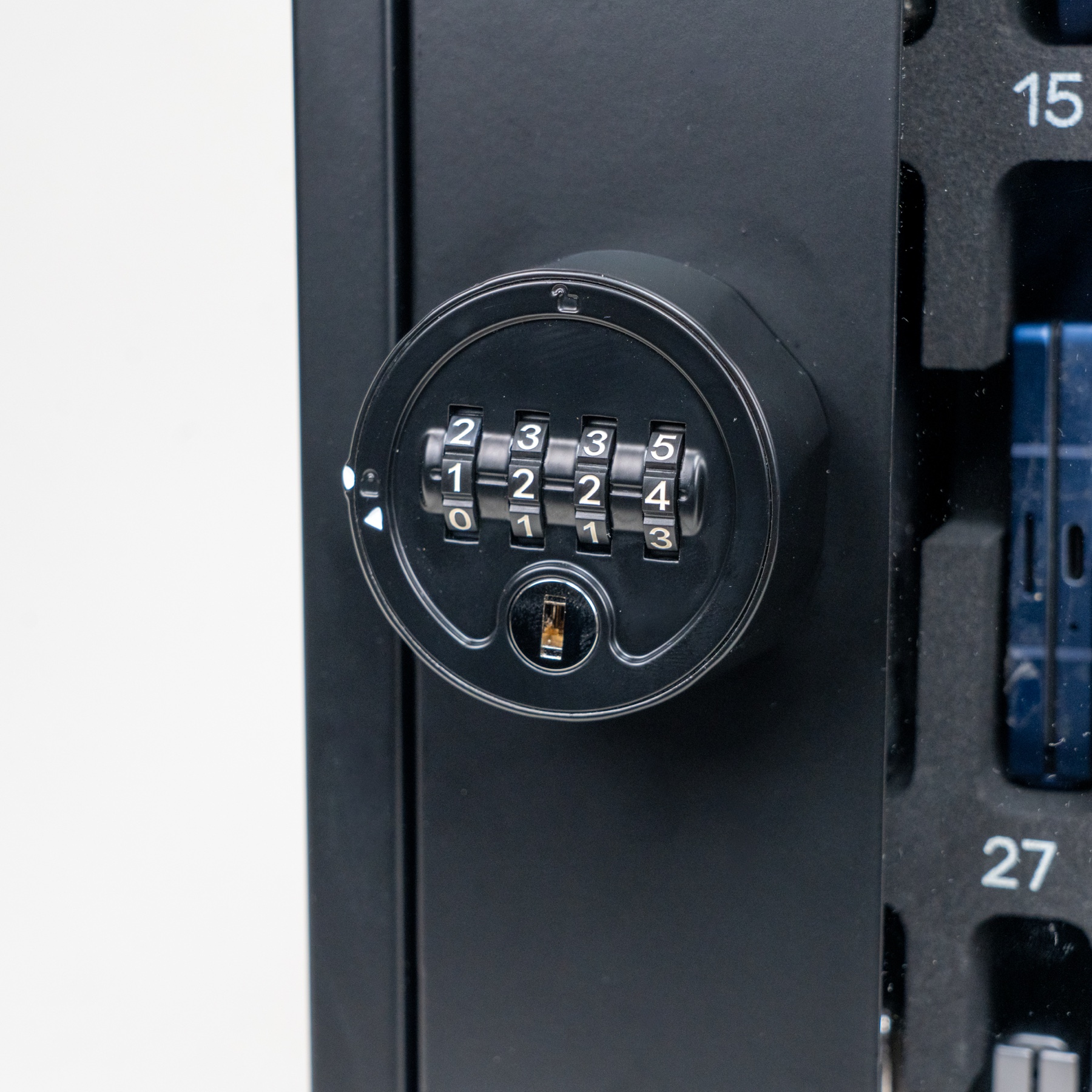
Staff-controlled access.
Set and manage the combination through your authorized staff routine. Close and lock the door after collection.
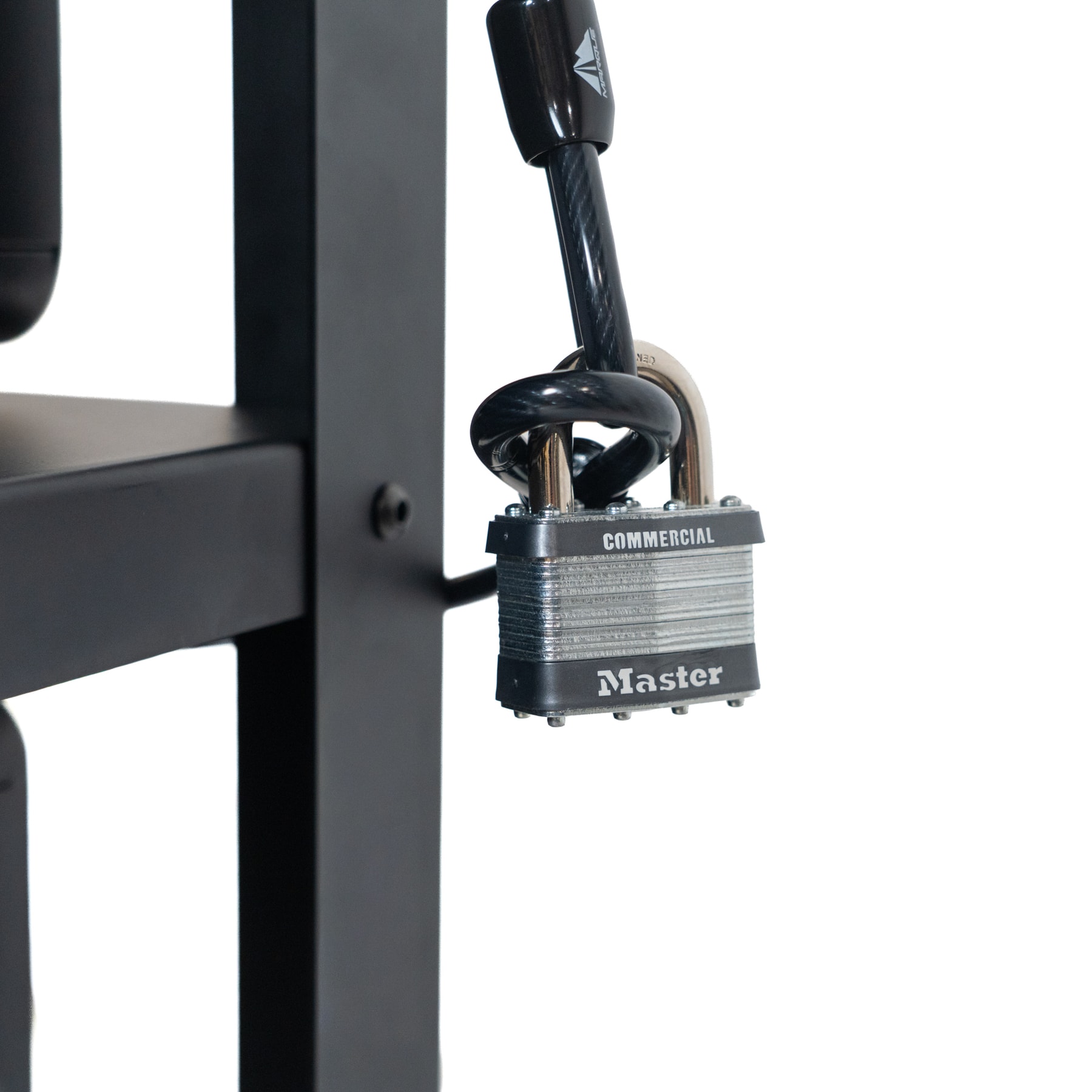
Plan secure placement.
Use the compatible security cable and padlock for cart retention. Follow mounting and handling instructions for your selected setup.
Locking the door and retaining the box help deter unauthorized access. Choose the placement and staff-access routine with your school.
Before you order
The details, when you need them.
Review dimensions, product views and setup requirements without losing the bigger picture.
Specifications & dimensions
Phone Storage Box
- Product code
- GFSA-PB
- Capacity
- Up to 36 phones
- External dimensions
- 16.1″ W × 9.1″ D × 16.7″ H
- Construction
- Aluminum body, clear front door
- Access
- Combination lock
- Carrying
- Folding top handle
- Connectivity
- Non-signal-blocking standard box
- Placement
- Tabletop, wall or compatible ClassKeeper cart
Sized to work as a standalone classroom box or within the compatible ClassKeeper cart. Confirm mounting requirements, accessories and the chosen configuration before ordering.
Plan a box setupProduct photos & setup resources
Complementary products
Related setup options.
Explore the cart, app and a separate signal-blocking alternative when planning your school’s routine.
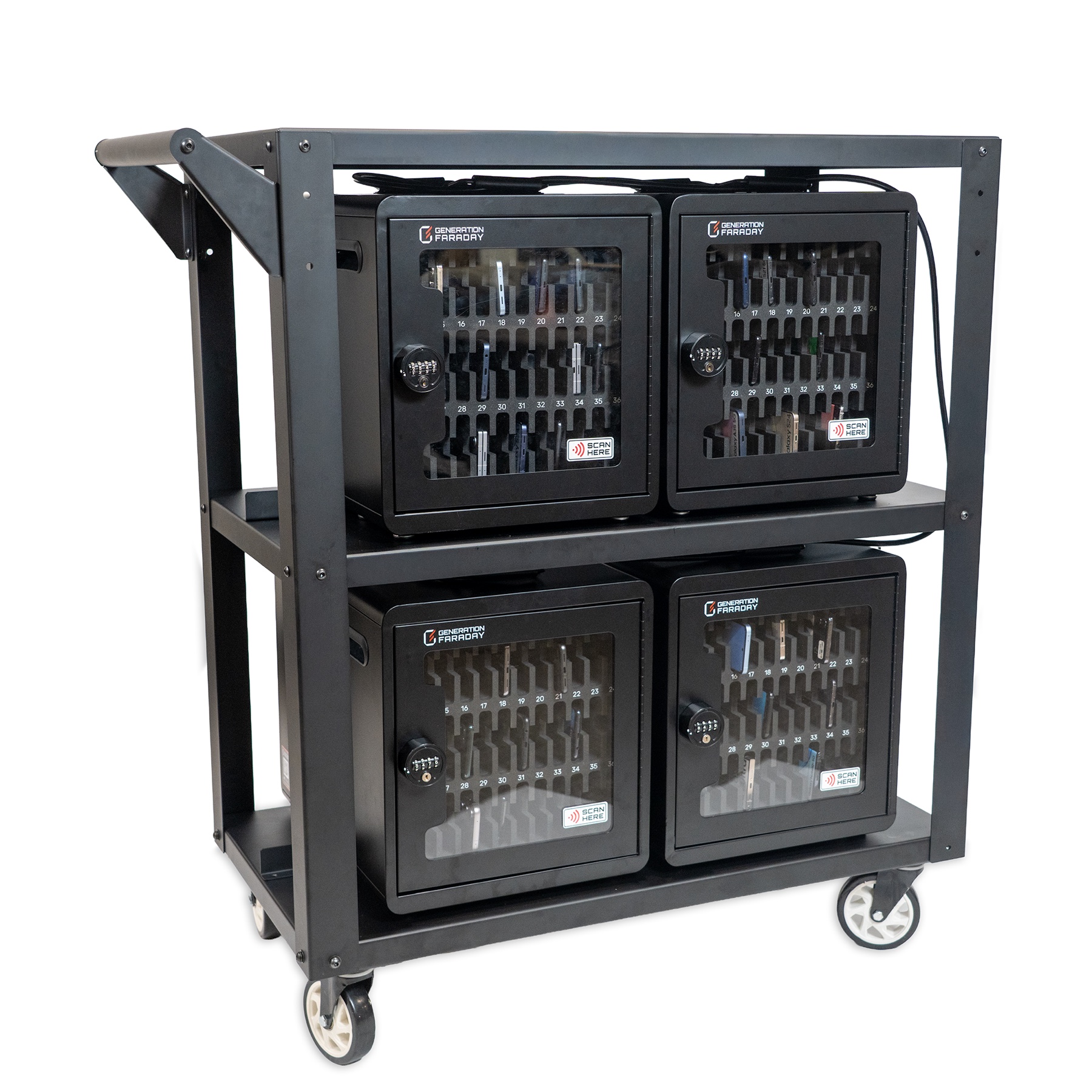
ClassKeeper system
Bring compatible boxes together for school-managed transport. Confirm the complete cart and box configuration with our team.
Explore this option ↗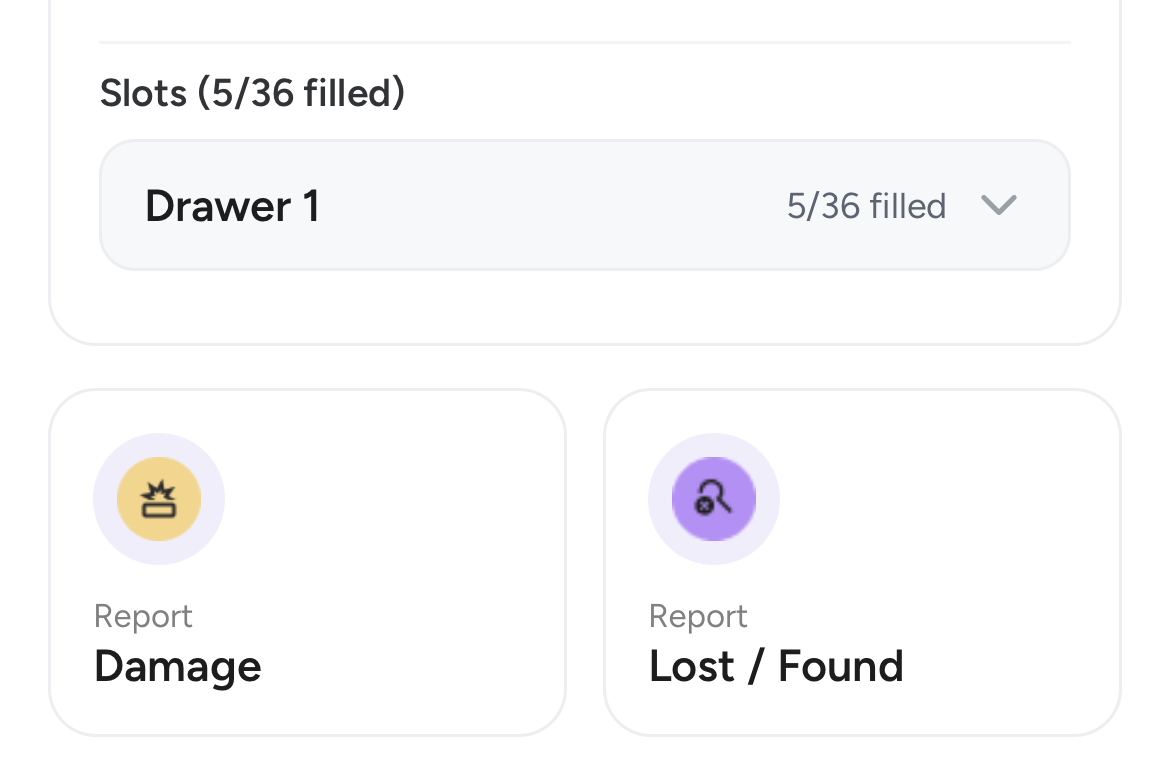
Generation Faraday apps
Connect supported RFID or serial lookup with staff-kept assignments and condition records. Ask about setup and compatible readers.
Explore this option ↗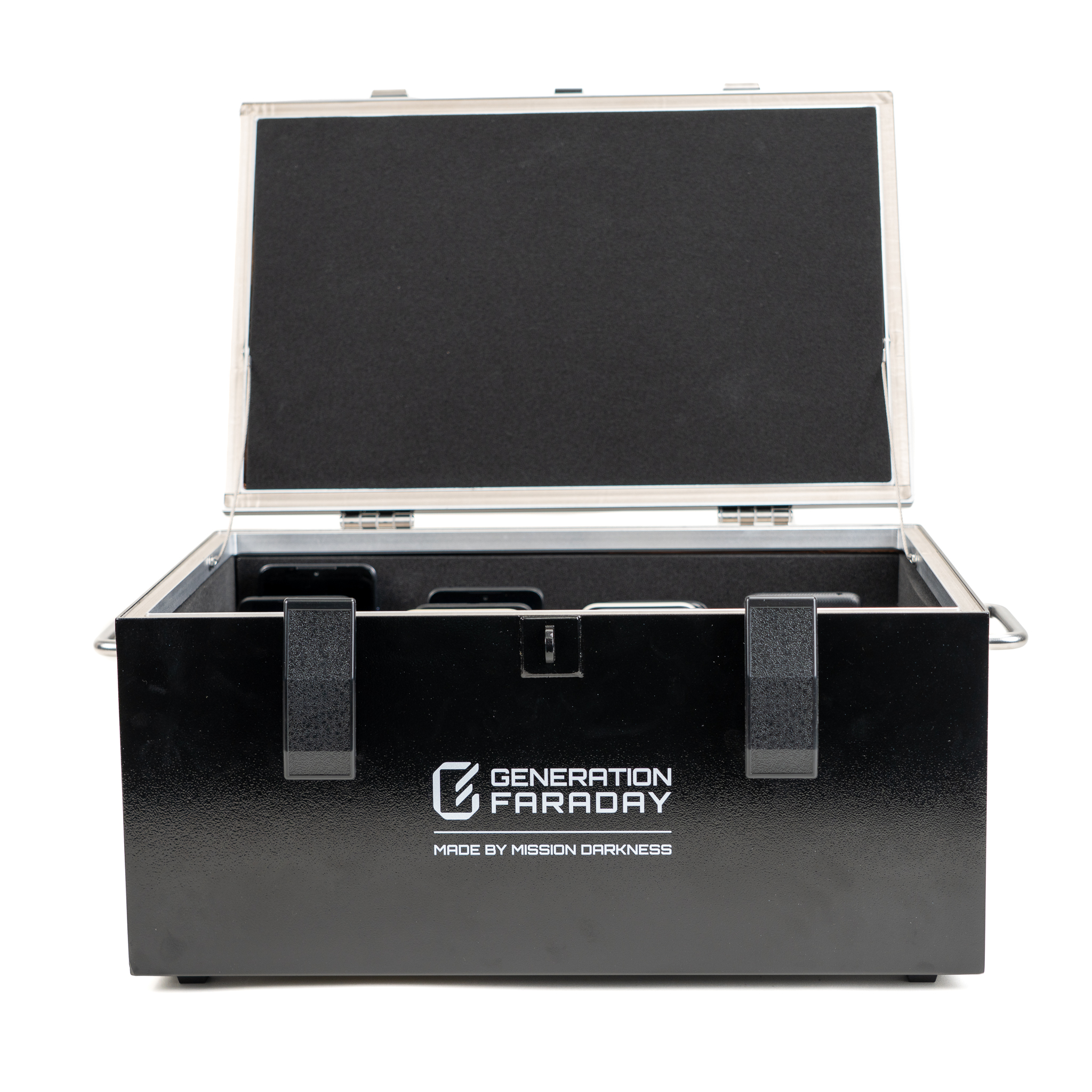
Shielded Box
Add a separate 36-phone collection point for classrooms that need signal isolation. Plan one shared routine per room.
Explore this option ↗Useful answers
A few things
to know.
Does the standard box block wireless signals?
No. The standard Phone Storage Box is non-signal-blocking, so stored phones can remain connected. Include silent mode in the collection routine.
Can a box be used without a cart?
Yes. The box supports tabletop, wall-mounted and stackable arrangements as well as the ClassKeeper cart. We’ll help confirm the placement and mounting requirements for your setup.
What can staff do with RFID and the app?
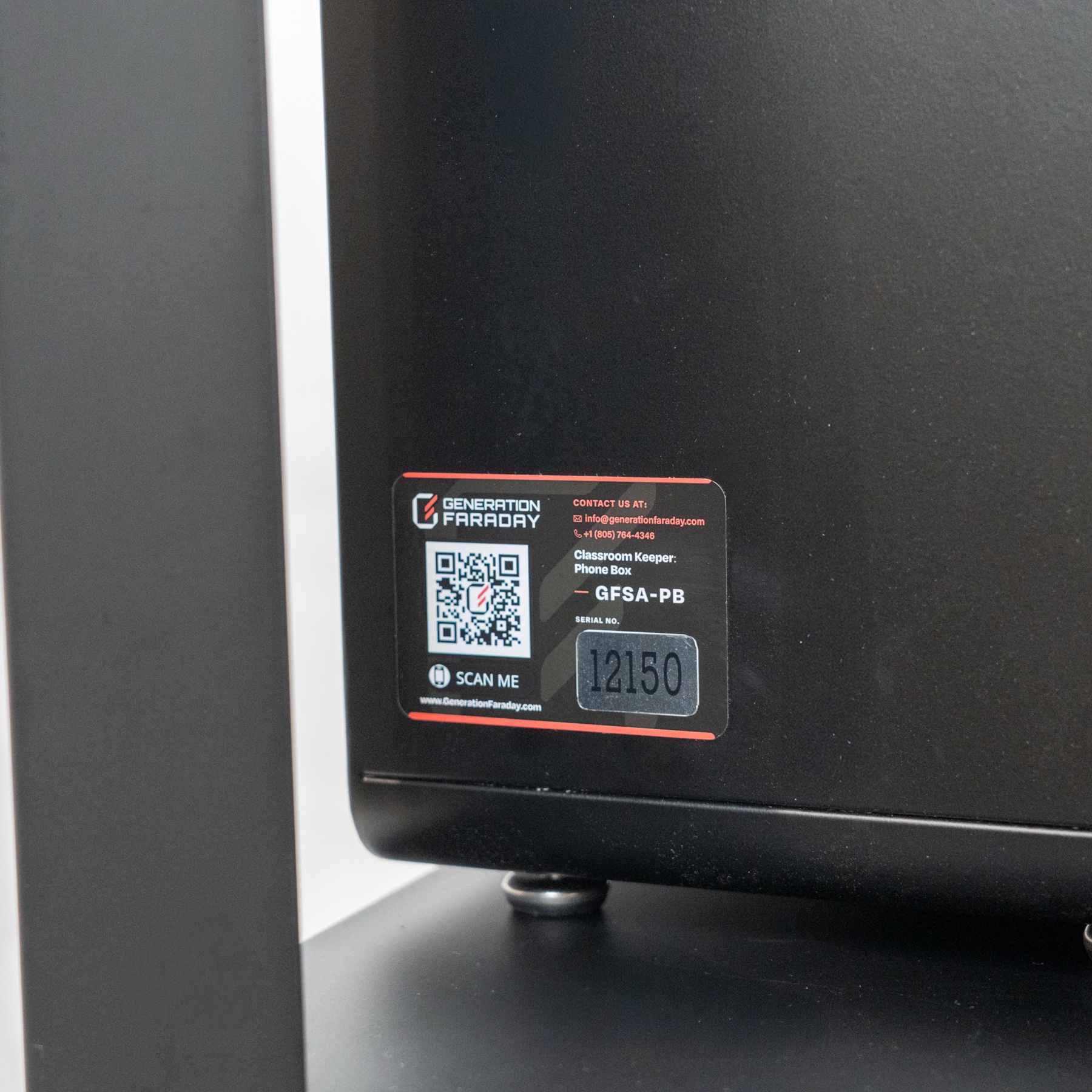
Use RFID scanning or a serial-number search to identify the box, name it, assign students and record condition or policy compliance. The system supports staff records; it does not automatically detect which phones are inside.
Can the Faraday cover and security cable be used together?
The optional Faraday cover is available on request. The ClassKeeper guide states that a cover and security cable cannot be used simultaneously, so plan the configuration with our team.
A physical box. A useful record.
Connect storage
with your staff routine.
The Generation Faraday app supports box identification, student assignments and staff records. Find the box by RFID or serial number, then connect it to the people using it.
Explore the appsWhat staff keep track of
The staff view
A familiar assignment record.
Use the box’s RFID tag or serial number to find its record. Staff connect students with numbered positions and keep the information current.
- Identify the box
Use the supported RFID workflow or find the serial-number record.
- Assign positions
Map up to 36 student positions to the box’s numbered spaces.
- Keep records current
Staff update collection, compliance and condition as part of the process.
Identify the box.
Scan its RFID tag or find it by serial number, and give the cabinet a familiar name.
Assign students.
Connect up to 36 students with the box’s numbered positions.
Keep a staff record.
Staff record assignments, policy compliance and device condition through the app.
The tag identifies the box. Phone arrival and condition are recorded by staff.
Start with your classroom
Plan your classroom setup.
Tell us your classroom counts, student numbers and collection plan. We’ll help you choose the boxes, cart configuration and support that fit.