01
Information Gathering
Agree on what a phone-free day means.
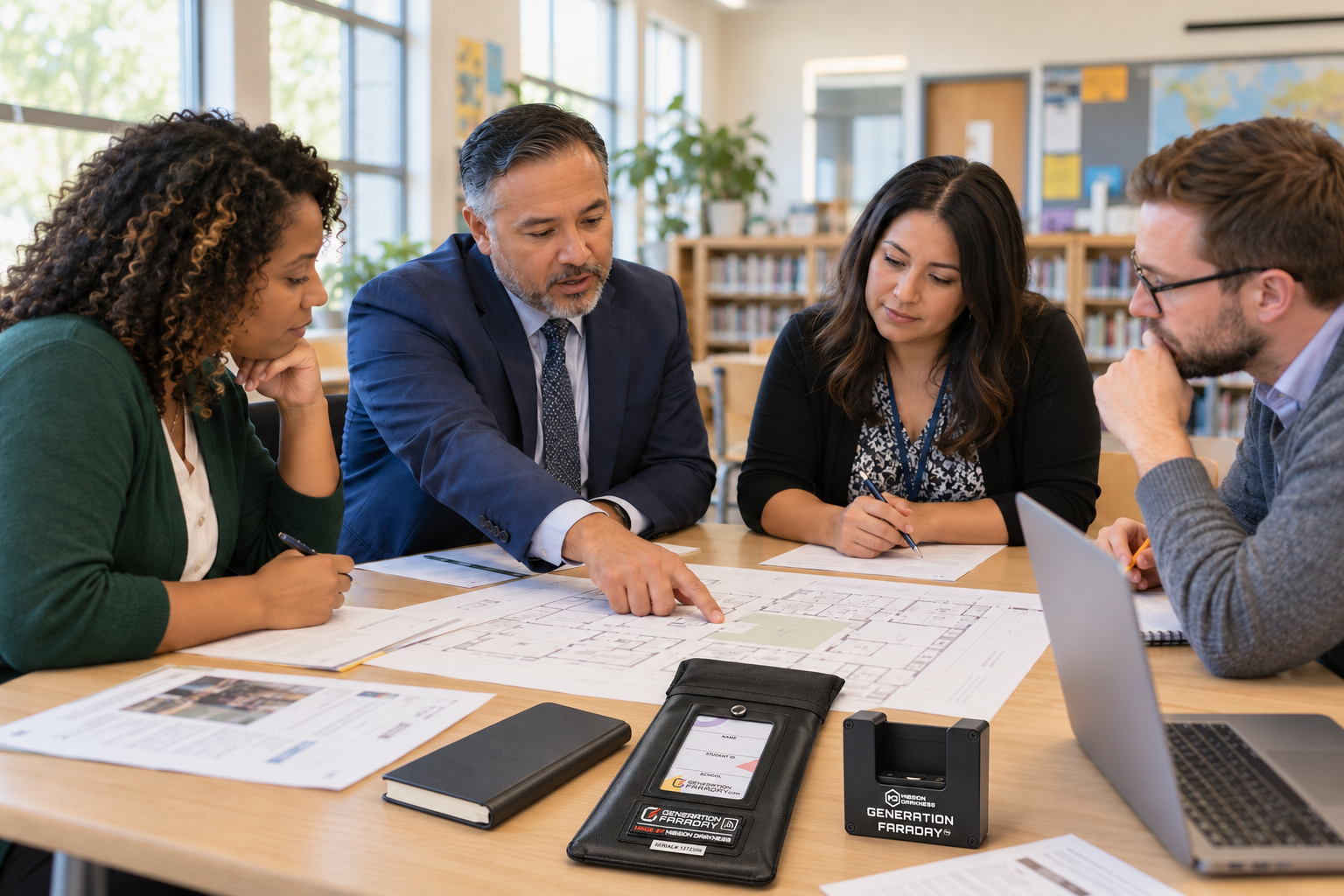
Choose your policy, product mix, and rollout scope. Consider student ages, device counts, classroom layouts, and whether to pilot first.
We work with your team on the policy, products and practical details—so staff know the routine and families know what to expect.
The sequence stays clear; the calendar is built around your quantities, school schedule, preparation and launch goals.
Choose your policy, product mix, and rollout scope. Consider student ages, device counts, classroom layouts, and whether to pilot first.
Plan quantities, collection records, Unlock Docks or staff keys, storage, exceptions, and device return. Agree on procedures for lost or damaged products.
Give staff, students, and families a clear explanation of the routine. Practice collection, unlocking, and return. Include medical and accessibility accommodations.
Install equipment and establish bag assignments or centralized collection records. If using the app, confirm identifiers, roles, and setup with our team.
Review staff feedback, reported issues, and replacement needs. Keep the routine consistent and ask our team for follow-up guidance.
Decide when phones are secured and who keeps possession. Then plan the collection, release and return around that choice.
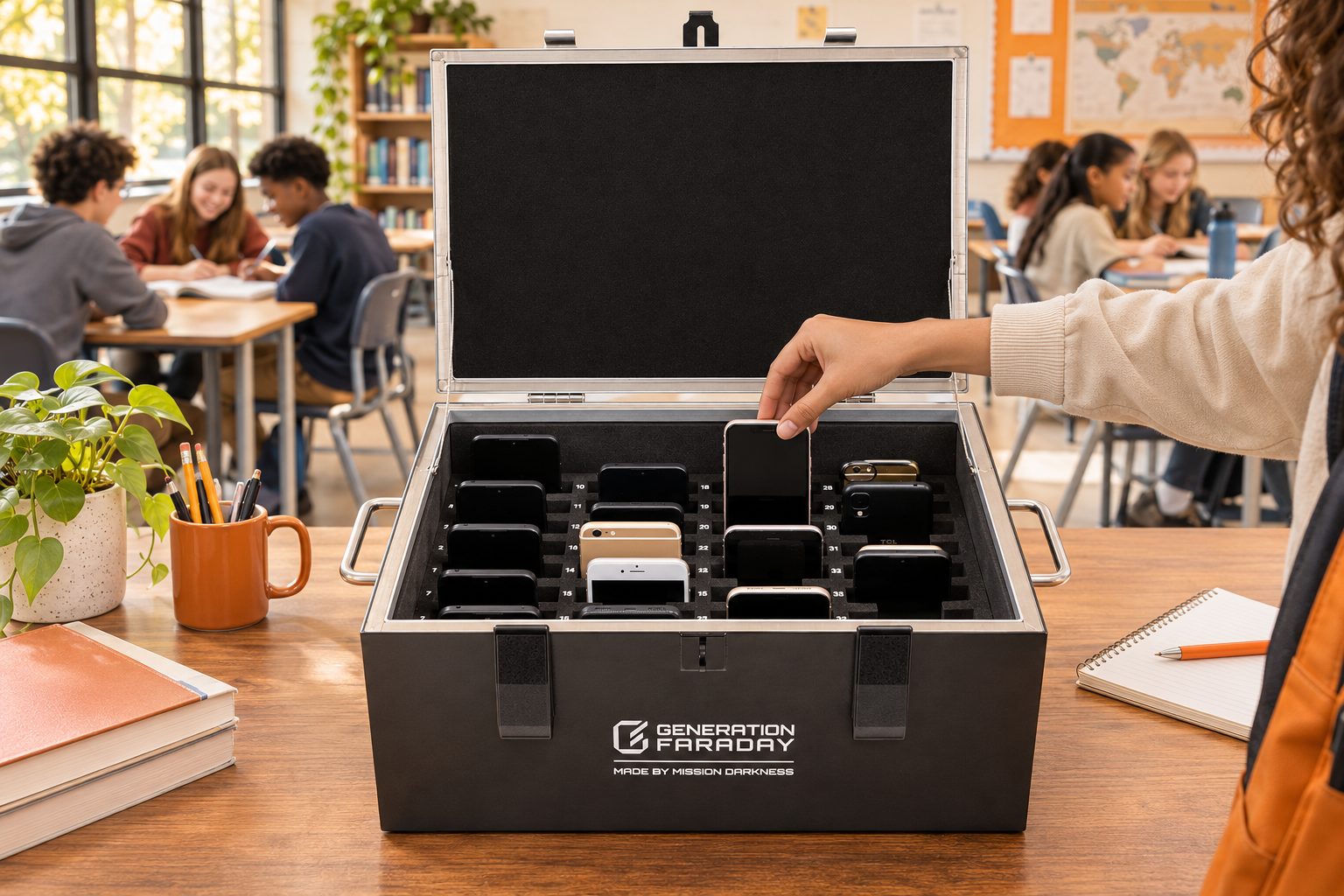
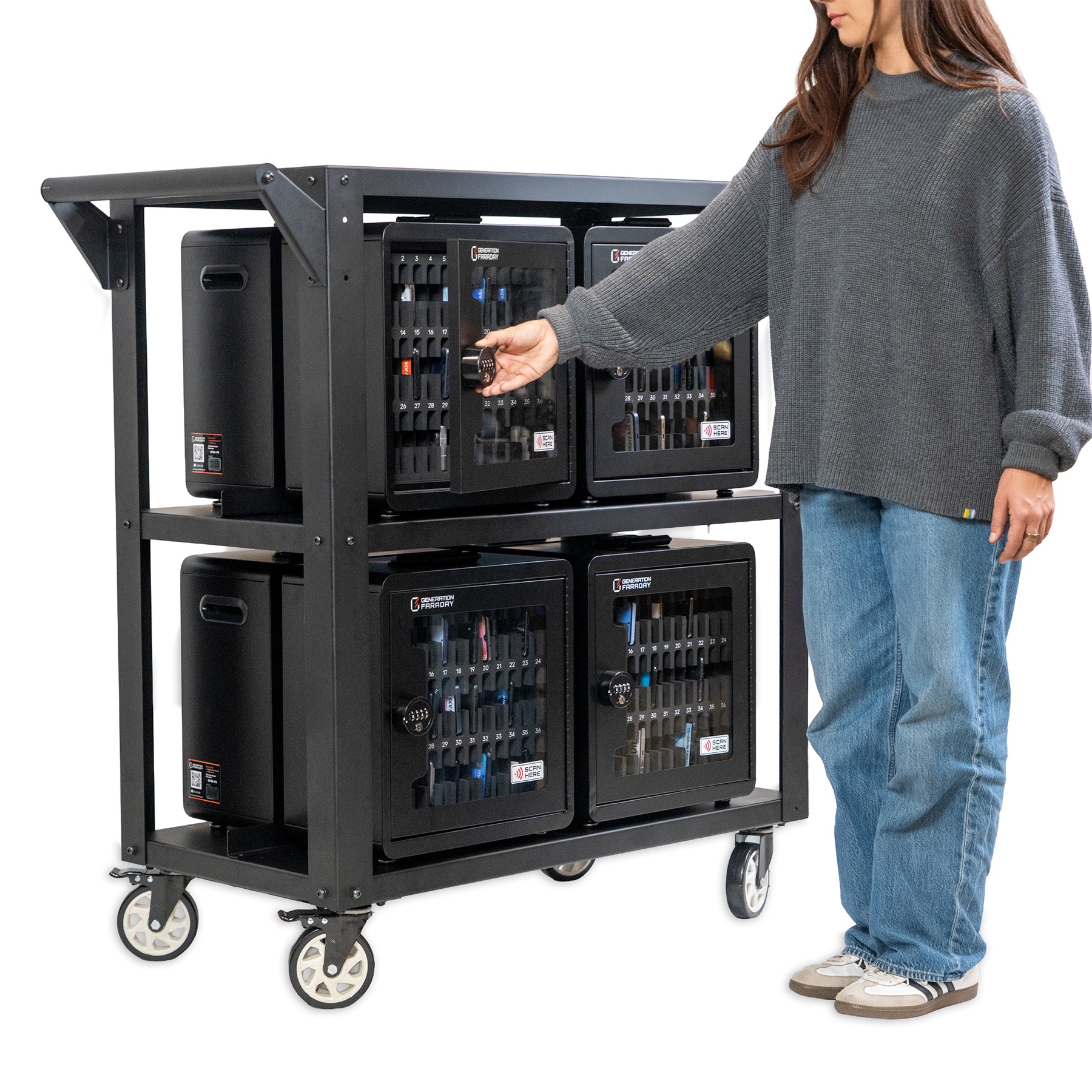
Choose a Shielded Box with 36 numbered phone spaces or a foam-lined interior for larger devices. For larger phone collections, choose a mobile Phone Drop Box cart for up to 144 phones. Plan supervised collection, secure closure and return.
Explore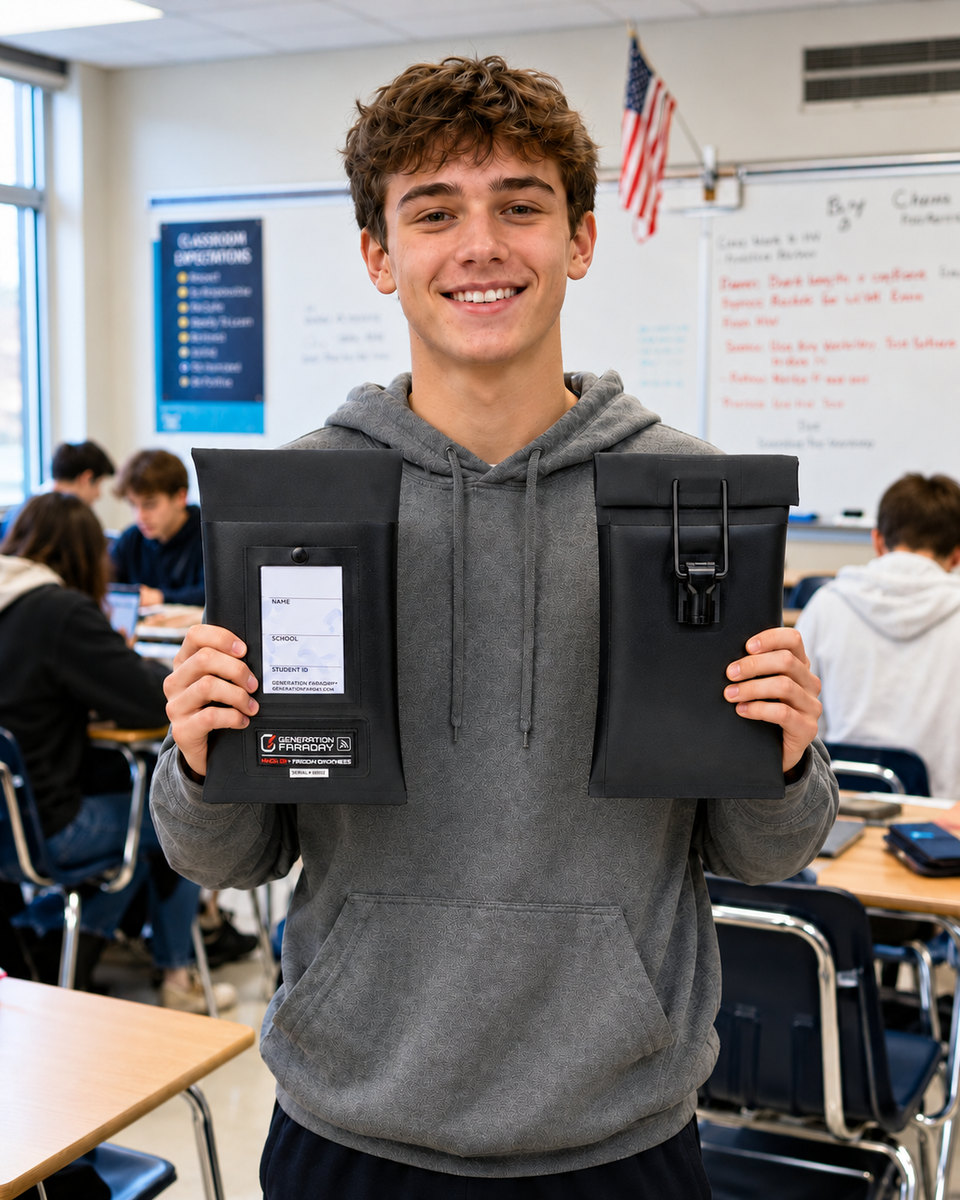
Choose staff-unlocked Max Lock or nonlocking Magnetic and Velcro bags, with the shielding option your policy needs. Plan closure checks, approved access and return to use.
ExploreSet the duration separately: a full school day, instructional time, testing or a defined session. Whichever product family you choose, plan transitions, approved access and reset for the next group.
Walk the routine with the people who will run it. Use a real entrance, a typical classroom and a dismissal route—not only a meeting-room plan.
Use this working list in your planning meeting. Your checks stay in this browser.
0 of 8 ready
Agree on the student identifiers and equipment records your school uses, then prepare access for the people responsible for daily follow-up.
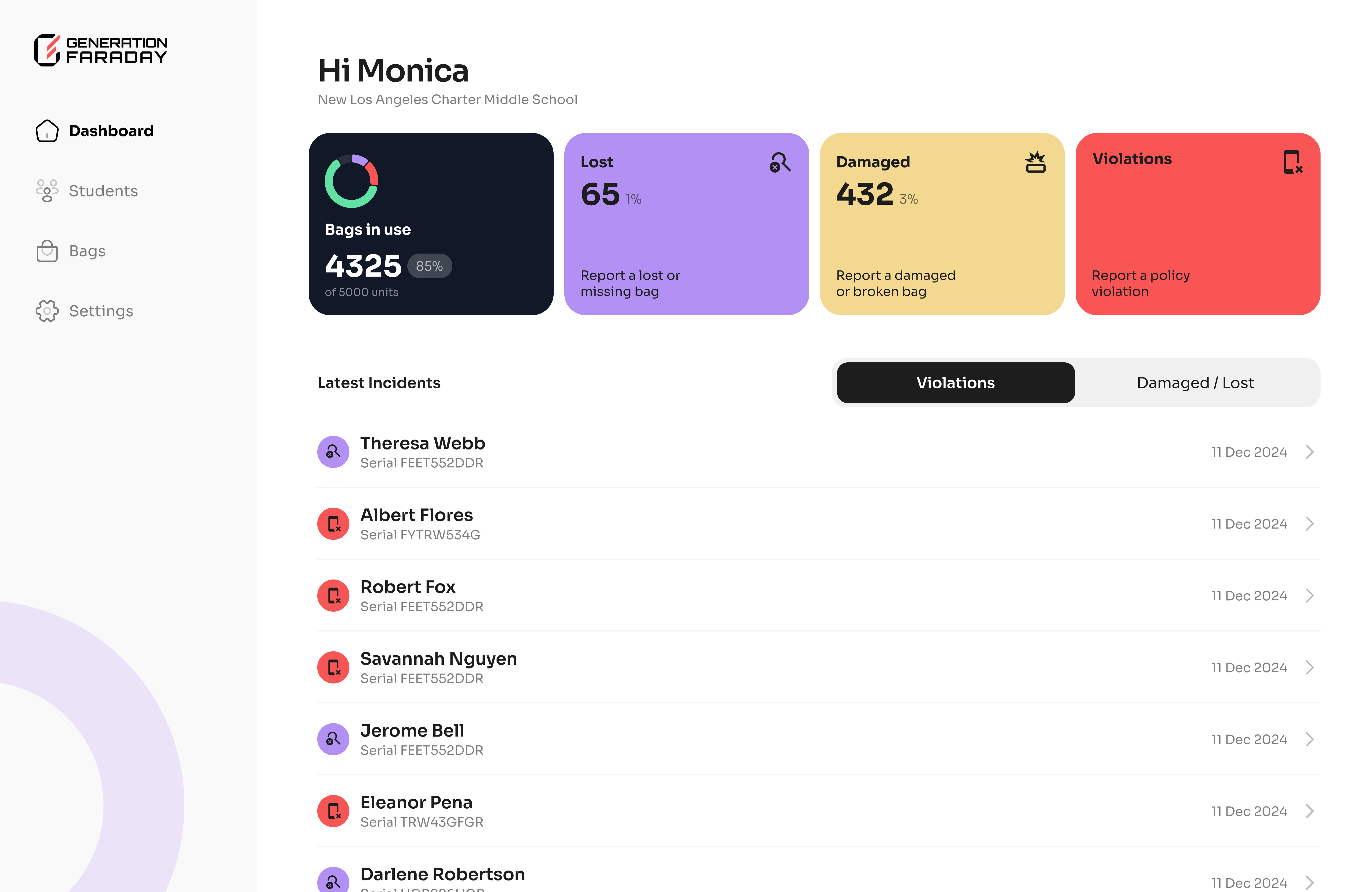
Keep the actual product instructions close, give coordinators one place to collect questions and review the routine after launch.
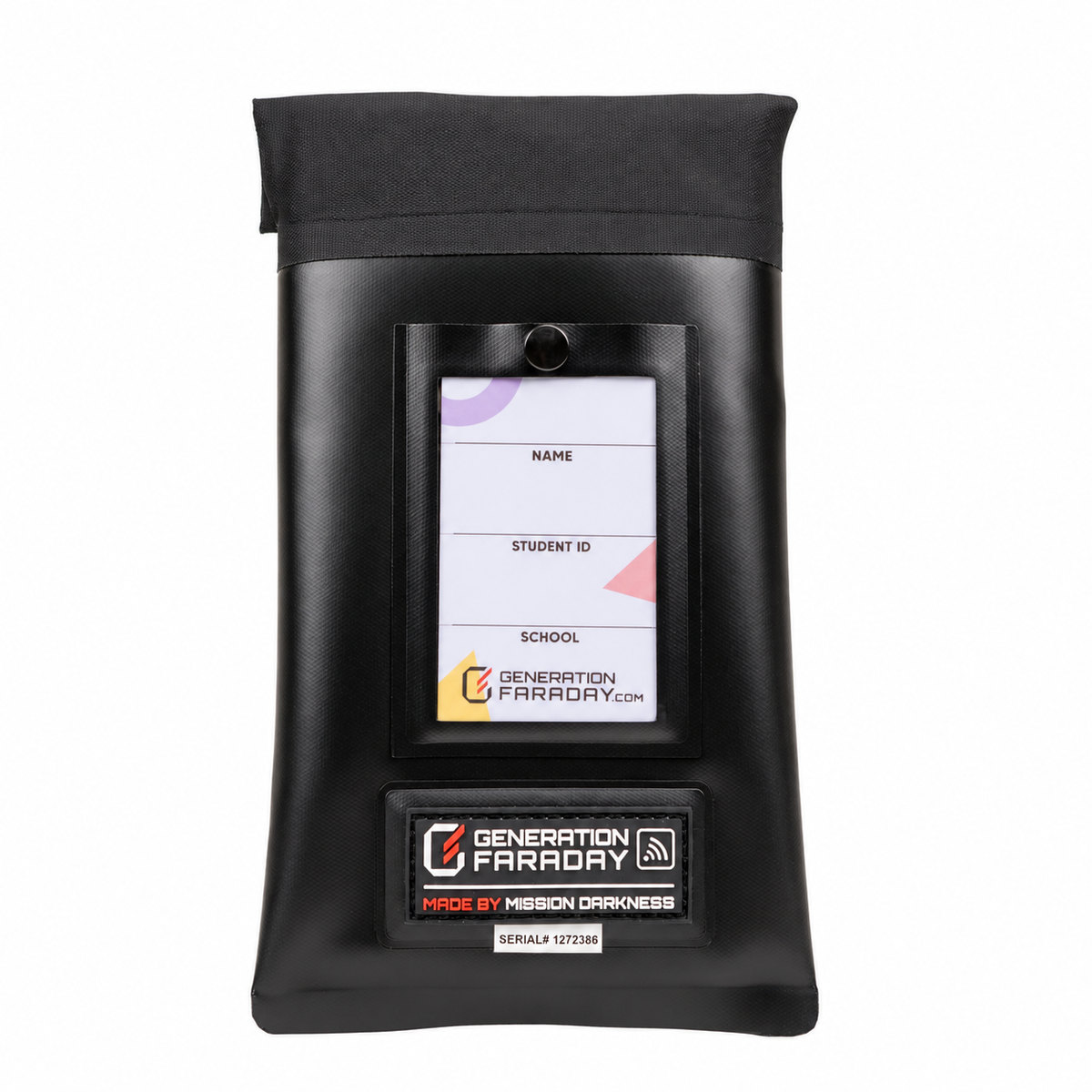
Find the current closure, care and installation instructions for the products your school uses.
Explore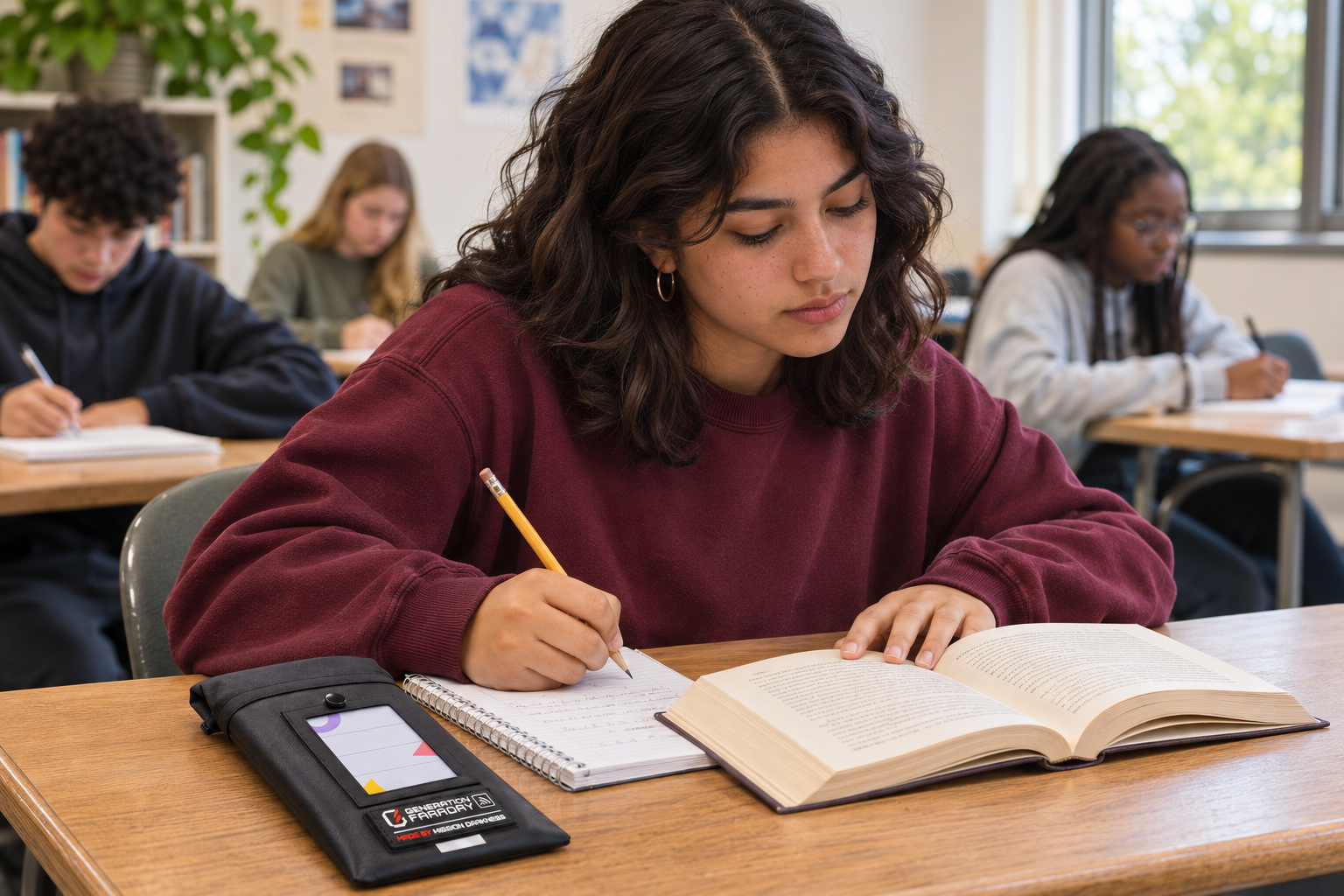
Explore the policy and communication resources that help explain the daily routine.
Explore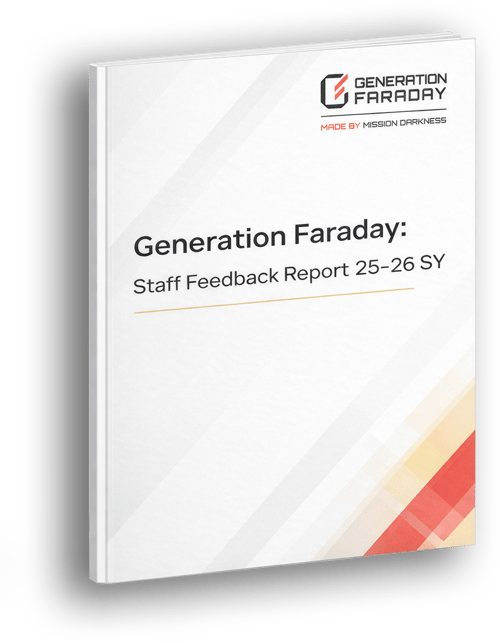
Use reported experiences to decide where more support, training or a routine adjustment could help.
ExploreShare the products you are considering, your participating schools and the routine you want to establish.