Generation Faraday

FOR SCHOOL & DISTRICT LEADERS

More room
for learning.

One clear phone routine.
Across your whole school.

From the first bell to the final release, build a program that fits your students, supports your staff and makes sense for every campus.

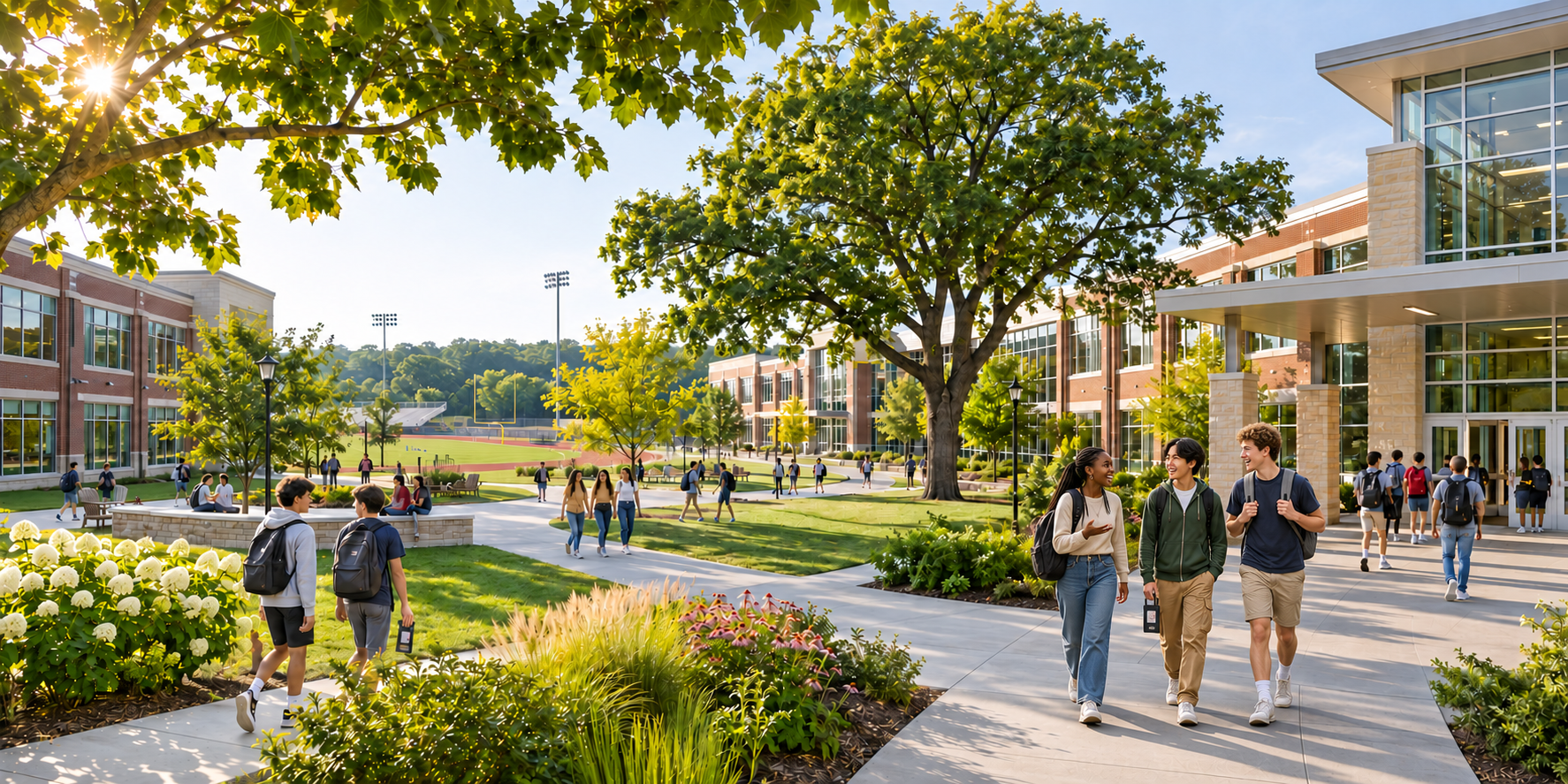
Illustrative campus with a Black girl, Asian student and White student walking together, with other students carrying phone pouches

YOUR POLICY. YOUR ROUTINE.

A system that works
where learning happens.

Different ages, buildings and schedules need different approaches. Start with who keeps the phone, then choose the signal blocking and staff access that fit your policy.

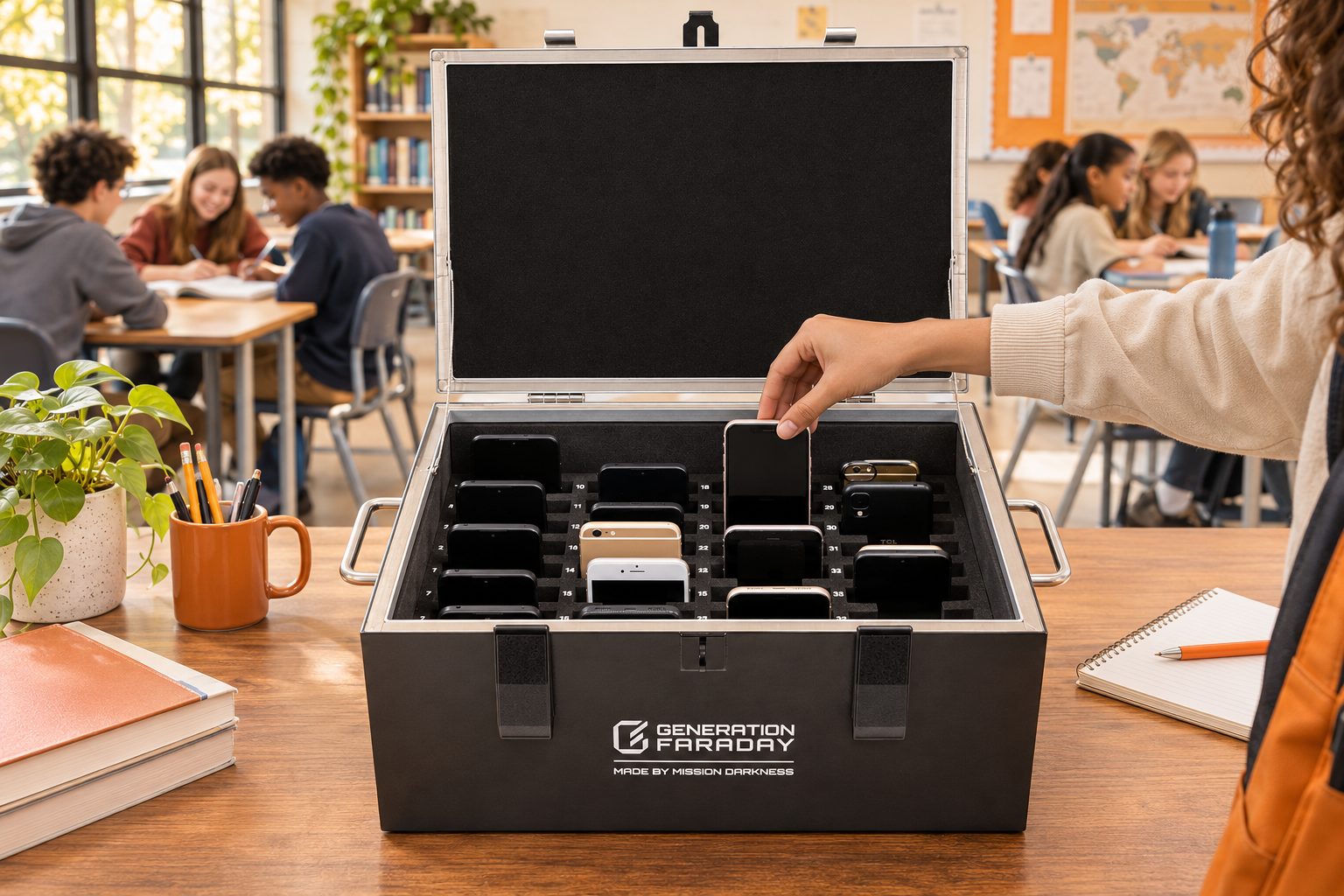
Illustrative classroom collection with a Shielded Box on the teacher’s desk

SHIELDED STORAGE

One group.
A shared collection point.

Use a 36-phone desktop Shielded Box or a mobile Phone Drop Box cart for up to 144 phones. Staff manage collection and access; full closure provides shielding.

Compare desktop & cart ↗
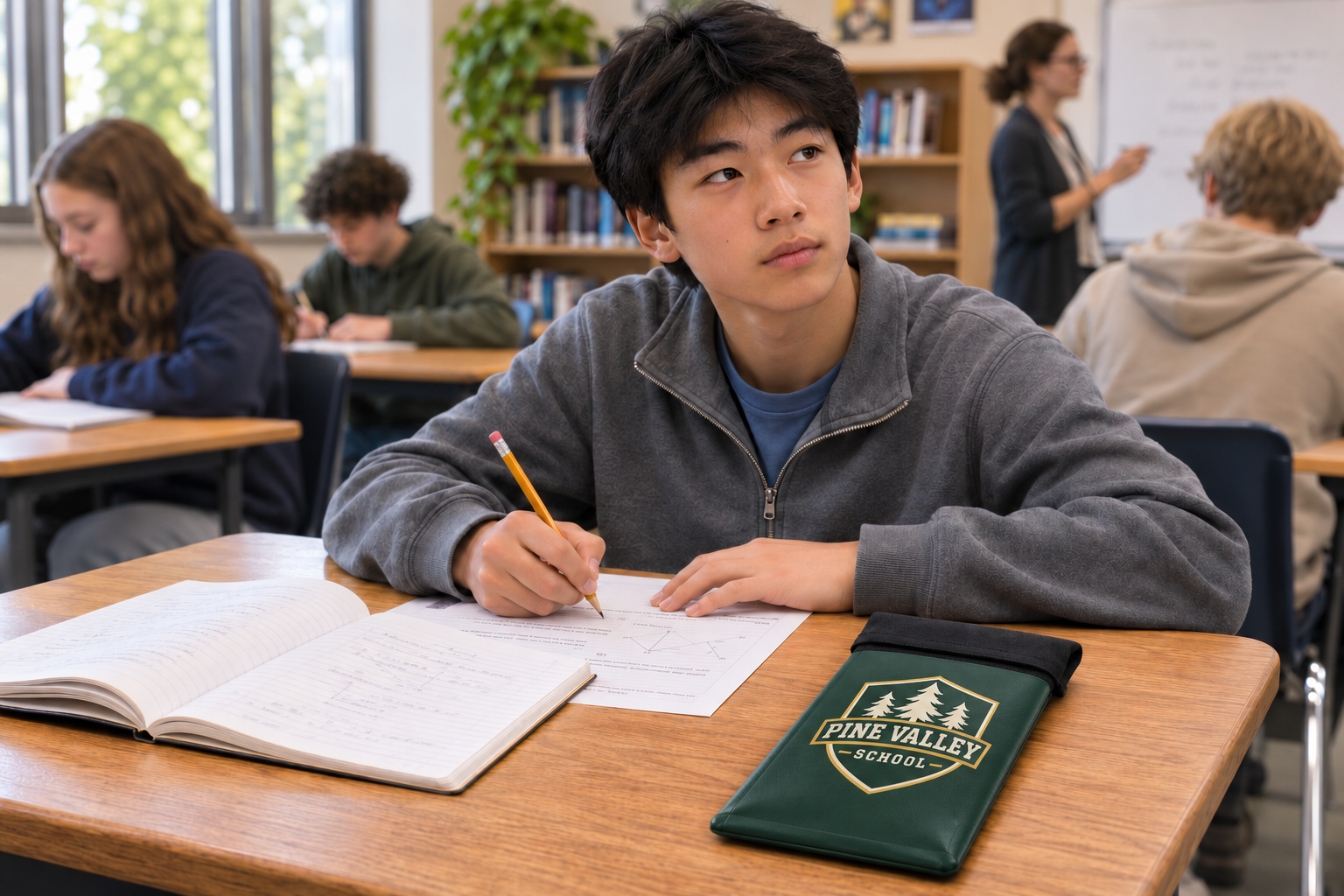
Illustrative classroom scene with a forest-green Pine Valley School custom-branded phone bag on a student’s desk

STUDENT-HELD BAGS

Keep possession.
Change the habit.

Students keep their assigned bag. Choose staff-unlocked Max Lock or nonlocking Magnetic and Velcro bags, then decide whether the bag needs shielding.

Explore phone bags ↗
Official school hallway photograph of the complete ClassKeeper mobile storage system

UNSHIELDED CLASSKEEPER SYSTEM

Collect by class.
Move as a system.

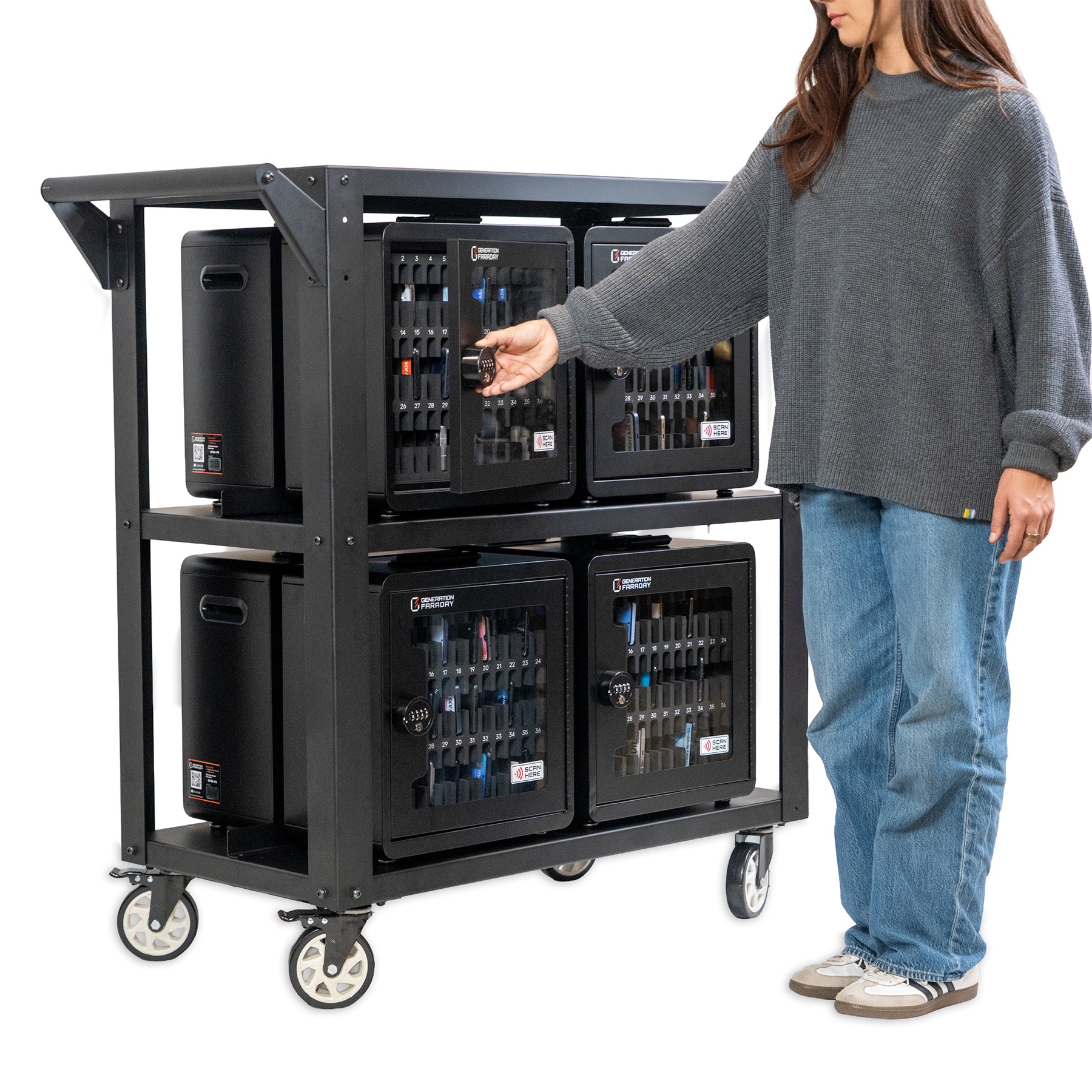
Lockable 36-phone boxes work individually or together on a cart. The complete eight-box system holds up to 288 phones. It controls physical access while phones remain connected.

Explore ClassKeeper

Use one approach for all students, or mix product families by grade, room or Tier 1 and Tier 2. The school configurator keeps those quantities separate.

SMALL ACTIONS. A SHARED EXPECTATION.

Make the routine
part of the day.

Students and staff should know what happens next. Plan the everyday moments before the first bag or box reaches a classroom.

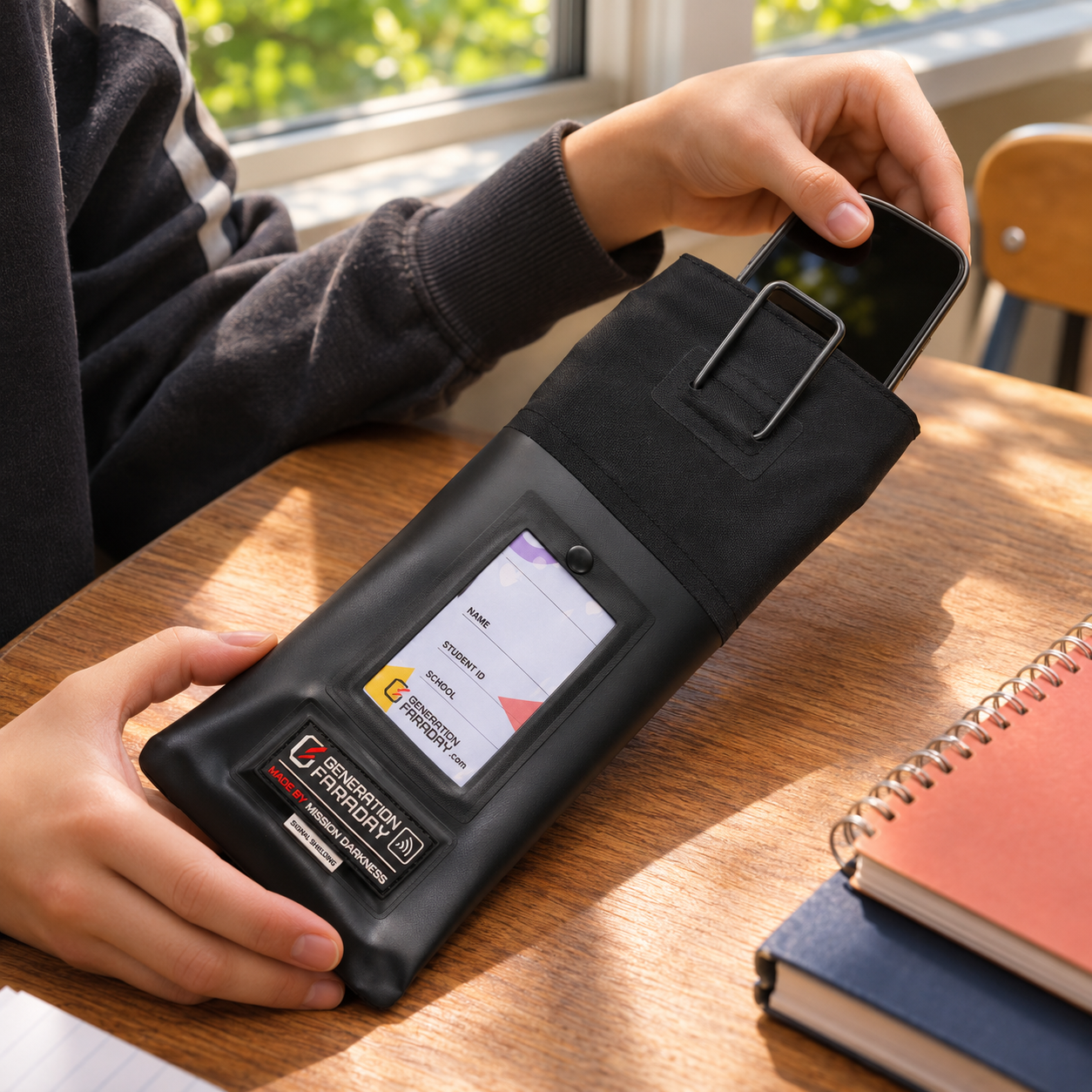
Illustrative close-up of a student placing a phone into a Max Lock pouch
01 / ARRIVE

A clear start.

Place phones inside the chosen bag or numbered box. Follow the complete closure procedure for your model.

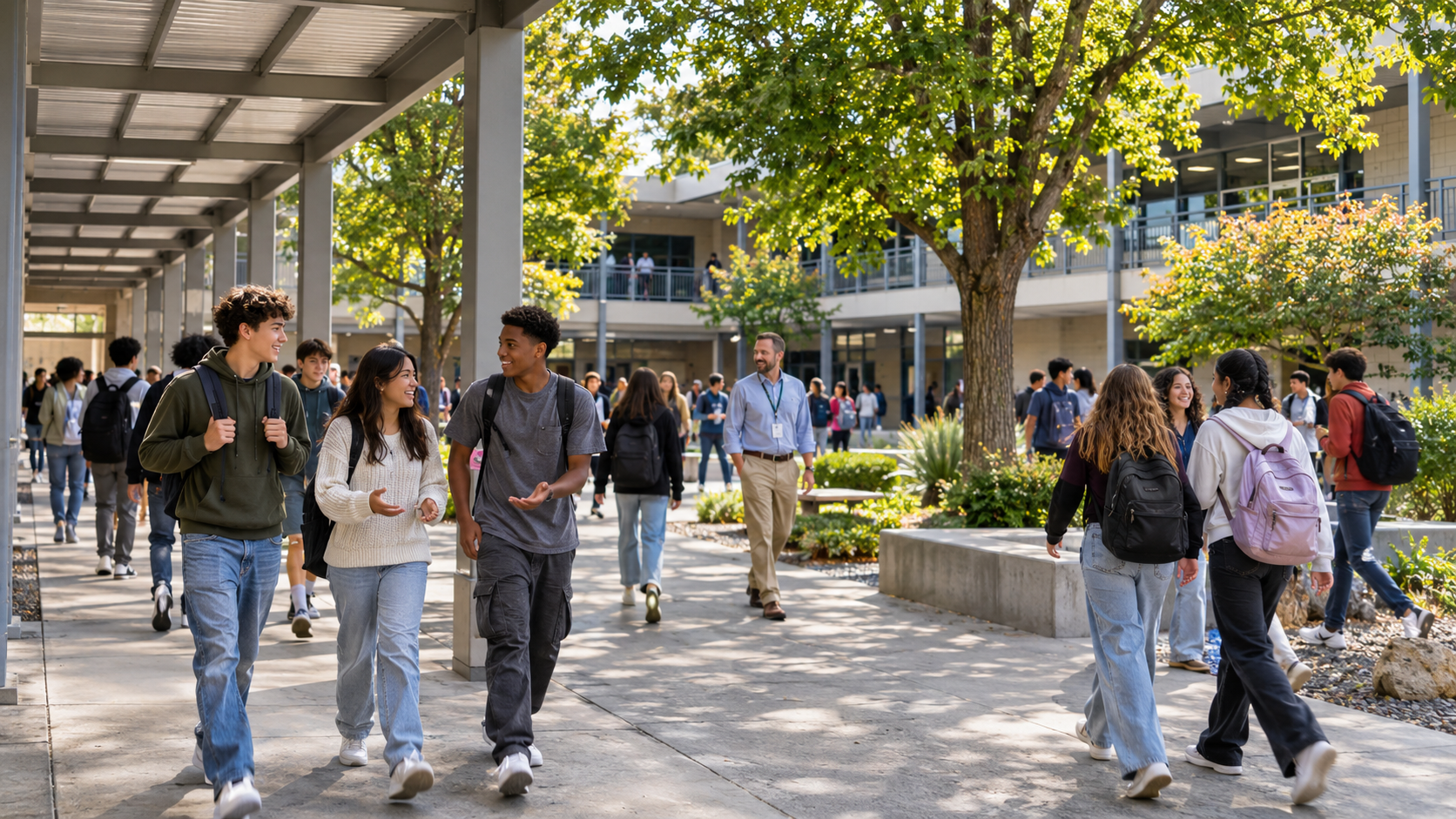
Illustrative students talking face to face while walking between classes on a large school campus
02 / BE PRESENT

A school day together.

Keep the expectation consistent in classrooms, shared spaces and transitions, with a planned process for exceptions.

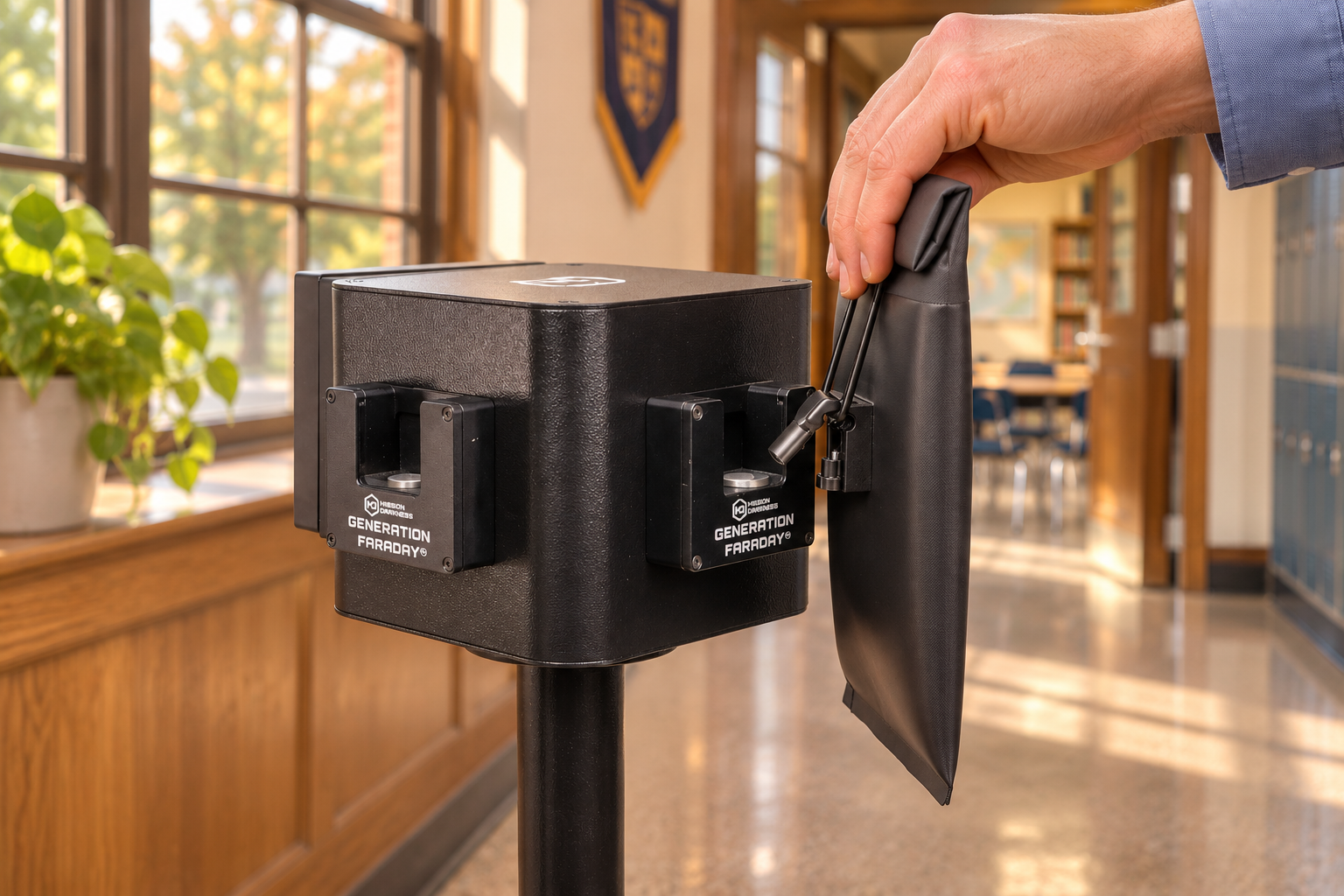
Illustrative supervised Max Lock bag release at a school unlocking station
03 / RELEASE

An intentional return.

Staff provide access at the agreed time. Compatible unlocking tools support the locking-bag routine.

Phones remain powered when isolated, so offline alarms can still sound. A smartwatch with its own wireless connection may stay connected unless it is placed inside a properly closed signal-blocking bag or box.

A PARTNER IN THE IMPLEMENTATION

A considered launch.
Support that stays.

The equipment is one part of the program. People, preparation and follow-through make it work.

See how we work with schools ↗
  1. 01

    Plan around your school.

    Talk through policy, age groups, custody, storage, signal needs and approved access.

  2. 02

    Prepare your community.

    Give staff a clear procedure. Share expectations with students and families before launch.

  3. 03

    Assign and launch.

    Connect bags or boxes with your assignment process. Practice collection, closure and release.

  4. 04

    Listen and refine.

    Gather staff feedback, review your records and adjust the routine as the program develops.

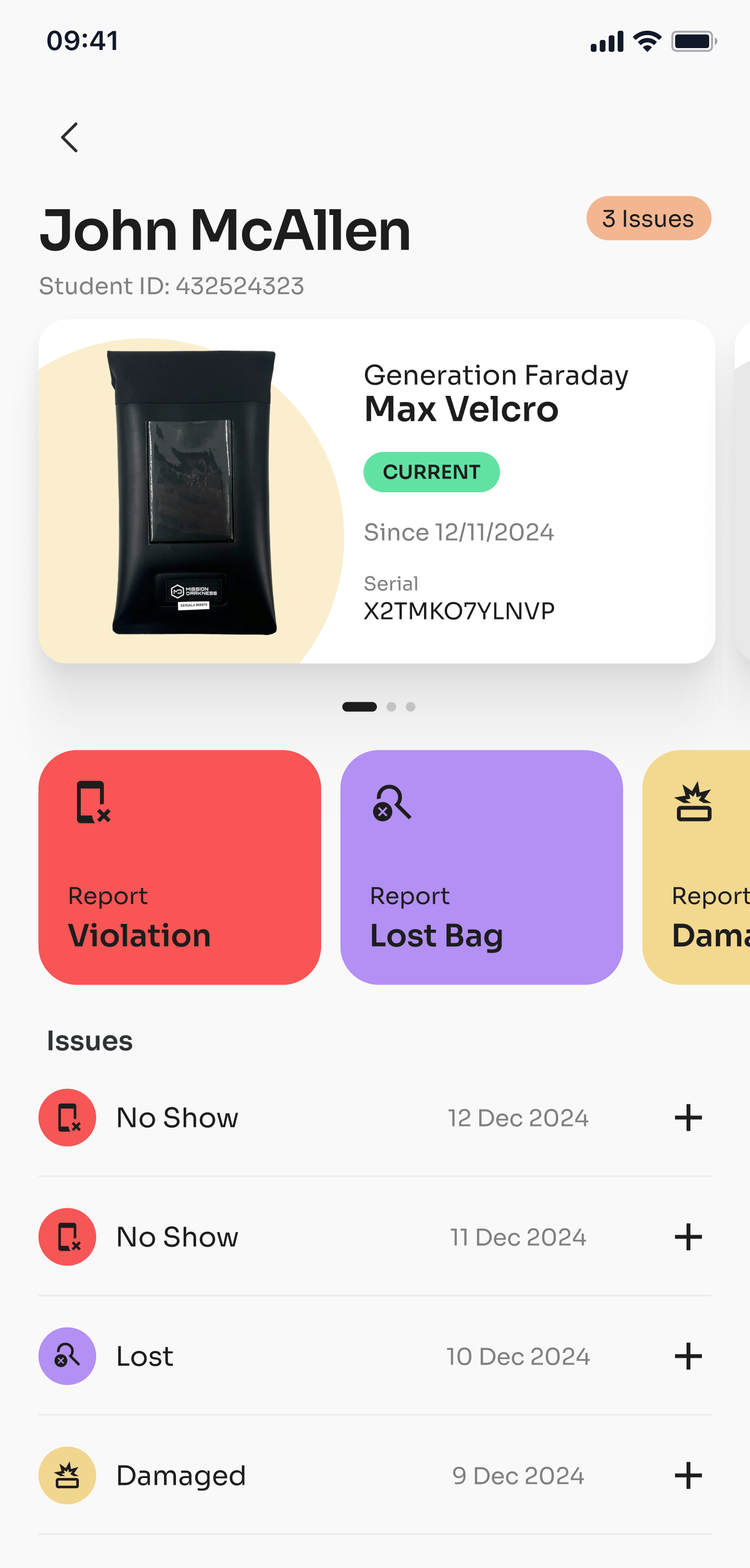
Actual Generation Faraday app student profile showing an assigned bag and staff-recorded policy actions
Actual app screen · demonstration record

A PHYSICAL ROUTINE. A SHARED RECORD.

Give your team
a clearer picture.

Use the Generation Faraday app to organize supported RFID or serial lookup, product assignments, inventory and staff-kept policy records.

  • Connect the product with the right student or room.
  • Record condition, lost equipment and policy issues.
  • Use dashboards and reporting to review the program.

RFID identifies the bag or box. It does not automatically prove a phone is inside. Reader compatibility and setup depend on your equipment.

Explore the apps ↗

IN THE WORDS OF EDUCATORS

The people running it.
Their experience.

A full school year

“Generation Faraday’s bags proved to be a durable, high-quality solution for Lago Vista High School.”
Darren WebbFormer Superintendent · Lago Vista ISDRead the school story ↗

Implementation & support

“The company has provided us with many valuable implementation and communication tools and is clearly invested in our success.”
Dr. Suzy Lofton-BullisDeputy Superintendent · Lago Vista ISDRead the school story ↗

The everyday classroom

“The compliance of putting in a bag on their desk was much higher than putting phones in the cellphone hotel on the wall.”
Richard JohnstonTeacher · Santa Barbara High SchoolRead the school story ↗

A familiar morning routine

“We couldn’t be more pleased with the results.”
Eric FrandsenPrincipal · Surfside Educational AcademyRead the school story ↗

1 of 4 · Scroll for more school voices

MORE SCHOOL VOICES

Hear the whole story.

Explore published feedback from school leaders and educators, plus some of the schools we work with.

Explore school stories ↗

LET’S PLAN YOUR PROGRAM

Start with your school.
Build the right setup.

Bring your student numbers, buildings and daily routine. Explore a mix of bags, boxes and release tools, then share your plan with our team.