
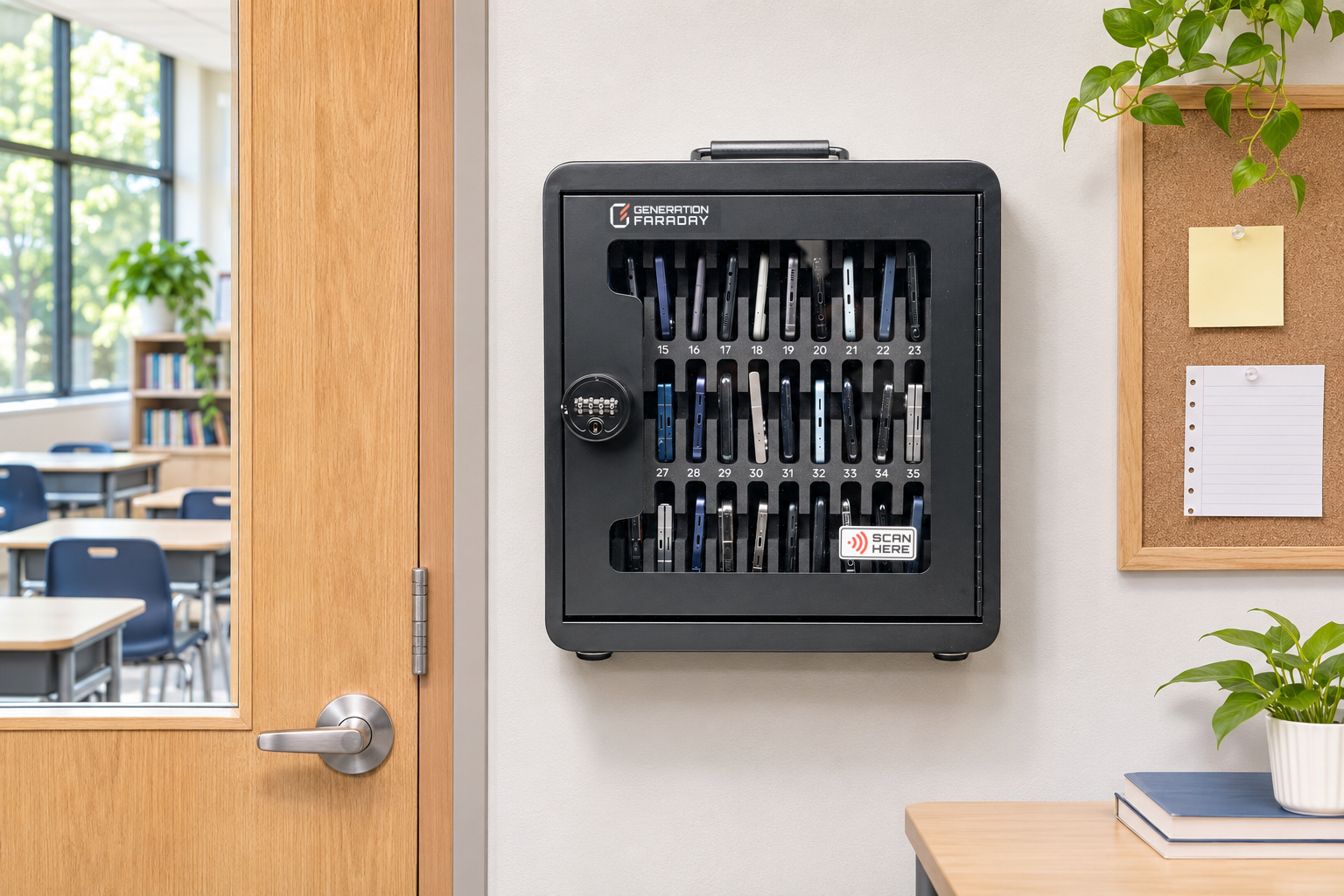
01 / Wall-mounted
A collection point that stays put.
Use the mounting plate and retaining hardware for a familiar fixed location. Confirm fixings for your wall.
Phone Storage Box + secured cart system
Start with a classroom. Build a school-wide system.
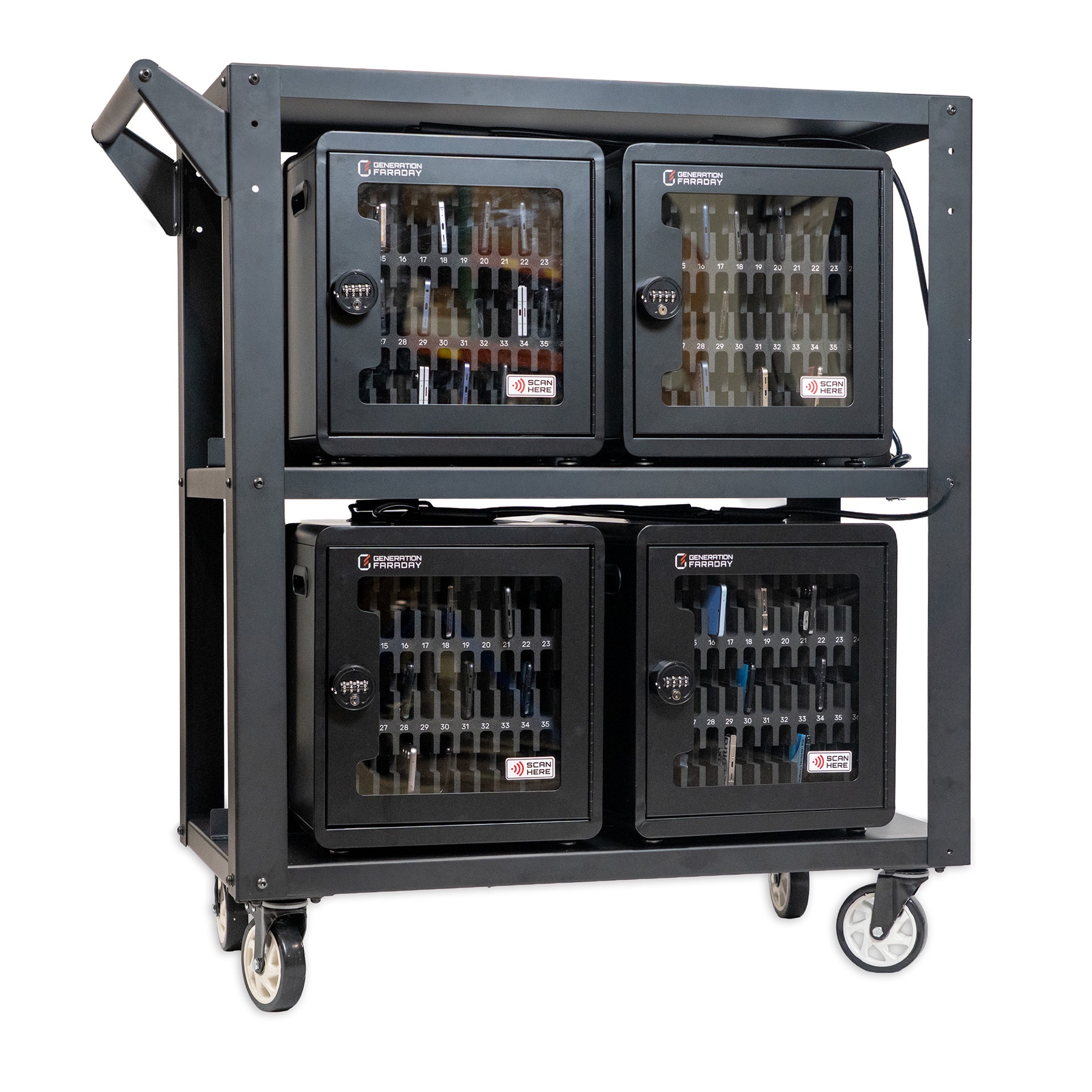
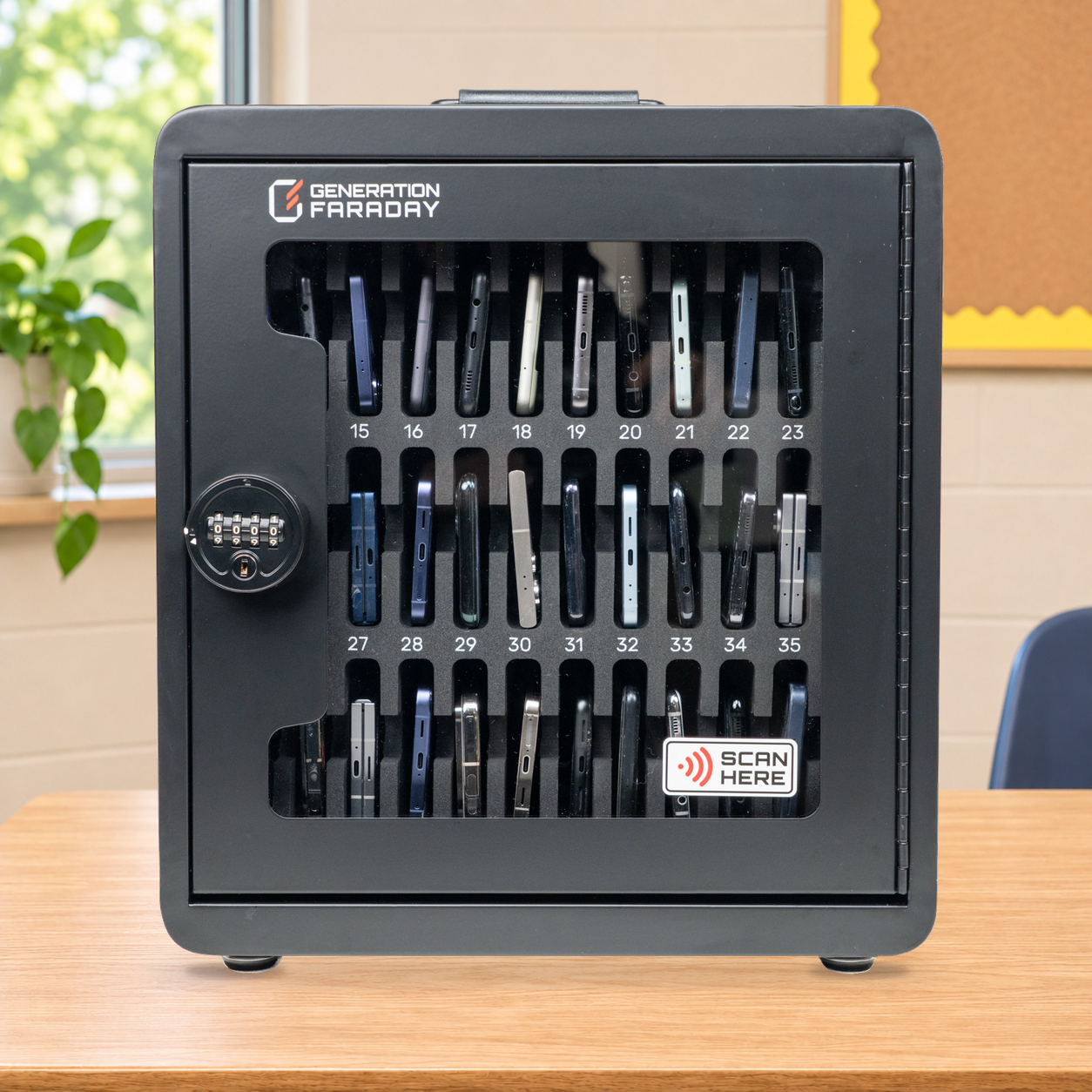
Give each classroom a lockable, numbered place for 36 phones. Bring eight boxes together on the ClassKeeper cart when your collection routine needs to move.
Non-signal-blocking: physical storage and staff-controlled access, with wireless connectivity retained.
 Ready for a larger rollout?See the eight-box system ↘
Made for the school day
Make collection feel familiar: a box at the classroom entrance, a numbered position for each student, and one clear routine for handing phones back.
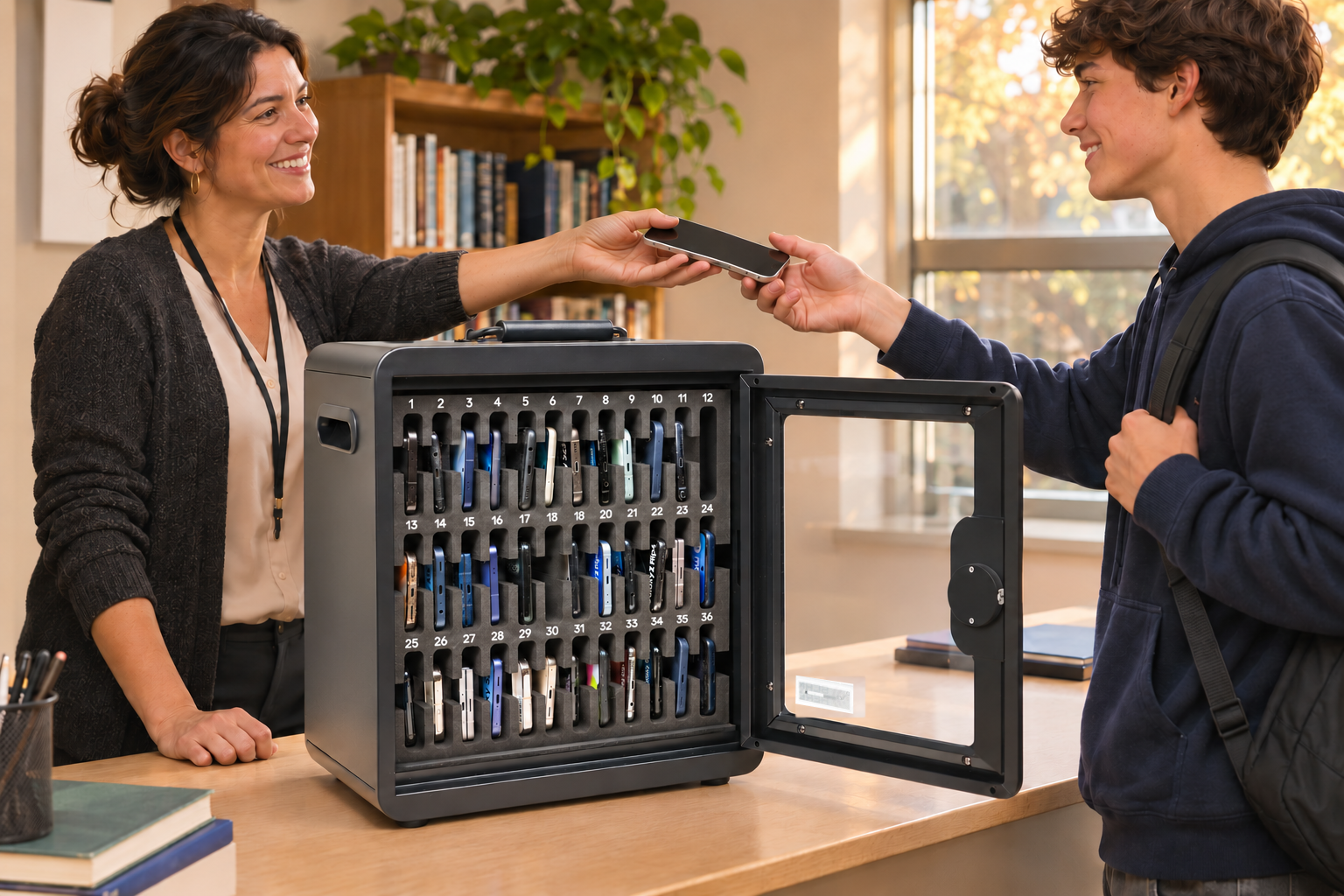
A practical classroom collection point



A routine staff can repeat
Set the collection point, assign numbered spaces and keep access with authorized staff. The routine stays clear whether phones remain in the room or move on the cart.
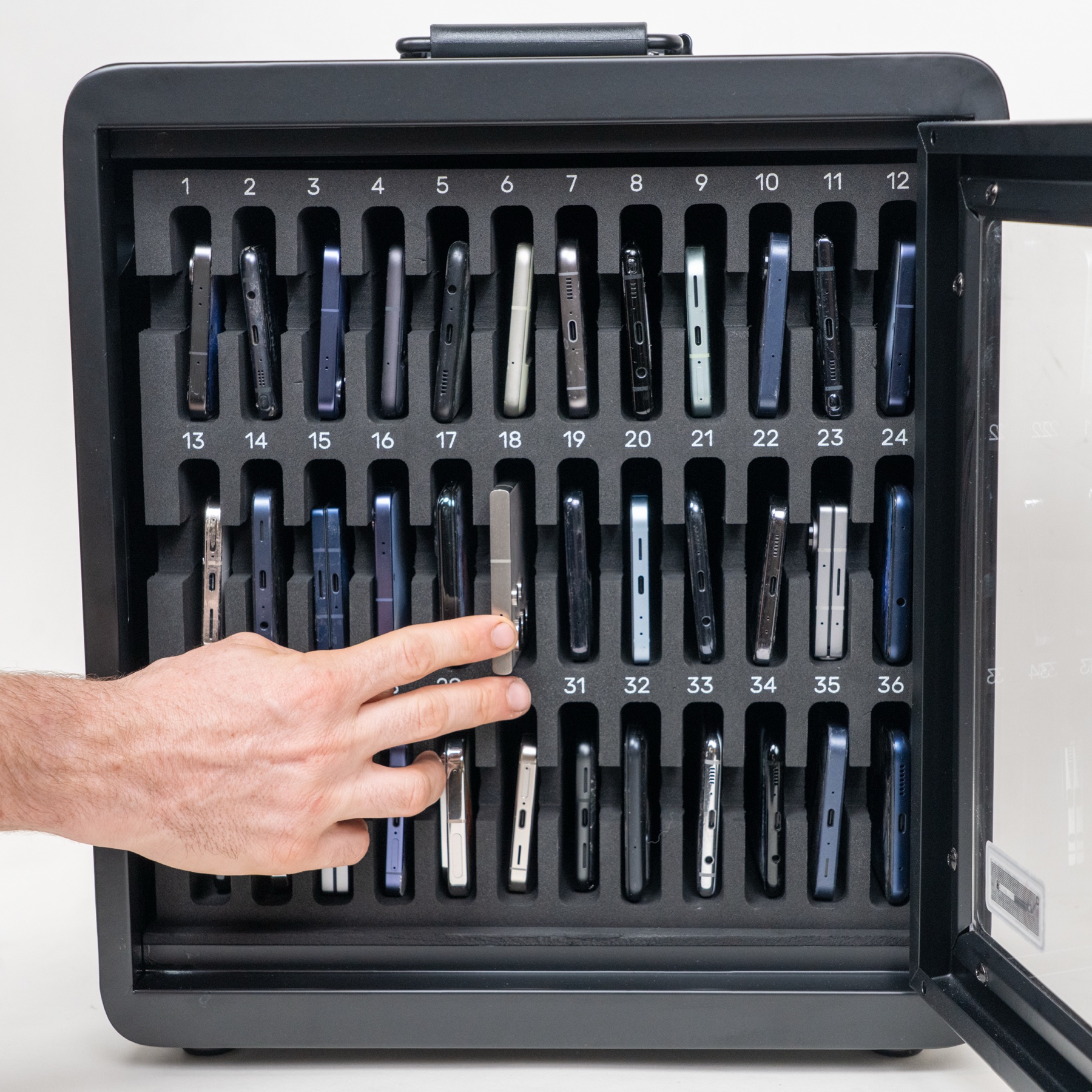
Use the same numbered space for collection and return.
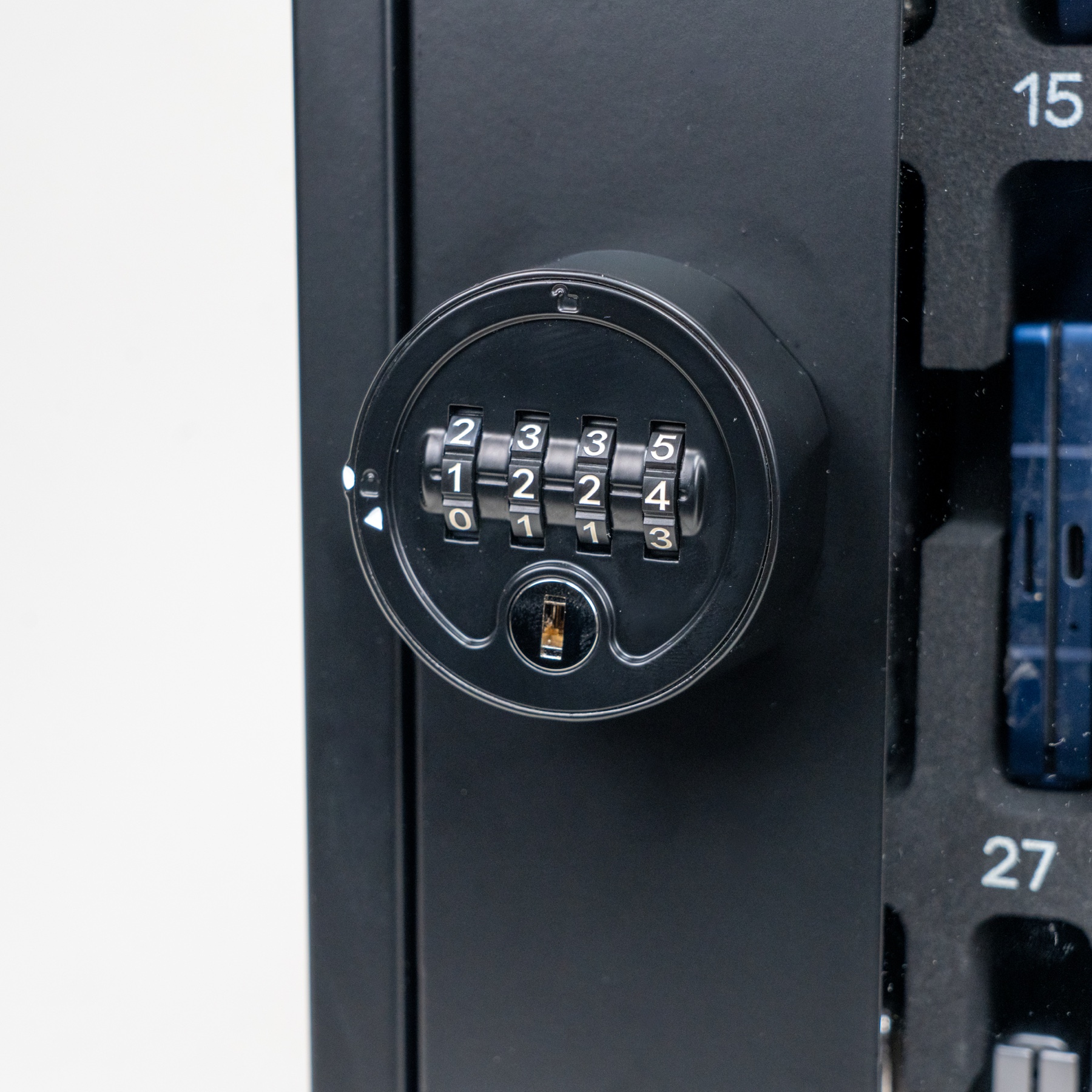
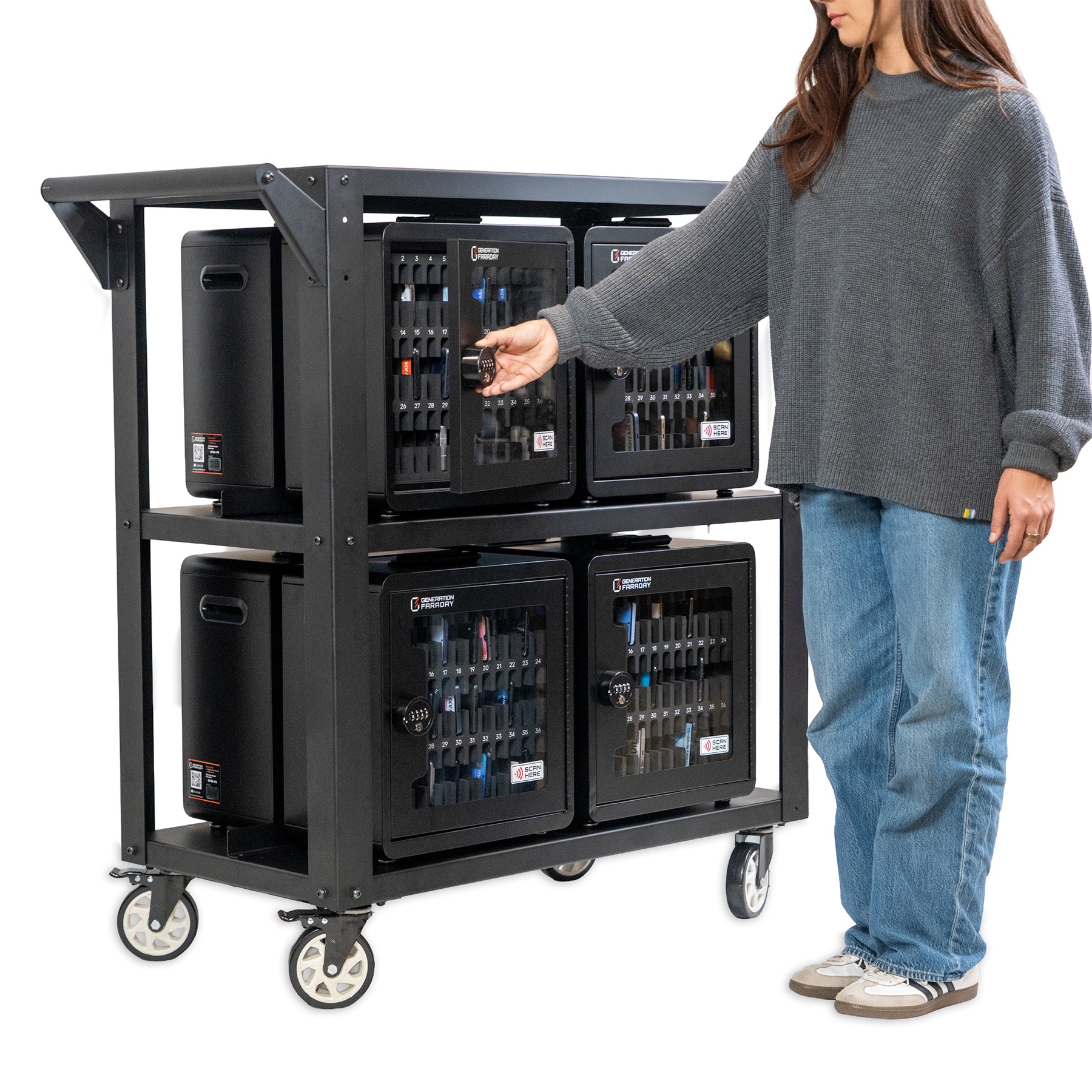
Lock each box and fit the cart retention system before movement.
Return phones by position through the same familiar routine.
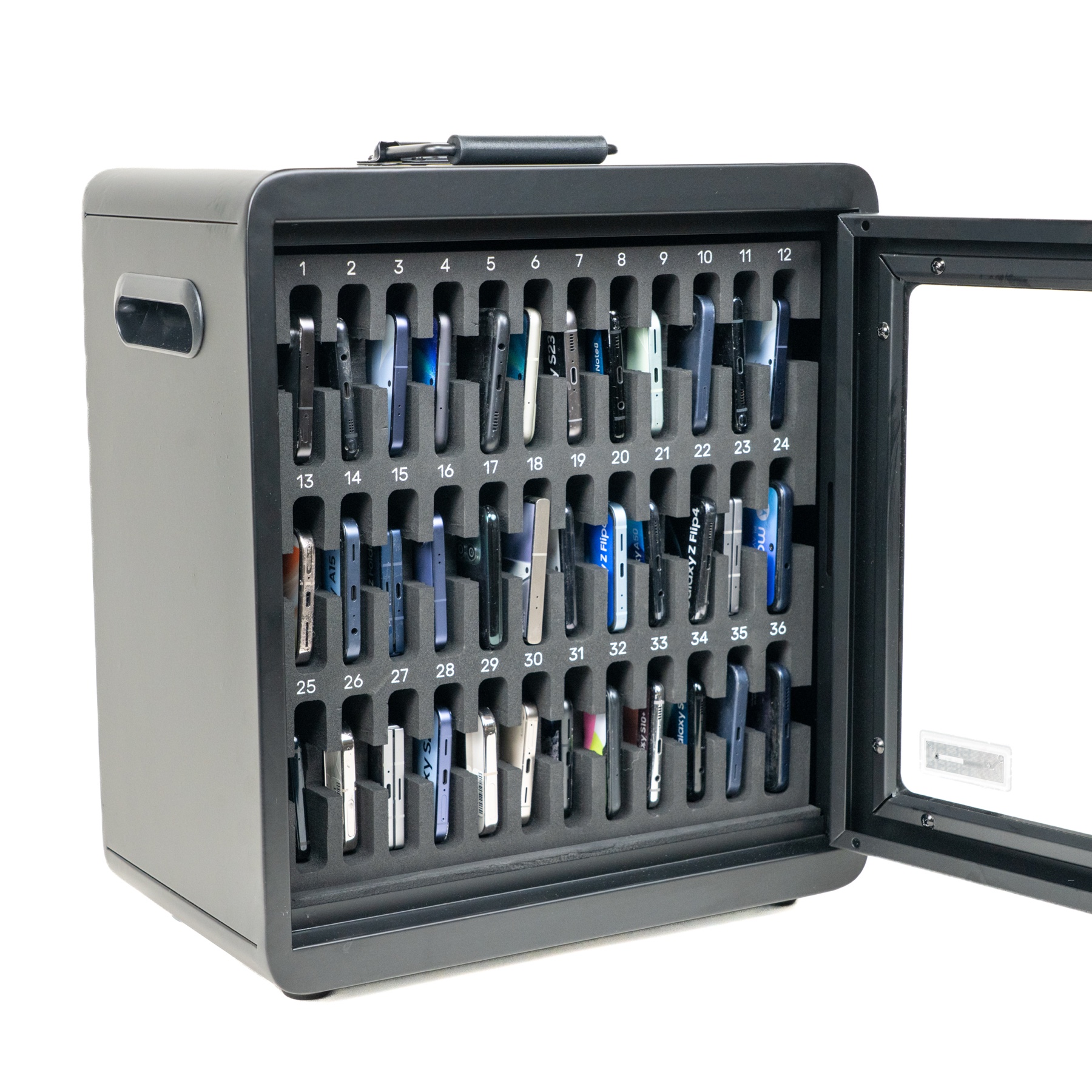
Classroom phone storage
Designed specifically for schools, with 36 phone slots to accommodate larger class sizes.
Each student gets a dedicated, padded space for their phone, making classroom collection and return easy to manage.
Fit the collection point to your school
Keep a box where phones are collected, or bring class groups together for staff-managed movement. The same Phone Storage Box supports each approach.
Use the mounting plate and retaining hardware for a familiar fixed location. Confirm fixings for your wall.
Place a box on a stable desk or counter. A folding handle makes moving one class collection practical.
Retain boxes to the cart with the cable-and-lock system. Move the secured collection along your staff route.
Choose the scale
Start with individual rooms, or collect across a school. The complete ClassKeeper combines eight of the same boxes with a mobile cart and cable-and-lock retention.
The classroom component
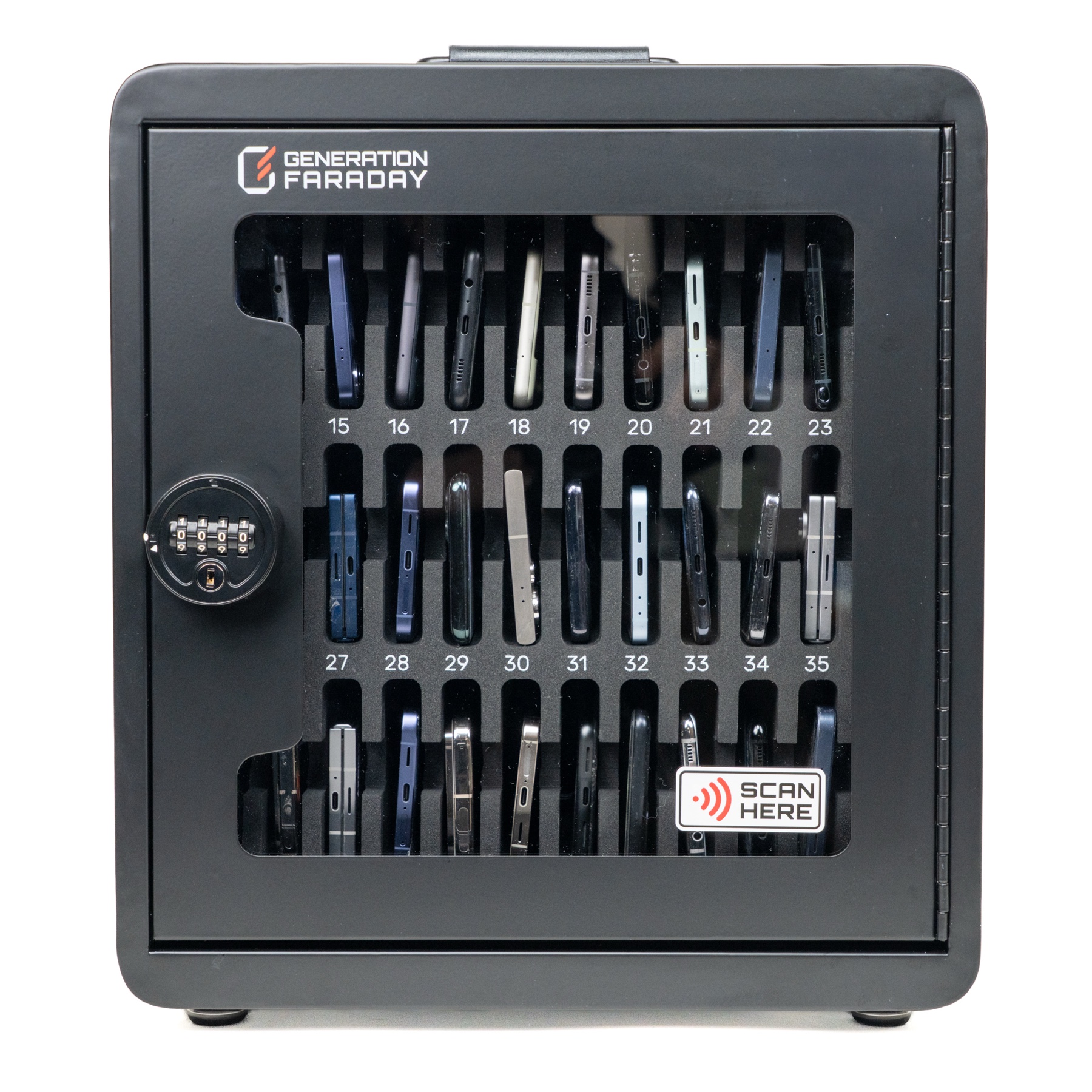
One 36-phone box with its own combination lock and carrying handle. Use it independently on a desk or wall. The cart retention cable is optional for individual boxes.
See the individual boxThe complete system
Eight Phone Storage Boxes, a three-tier rolling cart, retention cable and locks are included. Up to 288 phones, organized by class and ready for staff transport.
Plan a complete setupPhysical security that works together
A combination lock controls access inside each box. The cable-and-lock retention system adds a physical barrier to removing boxes from the cart during storage and movement.
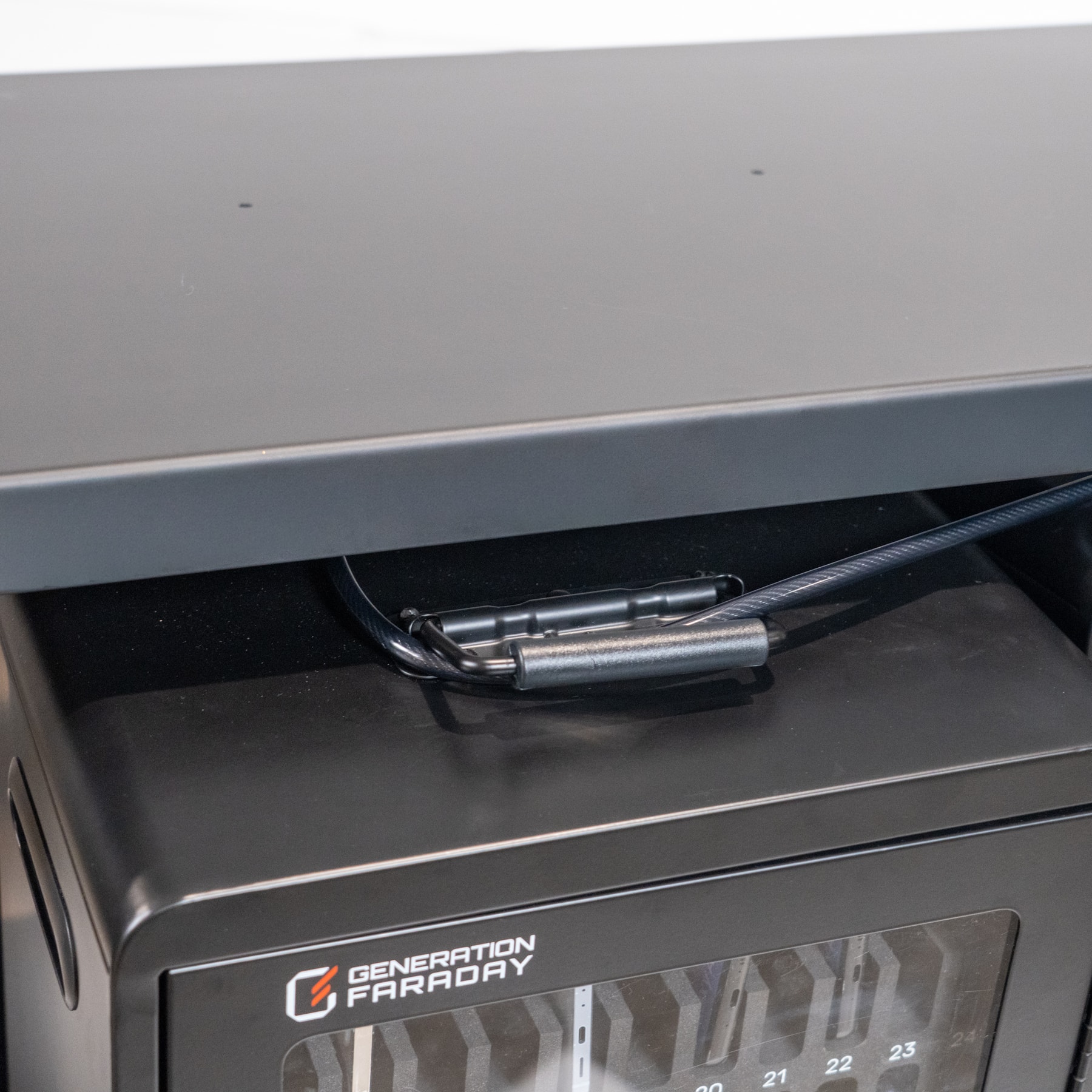
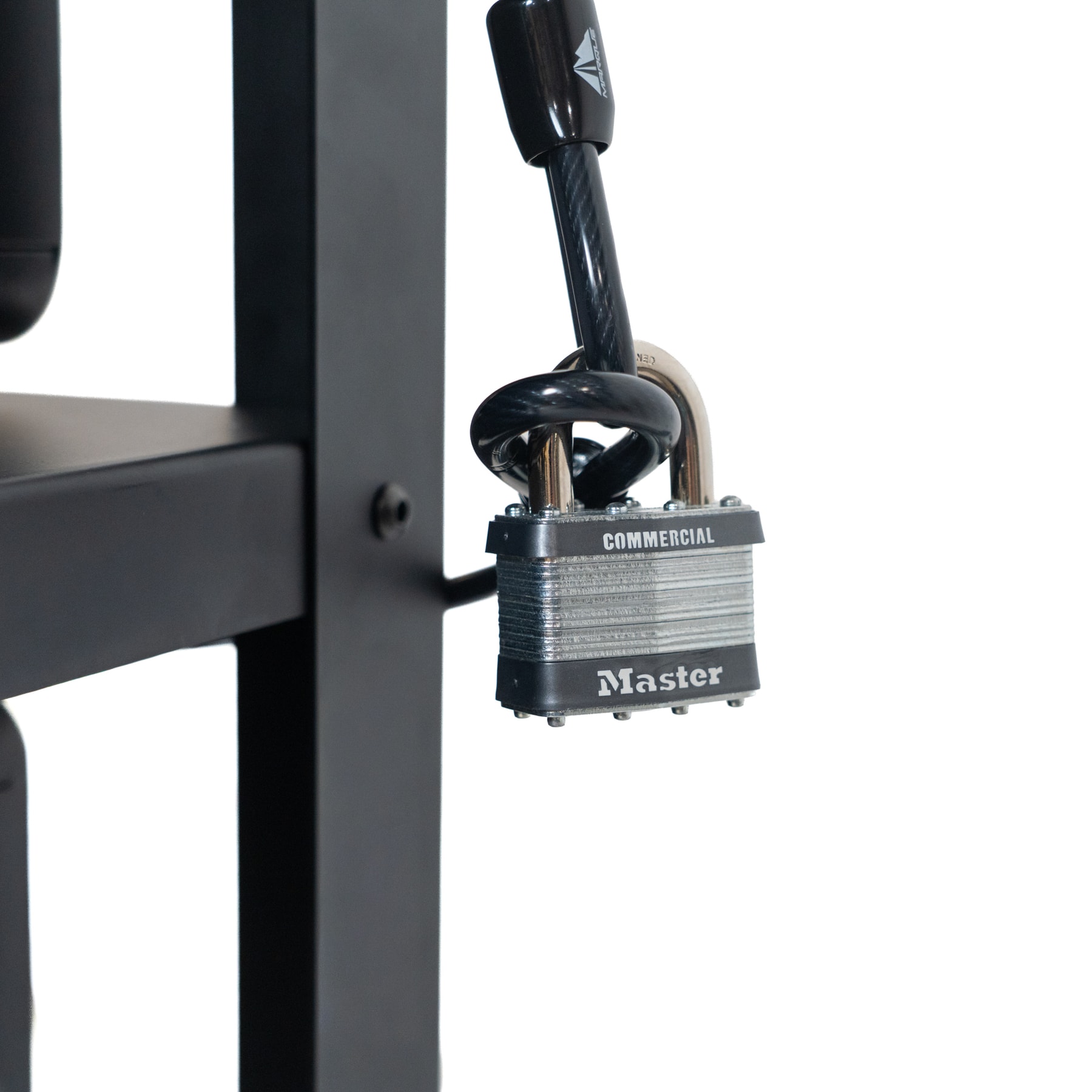
Each box has a combination lock, giving staff control over the class collection.
Cable retention helps deter removal of boxes from the cart during storage and transport.
Four casters support staff movement. Set the two caster brakes before loading or unloading.
Clear fronts and numbered spaces support a quick visual check without opening every box.
Take one box to its classroom using the folding carrying handle and side grips.
Use boxes independently, stack them for storage, or return them to the retained cart setup.
Designed around classroom concerns
Phones are valuable, personal devices. Put a staff-controlled lock, a rigid enclosure and separate padded spaces around the collection, then plan how the box itself is secured.
Set the school’s combination and follow a clear collection-and-return procedure.
Use appropriate wall fixings or the cable retention system to help deter opportunistic removal.
Padded individual compartments keep phones separated instead of loose in an open collection bin.
Plan the practical details
Browse the real product views and open the fit details for your classroom, storage area or staff route.
Box dimensions: 16.1″ W × 9.1″ D × 16.7″ H. We’ll confirm the fitted cart footprint, doorway clearances and final configuration with your team. Set caster brakes before loading and keep the top shelf clear.
See the system at work
See how the individual boxes and mobile cart work together for school collection and return.
Give each group its own numbered phone spaces and combination lock.
Use the cart to keep class collections together, with its retention cable and lock installed as directed.
Explore the specificationsFor the implementation plan
Four boxes sit on the bottom shelf and four on the middle shelf, facing outward on both sides. Front views show four boxes; the other four face the back. The top shelf stays clear.
Yes. Individual Phone Storage Boxes are available separately, have their own locks and carrying handles, and can be stacked for organized storage. The complete ClassKeeper system brings eight boxes together for staff-managed transport.
No. The standard boxes and cart provide physical organization and access control. Ask about a separate Faraday cover if signal isolation is part of your plan; the cover cannot be used at the same time as the retention cable.
RFID or serial lookup identifies the equipment. Staff can name cabinets, manage student positions, and record assignments, compliance, and condition. Staff keep these records current as part of the routine.
Start with the number of classrooms or collection groups, phone counts, staff access, the collection and return routine, and storage locations. Our team can help confirm the fitted cart configuration, transport route, app setup, and any cover requirements.
Complementary products
The complete system already includes eight boxes. Consider extra classroom collection points or records support only where they serve the rollout.
The complete ClassKeeper includes eight boxes. Ask about extra classroom boxes or separate collection points only where your plan needs them.
Explore this option ↗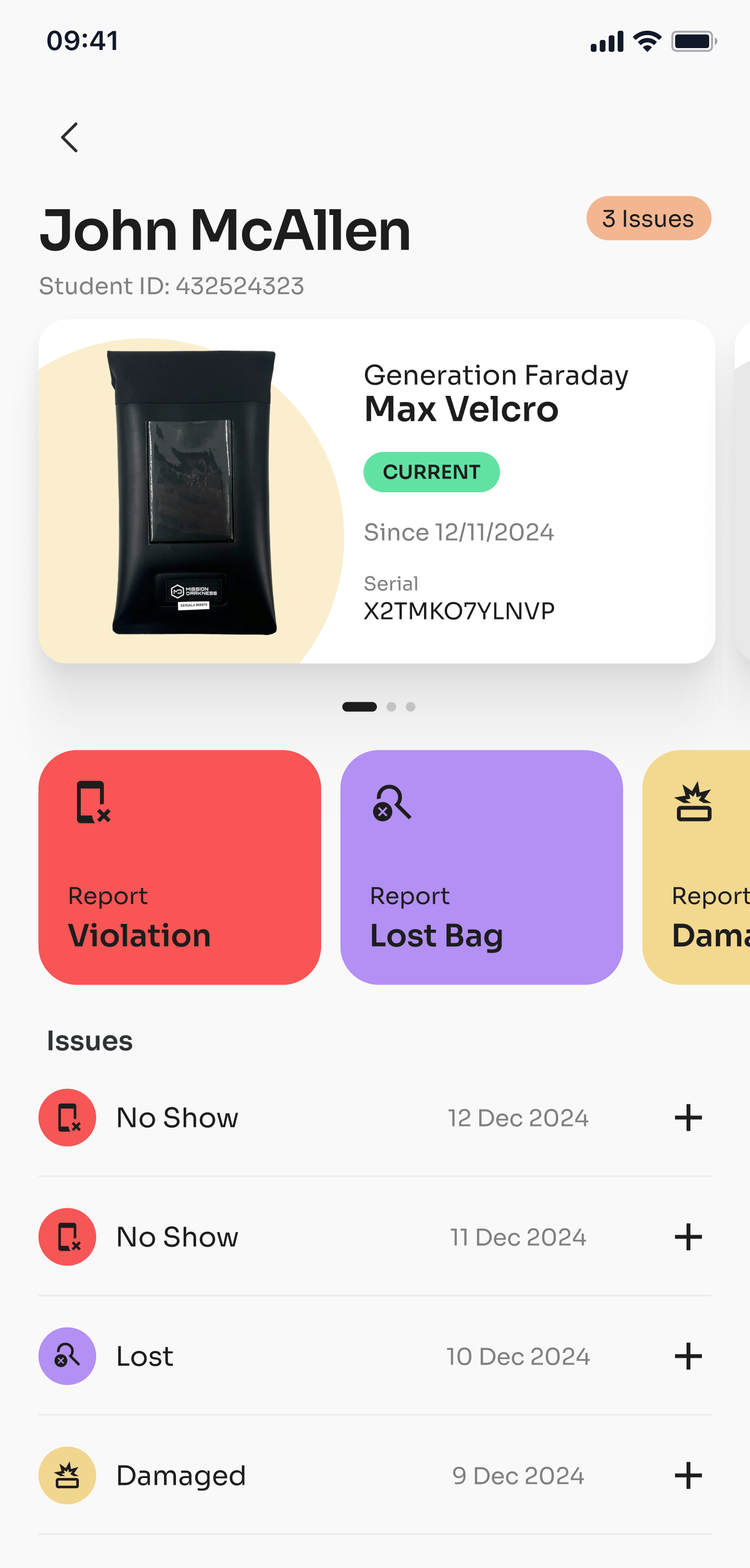
Connect supported RFID or serial lookup with staff-kept assignments and condition records. Ask about setup and compatible readers.
Explore this option ↗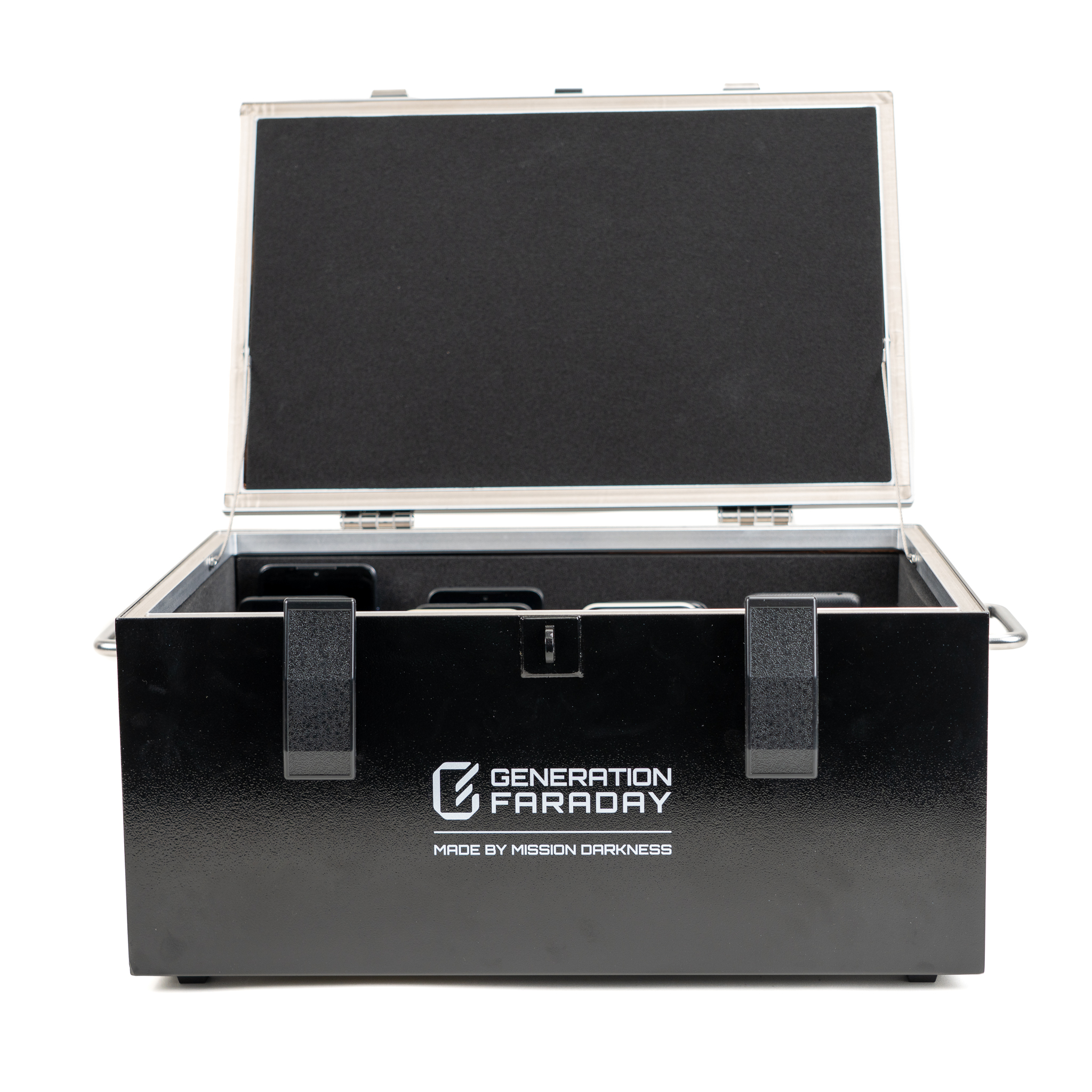
Add a separate 36-phone collection point for classrooms that need signal isolation. Plan one shared routine per room.
Explore this option ↗Put the system in place
Tell us how your school collects devices. We’ll help match boxes, carts, and staff routines to the way your campus works.
The final connection: your school’s records
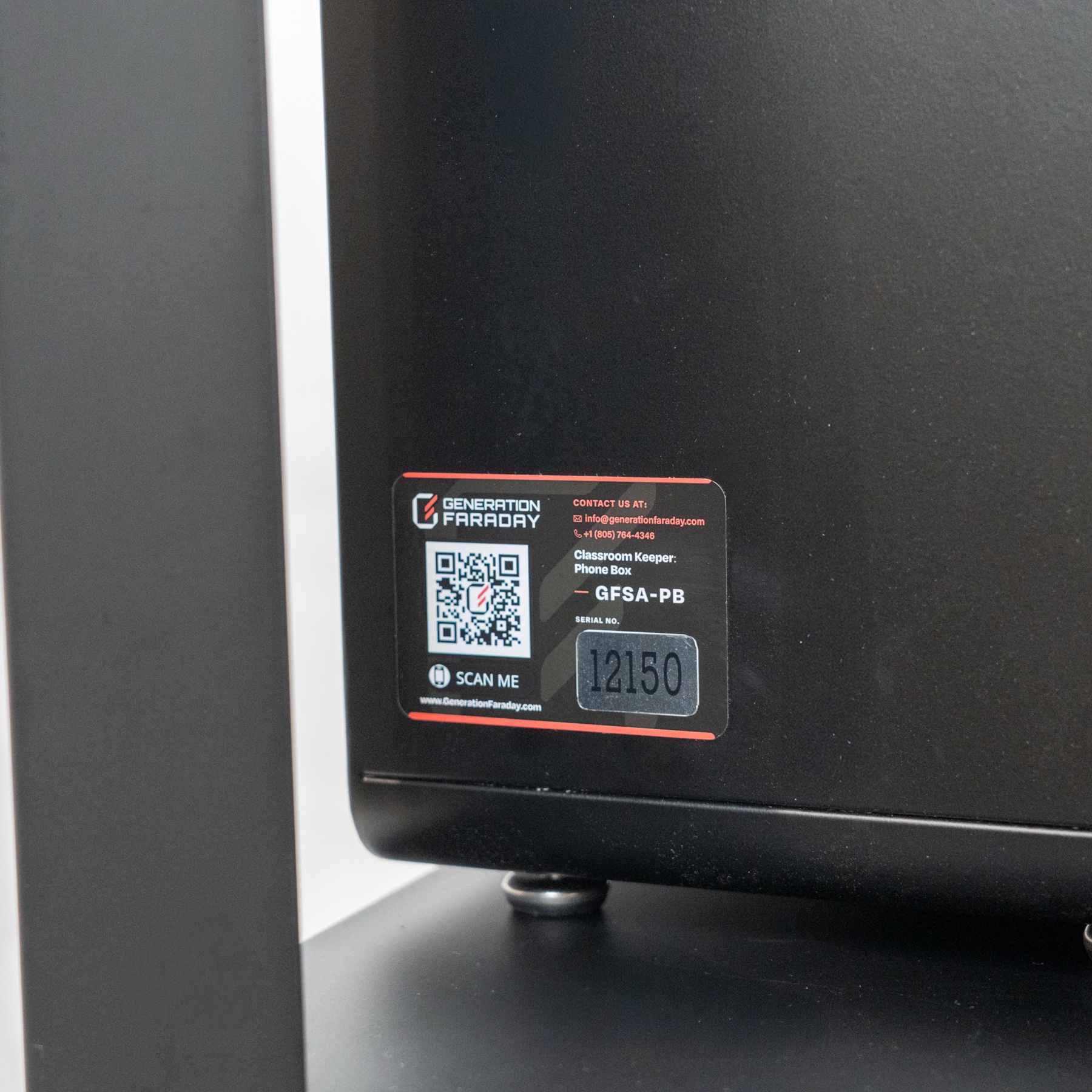
Identify the box by its supported RFID tag or serial number. Connect it to a classroom, assign students and keep staff-entered equipment records together in the Generation Faraday app.
RFID identifies the box. Staff maintain its assignments and condition records. Ask us about app access and school setup.
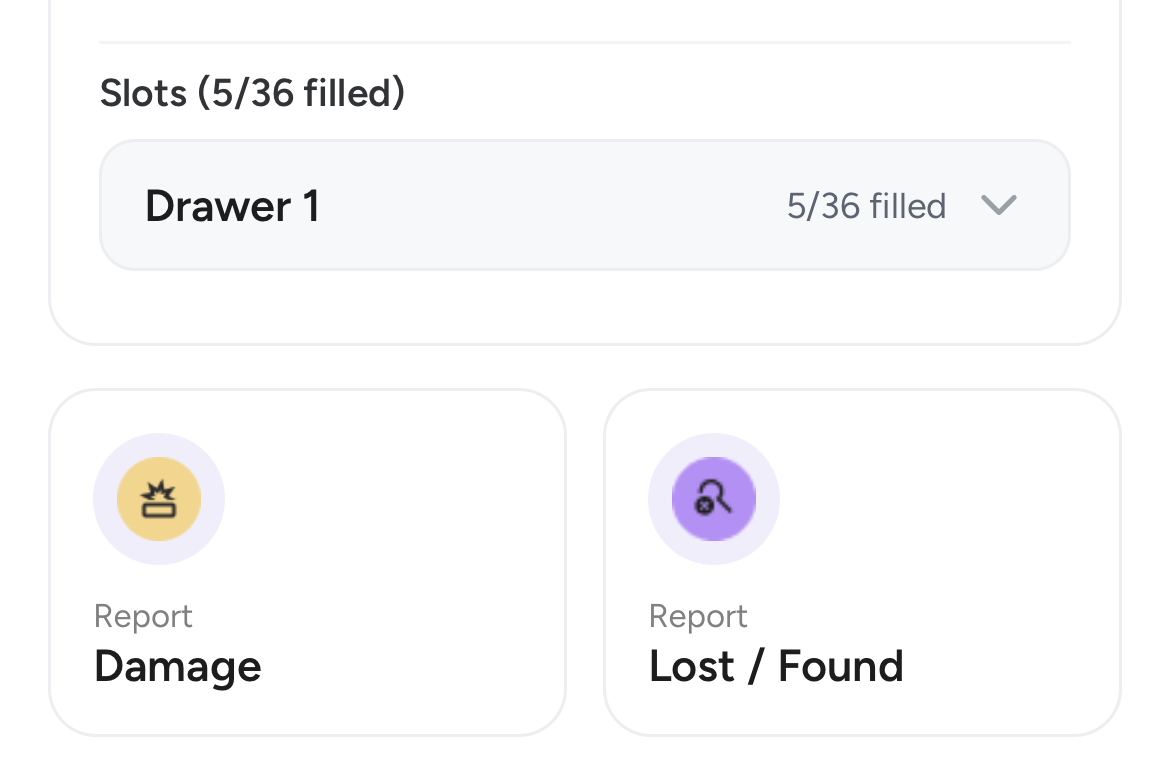 Assignment and condition tools