Carry it securely.
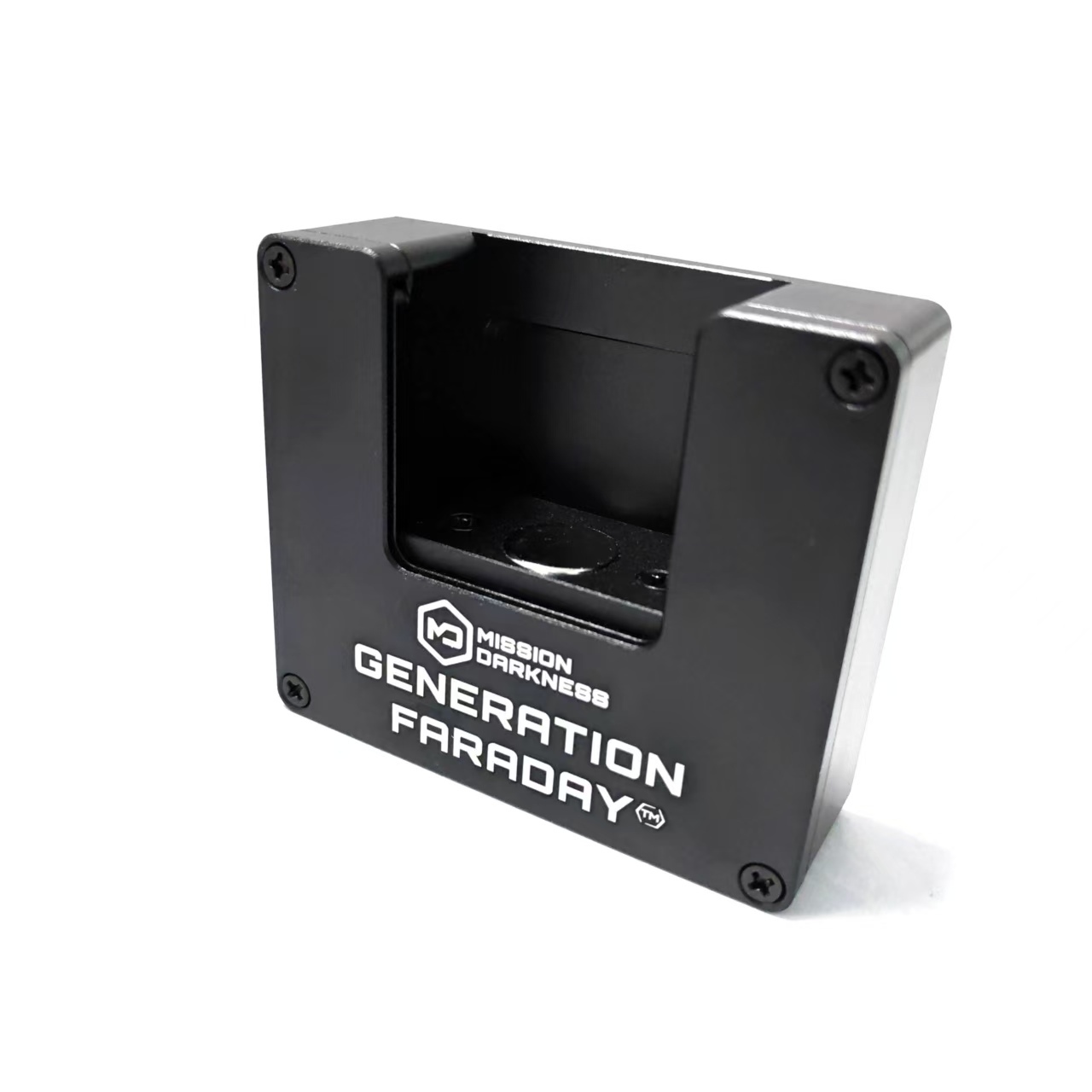
Use the built-in handle to bring the dock to the supervised access point.
Unlocking tools
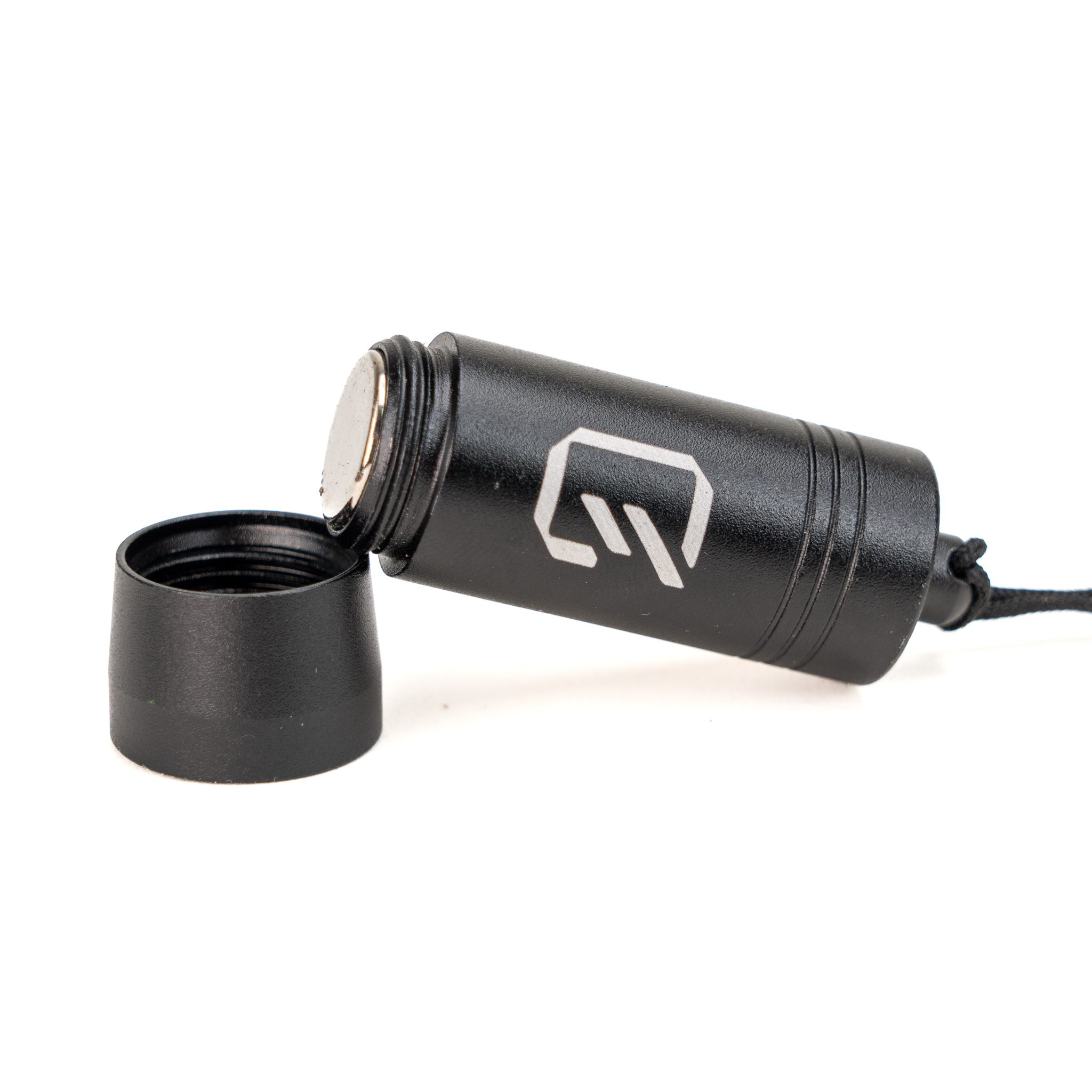
Bring compatible magnetic bag release to the place where staff need it.
A handle for mobility. A familiar Max Lock release action. Keep the tool with authorized staff and make handoff part of the routine.
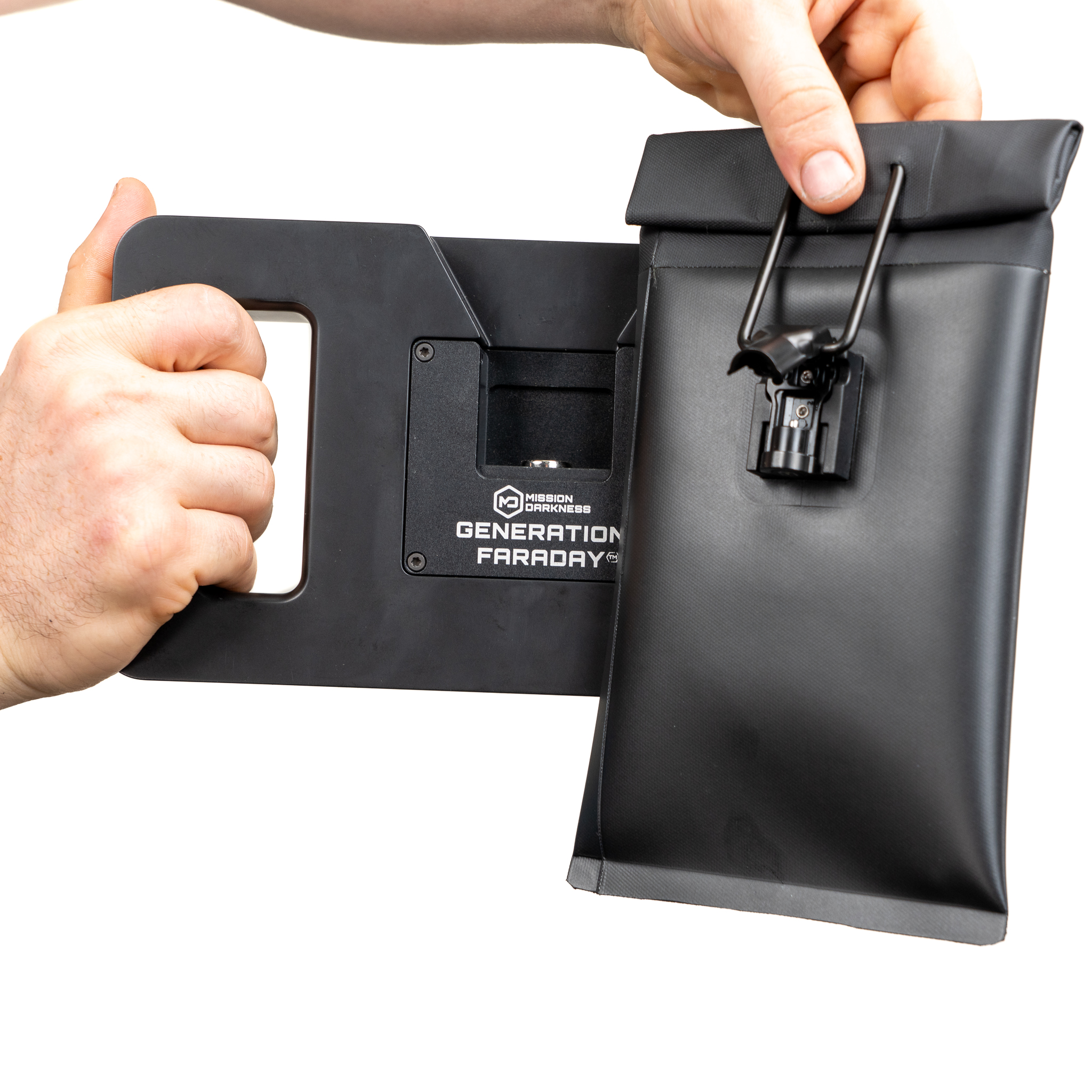
Make the equipment part of the routine
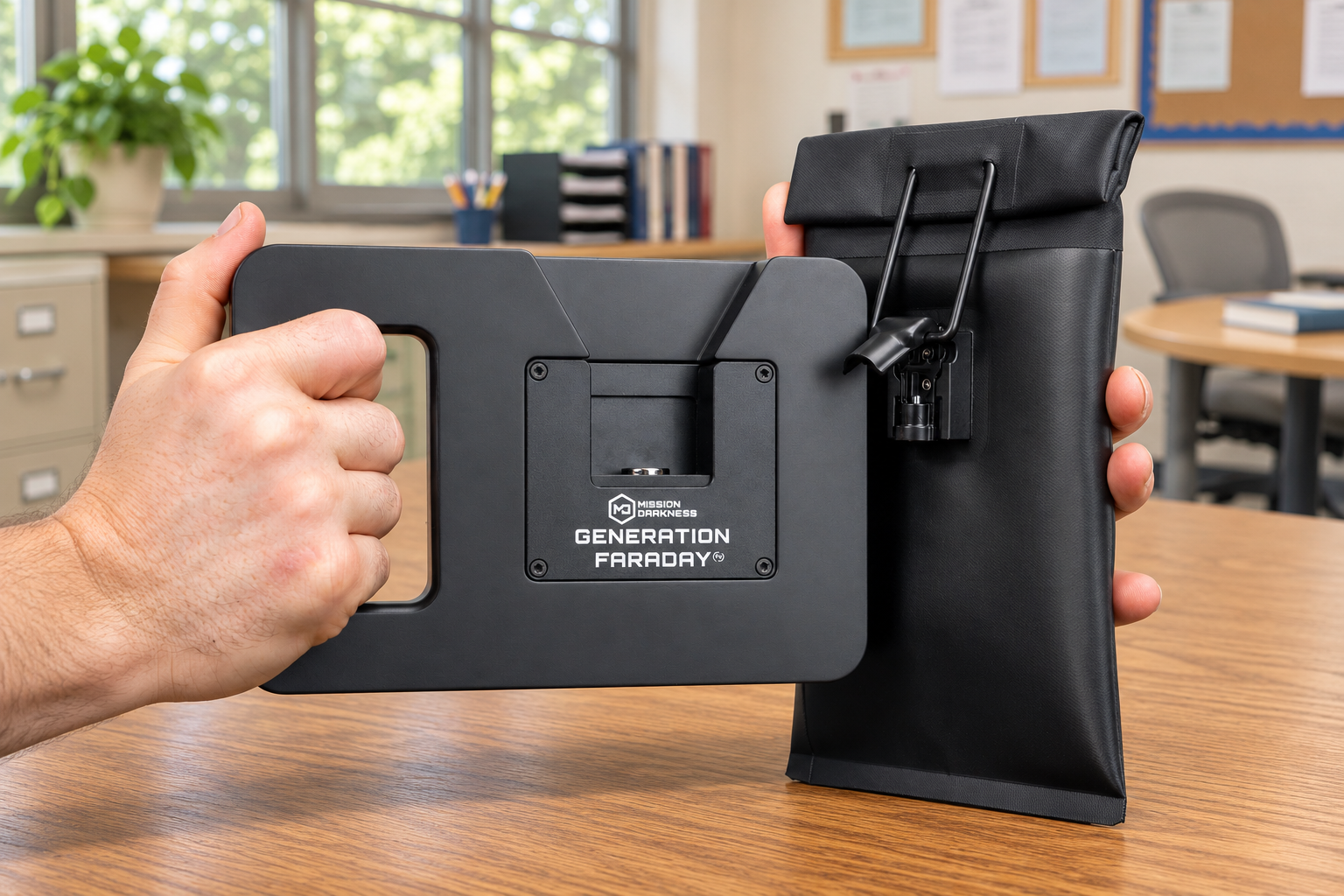
A built-in handle lets staff move the compatible release tool between supervised locations. Keep ownership, handoff and storage part of the plan.
Use the built-in handle to bring the dock to the supervised access point.
Hold the tool firmly and bring the compatible Max Lock mechanism to the dock.
Complete the compatible clasp action and return the tool to the assigned staff member.
A closer look
The same staff-controlled access routine, with a handle that lets the dock move around the room.
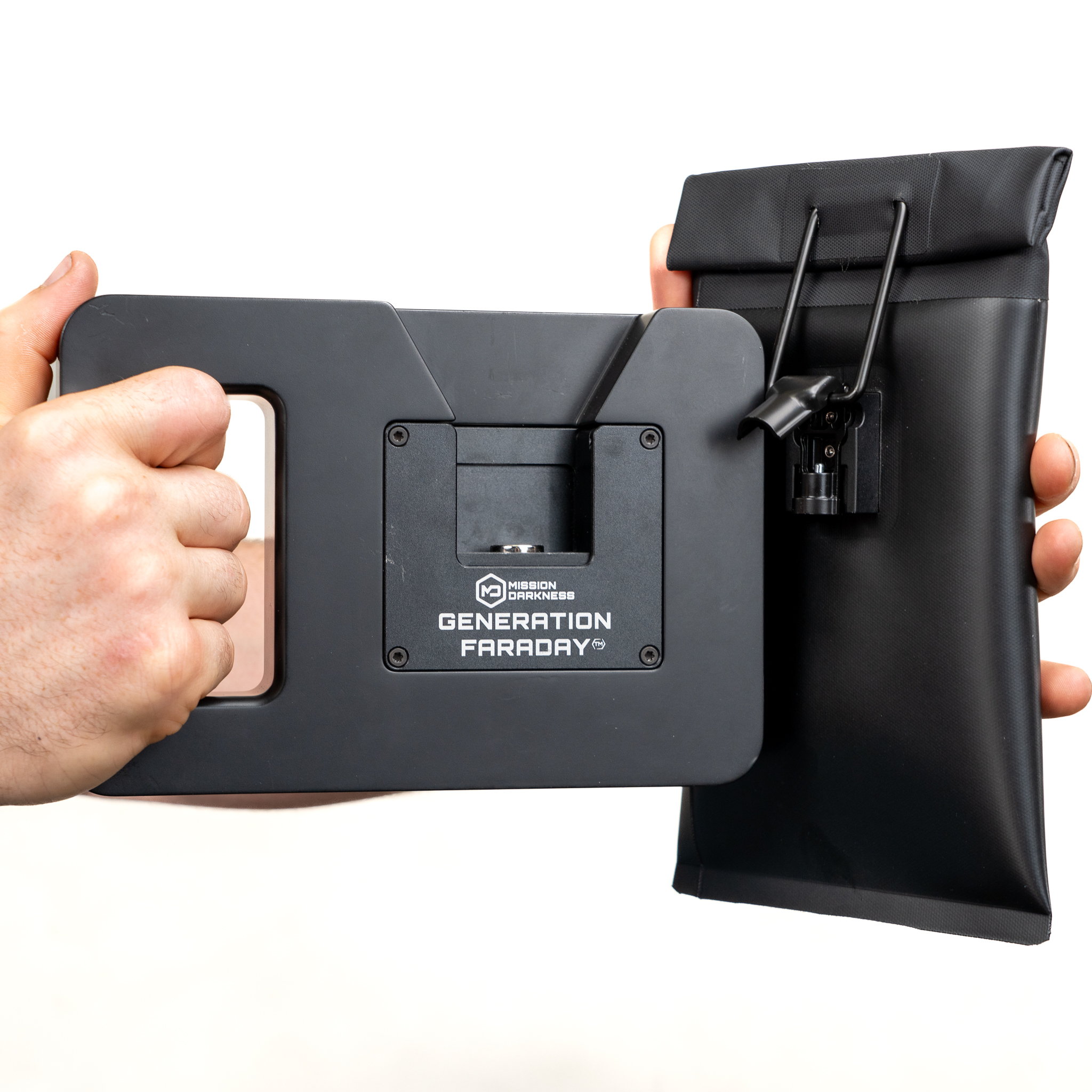
A built-in handle lets staff bring the release point to compatible bags rather than relying on a fixed wall station.
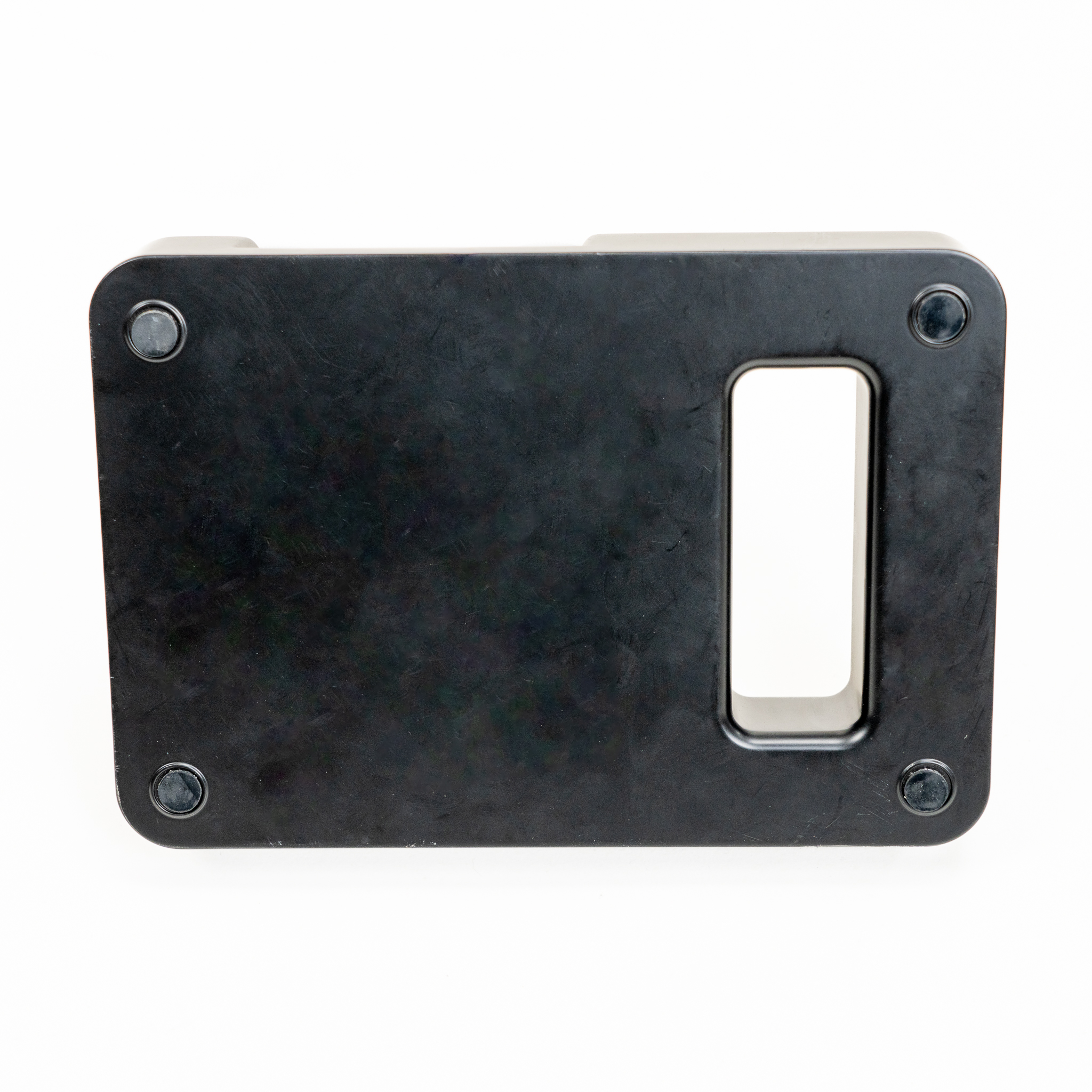
Non-slip pads support use on a stable surface. Staff can also hold the dock firmly by its handle.
Align a compatible Max Lock clasp with the dock and press until the lock releases.
The essentials
| Product code | GFUD-HH-DOCK |
|---|---|
| Release method | Magnetic |
| Carry format | Built-in handle |
| Base | Non-slip pads |
Complete the setup
Portable staff access can complement a fixed release point; choose tools for the actual places they will be used.
Plan your school setup
Tell us where the product will be used, who will manage it and how it fits the school day. We’ll help confirm the configuration and compatible equipment.