Set the cabinet before collecting phones
Choose a level surface.
Make sure all four caster wheels contact the floor.
Set the wheel locks.
Engage the wheel locks before loading or unloading.
Plan how devices will be returned.
Use the numbered compartments and your school’s assigned-device procedure so every phone returns to its owner.
Open one drawer at a time
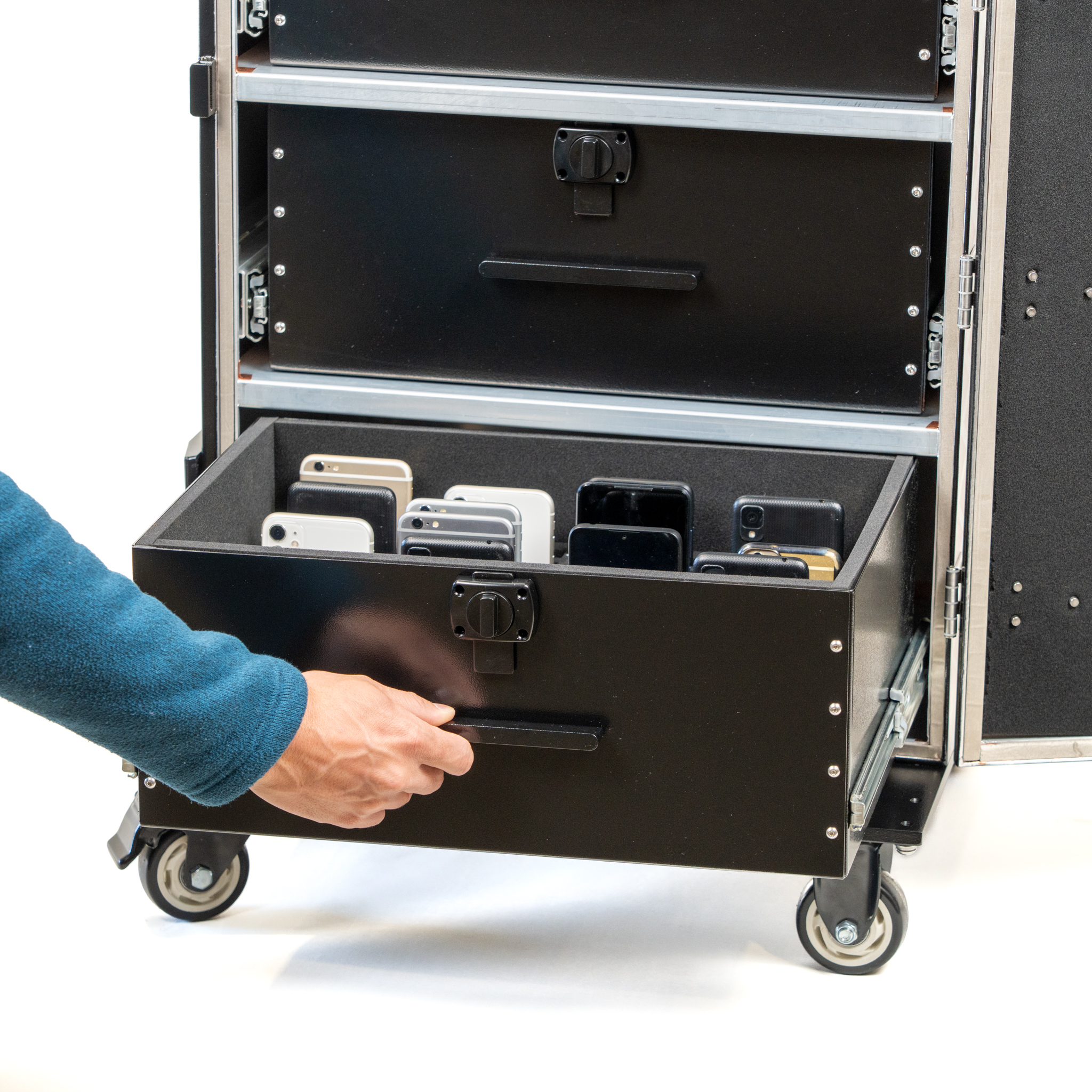
Pull the drawer straight out.
The interlock prevents other drawers from opening. Do not force or twist the drawer, or modify the interlock.
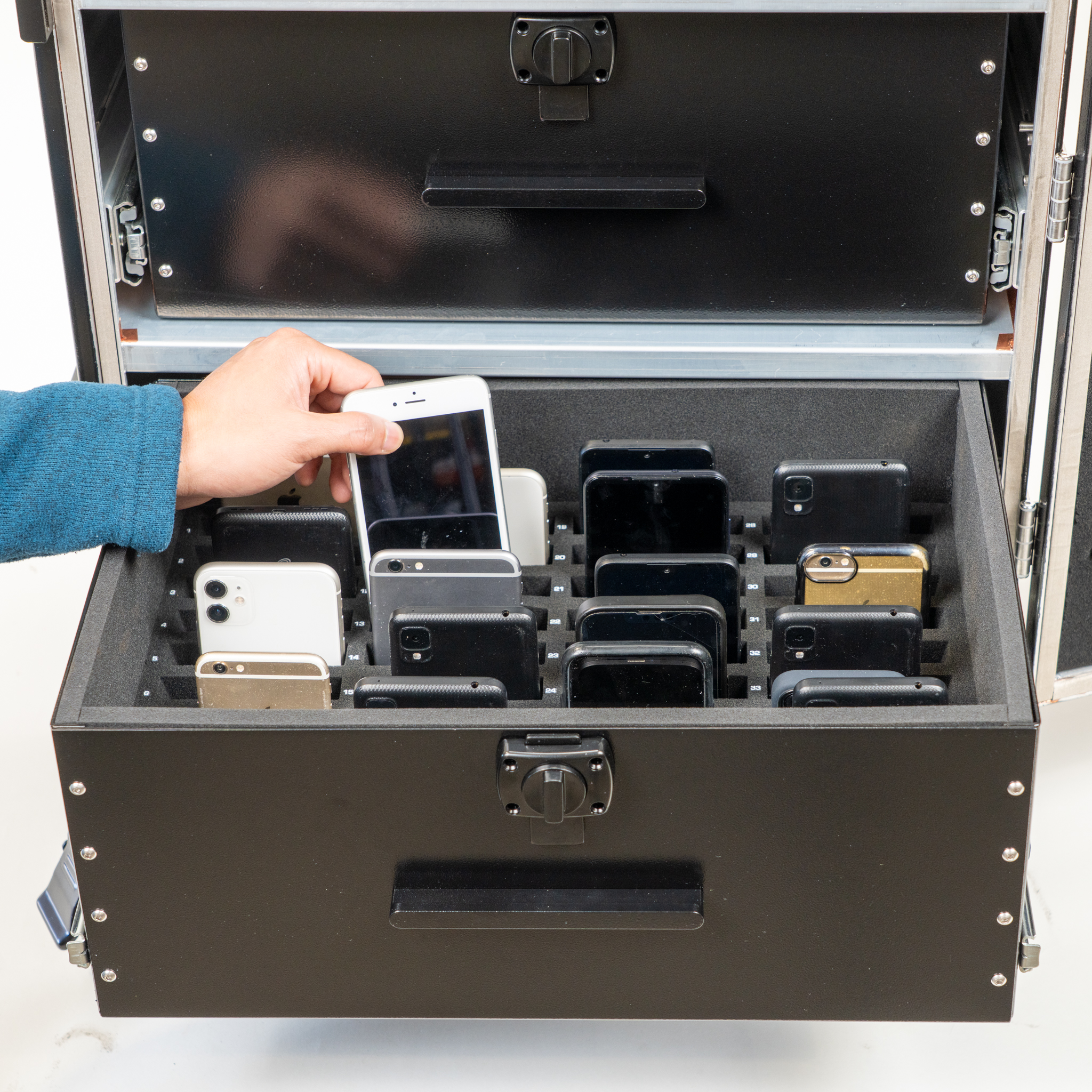
Use the individual compartments.
Do not exceed 36 phones per drawer.
Close the drawer fully.
The drawer should be flush with the cabinet before another drawer opens.
Close and latch the outer door.
For the signal-blocking model, the official instructions require the outer door to be completely closed with both side latches engaged.
Move only when closed
Close all drawers before moving the cabinet. Never open a drawer while the unit is moving. Keep hands clear of the rails and use care over uneven surfaces.
Cleaning and quick checks
Clean and inspect.
Use a soft cloth with mild detergent on exterior surfaces. Avoid abrasive cleaners and solvents. Check drawers, wheels and locks regularly.
Check for obstructions.
If a drawer will not open, close the others fully. If it will not close, check for an obstruction and distribute contents evenly.
If the unit feels unstable, return it to a level surface and confirm the wheel locks are engaged. Contact your Generation Faraday representative for maintenance or replacement parts.
Match the guide to your cabinet
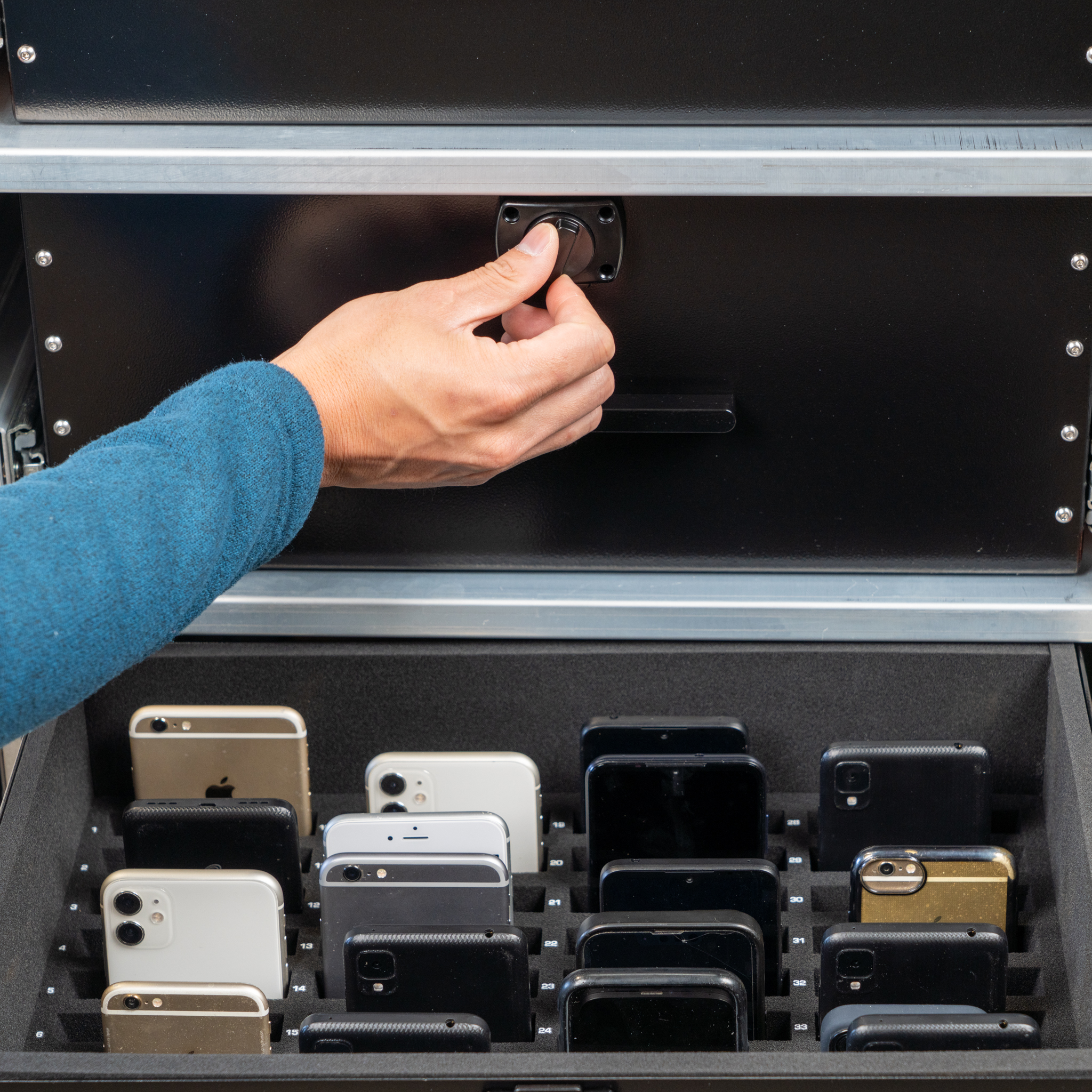
The linked customer instructions illustrate the four-drawer unit and its combination lock. The same one-drawer-at-a-time routine applies to collection planning; confirm instructions for your ordered configuration with the team.
View the two-drawer configuration →The illustrated guide
Phone Drop Box customer instructions
Official Generation Faraday instructions
View the illustrated instructions
Based on the official Generation Faraday product instructions and public setup resources. Use the illustrated guide for your exact configuration.