
Assign
Match the bag’s serial or RFID identifier to the student record.
Staff-controlled access. Connected phones.
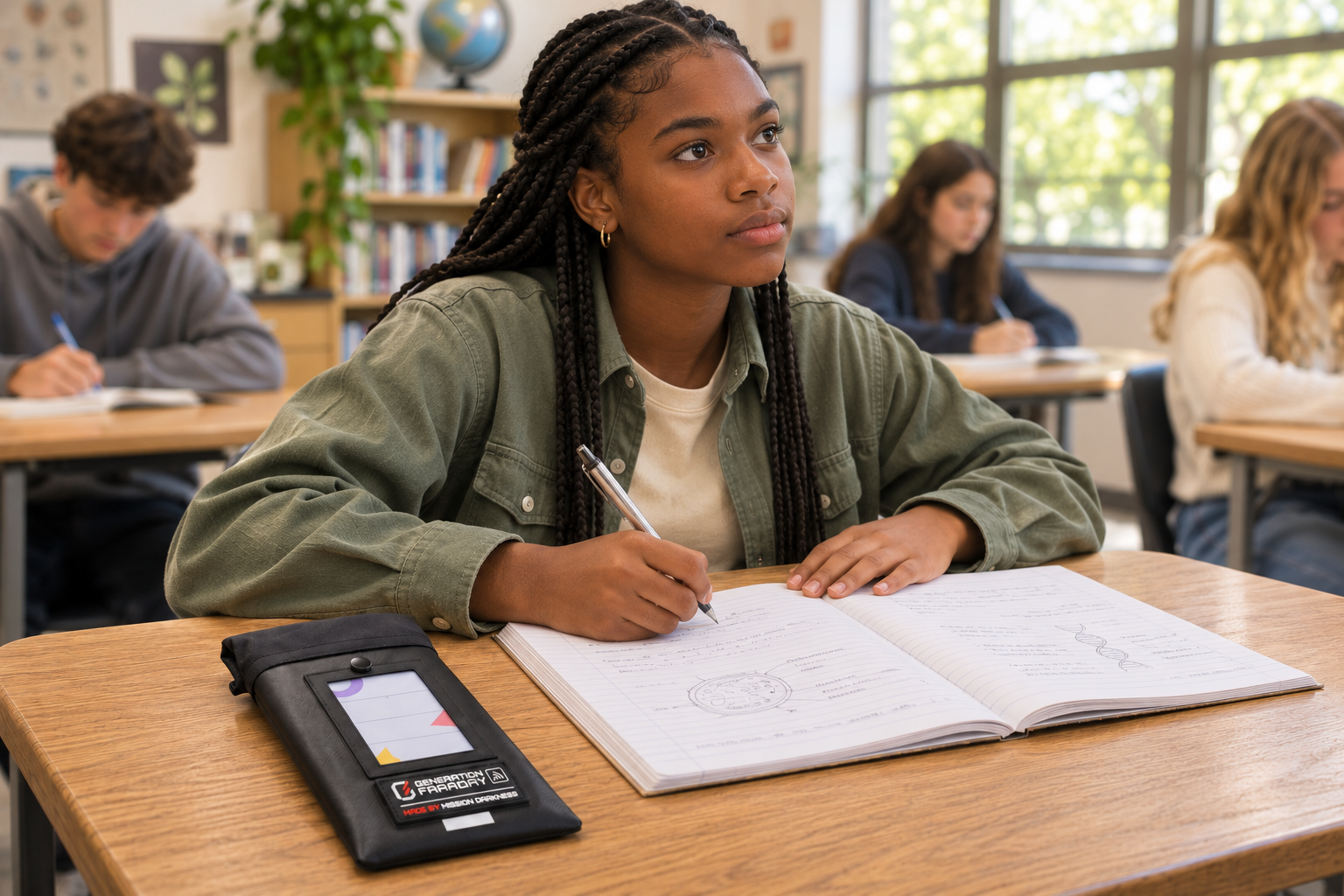
A locking phone bag without a Faraday liner. Put the device away while cellular, Wi-Fi and Bluetooth connections remain available.
Build the school routine
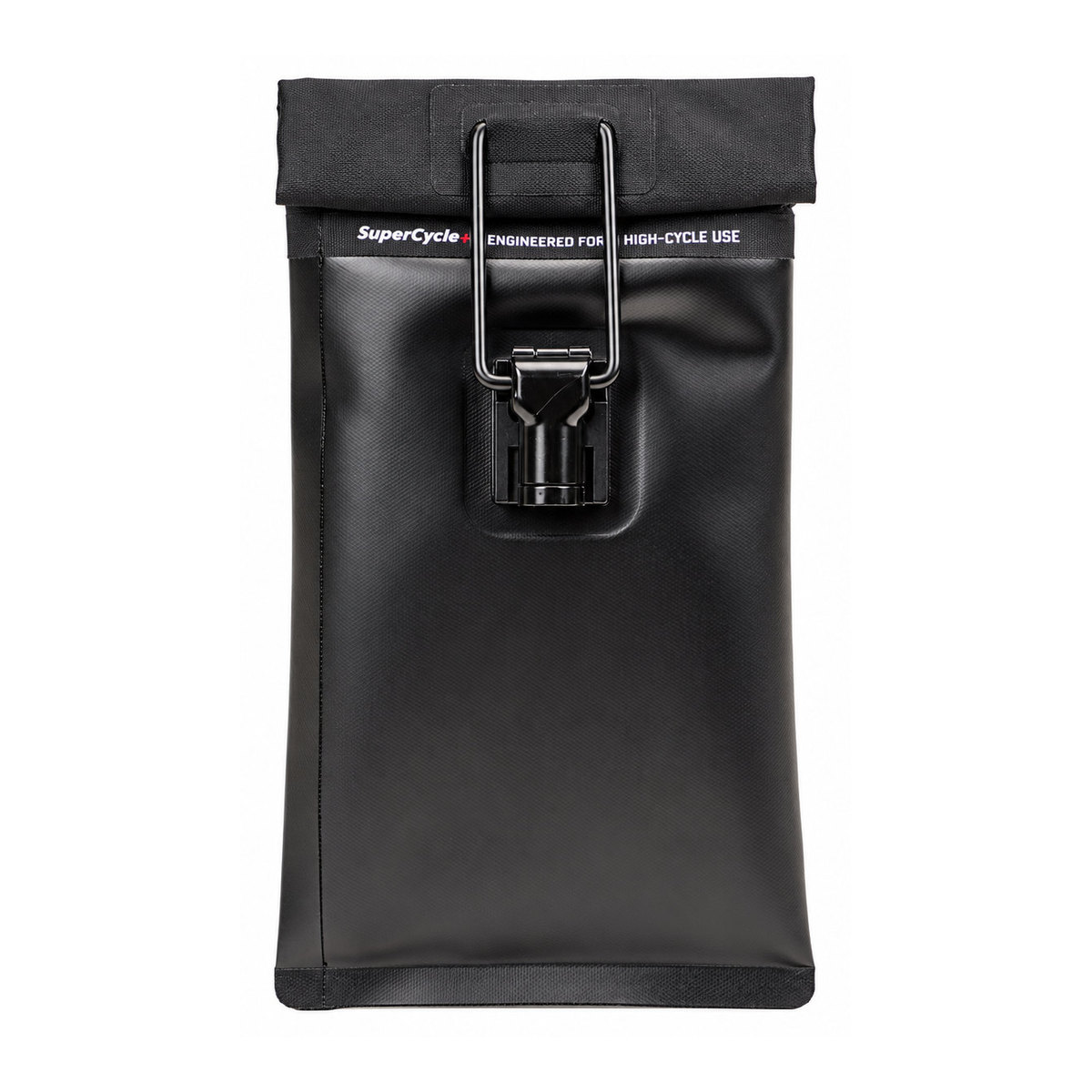
The locking clasp controls physical access while this unlined configuration leaves wireless connections available. Plan the bag, compatible release tools and staff routine together. This unlined version provides storage without wireless isolation.
A deliberate signal choice: select this version when stored phones should stay connected. Choose the separate lined model when the school needs wireless isolation.
Match the bag’s serial or RFID identifier to the student record.
Complete the roll-top closure and locking-clasp procedure.
Staff use the compatible release tool at approved access times.
Materials & closure
Actual family exterior views. This unlined configuration has no Faraday liner.
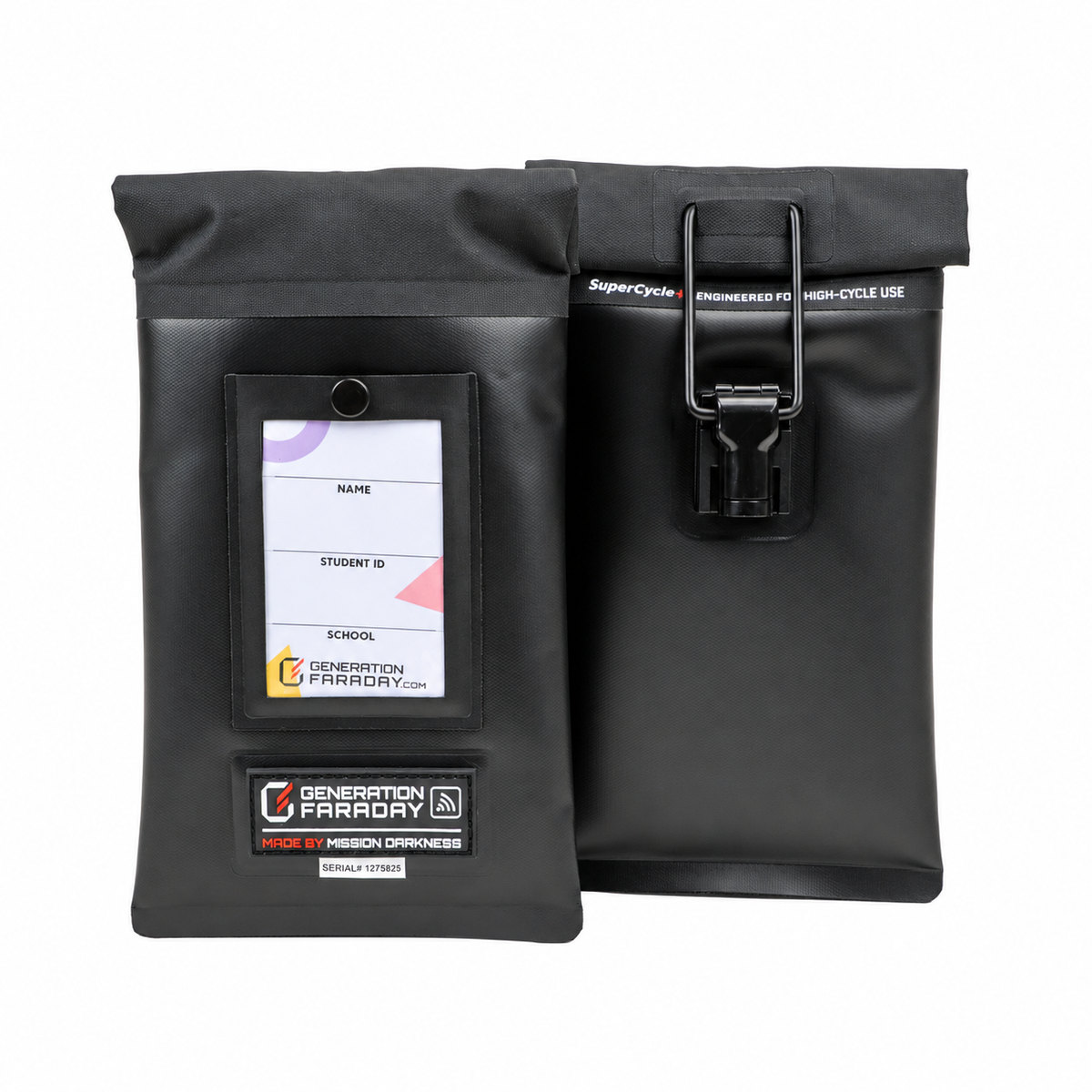
The roll-top and locking clasp make physical access a staff responsibility.
Confirm compatible unlocking tools and approved access points as part of the school setup.
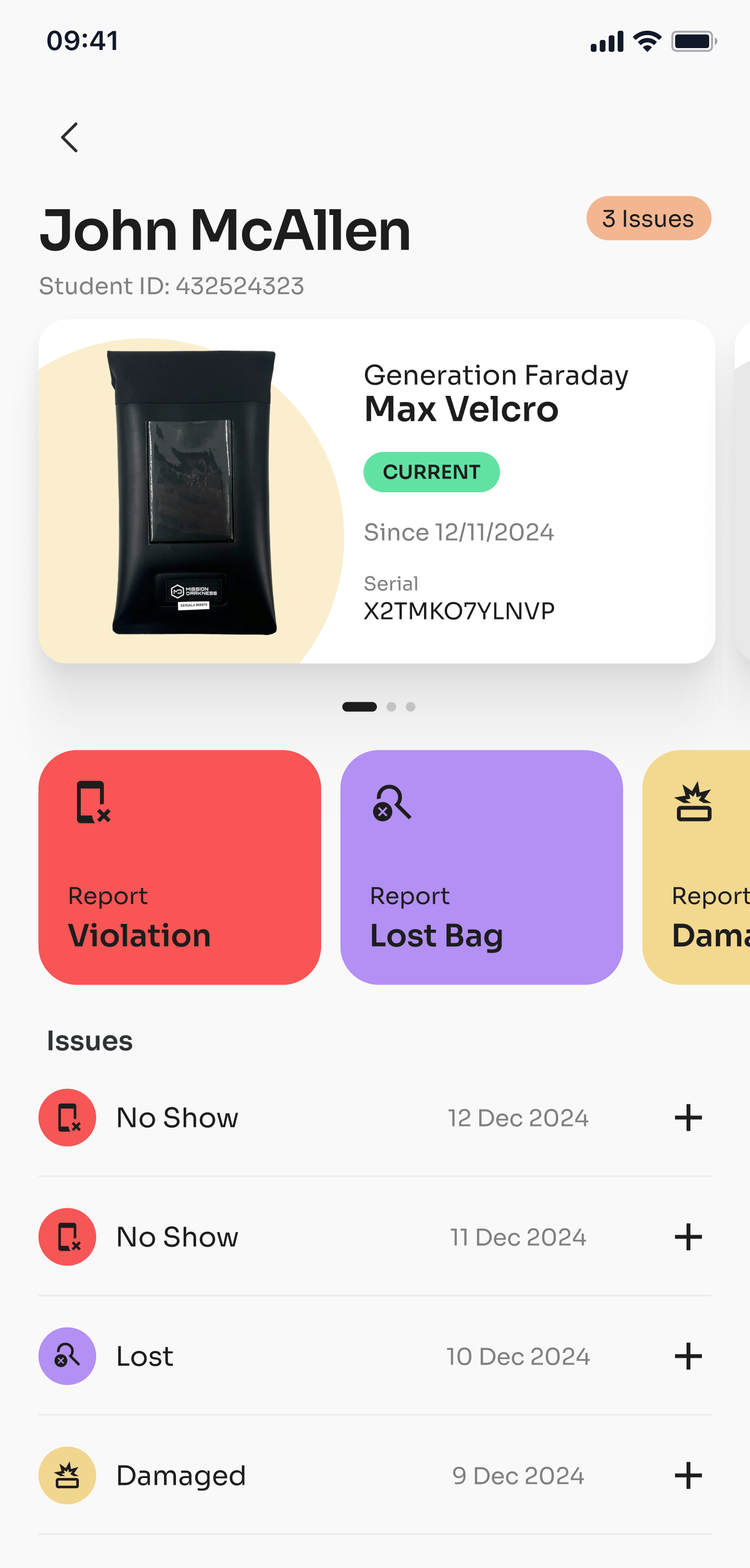
Use the RFID tag or serial number to identify the bag, then connect it to the staff workflows your school chooses during onboarding.
RFID or serial lookup identifies the bag; it does not automatically verify that a phone is inside. Reader compatibility and setup depend on your hardware.
| Signal capability | Non-signal-blocking; no Faraday liner |
|---|---|
| Access | Staff-controlled locking clasp |
| Closure | Double-roll magnetic closure |
| Exterior | TPU exterior with welded seams |
| Identification | RFID tag and individual serial number |
| ID display | Transparent card sleeve |
| Device fit | Smartphone and smartwatch; confirm fit with your device/case mix |
| SKU | GFSB-MAX-LOCK-NOLINER |
No. This model has no signal-blocking liner. Cellular, Wi-Fi and Bluetooth connections remain available.
Yes. Max Lock uses staff-controlled compatible docks or keys.
It identifies the bag for compatible assignment and inventory workflows. It does not detect whether a phone is inside.
Yes. View the lined Max Lock model for wireless isolation when properly closed.
Complete your setup

Create a fixed, supervised release point for compatible Max Lock clasps.
Explore →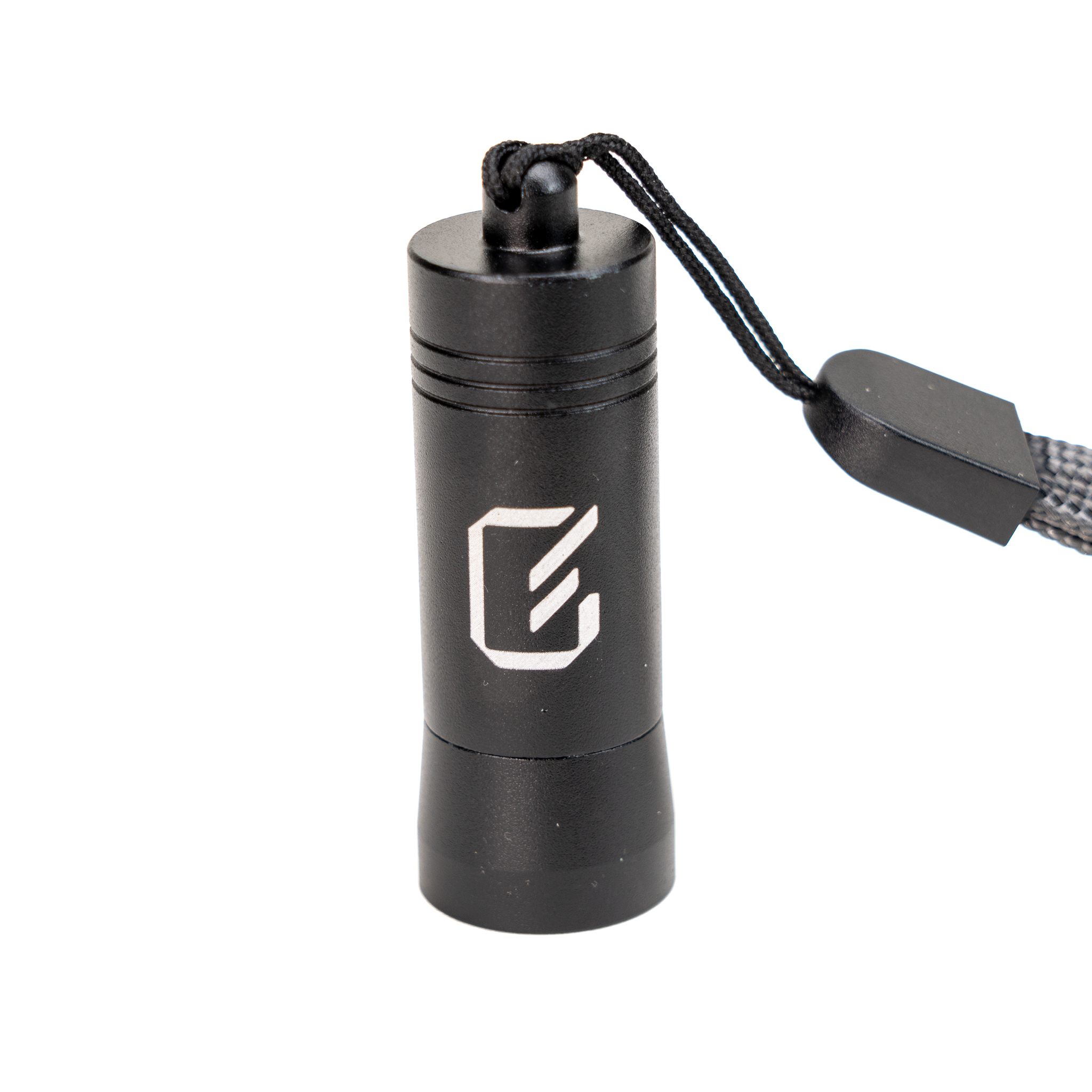
Keep a portable release option with authorized staff for individual access.
Explore →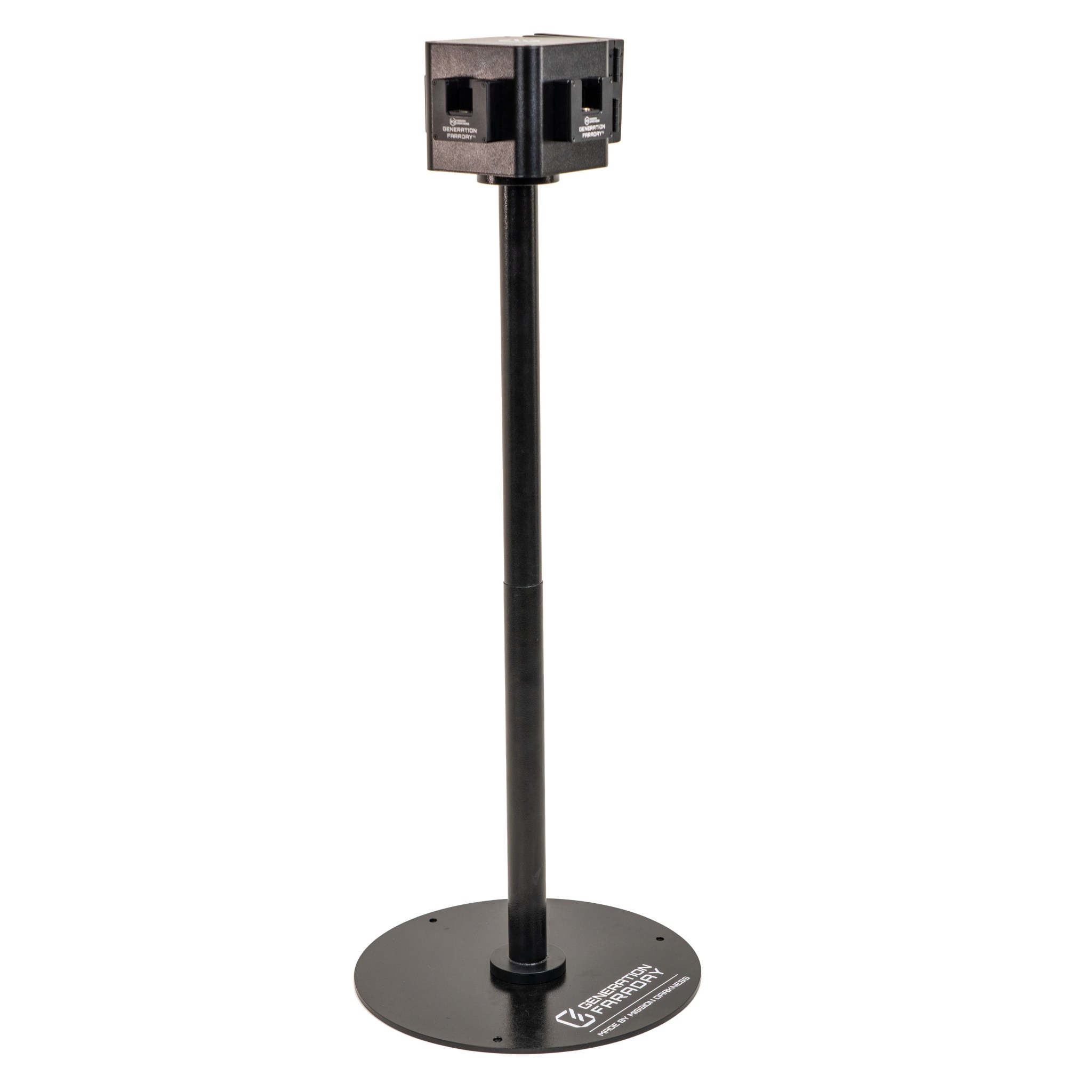
Place a supervised unlocking point where a freestanding station suits the campus flow.
Explore →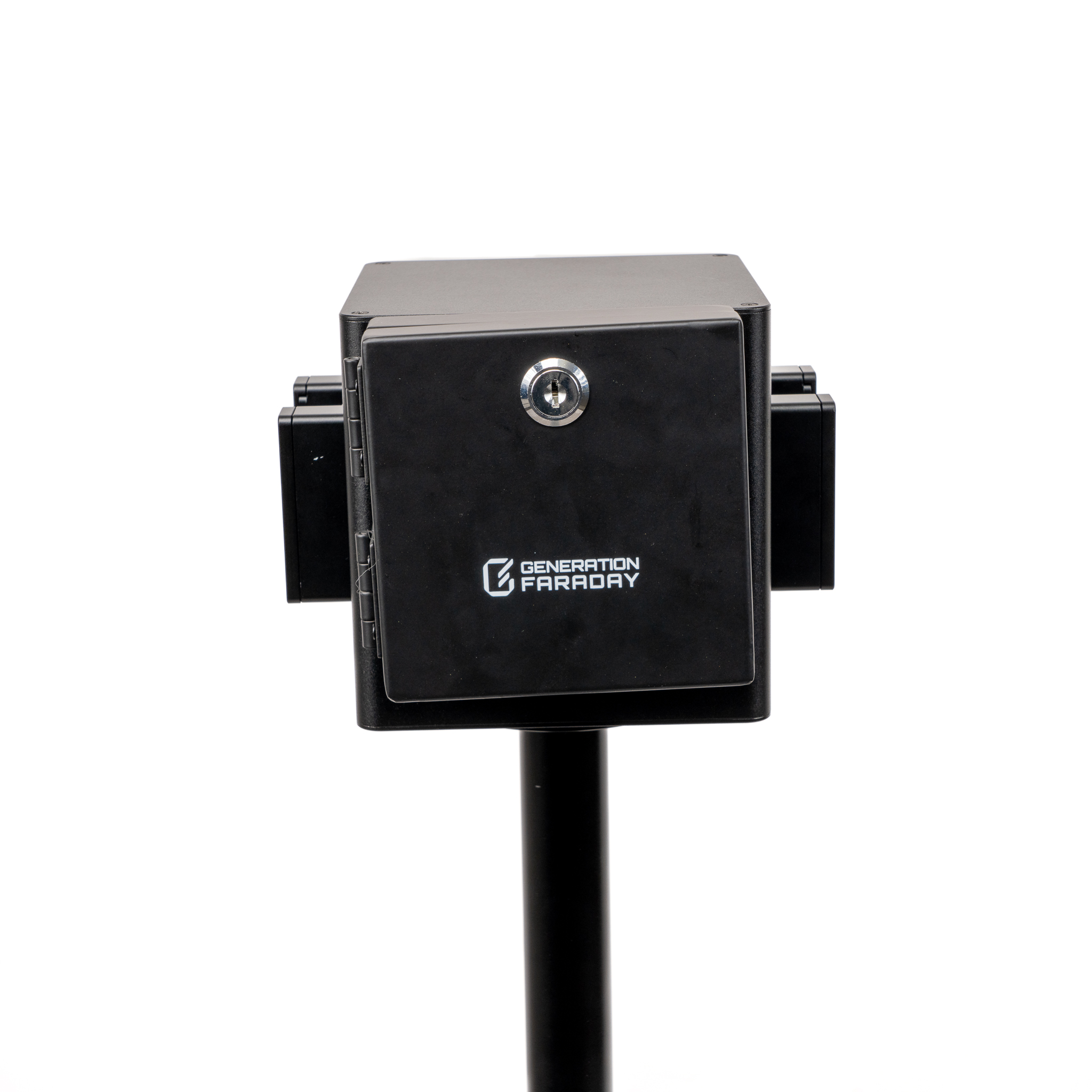
Control access to a mounted Unlock Dock when that release point is not in use.
Explore →Plan your school’s setup
Tell us how students store their phones, where bags are kept and when access is allowed. We’ll help plan the right product mix.