Three steps, every day
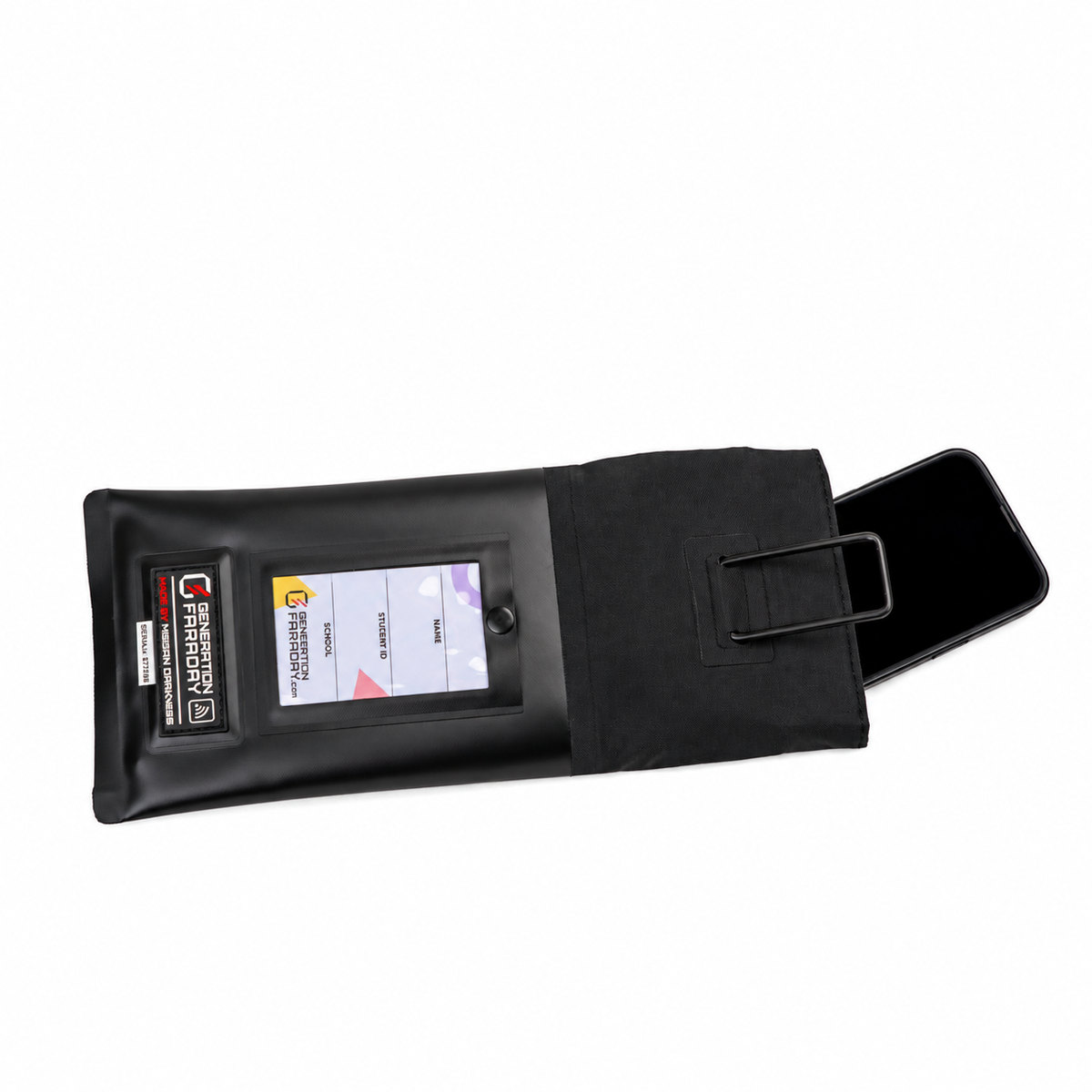
Unroll the top.
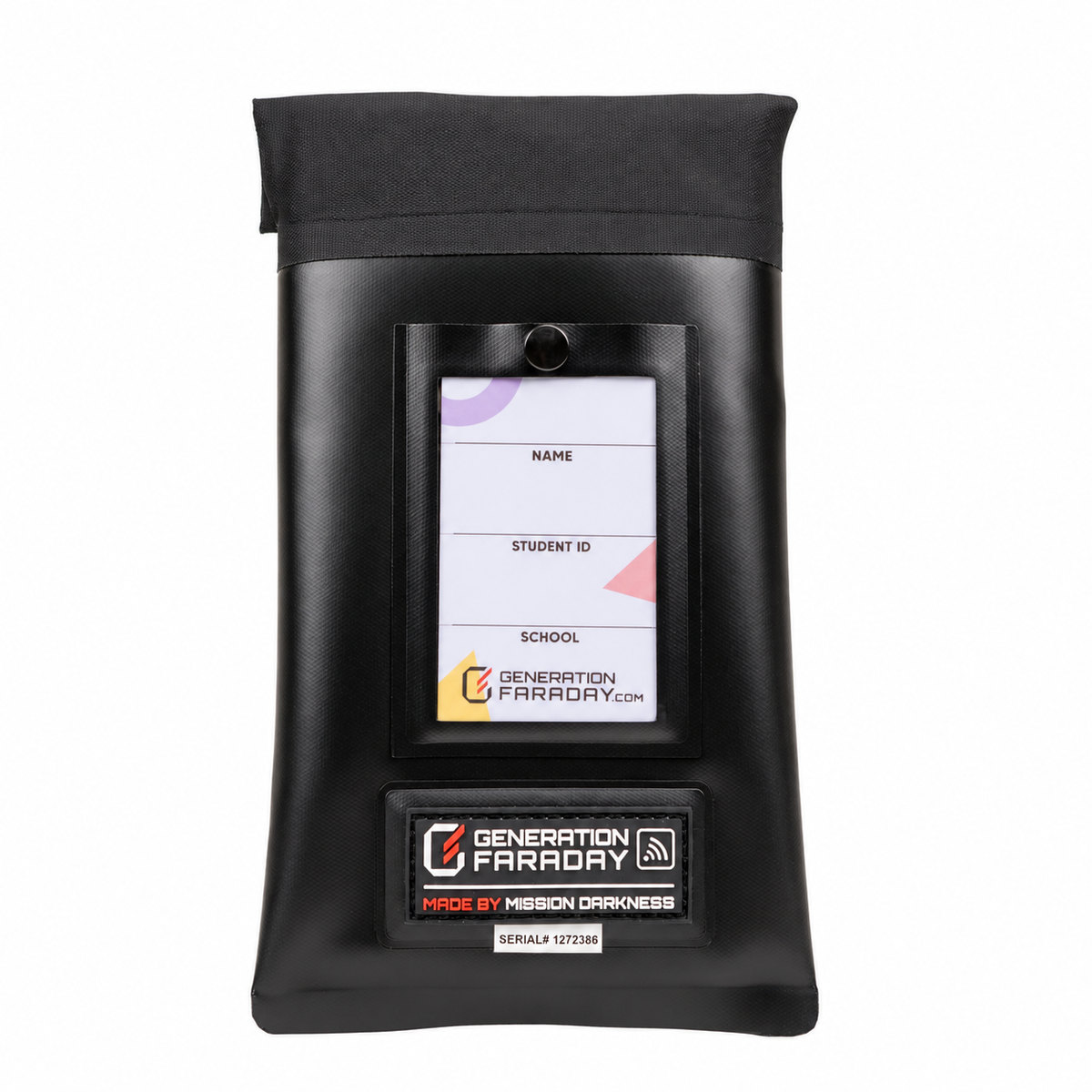
Hold the bag upright and unroll the double-roll seal until the opening lies flat.
Place the phone fully inside.
Make sure no part of the device rises above the opening.
Re-roll and lock.
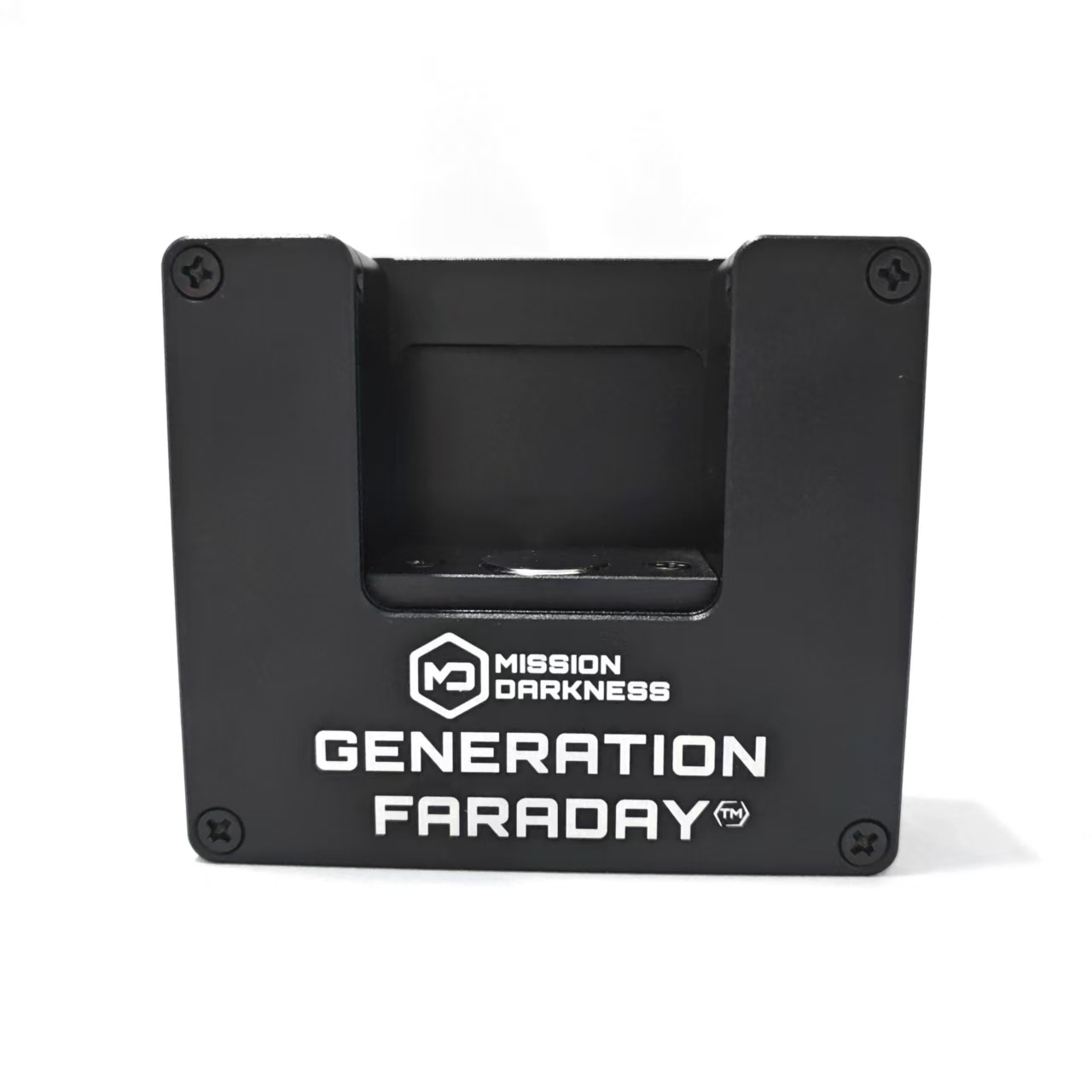
Re-roll the top, slide the latch into the lock and press until it clicks. Use the approved staff unlocking device for release.
If the lock feels sticky
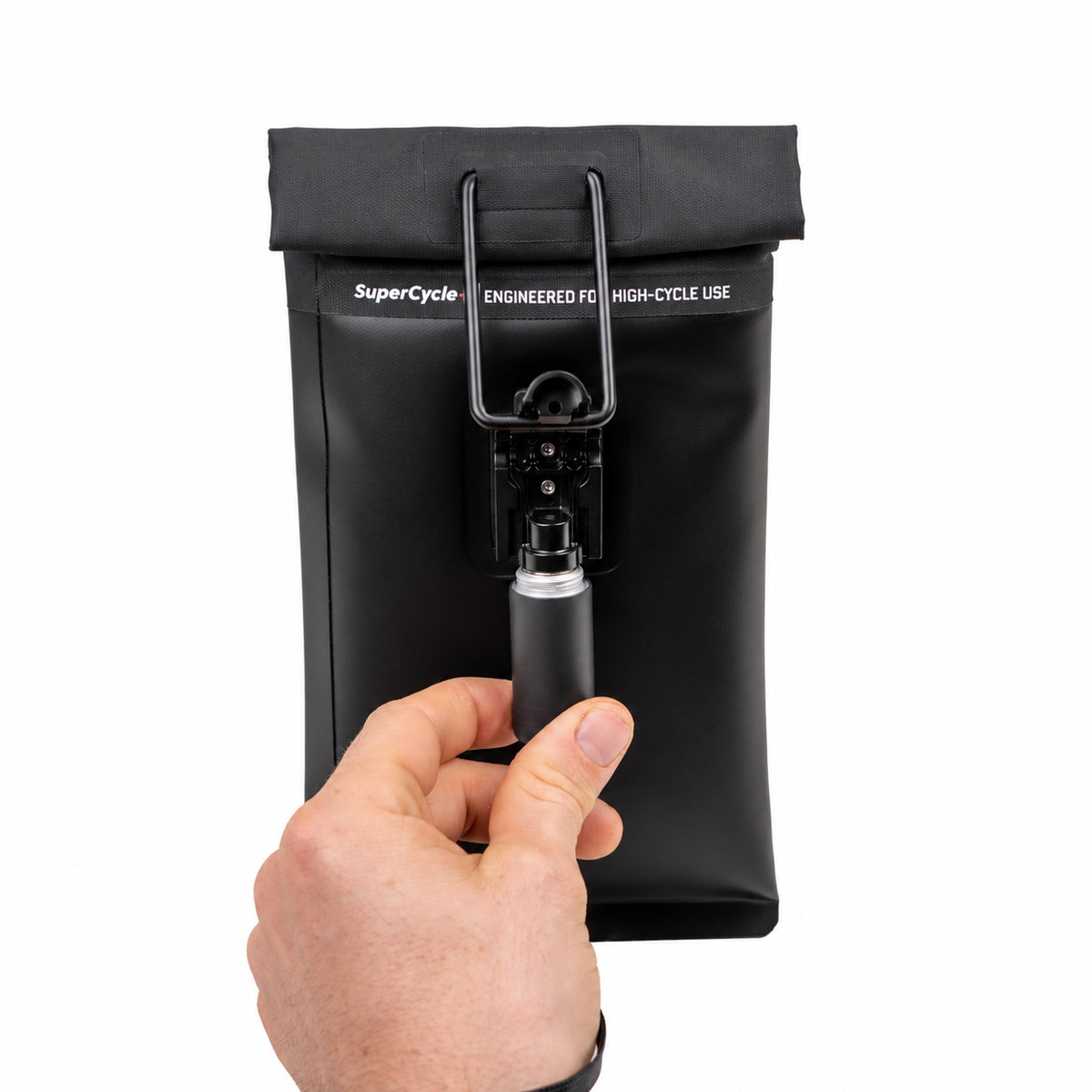
Release pressure on the pin.
Gently push down on the closed lock before trying to release it.
Apply the unlocking device.
Hold the approved unlocking device to the lock. An audible click indicates that the pin has retracted.
Clean the outside. Protect the inside.
Exterior
Use mild soap and water and wipe the outside with a damp cloth as needed.
Interior
Gently shake out debris, then wipe with a soft, dry cloth. Keep wet cloths and cleaning products out of the Faraday lining.
- Keep food, liquids and debris out of the interior.
- Do not spray chemicals or disinfectants inside the bag.
- Do not machine wash or submerge it.
- Avoid excess moisture and scrubbing the lining.
Built around repeated school use
The SuperCycle+ band is part of Max Lock’s focus on repeated opening and closing. The manufacturer reports more than 2,000 test cycles with signal blocking continuing afterward. Test cycles are not a guaranteed service life.
Take a closer look at SuperCycle+ →The illustrated guide
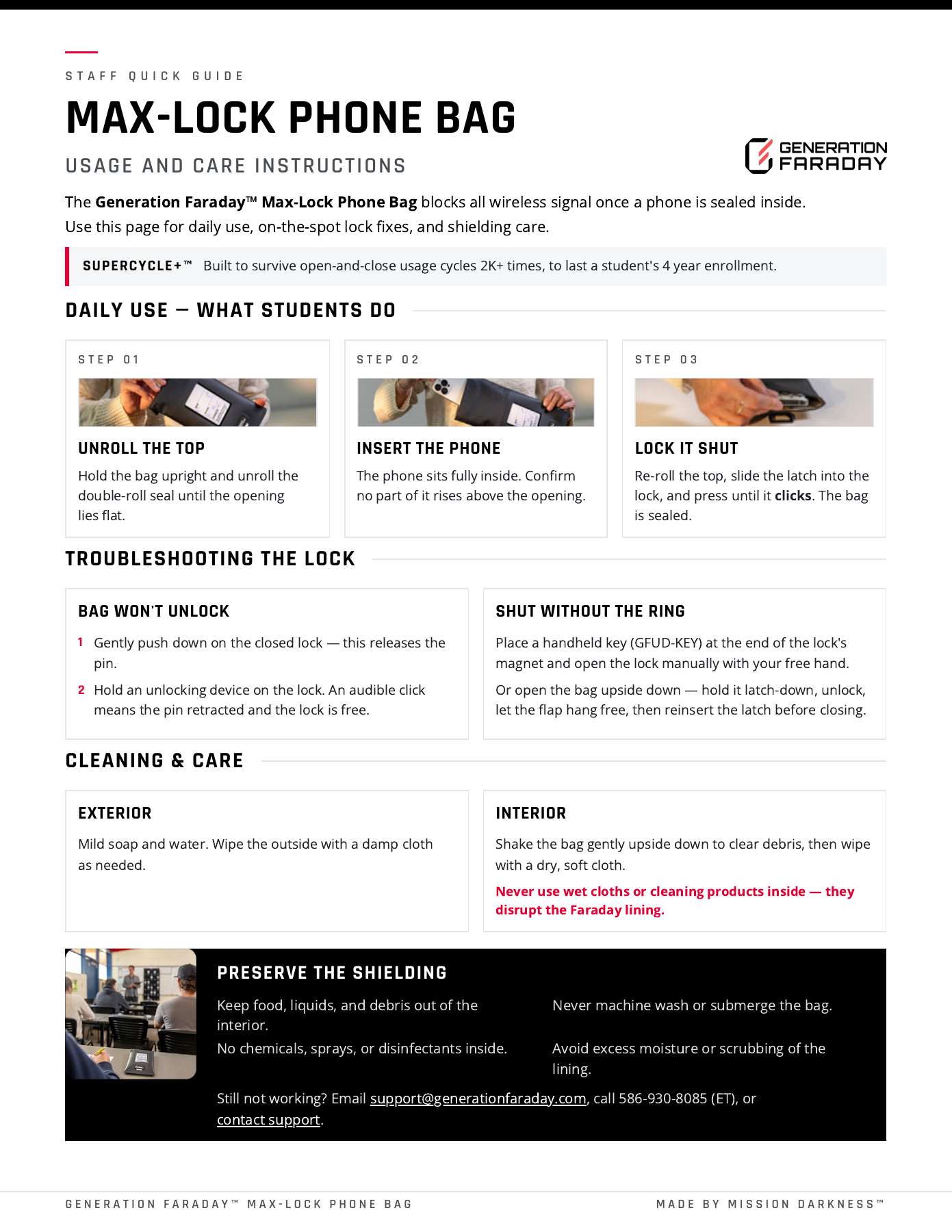 Open the full guide ↗
Max Lock staff quick guide
Official Generation Faraday instructions
View the illustrated instructions
Based on the official Generation Faraday product instructions and public setup resources. Use the illustrated guide for your exact configuration.