Choose where collection happens

The Phone Storage Box can sit on a desk, mount to a wall or form part of the ClassKeeper cart system. Choose the location and train staff and students on your collection and release procedure before launch.
A five-part daily routine
Assign a numbered space.
Give each student a consistent slot for check-in and return.
Load each phone separately.
Open the front and place a phone in its own compartment.
Lock and secure.
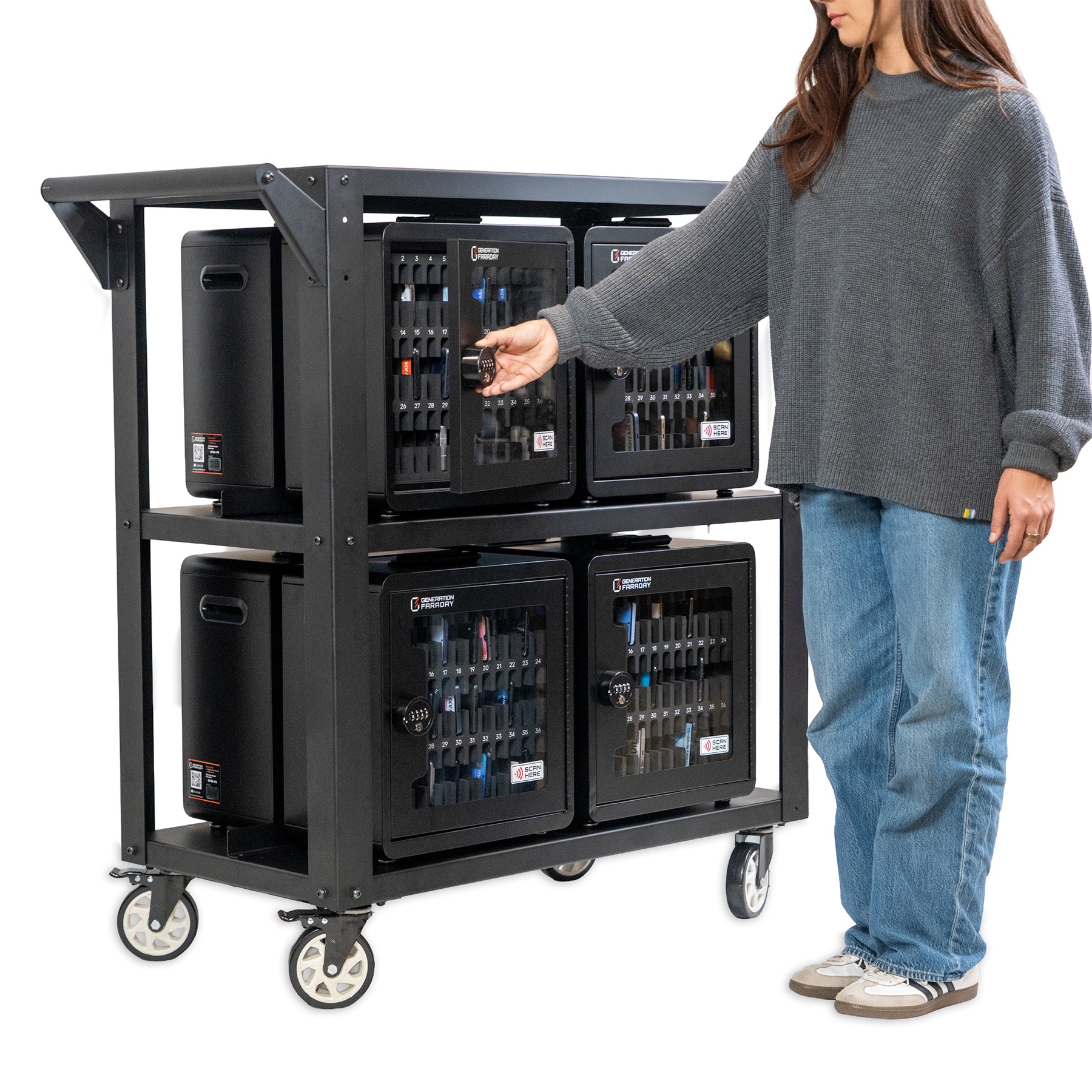
Lock the box using your school’s combination. With the cart and security cable, thread the cable through the top metal handles and around a vertical cart pole, then secure it.
Check the collection.
The transparent front lets staff see the stored devices during the session.
Return devices to their owners.
At release time, a member of staff unlocks the box and follows the assigned-slot routine.
Load the cart as designed
The official guide places four boxes on the bottom shelf and four on the middle shelf, all facing outward. Eight boxes provide up to 288 phone spaces. Set the caster brakes before use.
For assembly, follow the five-page illustrated guide below. It covers the caster positions, center guide rails, shelf brackets and handle hardware in order.
Register the cabinet in the app
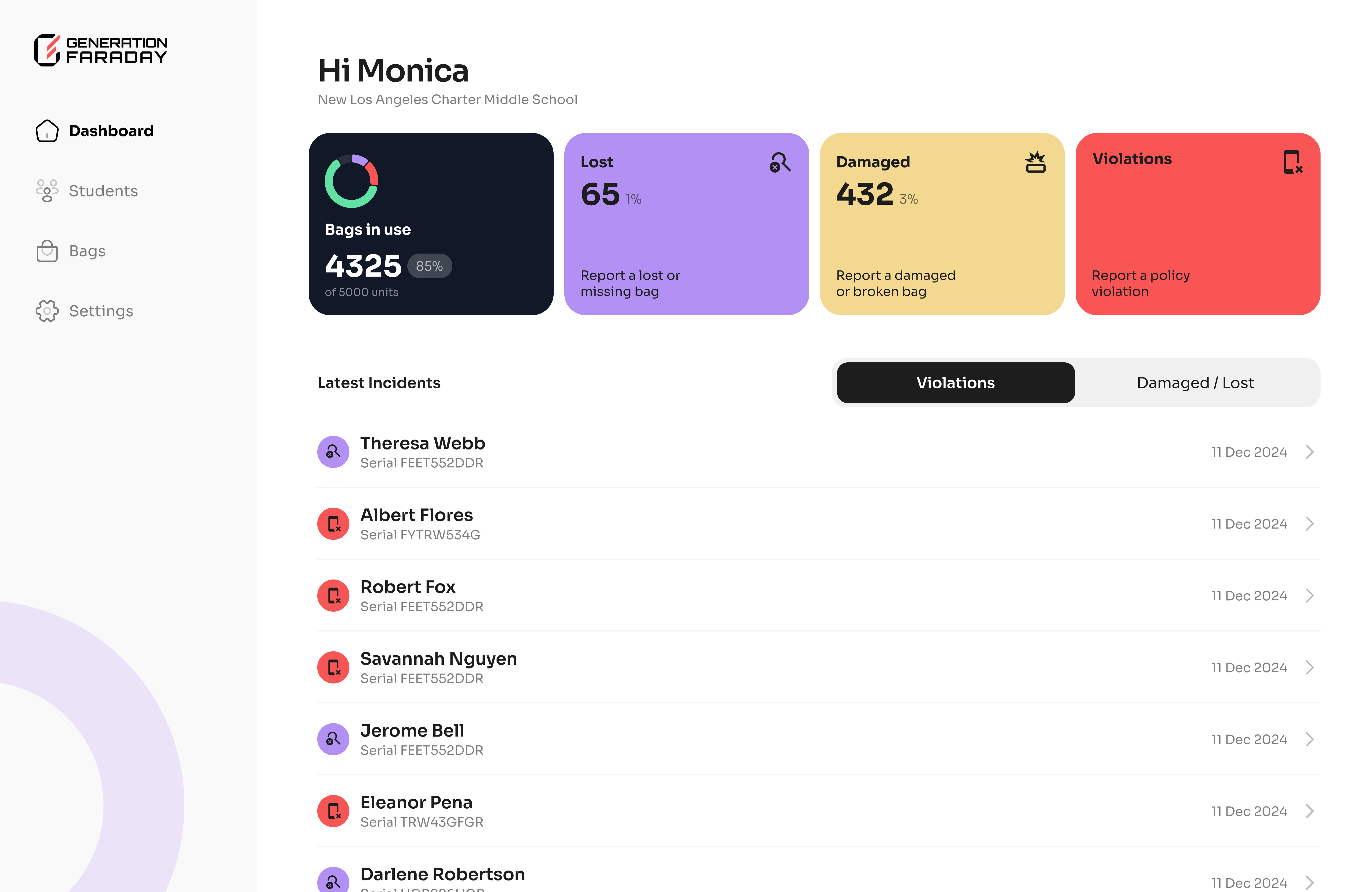
Create your school account, invite staff and upload students through your onboarding workflow. Scan the cabinet’s RFID tag at its scan mark or search its serial number. Name the cabinet and assign up to 36 students to match its physical spaces.
Staff can maintain assignment, compliance and device-condition records in iOS, Android or the web app.
Keep storage ready for the next session
- Wipe surfaces with a dry or slightly damp cloth; avoid harsh chemicals and abrasives.
- Keep the enclosure dry and inspect the foam slots for debris.
- Store the master key securely and follow your school’s access policy.
- Use the illustrated guide for wall mounting and combination-lock operation.
The illustrated guide
Phone Storage Box & ClassKeeper setup guide
Official Generation Faraday instructions
View the illustrated instructions
Based on the official Generation Faraday product instructions and public setup resources. Use the illustrated guide for your exact configuration.