
Parents rely on tracking apps to stay connected with their kids — whether it’s confirming they arrived at practice, checking in during an outing, or sending a quick reassurance. But what if a phone is placed inside a Generation Faraday bag, a pouch designed to block all wireless signals?
We looked at four apps — Life360, Google Family Link/Maps, Apple’s Find My, and Findmykids — to see how they respond when a phone disconnects.
Life360: Last Seen, Not Lost
When a phone can’t connect, Life360 holds onto the last location it received. Above the child’s name, the app shows a note like “Last updated 34 minutes ago.” The pin stays put until the phone reconnects.
- Calls go straight to voicemail.
- Texts send as SMS but won’t show as delivered until the phone is back online.
- No alerts are sent to parents that the device is offline — the only clue is the aging timestamp.

Google Family Link & Google Maps: The Pin Stays Put
Google’s Family Link and Maps behave in much the same way. Both apps display the last known location with a note such as “Last seen 15 minutes ago.”
- There are no proactive alerts when the phone goes offline.
- Texts will appear sent but remain undelivered until the device reconnects.
- The map simply pauses until the phone is back in range.
Apple Find My: Subtle Visual Cues
Apple’s Find My shows the last known location with a timestamp underneath. If the device remains offline for about an hour, that timestamp turns red, signaling it has been out of touch longer than usual.
- Calls go straight to voicemail.
- Texts attempt to send as SMS (green bubbles) but won’t show as delivered until the phone reconnects.
- Once the device is online again, Find My updates immediately, but movements during the offline period are not backfilled.

Findmykids: More Features, Same Limits
Findmykids includes extra tools beyond location sharing, such as in-aoo messaging and a “honks“ feature that forces the phone to ring. Here’s how they behave when the phone is offline:
Location
The app shows a note like “Was here 41 min. ago.” Movements while offline don’t appear in history.

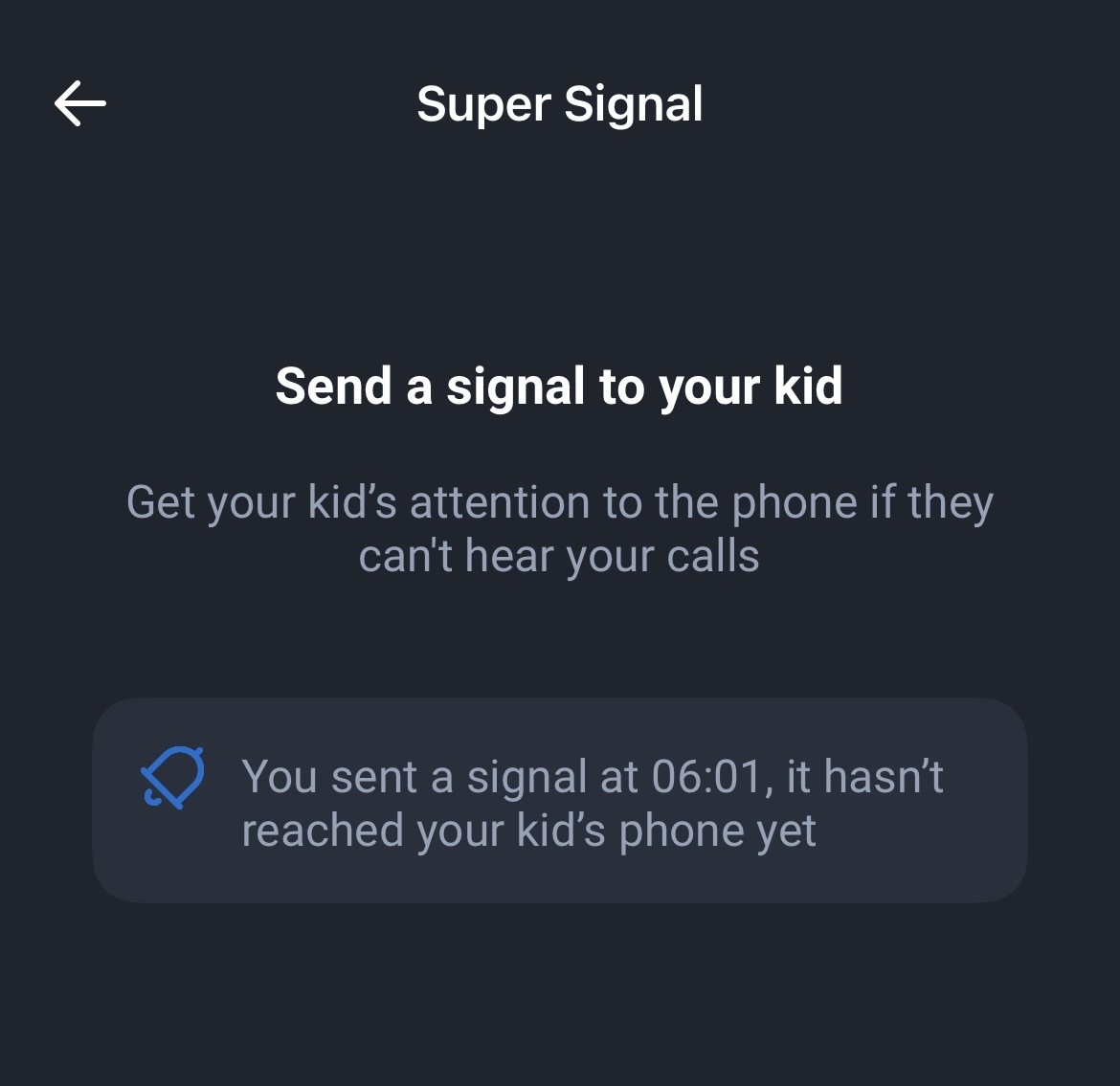
Super Signal (“Honks“):
On Android, honks queue and play once the phone reconnects.

On iPhone, honks sent while offline never play; the parent’s app continues to show “…it hasn’t reached your kid’s phone yet.” If the honk is sent while the iPhone is back online, it rings as expected.
Messages
Queue and show “sent” and update as delivered immediately when the phone reconnects.
Alerts
The app doesn’t notify parents directly when the phone goes offline; the timestamp simply grows older.
What Parents Should Know
Across all four apps, the pattern is consistent: when a phone is inside a Faraday bag, tracking and communication pauses. The apps don’t raise alarms or send notifications. Instead, they display the last known location with a timestamp that grows older until the phone comes back online.
The reassuring part is that once the phone reconnects, everything resumes — messages send, calls go through, and location updates refresh.
For parents, the key takeaway is this: if you see “last updated 47 minutes ago” in any of these apps, it doesn’t always mean your child hasn’t moved. More often, it simply means the phone wasn’t connected at the time. And if their updates suddenly catch up? That’s the moment the phone is back online and back in action.