
Wireless isolation
Faraday shielding isolates wireless signals when the product is properly closed. Choose it when phones connecting to watches, earbuds or networks is part of the problem.
See signal-blocking products →Who keeps the phone? Do you need wireless isolation? Who controls access? Answer those three questions before choosing the equipment.
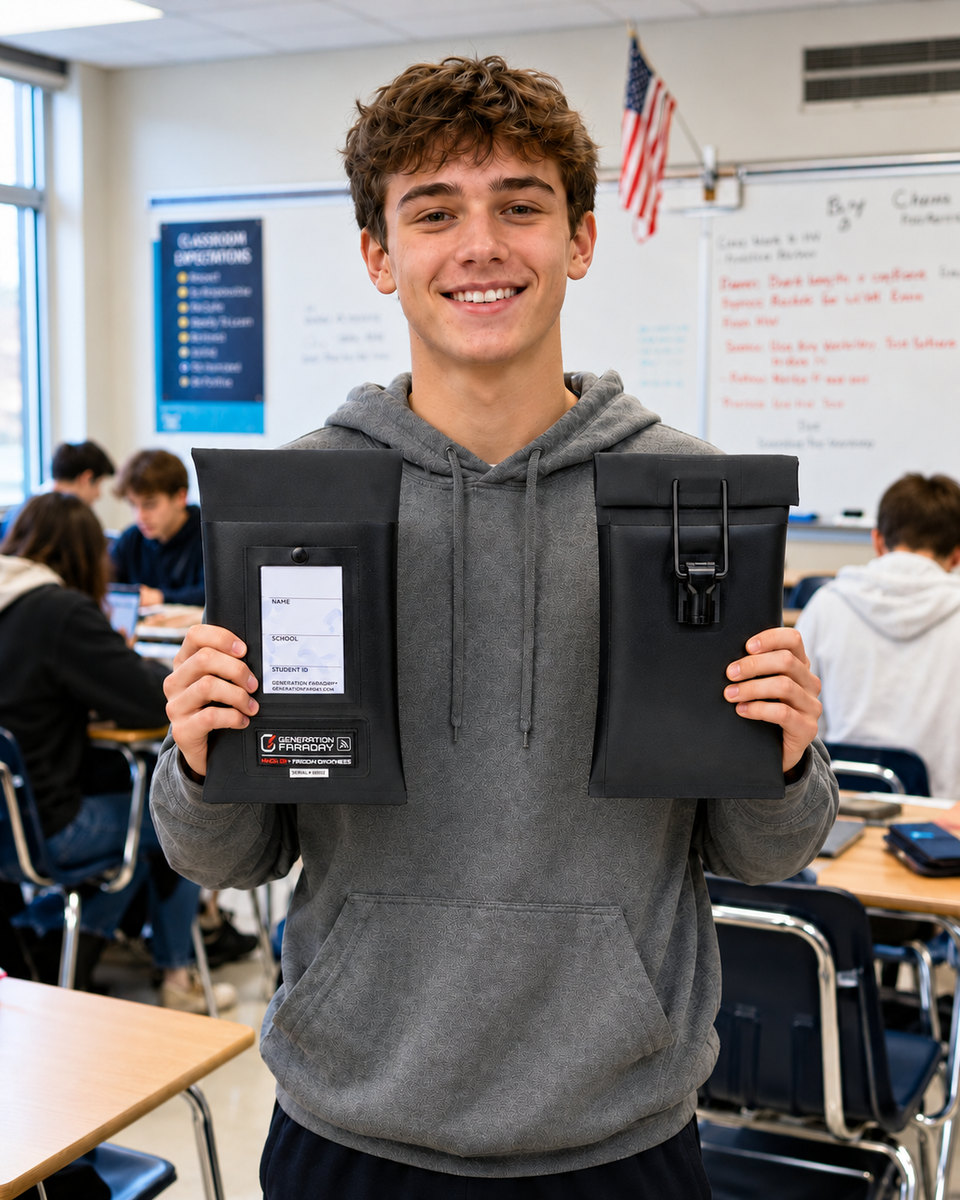
Start with who holds the phone, then choose shielding and access control. All three approaches need a consistent routine, approved access and a clear return process.
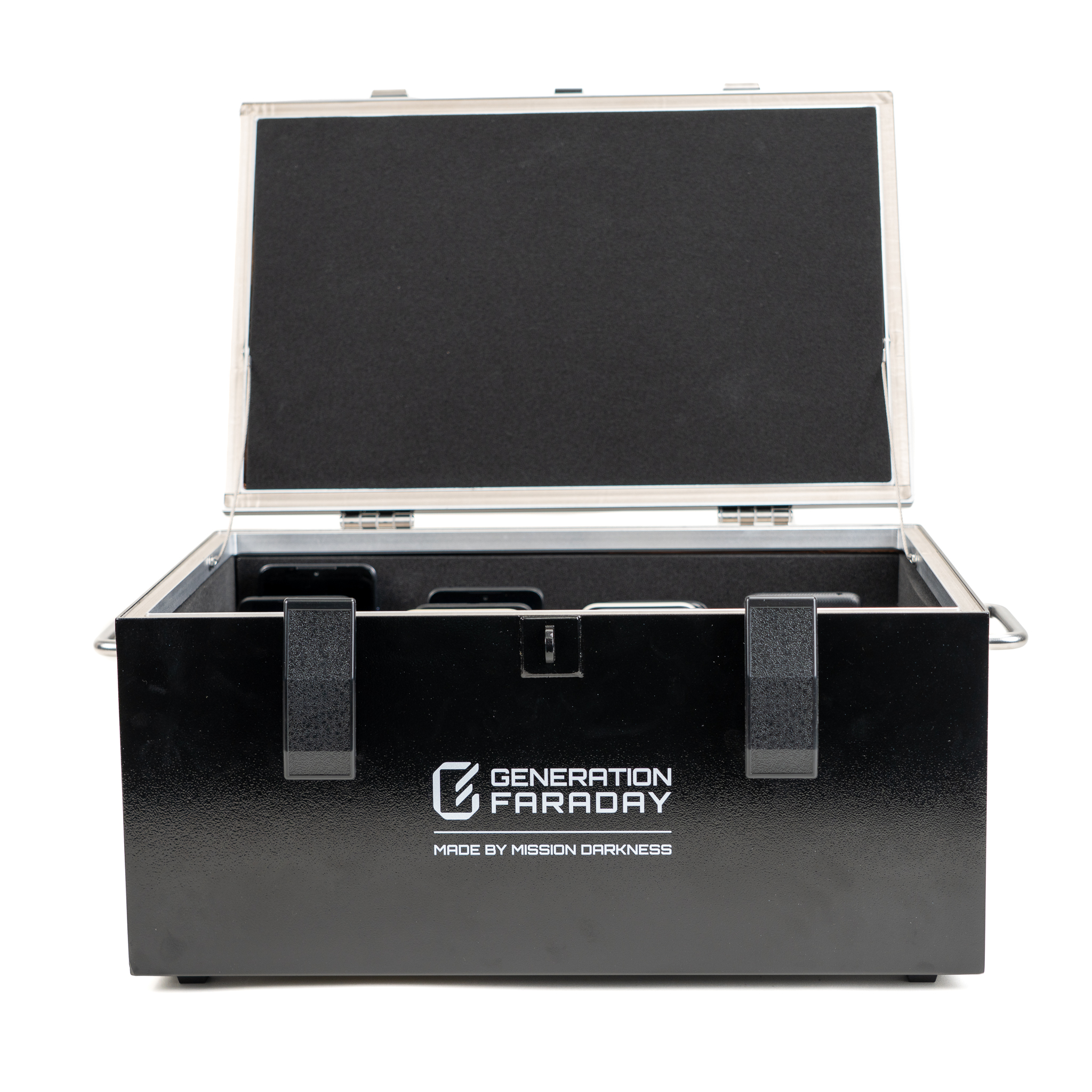
The desktop Shielded Box offers either a 36-phone divider or an open, foam-lined interior for laptops up to 16 inches. The mobile Phone Drop Box cart holds up to 144 phones across four drawers. Fully close the enclosure for signal isolation.
Explore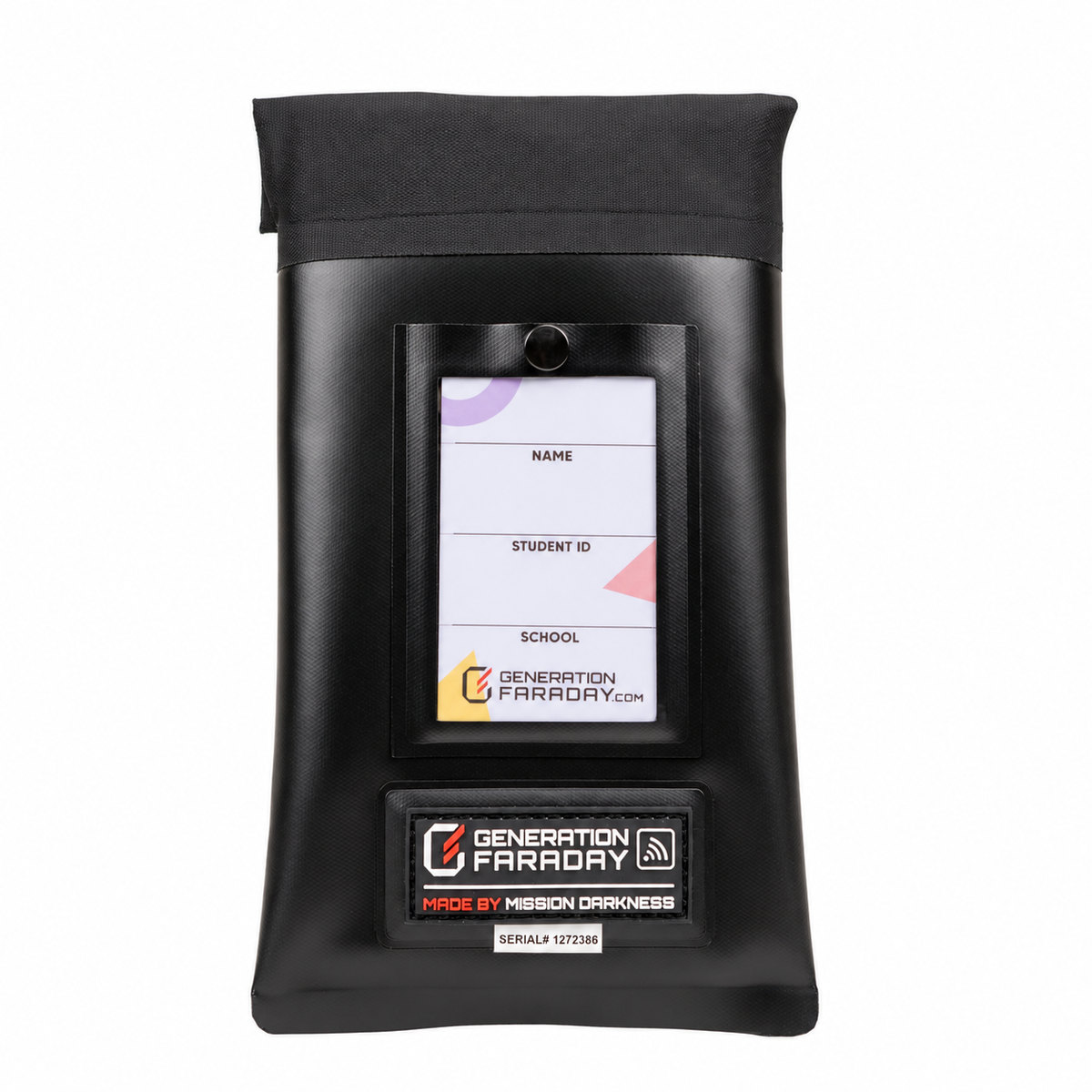
Individual pouches support a student-carried routine. Choose staff-controlled locking or a self-access closure, with or without signal blocking.
Explore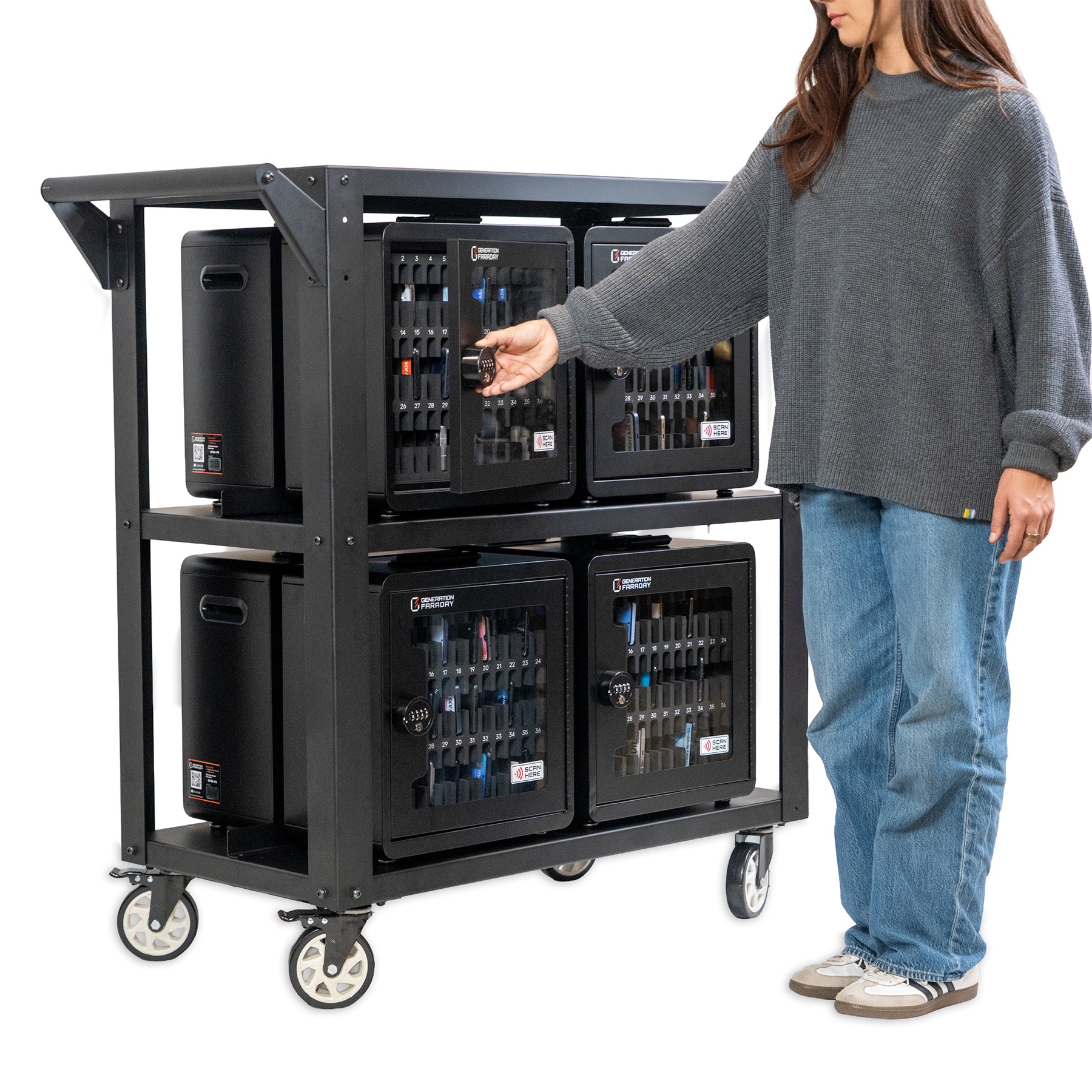
A 36-phone Phone Storage Box can serve one group. The complete eight-box ClassKeeper cart holds up to 288 phones with cable-and-lock retention. Neither blocks signals.
ExplorePhysical access and wireless isolation serve different parts of your policy. A lock alone does not stop a phone from connecting.
Faraday shielding isolates wireless signals when the product is properly closed. Choose it when phones connecting to watches, earbuds or networks is part of the problem.
See signal-blocking products →A compatible locking bag needs a release tool. Shared-storage products have their own access arrangements. Plan who can open each product and where.
Explore Max Lock →Non-signal-blocking bags and boxes organize or restrict physical access while leaving wireless signals available. They can support a different school routine.
See non-signal-blocking products →Use this as a buying conversation, then open the individual listing for the current configuration, gallery, specifications and care instructions.
| System | Routine & capacity | Wireless behavior | Access & placement |
|---|---|---|---|
| Max Lock | Student carried | Available in signal-blocking and non-signal-blocking models | Staff-controlled clasp; compatible dock or key |
| Magnetic & hook-and-loop bags | Student carried or school managed | Available with or without shielding | Self-access closure; no unlocker needed |
| Shielded Box (phone divider) | Classroom collection · 36 numbered positions | Signal blocking when properly closed | Lid accepts a padlock |
| Shielded Box (open interior) | Foam-lined · fits laptops up to 16 inches | Signal blocking when properly closed | Lid accepts a padlock |
| Phone Storage Box | Classroom collection · 36 numbered positions | Non-signal-blocking | Combination lock; desk, wall or compatible cart |
| ClassKeeper system | 8 Phone Storage Boxes · up to 288 phones | Non-signal-blocking | Mobile organization and transport |
| Phone Drop Box | 2 drawers / 72 phones or 4 drawers / 144 phones | Signal blocking when correctly closed and secured | Cabinet access; numbered collection spaces |
Capacity describes the product configuration, not a recommendation to combine phones from different classrooms. The planner rounds shared storage within each collection location.
Supporting products depend on the bag or storage system you choose. Add the equipment that the routine needs, rather than every accessory.
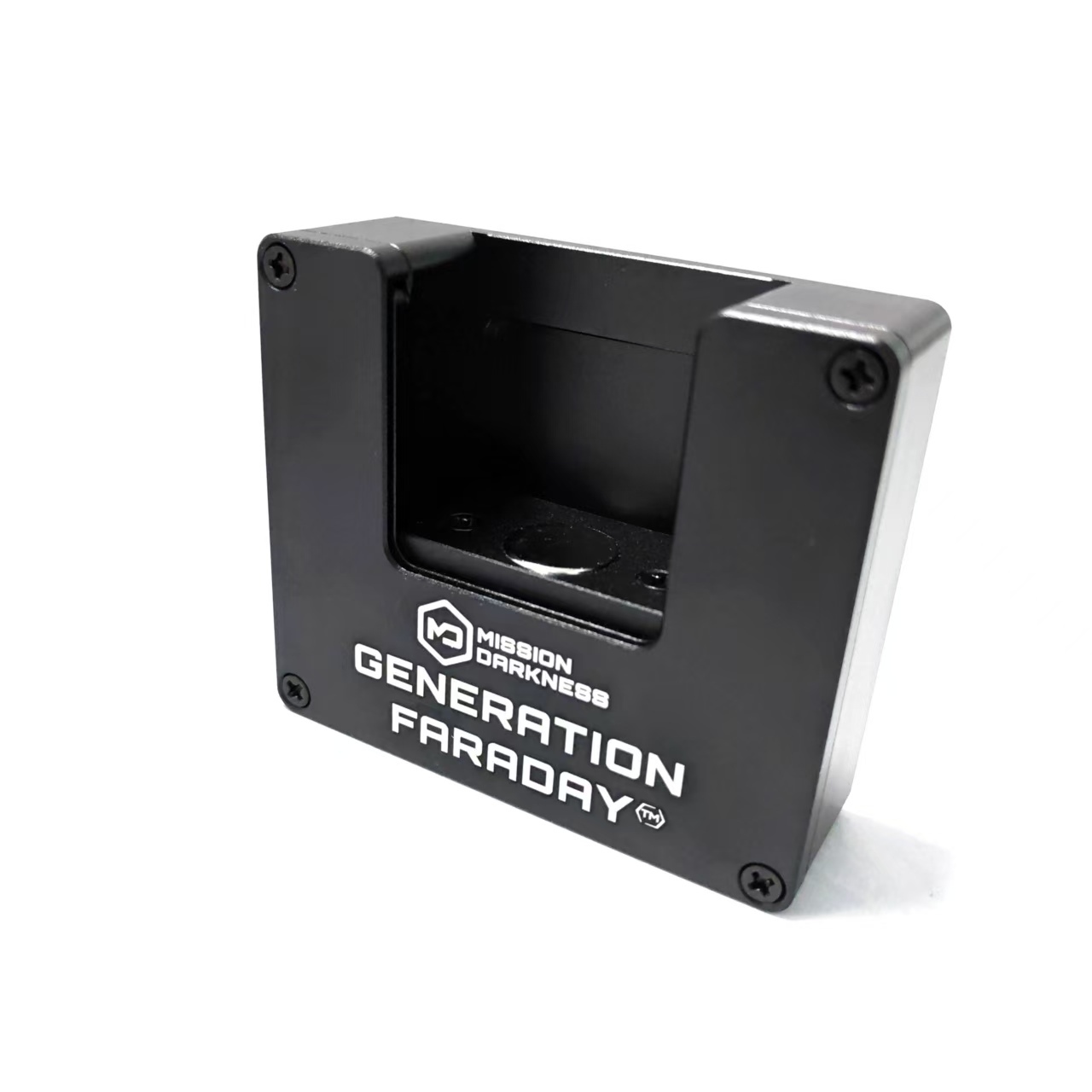
Compare wall docks, portable stands and staff-carried release tools for compatible locking bags.
Explore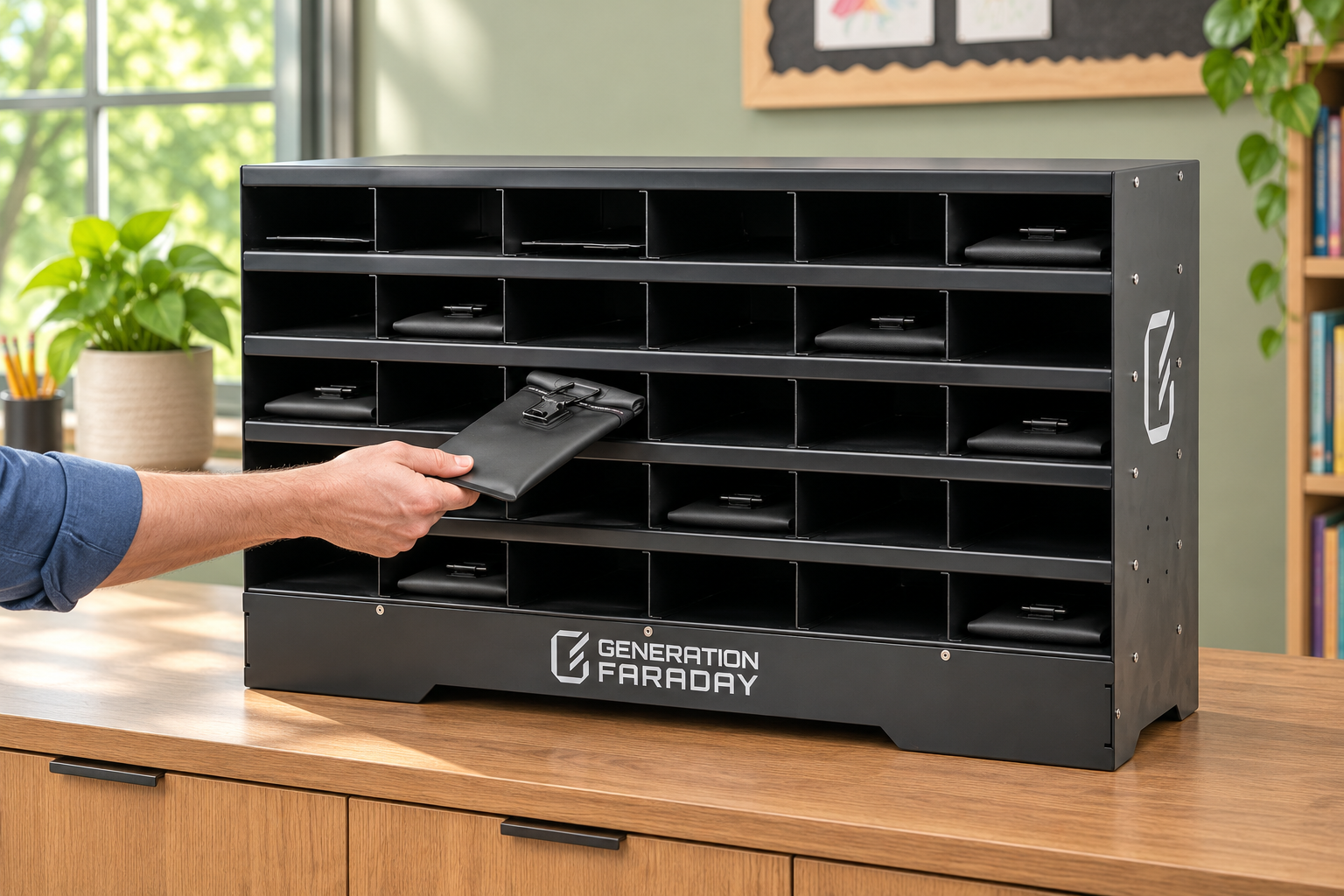
Choose a classroom organizer, hanging storage or collection bin around how bags arrive and leave.
Explore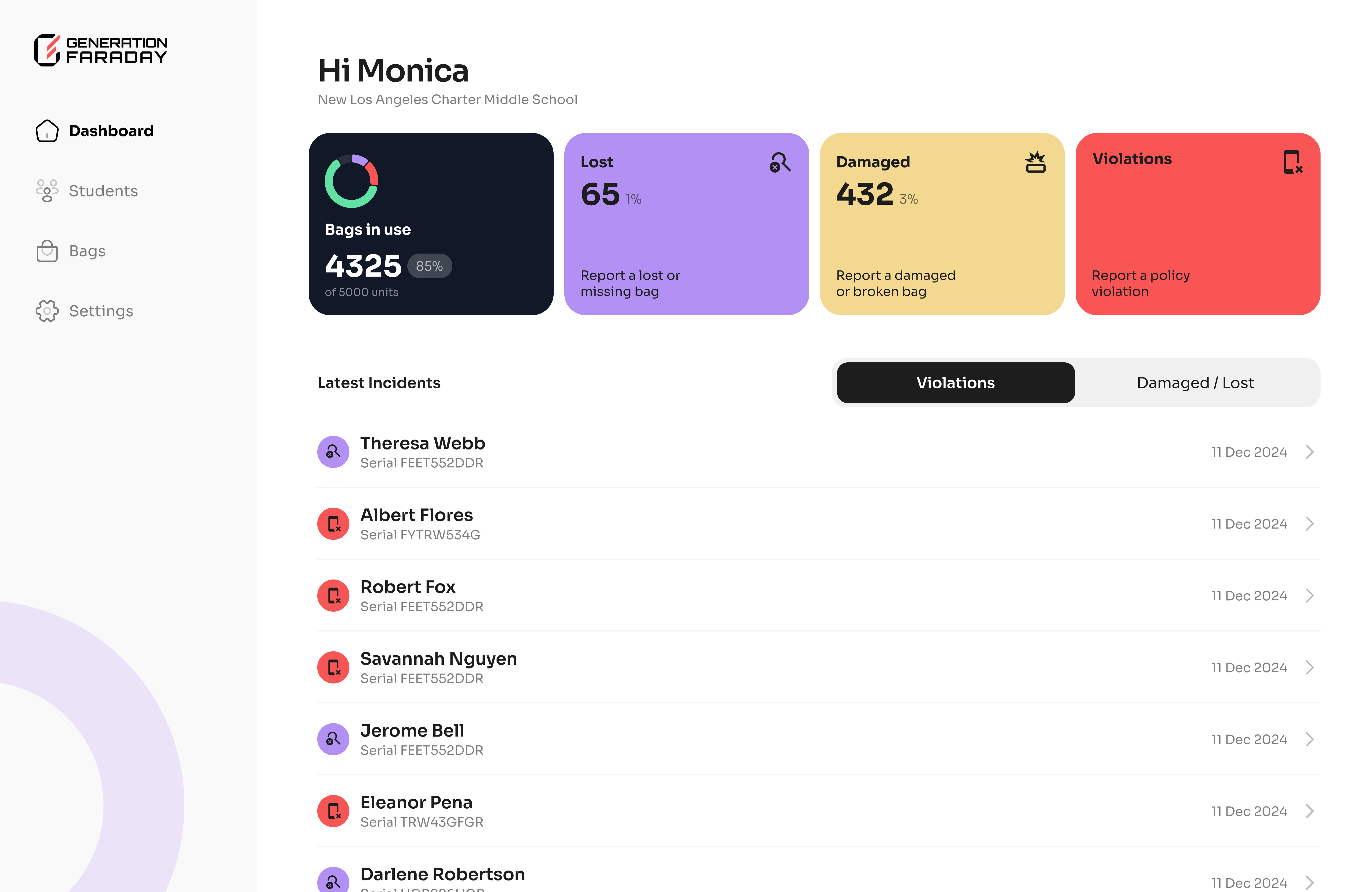
Connect bag identifiers and staff-maintained records with the optional mobile and web apps.
Explore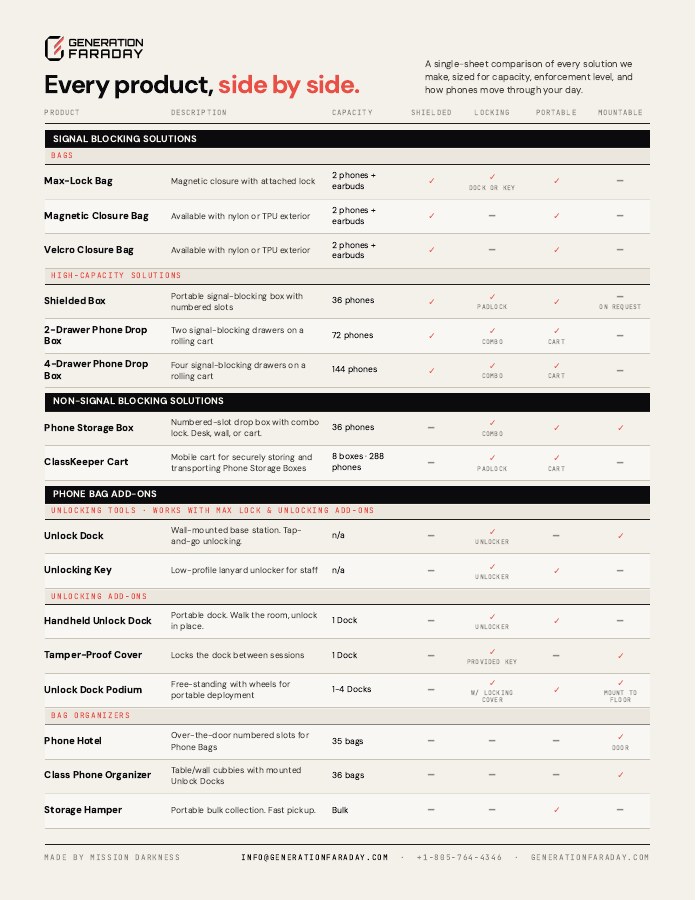
The official two-page matrix combines a technical comparison with a visual product key. Use it as a meeting-room reference alongside current product listings.
The matrix is a dated reference. Current listing details take precedence where configurations have changed.
Bring your student counts, daily routine and campus layout. We’ll help turn them into an itemized equipment plan.