Start at the web app
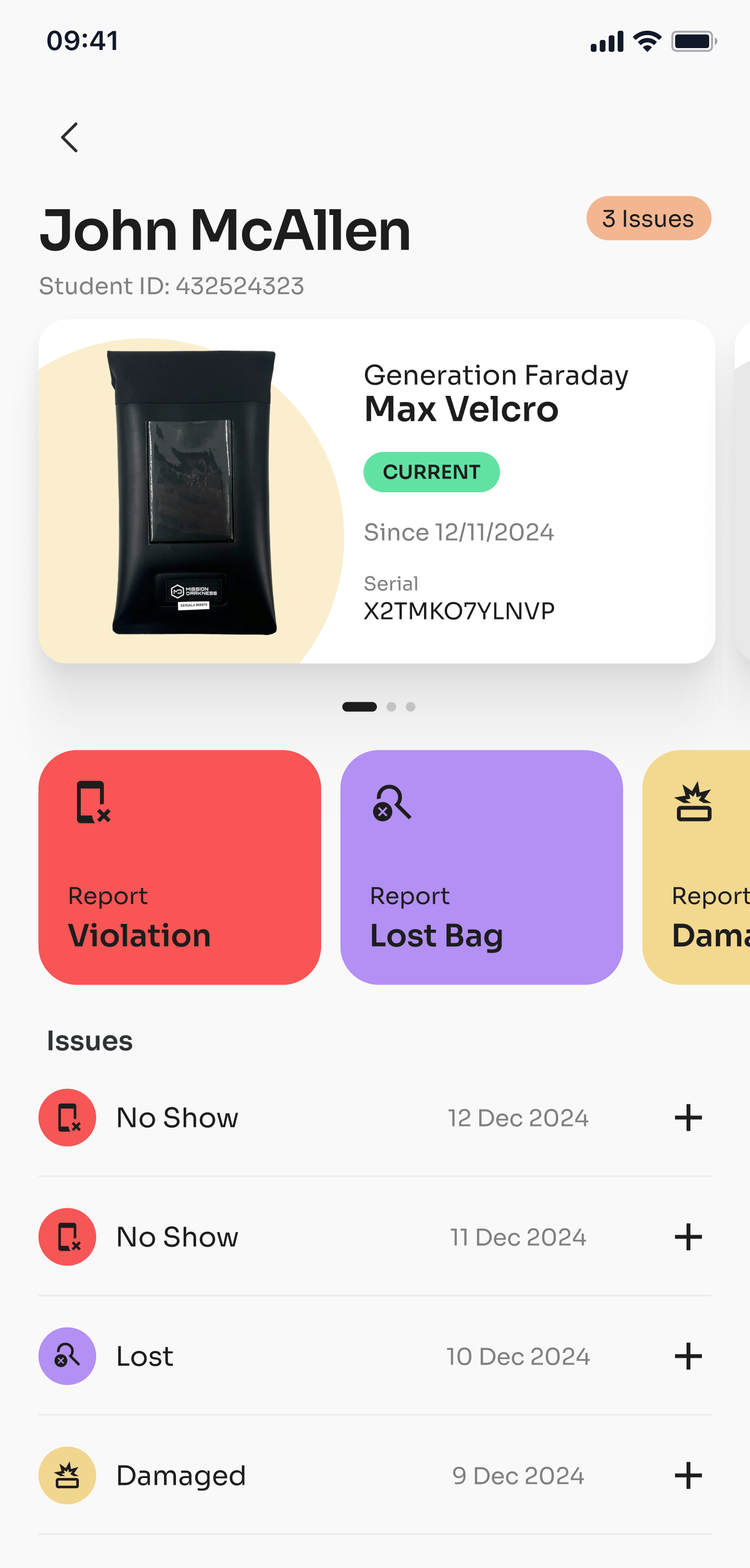
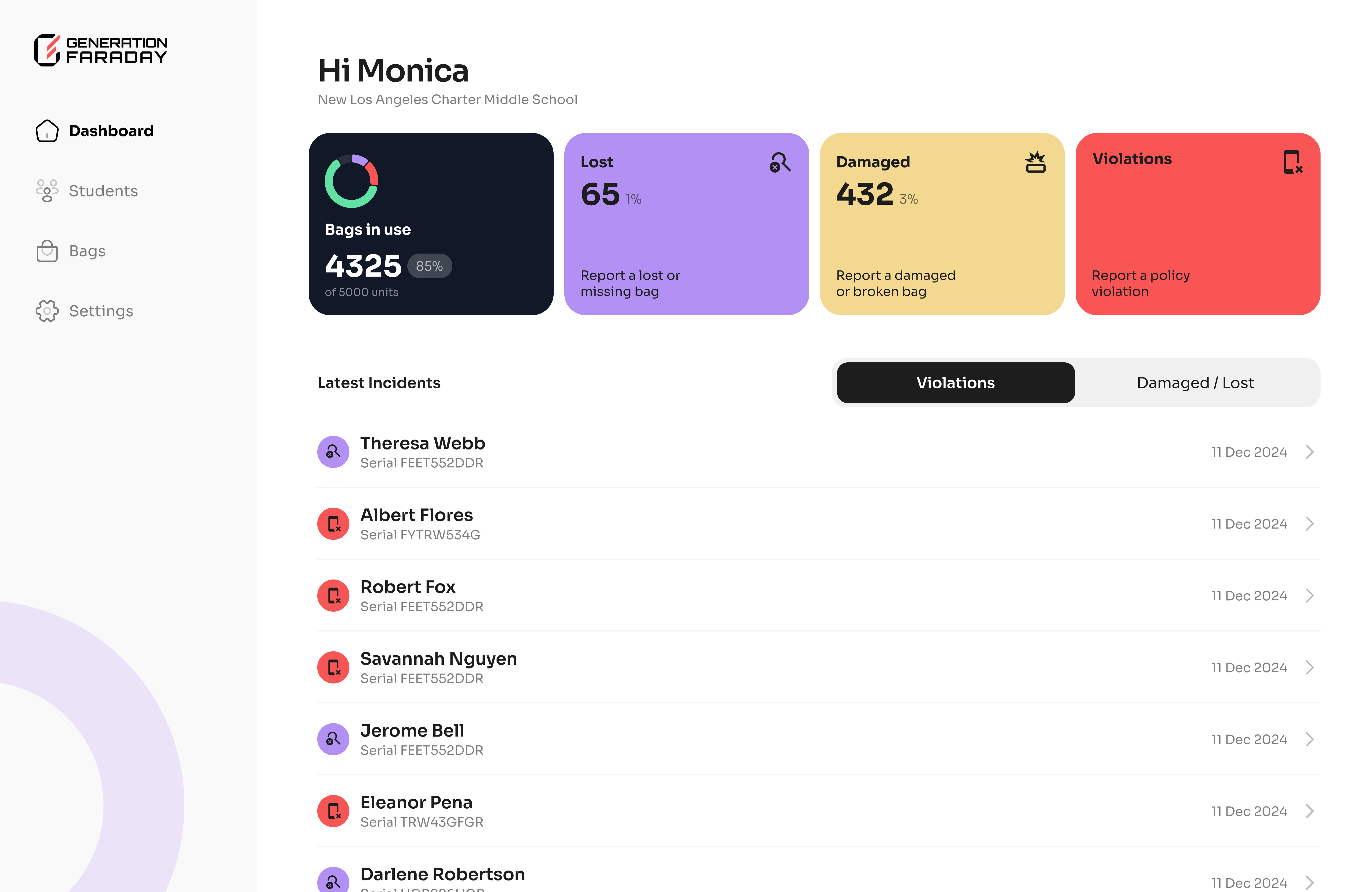
Visit app.generationfaraday.com and sign in with the account connected to your school. Your onboarding contact can help confirm account access and the staff who should be invited.
The desktop experience gives staff a browser-based way to work with the school records available to their account.
Open the web app ↗Keep equipment and assignments together
Inventory
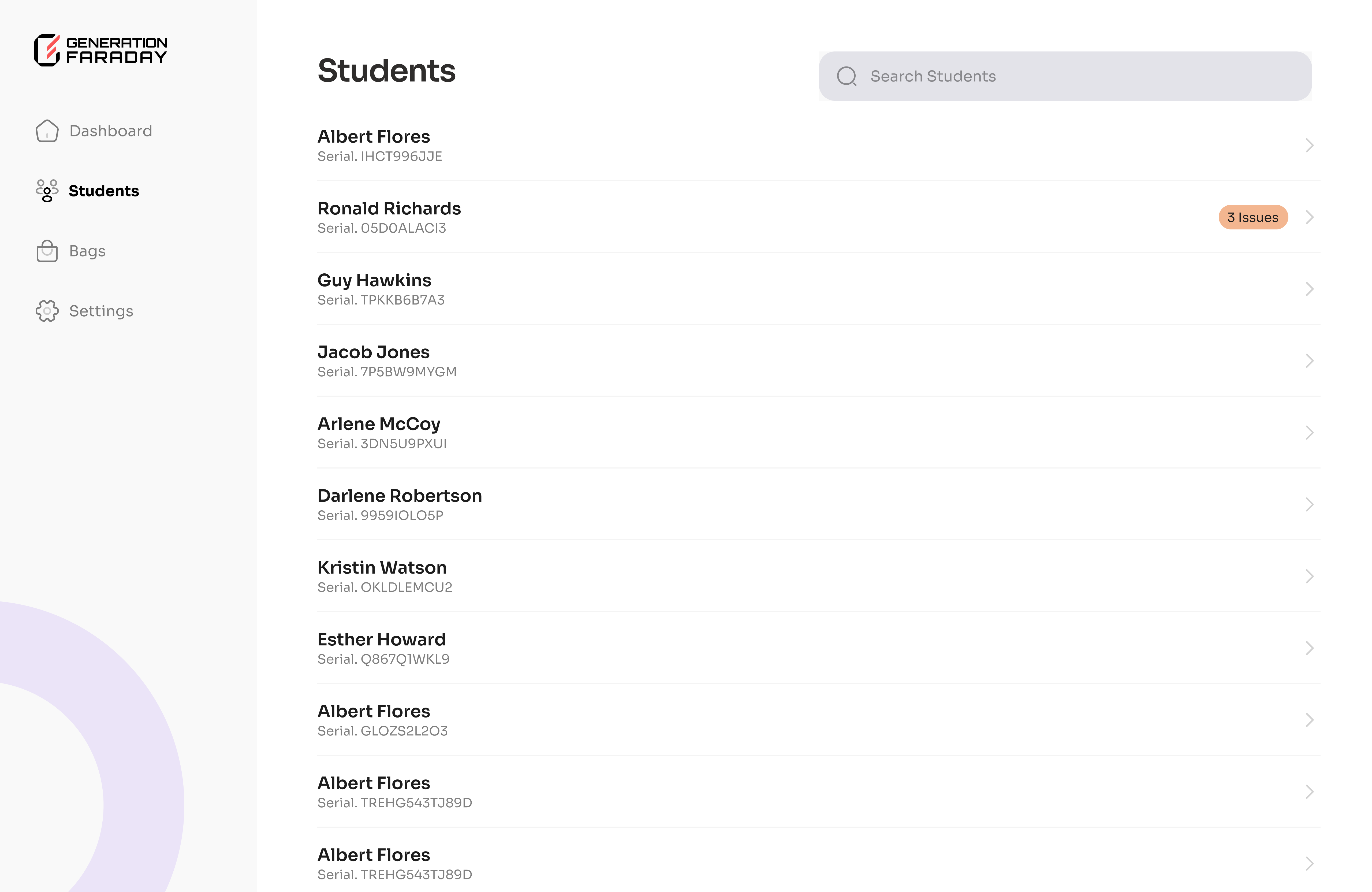
Look up the serial record for a bag or box and keep its assignment and condition information organized.
Staff records
Review staff-entered policy issues and follow-up information as part of your school’s agreed process.
Set a repeatable assignment workflow
Confirm your roster.
Prepare the student records through your onboarding workflow.
Find the equipment record.
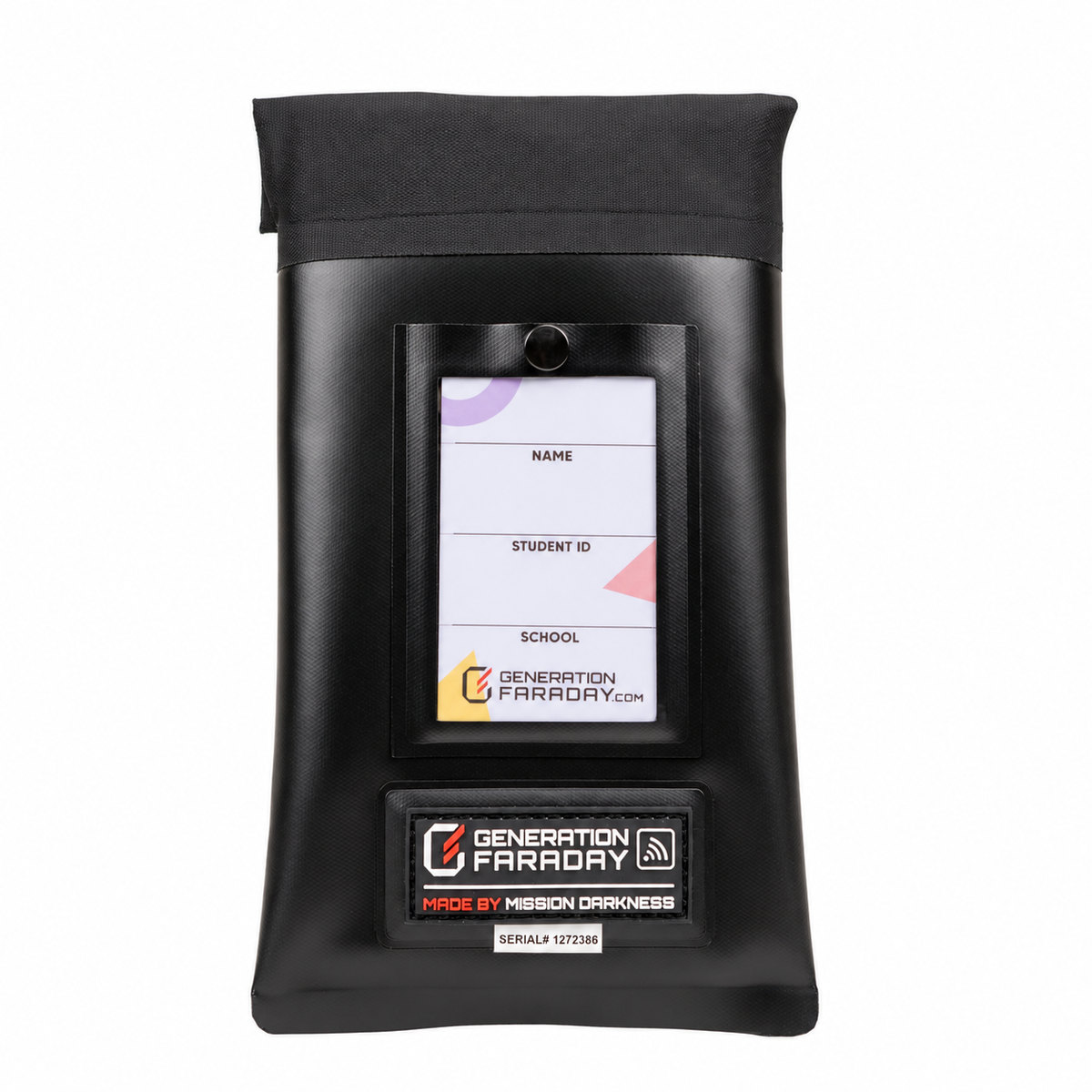
Use the serial identifier associated with the physical bag or box.
Match the assignment.
Keep the student’s physical item or numbered space consistent with the assignment in the app.
Update records when items change.
Follow the agreed process when equipment is returned, reassigned, lost or damaged.
Need a particular setup document?
Use the official app-guide collection for the shared onboarding documents supplied to your school. School-specific templates and training topics remain in the school portal.
Based on the official Generation Faraday product instructions and public setup resources. Use the illustrated guide for your exact configuration.