










Phone-free school. Fully supported. Bags, Shielded Boxes, and a practical rollout plan. Explore the solutions
Generation Faraday

Phone-free school
isn't a policy.
It's a system.

From locking and signal-blocking phone bags to storage boxes and high-capacity systems, we offer flexible solutions backed by the tools, software, and support to make phone-free schools work every day.

Made for the moments between

Phone-free schools go beyond the bag.

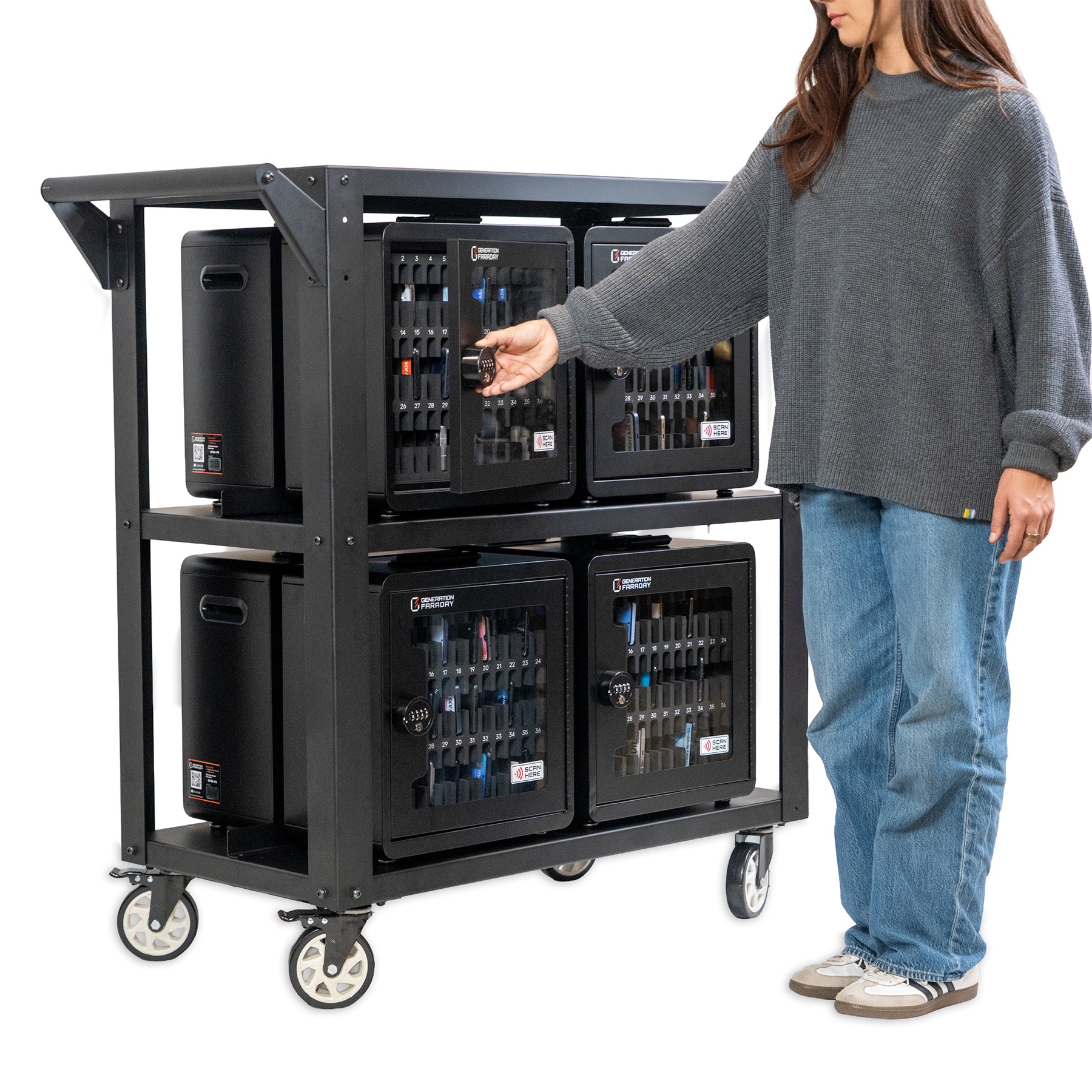
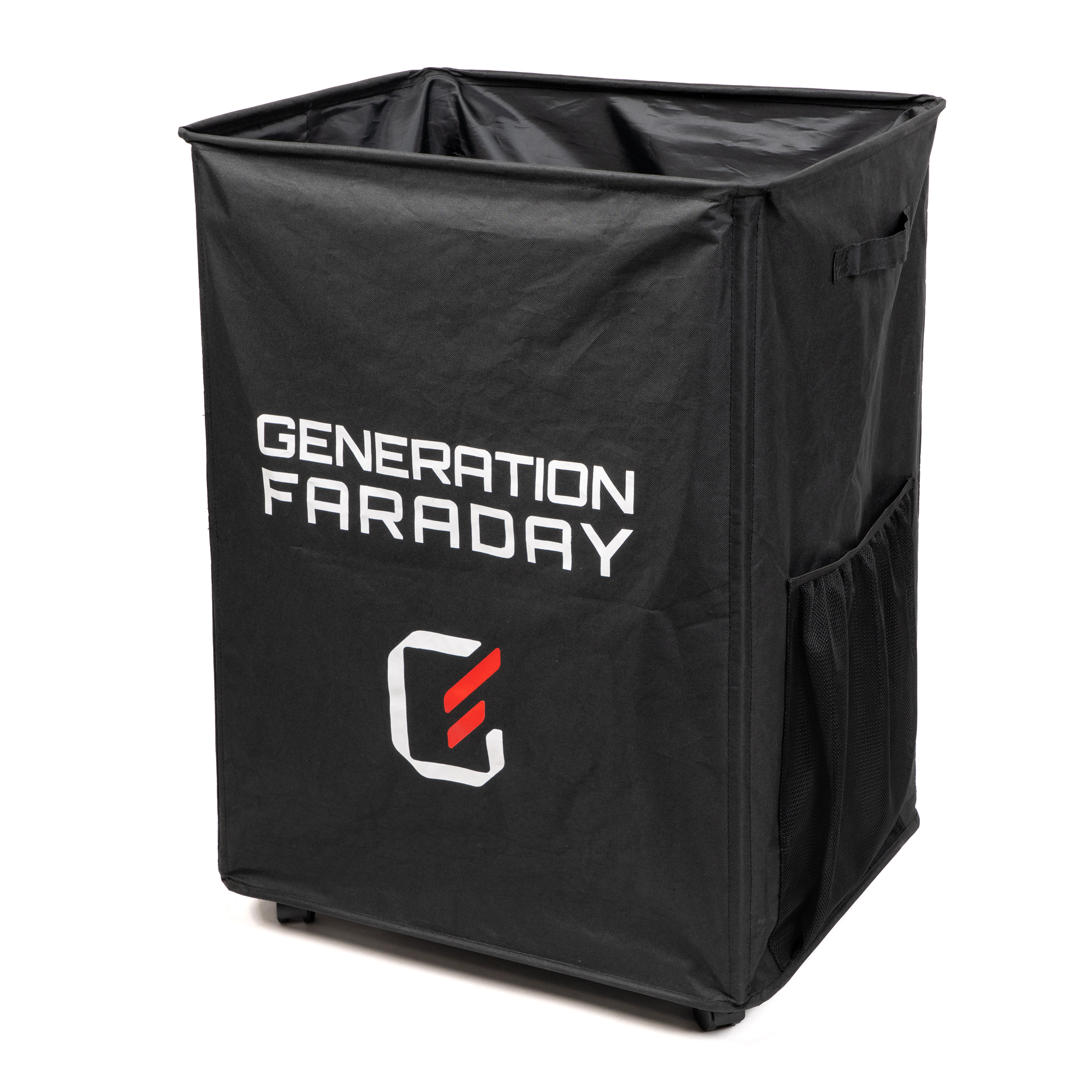
Choose student-held bags, classroom storage, or a shared collection point based on where staff collect and return phones.

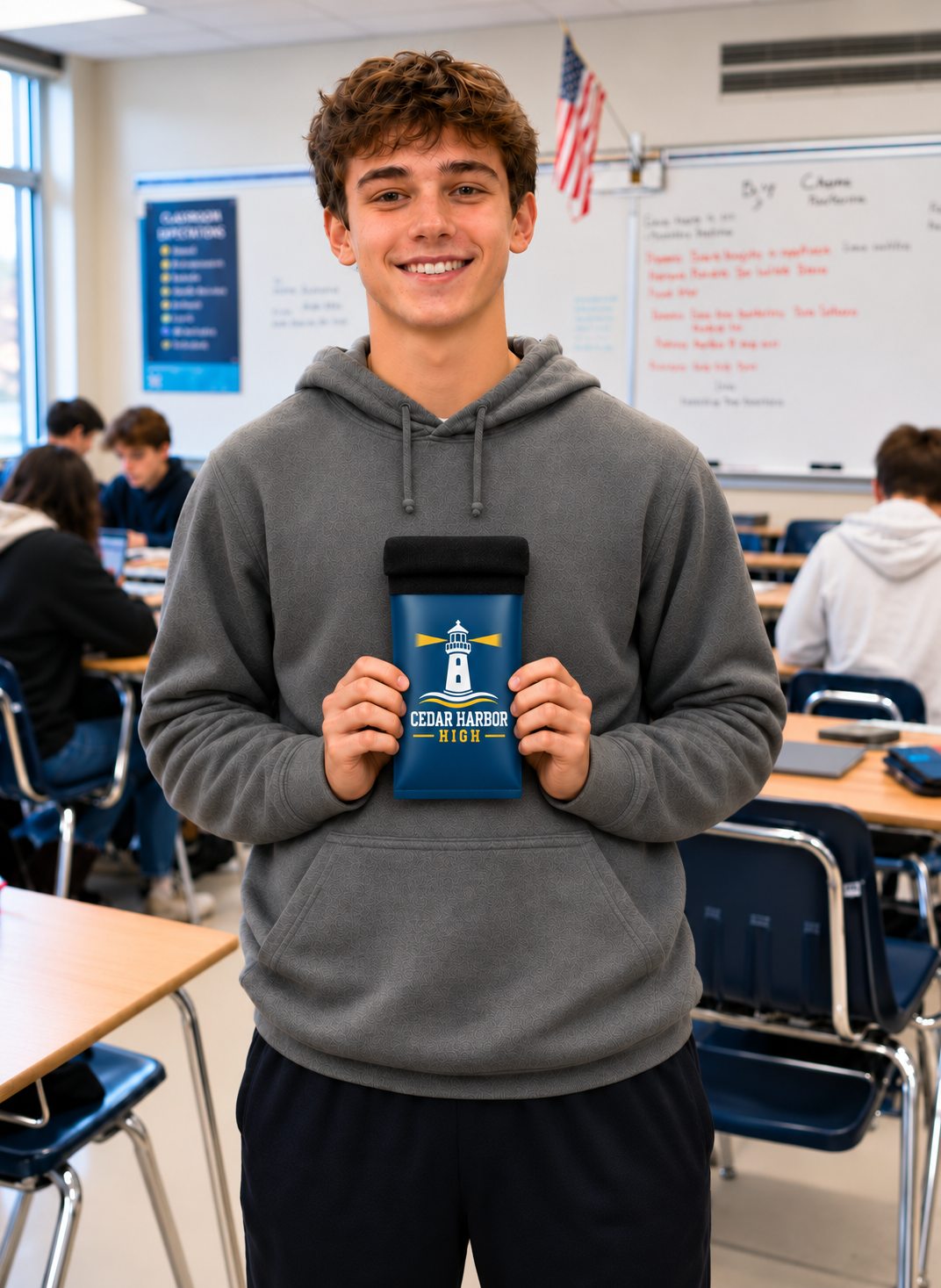
Illustrative student holding his own blue Cedar Harbor High custom-branded phone bag
01 / Make it familiar

A place for their phone.

Their own bag, built into the school routine.

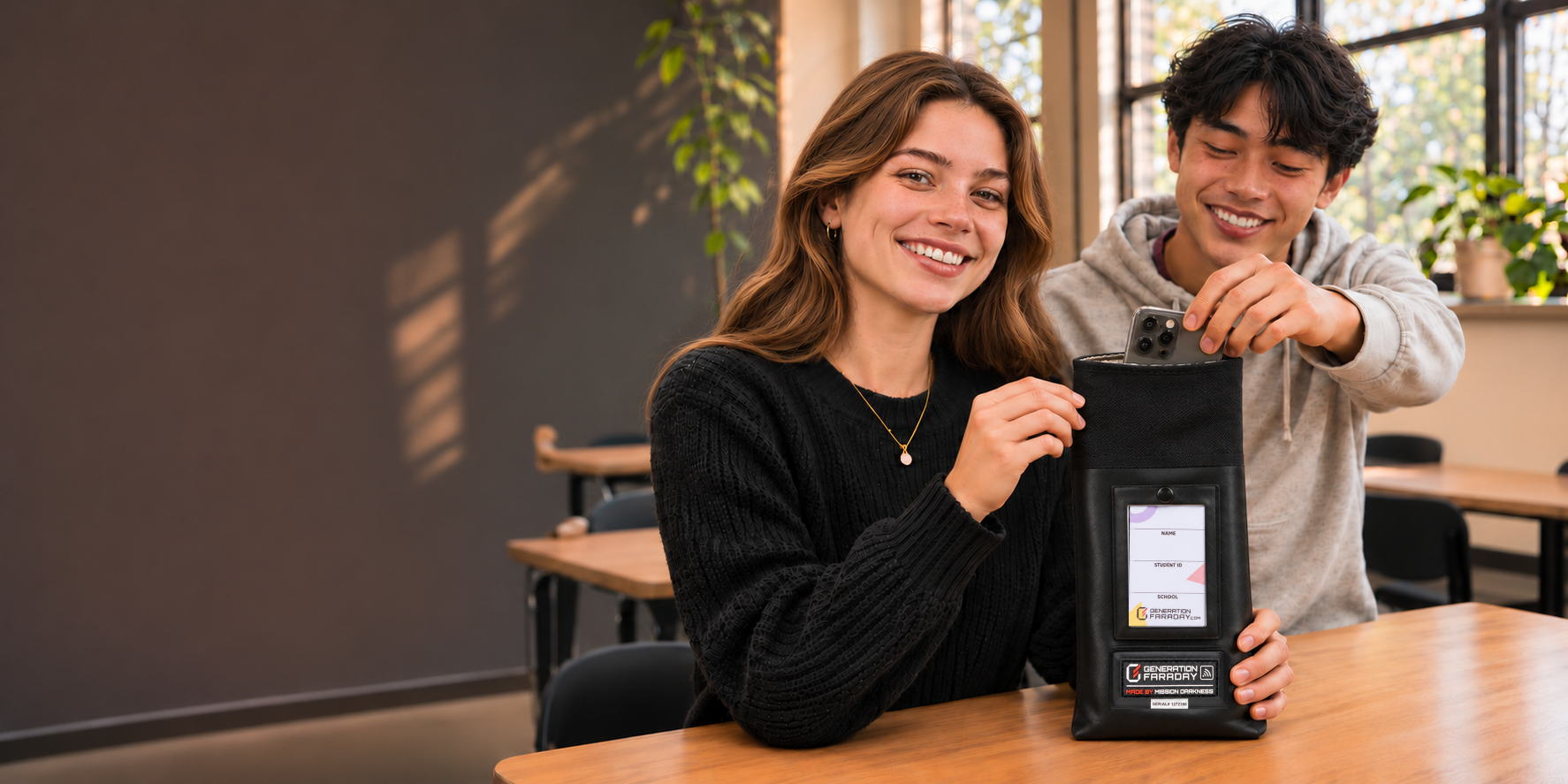
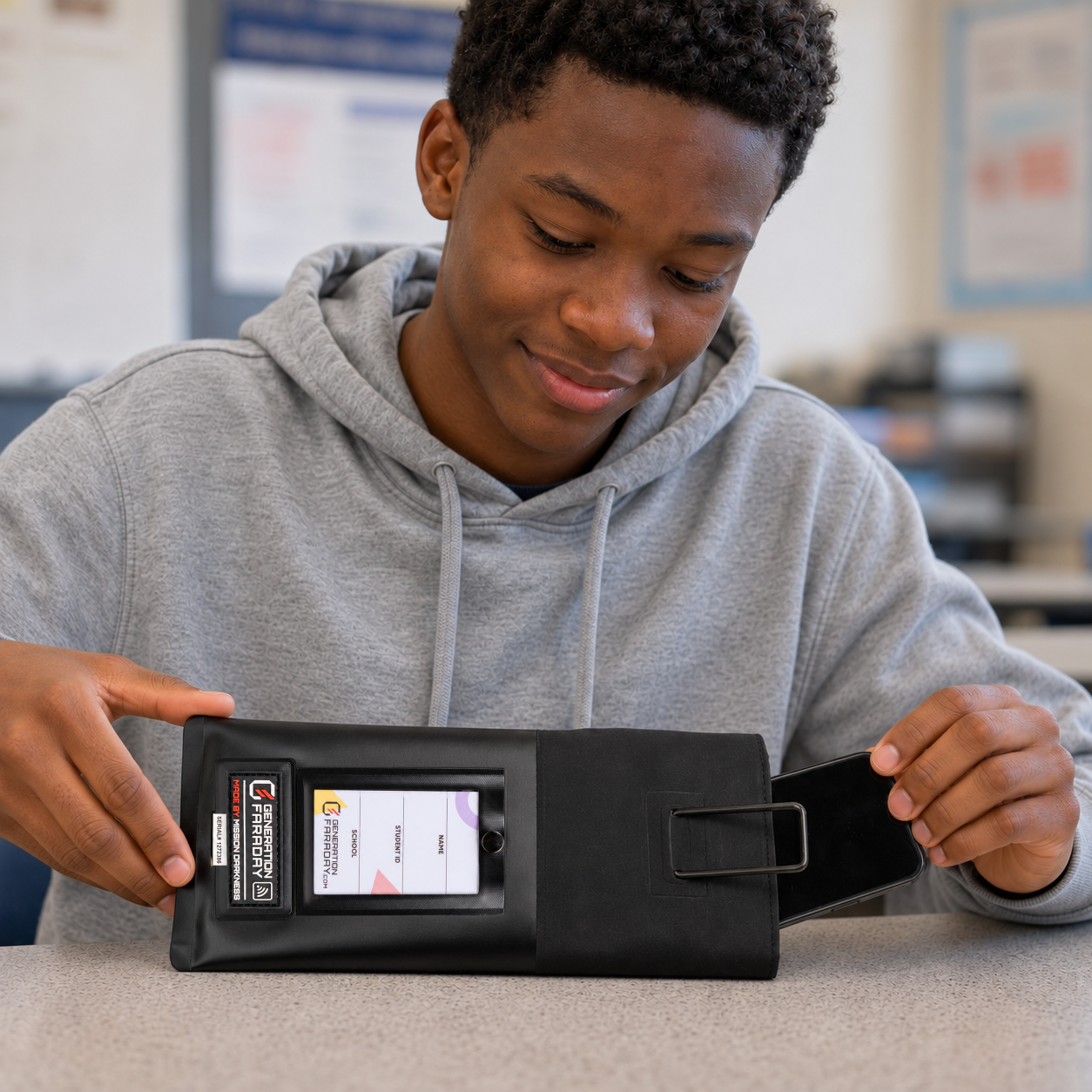
A student slides a phone into a Max Lock bag resting horizontally on a classroom desk, with its ring attached to the front collar
02 / Start the lesson

More room to be present.

Phone away. Materials out. Attention on the room.

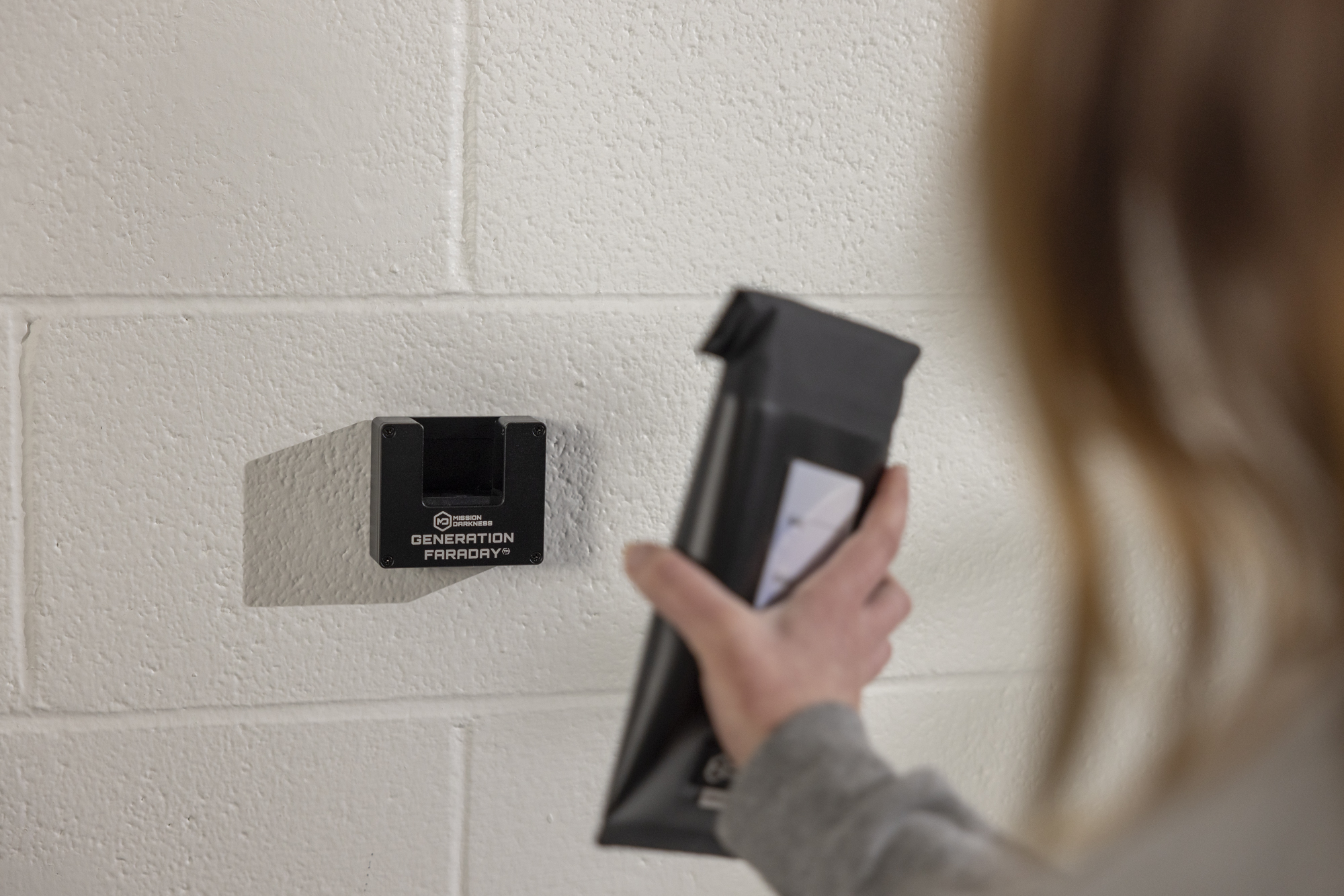
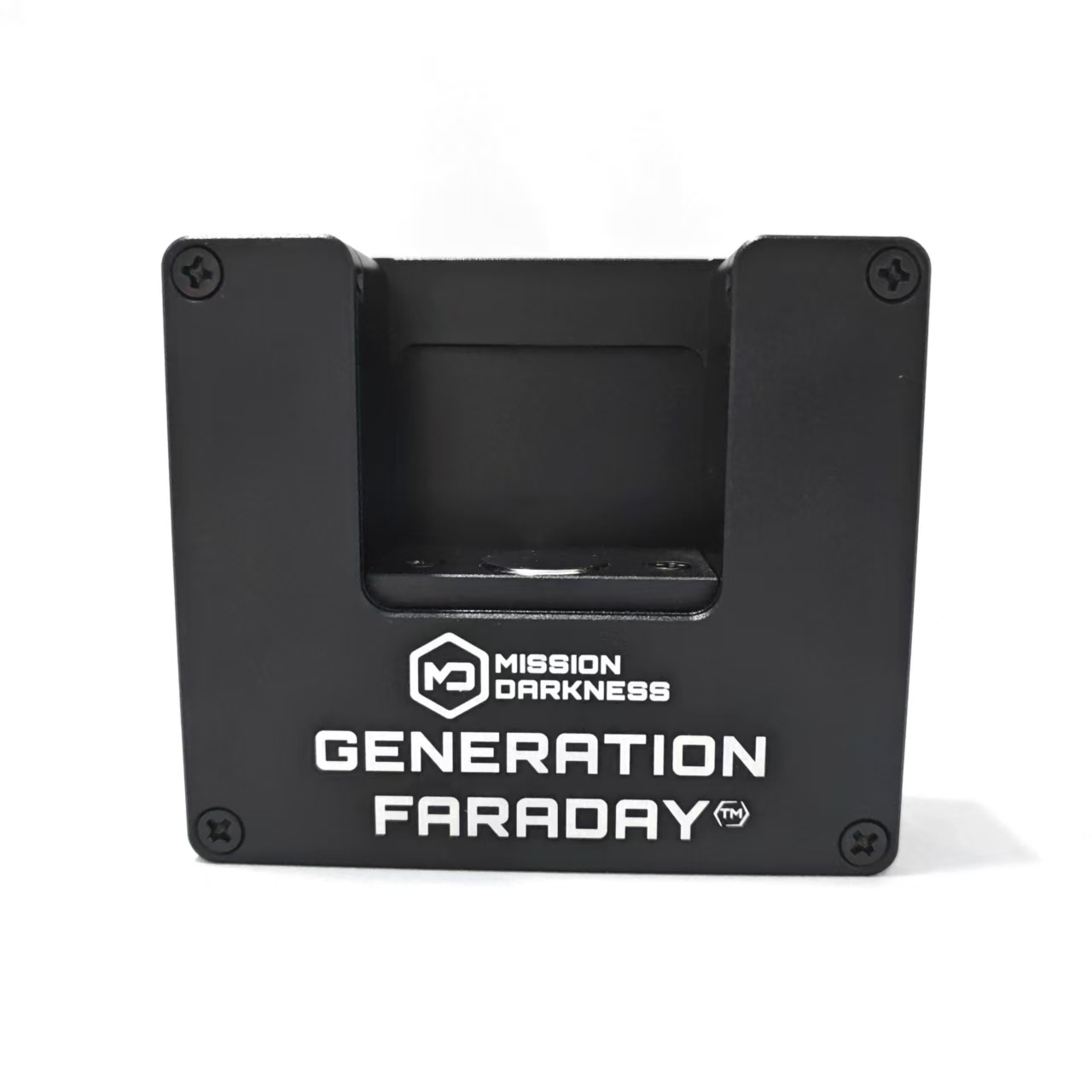
A student holds a phone bag beside the wall-mounted Generation Faraday Unlock Dock
03 / Keep access simple

A clear way to open.

Compatible release points, where your school needs them.

School-color customization examples shown. Final colors and artwork are tailored to your school.See the whole school-day routine

2,000+ open-and-close cycles in testing

Max Lock averaged more than 2,000 cycles and continued blocking wireless signals in side-by-side durability testing.

Built for repeated collection, handling, and release. See the testing behind Max Lock’s closure and shielding.

Published test results. Test conditions and handling affect performance. Cycle counts are not a guaranteed service life.

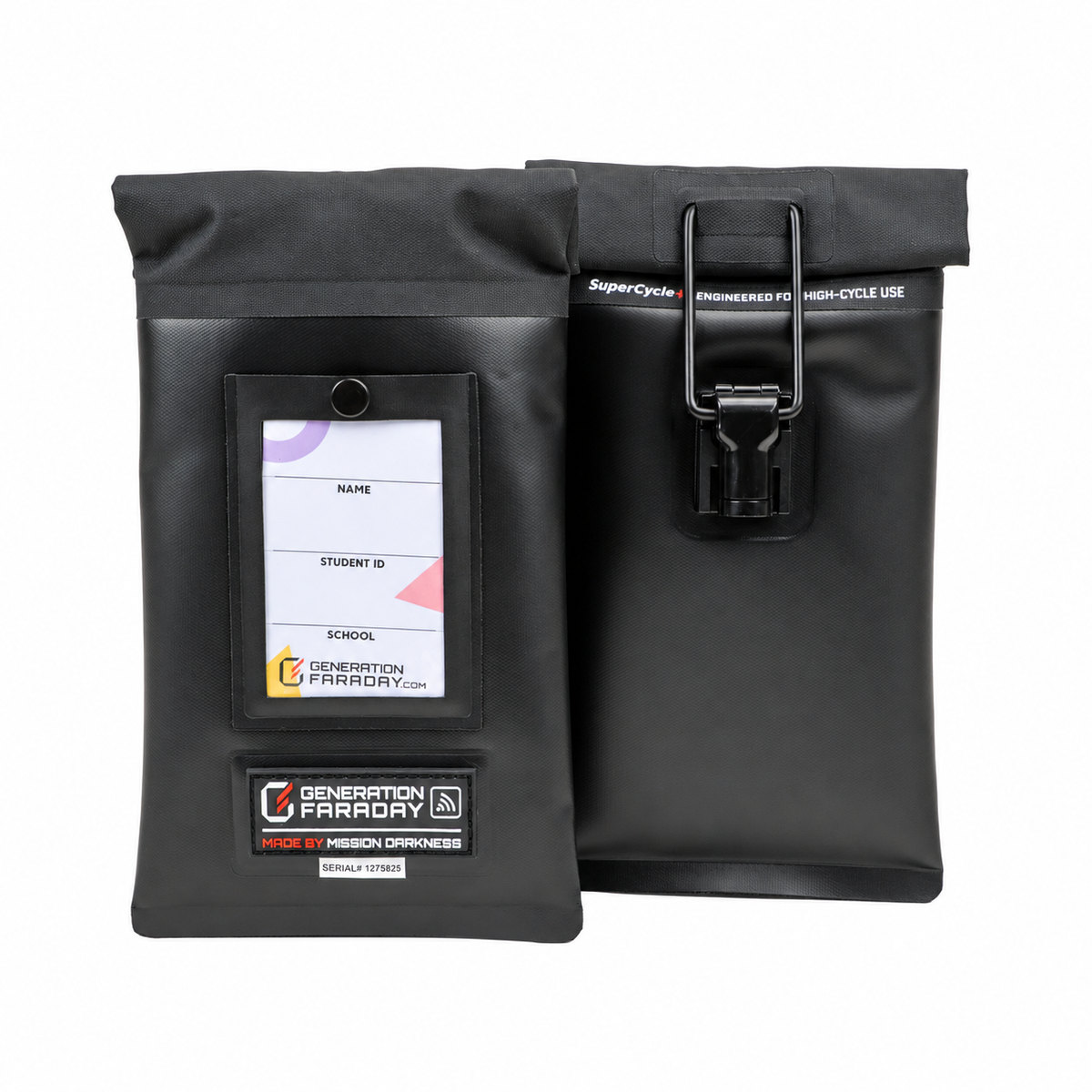
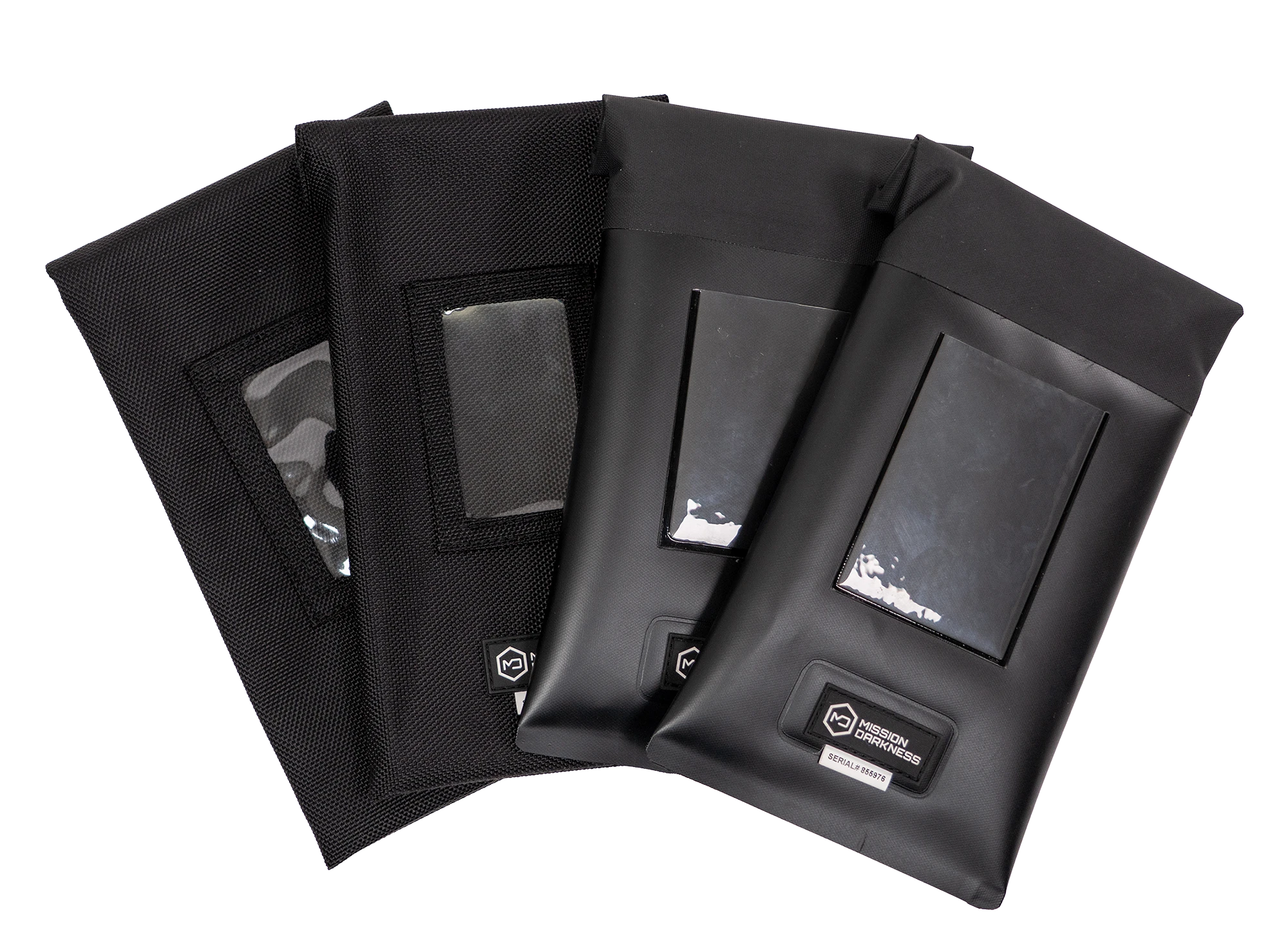
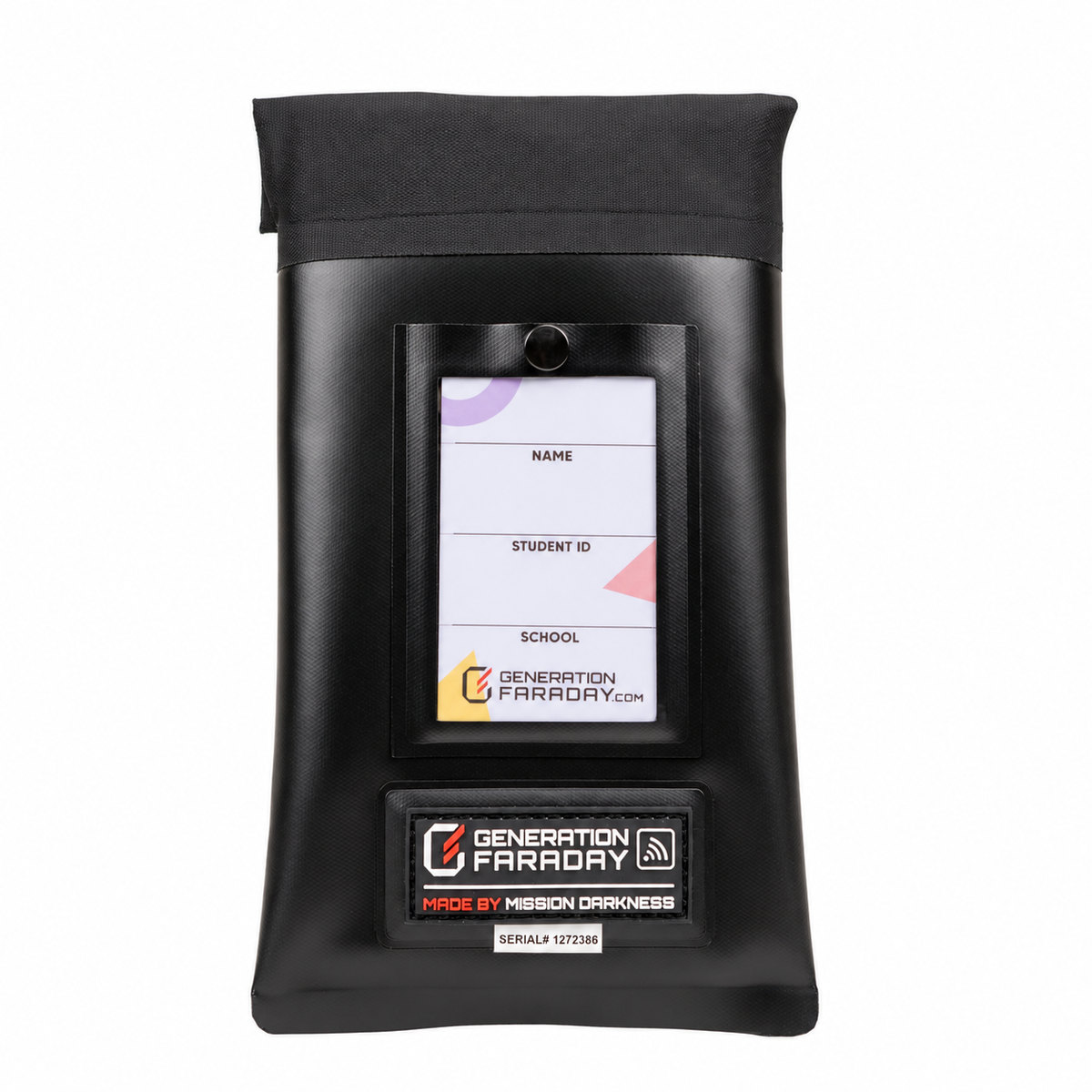
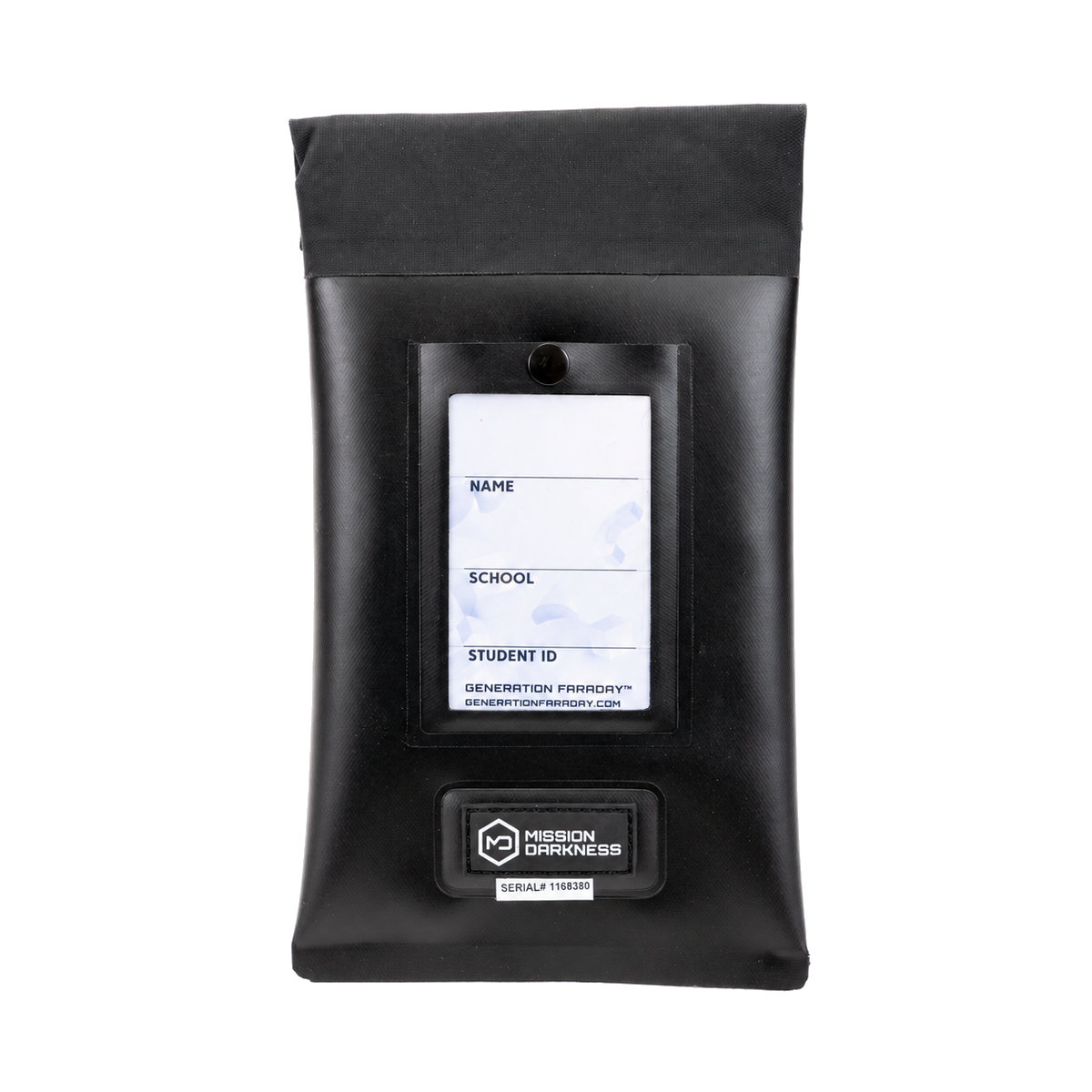
Max Lock’s front ID window and rear locking closure
Max Lock. Signal-blocking protection, a staff-controlled lock, and a serialized bag identifier.
Generation Faraday signal-blocking bags
Faraday shielding is what we do. Generation Faraday brings MOS Equipment’s shielding experience to schools. Hardware, tools, and support built around the way a school day works.
10+
Years Proven in the Field
Trusted by school districts nationwide for phone-free education
Umatilla School District Lago Vista ISD Sierra Sands USD Oceanside Unified Green School Compton USD GALENA PARK INDEPENDENT SCHOOL DISTRICT Partner school
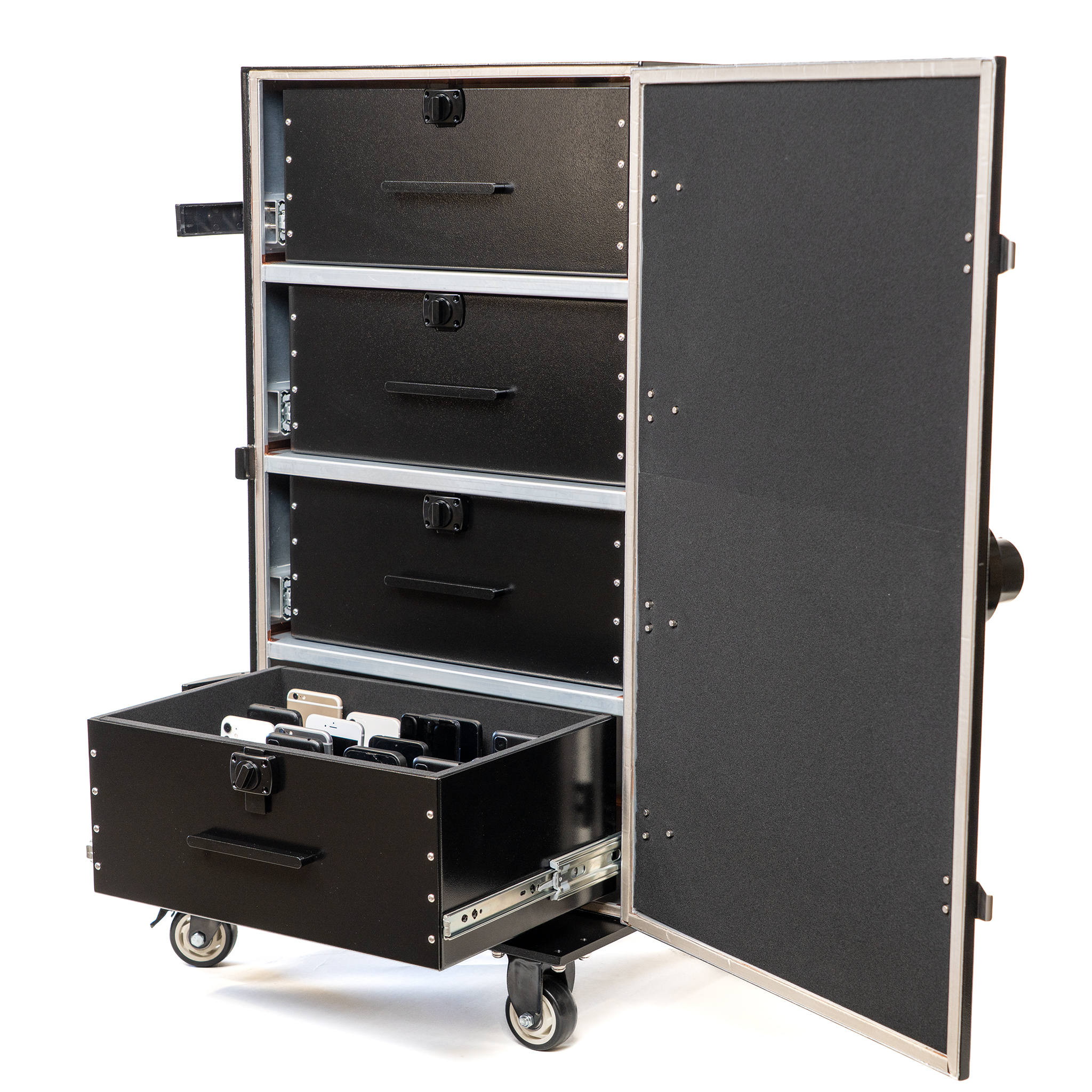
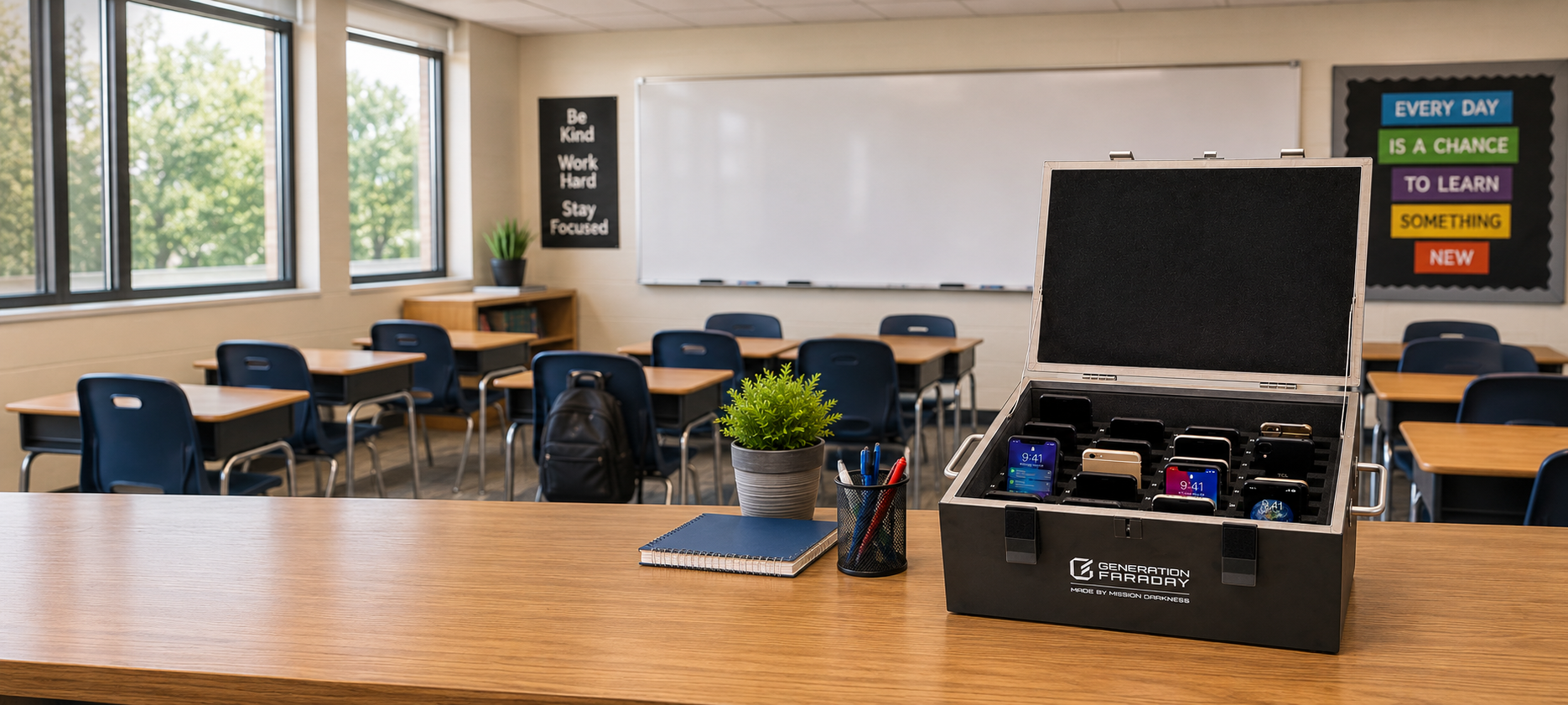
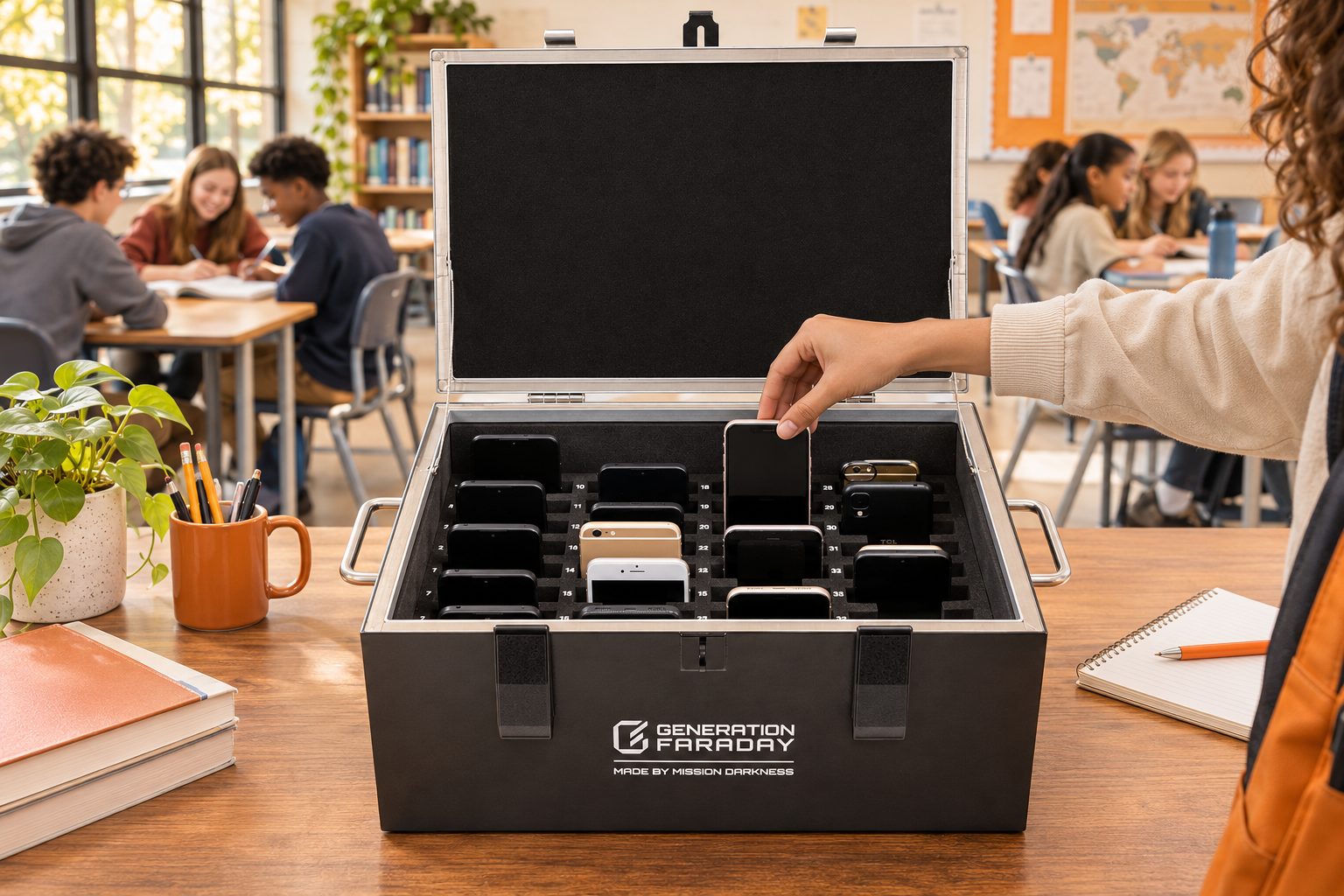
Continuous classroom scene with the complete open Shielded Box on a teacher’s desk at right

One classroom.
One clear phone routine.

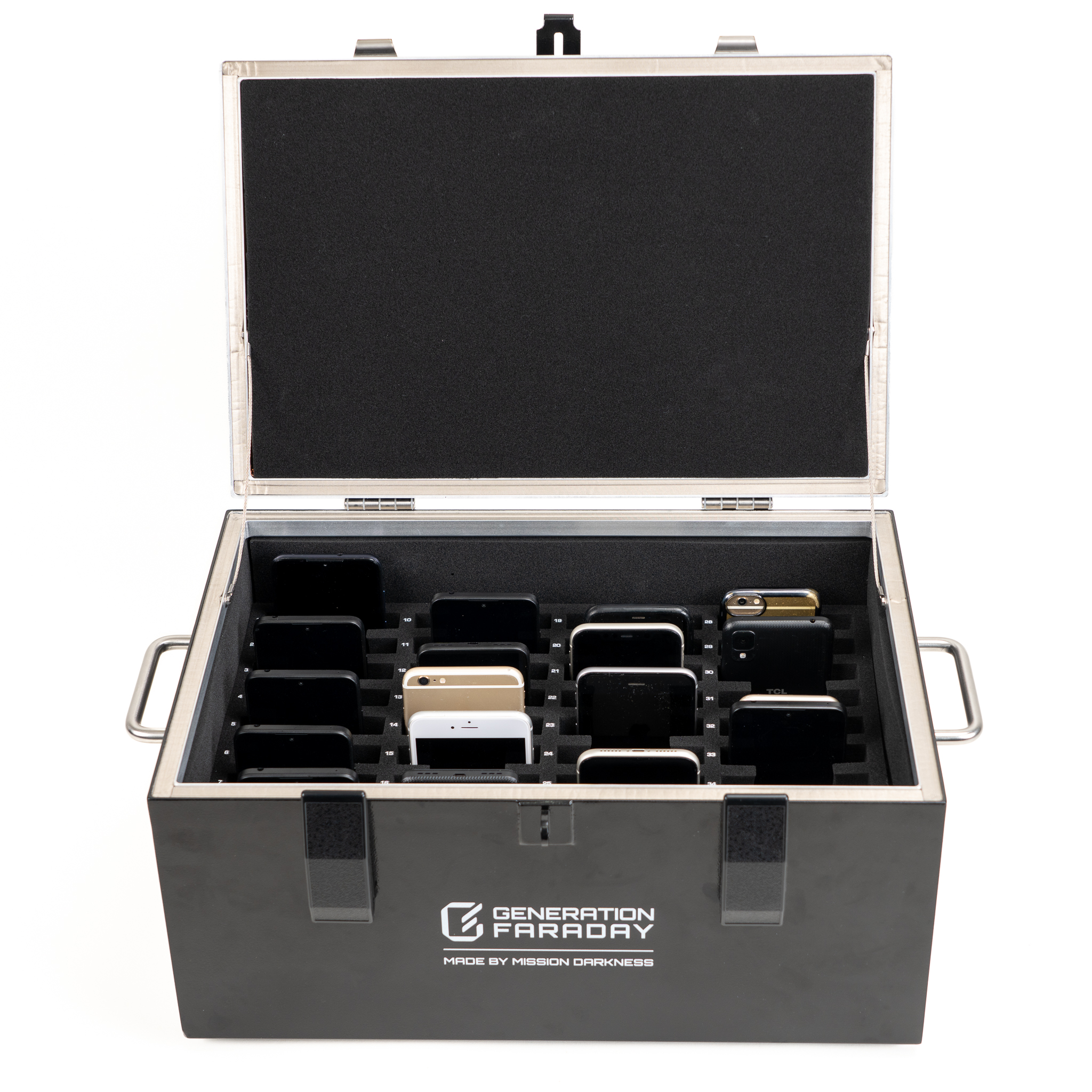
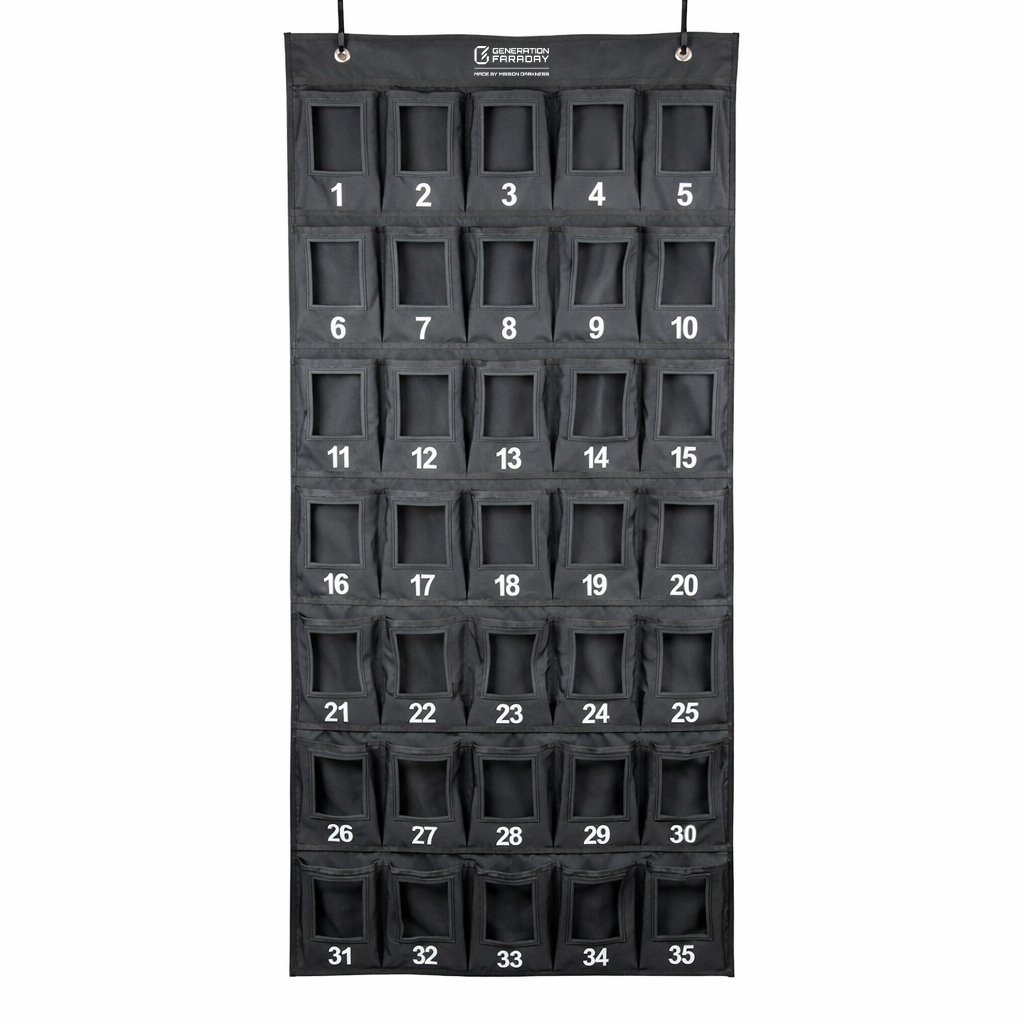
Collect phones in numbered compartments, close the lid to isolate wireless signals, and keep access with staff. Built for shared classroom storage and testing spaces.

36numbered phone spaces
Lockable lidadd a compatible lock
Generation Faraday / District newsElementary & middle schools
Central Unified School DistrictDistrict spotlight
Central Unified School District

Central Unified chooses 205 Shielded Boxes for its classrooms.

A major district purchase puts a shared phone-storage solution at the heart of the elementary and middle school day.

One classroom routine, planned across a district. Central Unified’s purchase of 205 Shielded Boxes brings numbered phone storage and signal isolation into the school’s daily phone-management plan.

Read the district spotlight
Illustration of phone collection in a classroom Shielded Box
See It In Action

A phone-free classroom, in one watch.

See how Generation Faraday silences the signal and gives teachers their classrooms back.

Open video in a new tab ↗

Understanding Off-and-Away

The policy is sound.
The signal is the gap.

A phone policy needs a repeatable daily routine. Decide where devices go, who controls access, and how staff handle exceptions. The right setup makes expectations easier to follow.

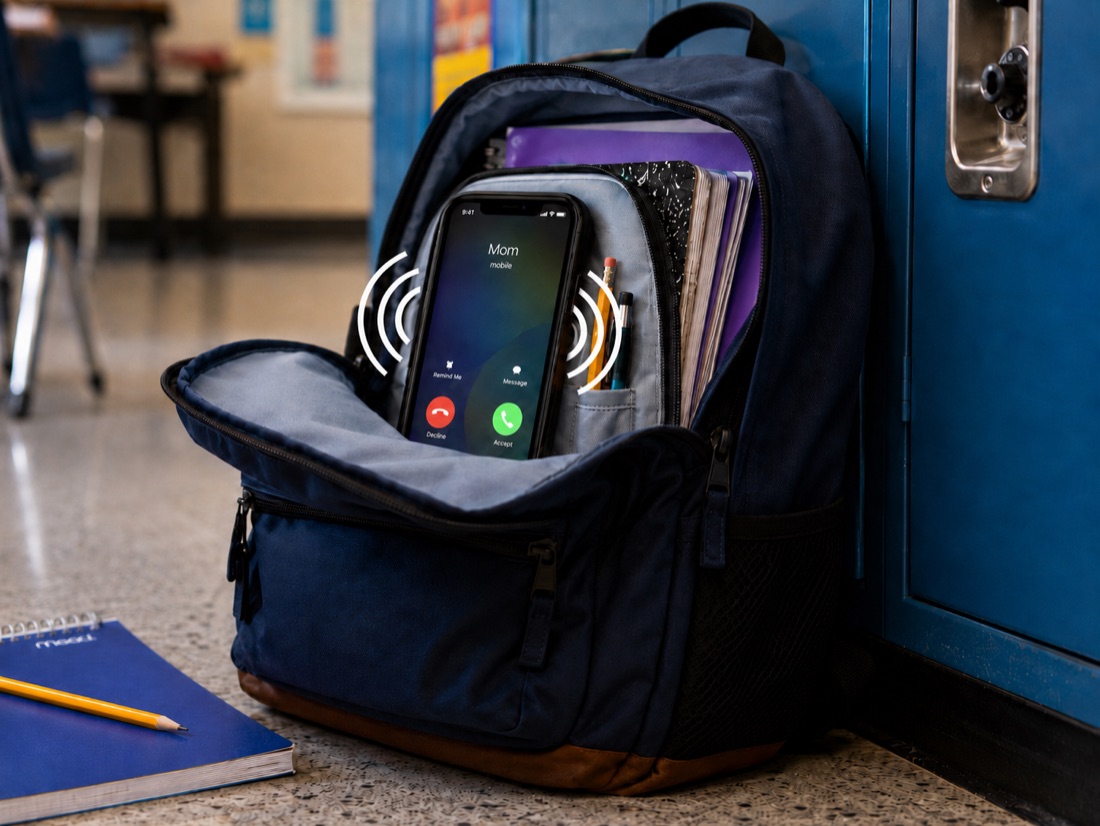
A phone still lit up and ringing inside a school backpack 01

Phones can still connect inside a backpack.

Shielding isolates wireless connections.
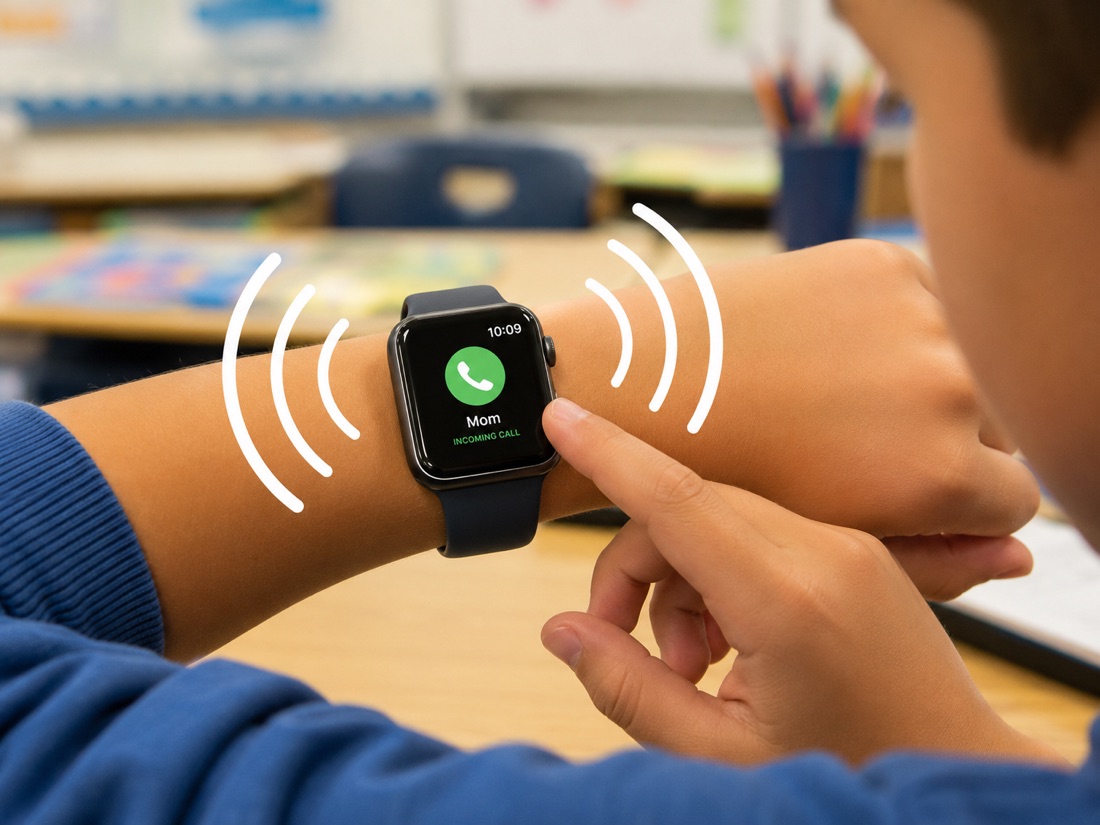
A paired smartwatch on a student's wrist still receiving notifications 02

Connected watches need a plan, too.

Account for independently connected devices.
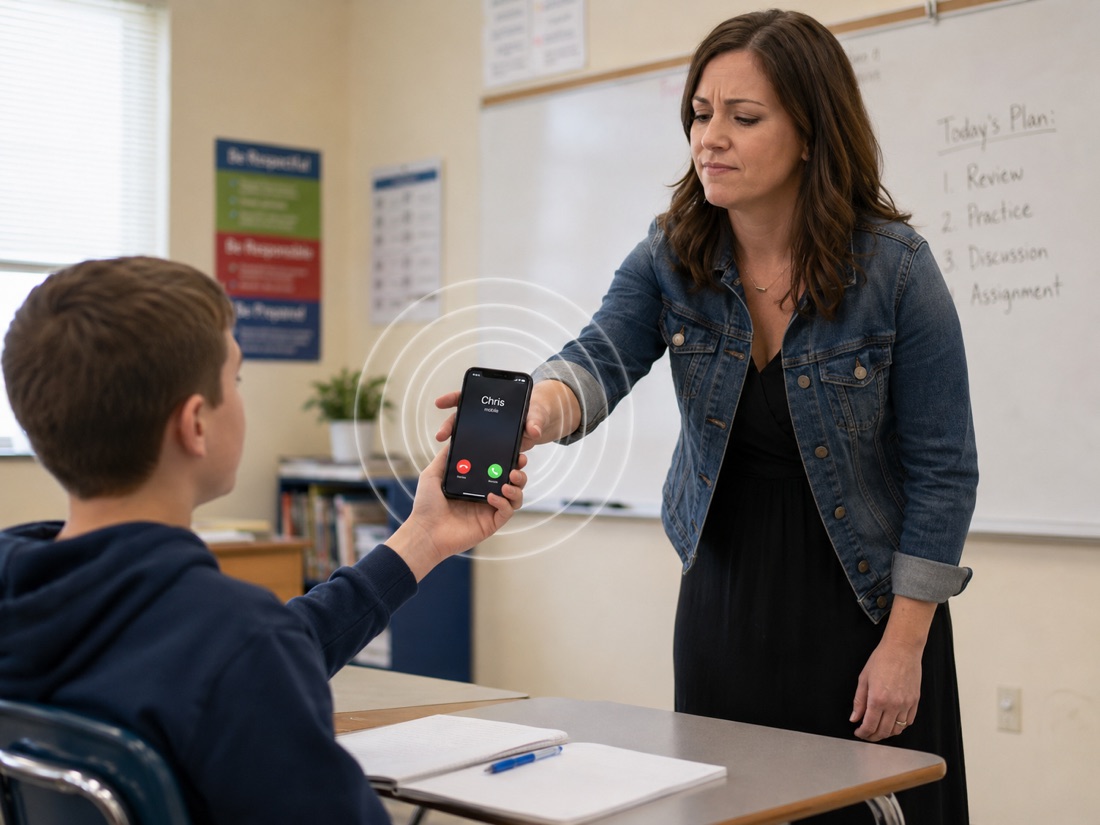
A teacher collecting a phone from a student during class 03

A routine needs consistent staff support.

Use clear steps for collection and access.
The practical answer Pair signal isolation with clear access rules and a routine your staff can run.
The Physics · What Gets Blocked

A phone in a Faraday bag is off‑grid.

A properly closed Faraday bag or Shielded Box isolates wireless connections. A lock controls access; shielding controls connectivity. They solve different parts of the school day.

BLOCKED
Cellular (incl. 5G)
Voice, SMS, mobile data
BLOCKED
Wi-Fi
Wireless internet of any kind
BLOCKED
Bluetooth
Smartwatches, earbuds, pairing
BLOCKED
GPS
Location & tracking apps
BLOCKED
NFC
Contactless payments & transfer
BLOCKED
External RFID
Outside readers can't scan in
Still Works Inside Alarms · Timers · Downloaded content
Internal phone state runs normally. The bag blocks wireless, not the phone itself.
Shielding Spec TitanRF shielding technology
Ask for documentation covering the product, frequency range, and tested shielding performance.
Four connected layers

One school program.
Four connected layers.

Bags and boxes are the starting point. Add practical release tools, software where it helps, and people who support the rollout. Choose the configuration your policy needs.

01
Hardware
Bags & Shielded Boxes
02
Infrastructure
Unlock Dock
03
Software
The App
04
Support
Ecosystem Support
Shielded Box with padded phone compartments
01 · Hardware

Signal-Blocking Bags & Boxes

Students can carry signal-blocking bags, or staff can collect devices in shared Shielded Boxes. Choose locking and nonlocking options to suit your routine.

Individual bags or shared storage
Locking and nonlocking options
Match the configuration to your policy
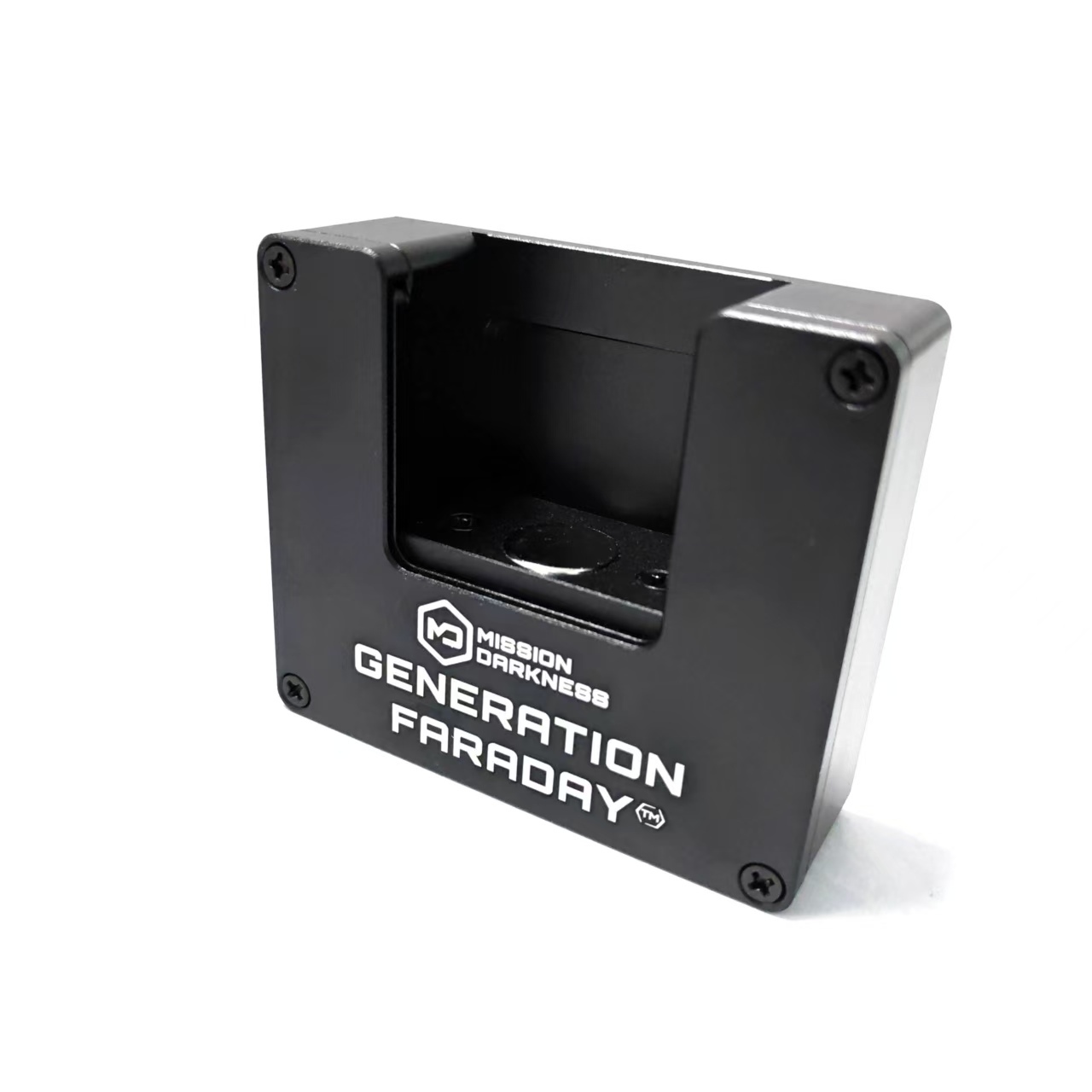
Generation Faraday Unlock Dock
02 · Infrastructure

Unlocking Infrastructure

Mounted docks and handheld tools give staff practical ways to release compatible bags. Plan their placement around classrooms, entrances, and dismissal.

Mounted and podium docks
Handheld unlocking tools
Staff-controlled release routines
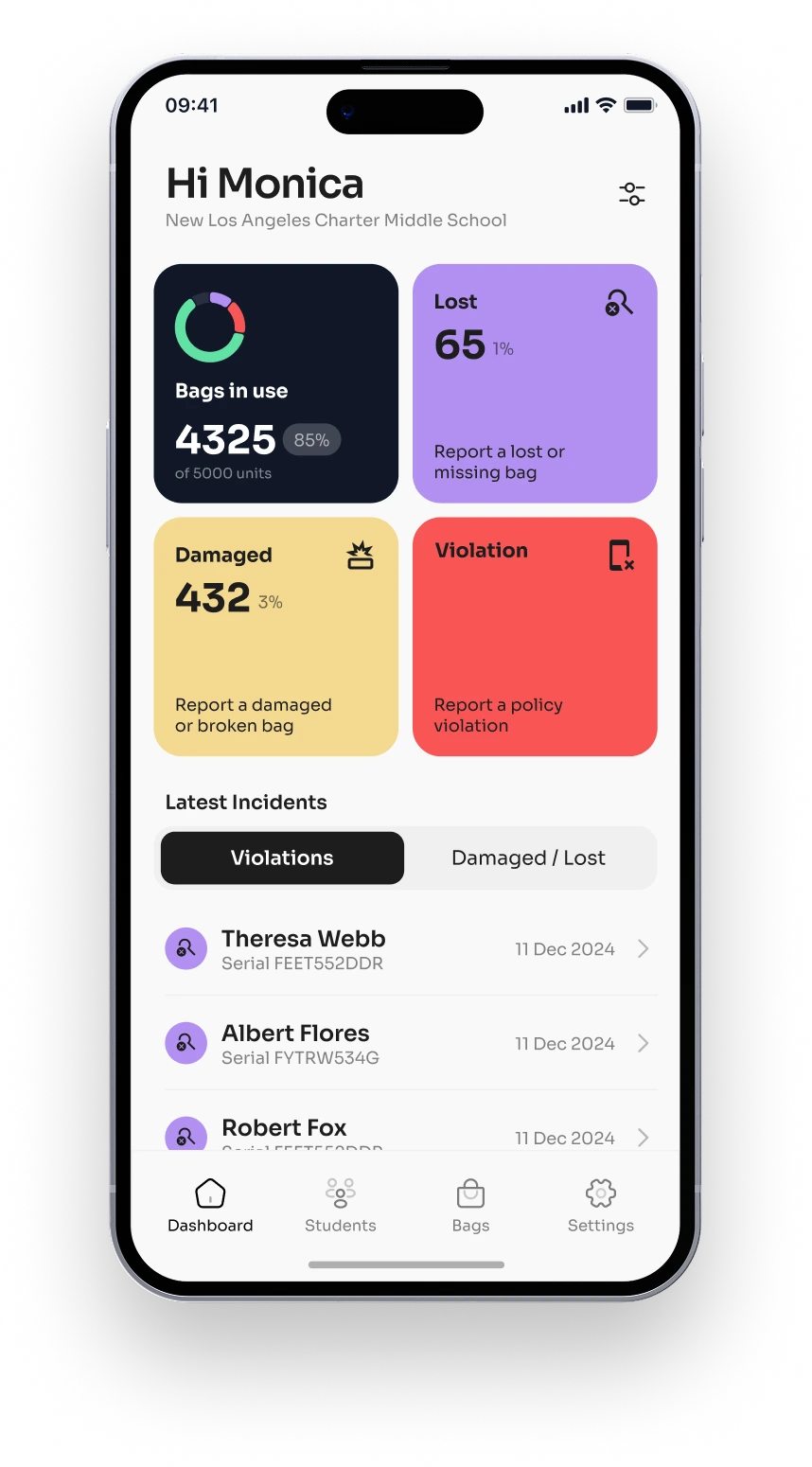
Generation Faraday compliance app
03 · Software

The Software Layer

Manage bag assignments, inventory, and staff-reported compliance across your school or district. RFID identifies the bag; it does not detect the phone inside.

Role-based school and district views
Bag assignments and inventory
Discuss privacy and roster requirements
Support & consulting
People on your team.

Practical planning, staff preparation and support beyond the first day.

See the rollout plan →
04 · Support

Full Ecosystem Support

Get help with planning, staff training, family communication, and launch. Continue the conversation as your program settles into everyday use.

Policy and rollout planning
Staff and family preparation
Ongoing implementation support
Plan the everyday

Make the daily routine work.

✓ PLAN 01

Choose the right storage.

Match phone bags, storage boxes, organizers, or high-capacity systems to your collection policy and student needs.

✓ PLAN 02

Plan release points.

Put compatible unlocking tools where staff need them and rehearse dismissal.

✓ PLAN 03

Decide what to track.

Use assignments and staff reports where they make your program easier to manage.

✓ PLAN 04

Prepare your people.

Give staff, students, and families clear expectations before launch.

SuperCycle+

Built for repeated school-day use.

SuperCycle+ combines the closure, materials, and construction of Max Lock for repeated daily handling.

The reported tests averaged 2,000+ open-and-close cycles. At two cycles per school day over 180 days, that is a test equivalent of about 5.5 school years.

Current Max Lock bag with student ID window
Roll-top closure, welded construction, and protected Faraday shielding.
Read the SuperCycle+ white paper →

Reported durability testing

  1. Generation FaradaySuperCycle+
    2,000+cycles tested
    5.5school-year test equivalent

Test cycles are not a lifespan guarantee. Actual service life depends on handling, care, and use frequency.

5.5school yearstest equivalent
10×longer in testingthan the compared bags, on average
Test overviewreported results and limitations

Source: Generation Faraday’s published Max Lock durability comparison. Review the test conditions and compared products in the linked overview.

Plan your quantities

How many bags or boxes does your school need?

Assumes each classroom collects its own devices. We’ll help plan shared storage and spare capacity.

300
individual bags if students keep their devices
or
Classroom Shielded Boxes
10
36 numbered phone spaces per box
for
Total devices
300
across your selected classrooms

A quantity estimate, not a quote. Box quantities round up within each classroom. Include your access, accommodation, and spare-equipment requirements in the final plan.

Explore the Line

Three approaches. The right tools for each.

Start with student-held bags or a classroom Shielded Box. Add storage and release tools around your school’s routine.

Browse by Category

Proven Results · District Outcomes
Sierra Sands Unified School District logo
Incidents and suspensions down 70% in the first ten weeks.

Sierra Sands reported this outcome during its rollout. Alongside it, the staff survey captures educators’ views across participating districts.

Staff Feedback Report · 25–26 School Year

88%
of teachers reported classroom focus improved
84%
reported improved student behavior
90%
reported stronger engagement and peer interaction
92%
support continuing or expanding the policy

Source: Generation Faraday Staff Feedback Report, 2025–26 SY. Percentages represent educator survey responses, not measured percentage gains.

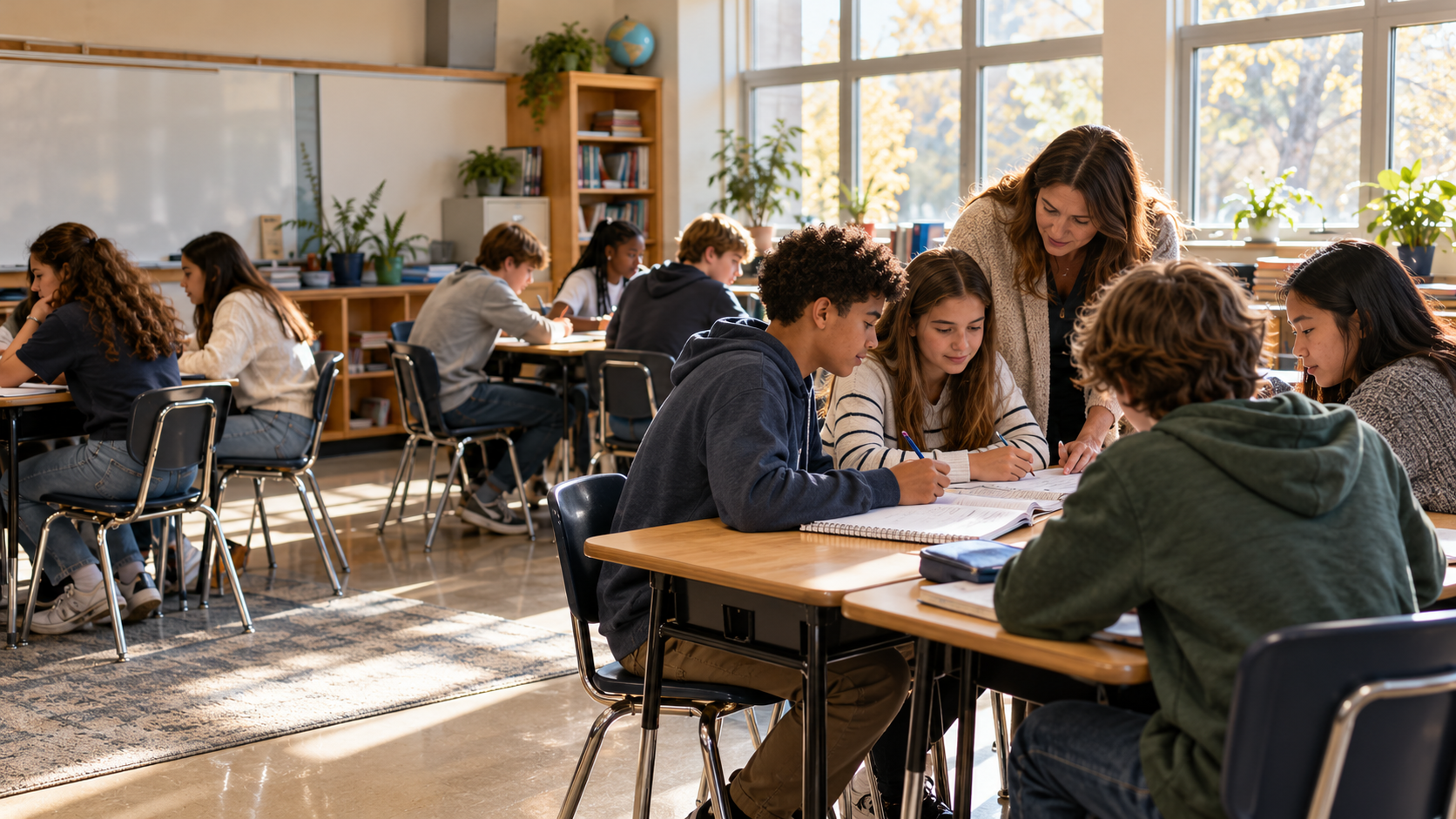
Illustrative classroom scene
★★★★★ School perspectives

In their own words.

Hear from educators and administrators about their own implementations. Each experience reflects that school’s context and routine.

★★★★★
Lago Vista Independent School District logo

The implementation of Generation Faraday's signal-blocking pouches on our secondary campuses has been surprisingly smooth. The company has provided us with many valuable implementation and communication tools and is clearly invested in our success. We are already seeing a positive impact on instruction and the overall learning environment.

SL
Dr. Suzy Lofton-Bullis
Deputy Superintendent · Lago Vista ISD

★★★★★
Maryvale High School logo

All feedback has been positive. We have been using the bags as a Tier 2 intervention. Teachers feel they are easy to use and help eliminate conflict because students know their devices will be locked and stored safely. Some students appreciate detaching from phones, helping them focus more and enjoy personal conversations during study halls.

JL
Jon Lattanzio
Principal · Maryvale High School
★★★★★
Surfside Educational Academy logo

The transition to using the bags has been remarkably smooth over the past two weeks. Staff report that the atmosphere in the halls and classrooms has changed dramatically. No phones or earbuds in sight, which makes a noticeable difference. We couldn't be more pleased with the results.

EF
Eric Frandsen
Principal · Surfside Educational Academy
★★★★★
Santa Barbara High School logo

I found this product helpful in allowing students to separate from the cellphone and headphones with less anxiety. The compliance of putting the phone in a bag on their desk was much higher than putting phones in the cellphone hotel on the wall.

RJ
Richard Johnston
Teacher · Santa Barbara High School
Compare your options

Different routines.
The right tools for each.

Start with where phones will be kept, whether signals must be isolated, and who controls access. Then build the setup around your school’s policy.

Compare Generation Faraday school storage configurations
Your routineMax Lock bagsShielded BoxPhone Storage BoxBag organizers
Primary setupStudent-carriedClassroom collectionClassroom collectionBag organization
Signal isolationYes, shielded versionYes, when closedNoNo independent shielding
Staff-controlled lockCompatible unlocking toolsAdd a compatible lockCombination lockDepends on stored bags
Phone capacityConfirm device fit36 numbered spaces36 numbered spacesVaries by organizer
Best starting pointIndividual bag routineShared, signal-blocking storageShared storage with connectivityOrganizing your bag program
Need a mix of bags and boxes?Plan a combined setup
RFIDEnabled

One identifier.
A clearer picture.

A serial number and RFID identifier help connect a bag to its assignment and inventory record. Additional campus uses depend on compatible readers, software, and your district’s integration requirements.

Illustrative workflow

Identify the bag.
Keep the record clear.

Use a compatible reader and supported workflow to identify a serialized bag. Staff manage assignments, condition, and reported compliance. RFID does not detect the phone inside or automatically unlock the bag.

STEP 01

Each bag has an identifier.

Assign bags using the school’s chosen roster or ID convention.

STEP 02

Use a compatible reader.

Confirm supported readers and software before planning additional integrations.

STEP 03

Keep staff records aligned.

Role-based views help staff manage assignments, inventory, and follow-up.

Explore RFID workflows and app roles
Potential campus integrations

Explore what fits your existing systems.

Bus Access
Lunch Checkout
Event Entry
GF
Phone-Bag Assignment
Attendance
Library Checkout
Device Tracking
After-School Programs
Emergency Accountability
The App · Four Views

Each role sees only what that role needs.

Role

District Administrator

Aggregate compliance across all campuses. Inventory by unit and dollar value. Board-ready reporting.

Role

Principal · Site

Campus-level compliance trends. Class-by-class breakdowns. Escalation of non-compliant students for follow-up.

Role

Teacher

Real-time classroom compliance. Individual assignment records. Quick flagging of damaged or missing bags.

Role

Student · Bag

Usage history. Assignment record. Accommodations and IEP-aligned exceptions supported per student.

See how the app supports your school
Implementation support is included with your program. Work with our team on policy, staff preparation, family communication, and launch. Discuss the support scope for your school or district.
Talk to your specialist →
Companion Apps

The whole program,
on every screen.

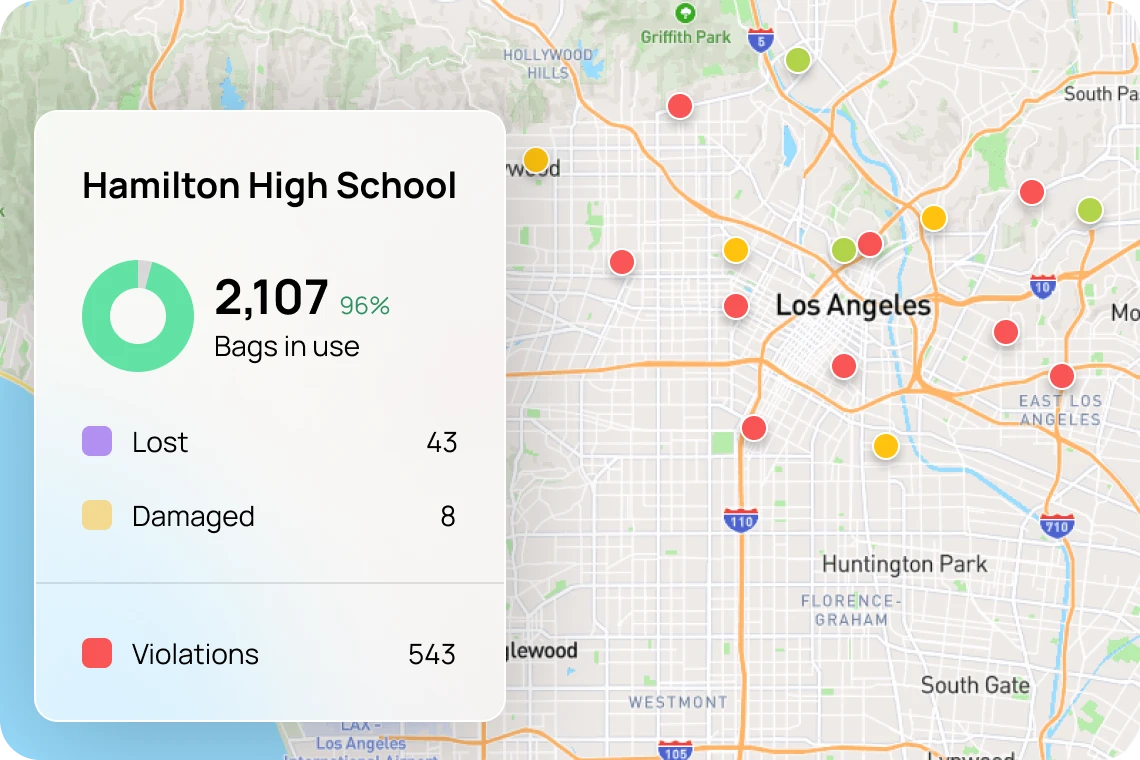
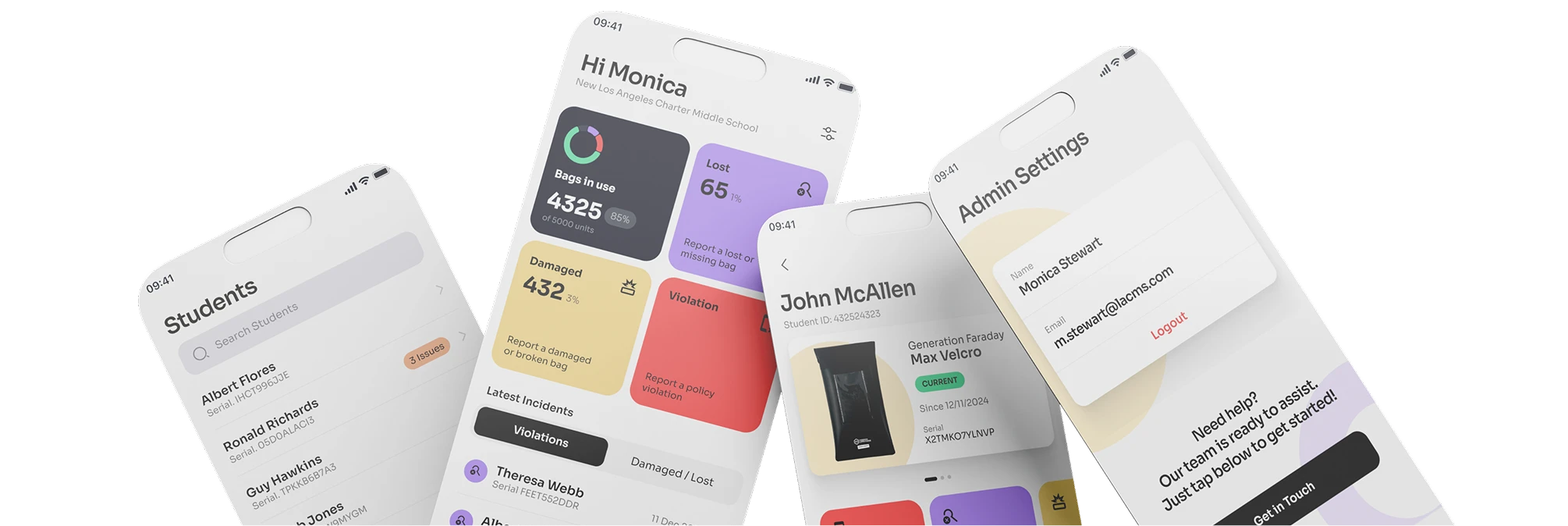
Keep bag assignments, inventory, and staff reports in one place. School and district views help teams follow up on damaged or missing bags and reported policy issues.

District web dashboard: a live map of schools with a Hamilton High School card showing 2,107 bags in use, plus lost, damaged, and violation counts
Generation Faraday mobile app screens: a school dashboard, student list, a student's bag detail, and admin settings
Teacher & admin app · iOS and Android
  • Live compliance dashboardBags in use, violations, and trends across every campus.
  • Bag status by serialAssigned, lost, or damaged — tied to the RFID tag on each bag.
  • One-tap incident reportsTeachers log a violation or a broken bag from the hallway.
For Administrators Building the Case

Build the case.
Plan the next step.

Clear product information, educator feedback, and a practical implementation plan for your school’s next conversation.

Talk to a Human

A real conversation.
A school-specific plan.

Tell us where you are and what you’re planning. Our team will help you choose bags, Shielded Boxes, or a mix—and work through the daily routine with you.

Plan your school’s program →

Bring your student count, collection routine, and target start date. We’ll help with the rest.

Or call +1 805 764 4346