

High Capacity
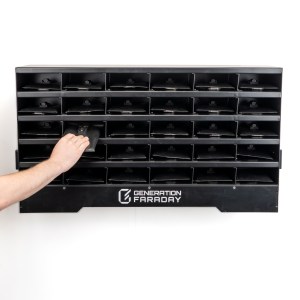
Holds up to 30 phones, providing ample space for entire classrooms or group settings.
Flexible Compatibility
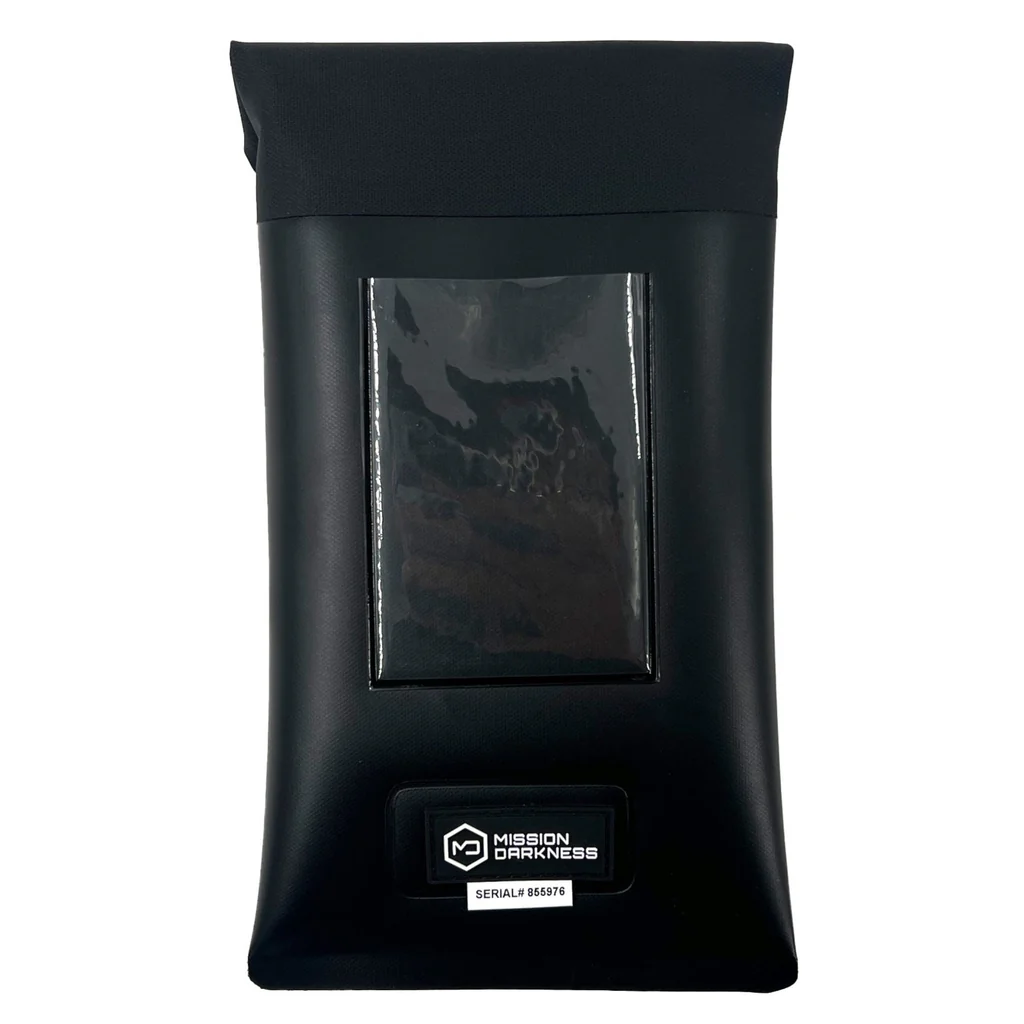
Designed to work seamlessly with Generation Faraday Phone Bags for signal-blocking protection, or for direct use with phones.
Separate Heavy-Duty Compartments
Keeps devices organized and prevents magnetic bags from adhering to each other.
Dual Mounting Options
The unit can be wall-mounted or placed on a table or floor.
Unlock Dock Compatible
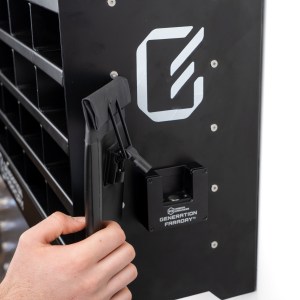
Pre-drilled side holes allow installation of Generation Faraday Unlock Docks.
Fast Access and Monitoring
Allows quick retrieval and easy oversight of stored devices.
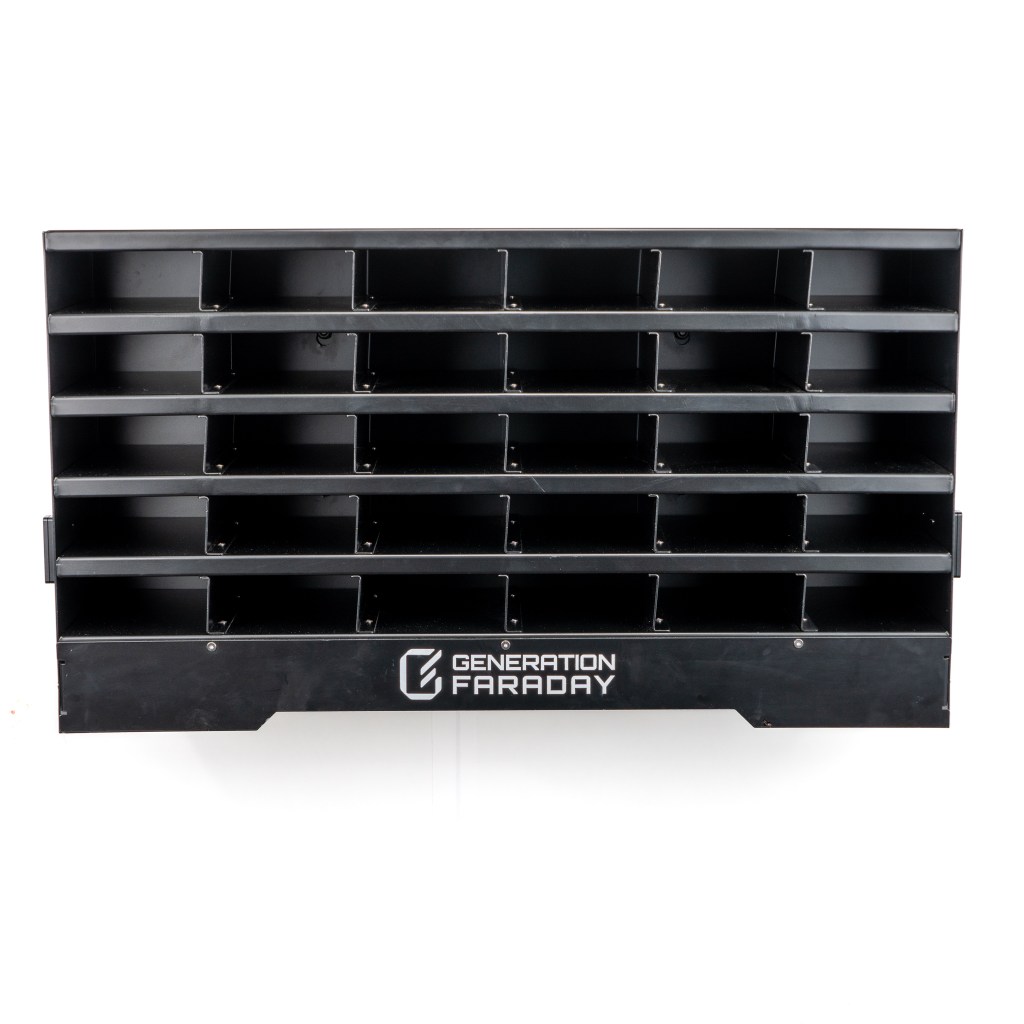
The Generation Faraday Class Phone Organizer is a durable aluminum shelving unit compatible with all Generation Faraday Phone Bags. It features 30 compartments sized for easy access, with a design that prevents magnetic bags from sticking together during retrieval. The unit can be wall-mounted or placed on a table or floor. Predrilled side holes allow installation of Generation Faraday Unlock Docks (sold separately) when used with Max Lock bags. It can also be used without Generation Faraday Phone Bags by placing devices directly in the compartments. Engineered to keep devices organized and accessible, it supports efficient classroom management.
- 30-Phone Capacity – 30 phone size compartments perfectly sized to fit Generation Faraday Phone Bags.
- Organized Layout – Allows for easy retrieval and monitoring of devices.
- Flexible Mounting Design – Mount on a wall or use on a tabletop for versatile placement.
- Unlock Dock Integration – Pre-drilled side holes for seamless installation of Generation Faraday Unlock Docks, enabling quick unlocking of Max Lock bags.
- Robust Construction – Durable construction with a stable form factor measuring 35.8″ L x 10″ W x 20″ H for reliable, long-term use.
- SKU – GFSA-ORG
- Placing the Class Phone Organizer – Position the Class Phone Organizer on a stable surface or mount it on a wall using the included mounting plate (additional wall installation hardware not included). Ensure it is secure and within easy reach for users.
- Installing Unlock Docks – If desired, use the predrilled side holes to install Generation Faraday Unlock Docks (sold separately) when used with Max Lock bags.
- Cleaning – Wipe the surface with a dry or slightly damp cloth. Avoid using harsh chemicals or abrasive materials.